Bridging the Gap: A New Era of Diagramming with VPasCode
Welcome, everyone. Today, we are going to explore a significant leap forward in how we approach software architecture and system design. For too long, the path from an abstract idea to a concrete visual model has been paved with syntax, boilerplate code, and rigid formatting. Whether you are a software architect mapping out a complex microservices ecosystem or a product manager defining intricate user flows, the friction of syntax has often been a barrier to entry.
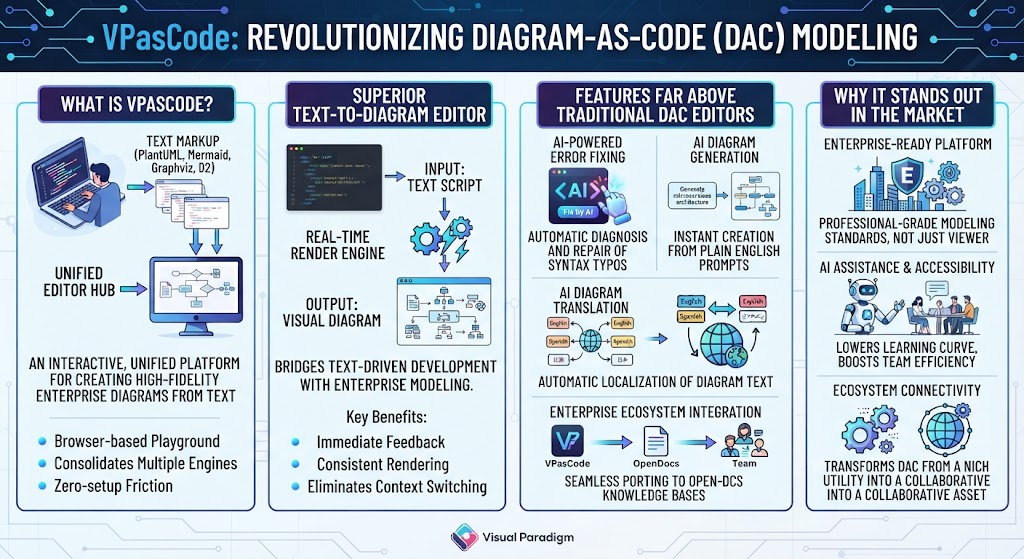
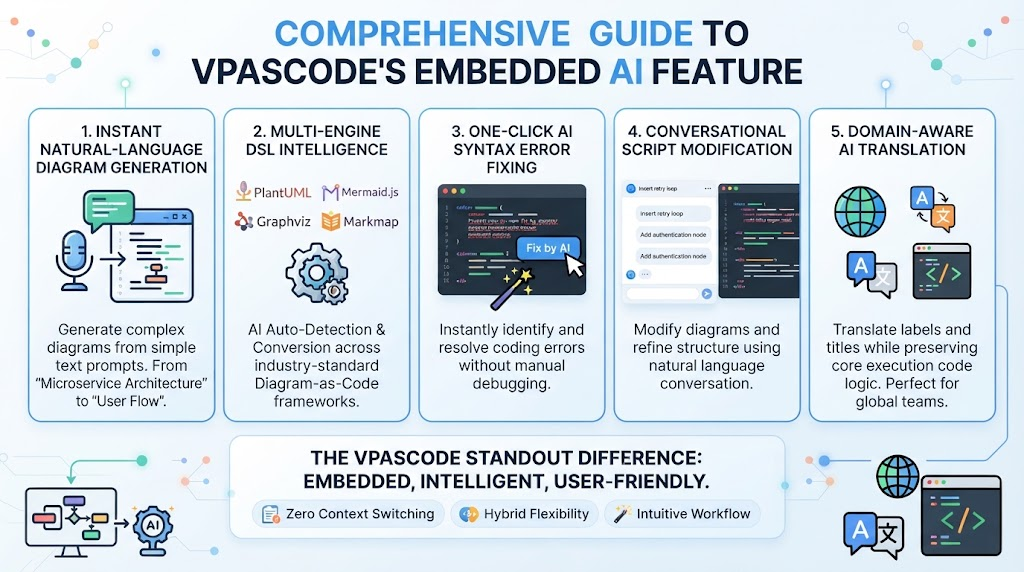
That barrier is now being dismantled. With the latest update to VPasCode, we are shifting our focus entirely to logic rather than syntax. This guide will walk you through how to leverage these new generative AI features, understand the expanded language support, and master the five new advanced diagram types that define this release.
The Workflow: From Prompt to Visual Model
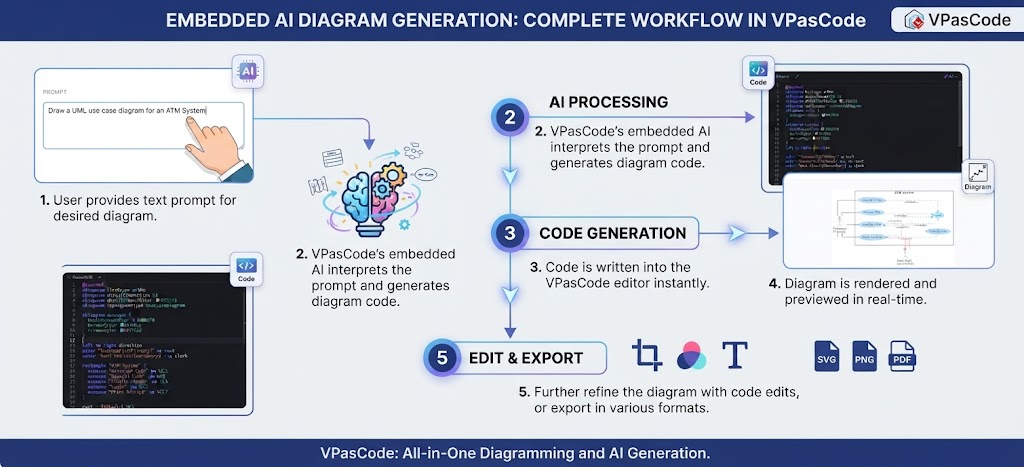
At the heart of this update is a streamlined workflow that transforms natural language into structured diagrams. Let’s break down exactly how this magic happens, step by step.
1. The Natural Language Interface
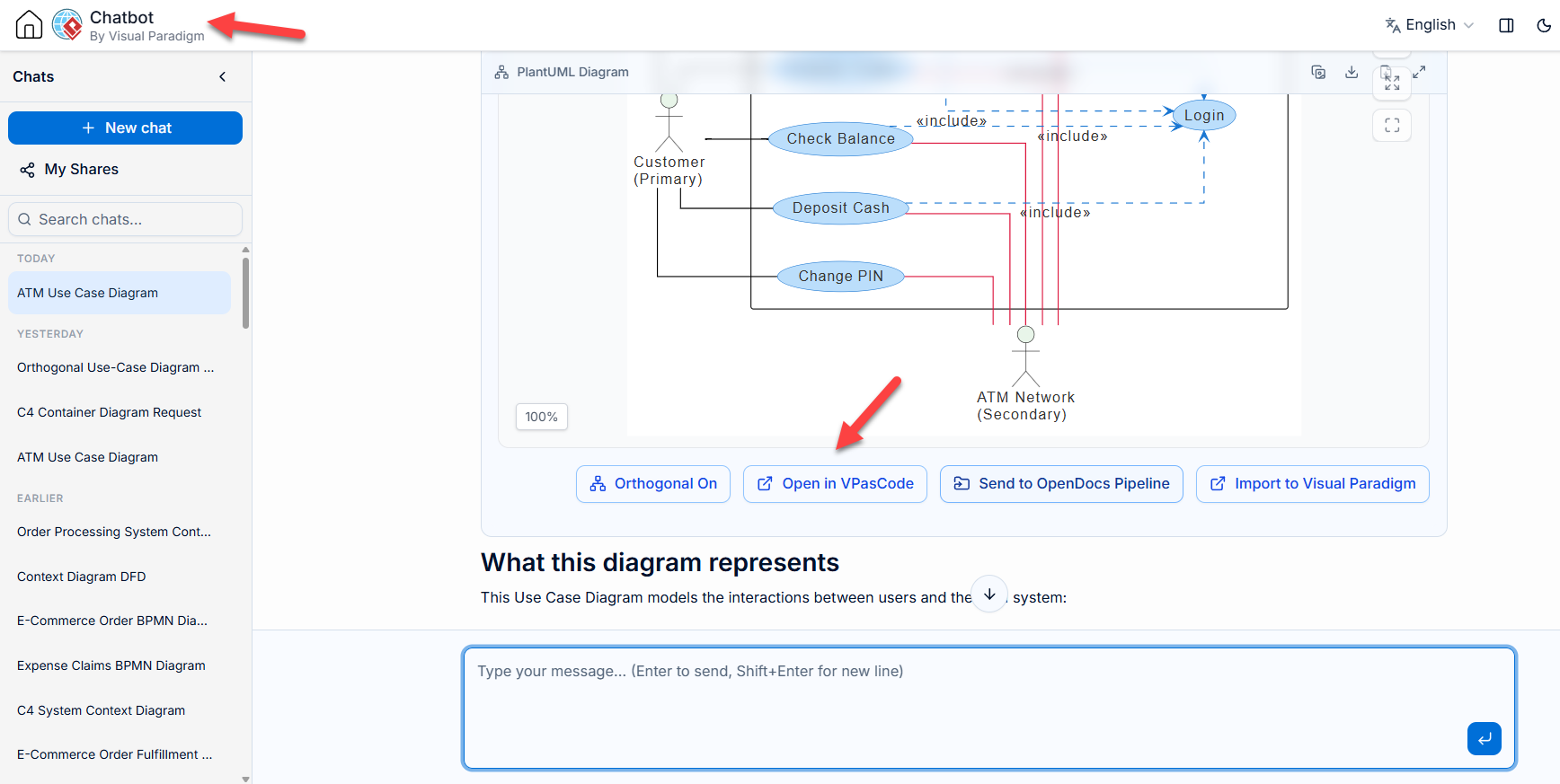
The journey begins with you. You no longer need to remember the specific tag or command to create a specific box or line. Instead, you simply provide a text prompt. Imagine you are designing a banking application; you can simply type, “Draw a UML use case diagram for an ATM system.” This accessibility democratizes diagramming, allowing non-technical stakeholders to participate in the design process without needing to learn a specialized markup language.
2. AI Processing and Interpretation
Once your prompt is submitted, VPasCode’s embedded AI takes the wheel. This isn’t just a simple text replacement; it is a deep semantic understanding of your request. The AI interprets the intent behind your words, identifying the actors, the use cases, and the relationships required to satisfy your request. It acts as an intelligent interpreter, translating human intent into machine-readable instructions.
3. Instant Code Generation
Here is where the “code” in VPasCode shines. The AI doesn’t just guess; it writes valid code into the VPasCode editor instantly. This code serves as the blueprint for your diagram. It ensures that the structure is syntactically correct and semantically aligned with the standards of Visual Paradigm. You are essentially programming your diagram using a high-level, AI-assisted interface.
4. Real-Time Rendering
The result of that code generation is immediate visual feedback. The diagram is rendered and previewed in real-time. This means you can see the diagram evolve as the code is written. If the AI misses a connection, you can see the gap instantly. This immediate feedback loop is crucial for iterative design, allowing you to refine your mental model as it materializes on the screen.
5. Refinement and Export
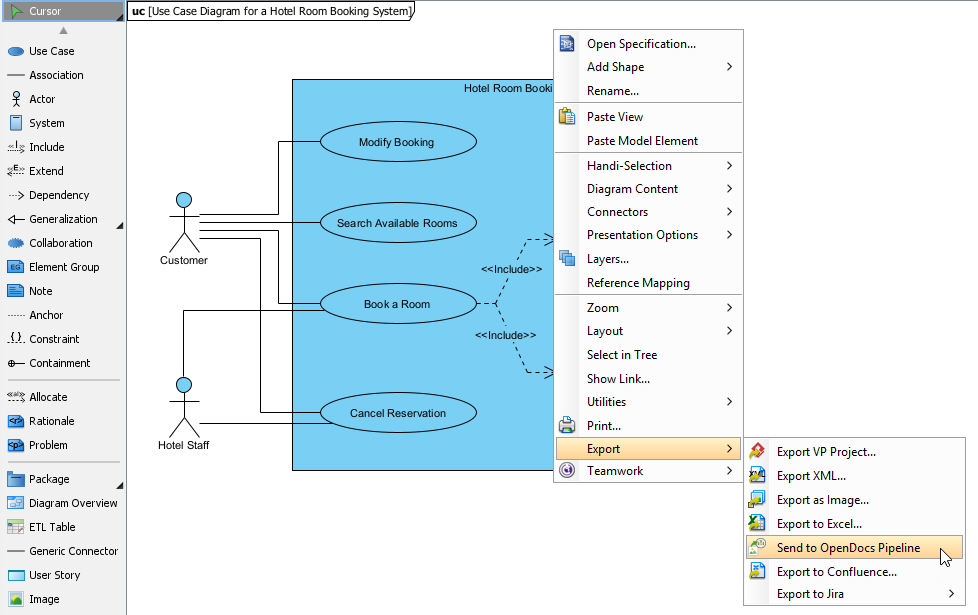
Finally, the workflow allows for full control. You can further refine the diagram with code edits if you need granular control over specific elements. Once satisfied, you can export your work in various formats, including SVG, PNG, or PDF. This ensures that your diagrams are ready for documentation, presentations, or integration into your broader development lifecycle.
Expanding the Visual Paradigm Ecosystem
This update is not just about a new tool; it is about expanding the capabilities of the Visual Paradigm ecosystem. By introducing five new advanced diagram types, we are giving you the vocabulary to describe even the most complex systems.
Visual Paradigm has always been the gold standard for modeling, and VPasCode brings that same rigor to the AI generation process. Whether you are moving from a high-level architecture view down to a detailed sequence diagram, the consistency is maintained. The AI understands the relationships between these diagrams, ensuring that your “User Flow” aligns with your “Database Schema.”
Why This Matters for Architects and PMs
For the software architect, this means faster prototyping. You can spend less time drawing boxes and more time thinking about system boundaries and service interactions. For the product manager, it means clarity. You can generate user flow diagrams on the fly during a meeting to validate requirements with developers immediately.
By leveraging these new generative AI features, you are essentially outsourcing the drudgery of syntax to the machine, freeing your mind to focus on the architecture itself. Welcome to the future of modeling.