Mastering Dynamic Documentation with VPasCode
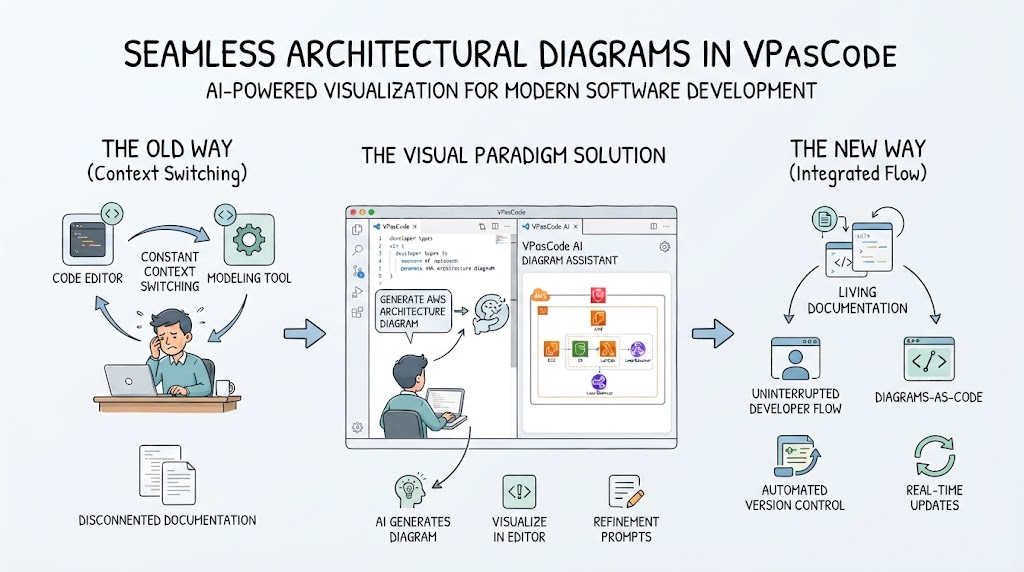
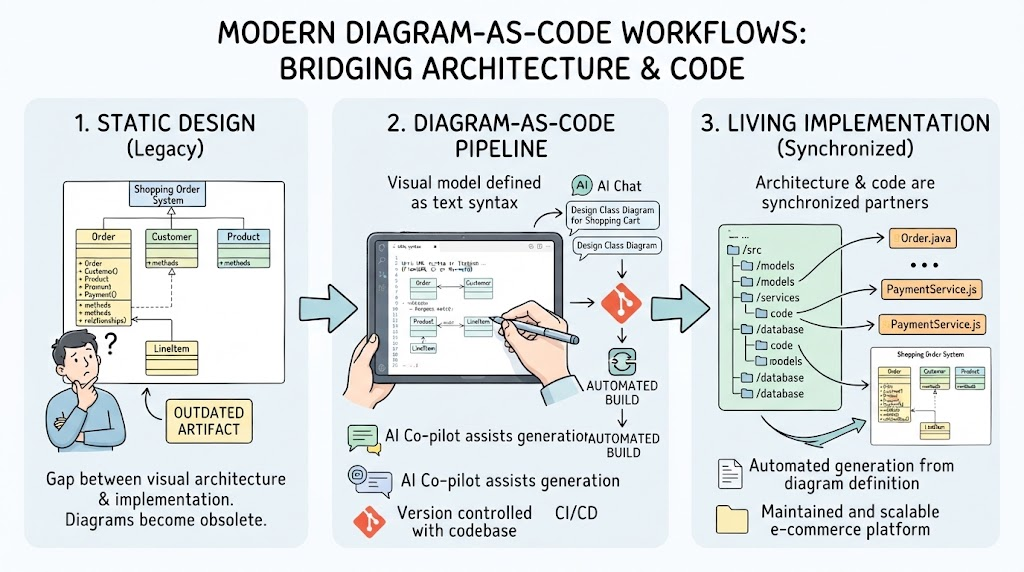
Welcome to this tutorial session. Today, we are going to explore a paradigm shift in how we approach technical documentation and architectural modeling. One of the most common frustrations in software development is the rigidity of documentation. You create a perfect diagram, only to realize a week later that a process has changed or a component needs to be added. Traditionally, this meant abandoning your current work, recreating the diagram from scratch, and hoping you didn’t lose any context.
However, with the VPasCode ecosystem by Visual Paradigm, documentation becomes a living, breathing entity that evolves alongside your project. Let’s look at how you can seamlessly edit your diagrams without breaking your workflow.
The Power of the “Pencil” Button
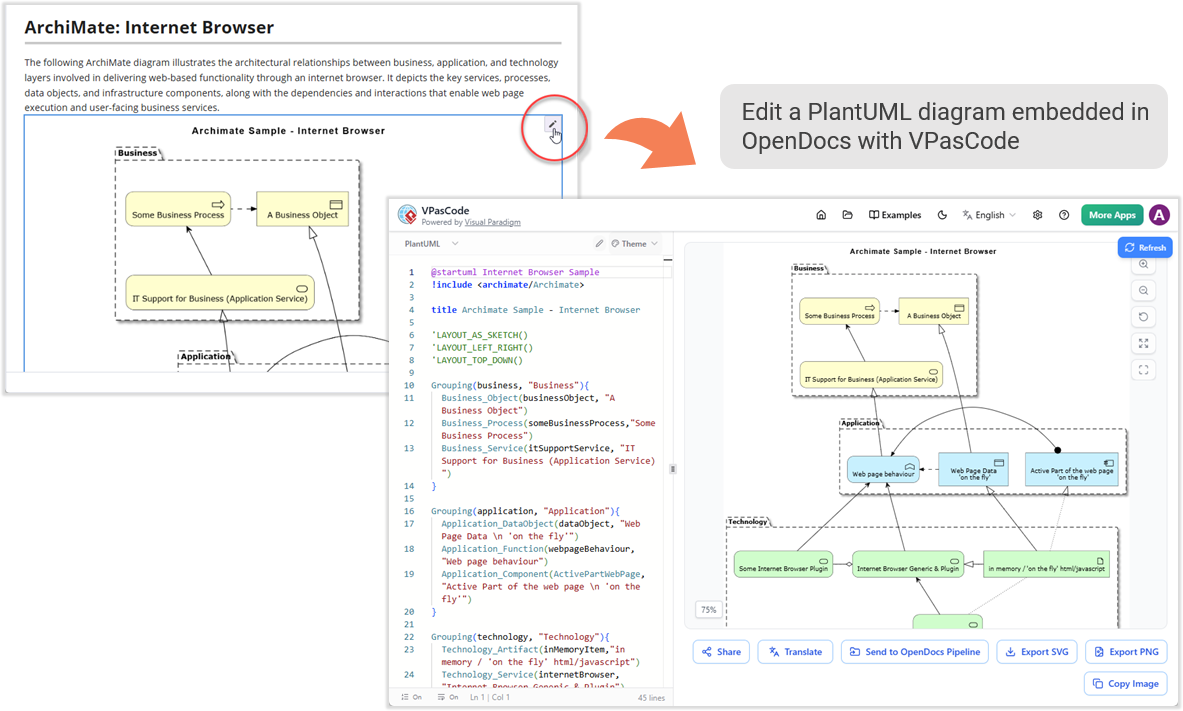
Imagine you are reviewing a complex architecture document. You spot a minor error in a process flow or realize you need to expand the diagram to include a new dependency. Instead of deleting the image and starting over, Visual Paradigm offers a fluid solution.
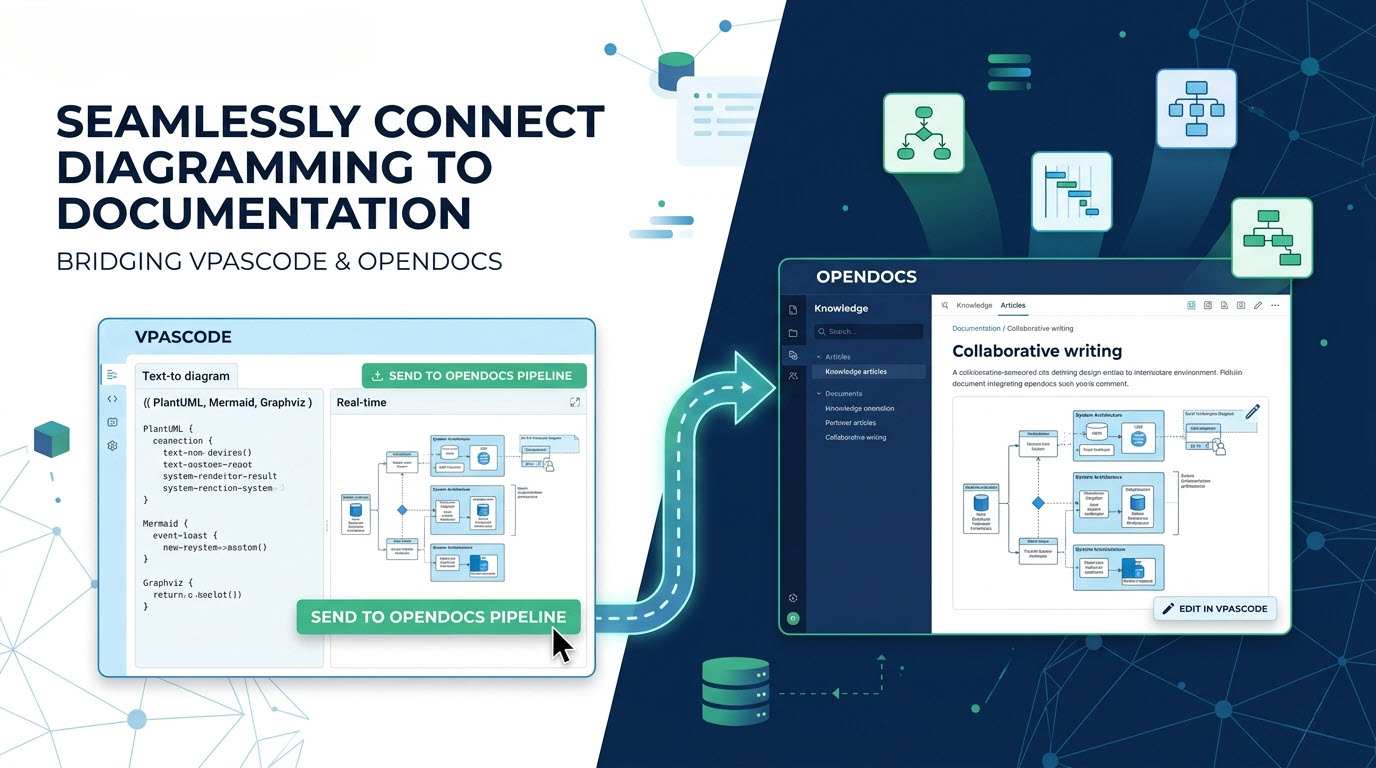
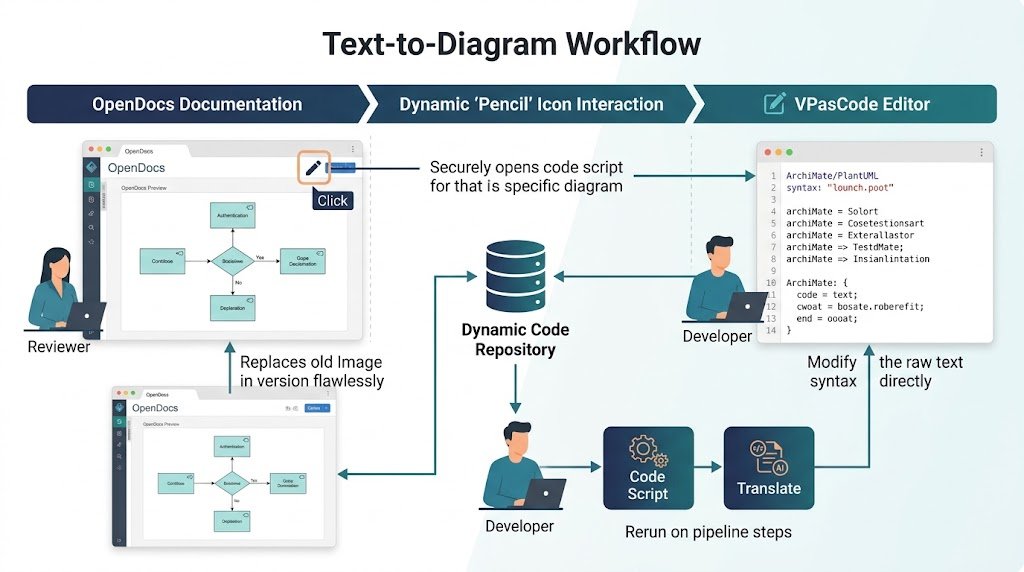
When you insert a diagram into OpenDocs, simply look for the tiny Pencil button located at the top right of the image. This small icon is your gateway to the underlying code. Clicking it securely opens the code script back inside the VPasCode editor. This is where the magic happens.
You can now modify the text syntax directly. Once you have made your adjustments, you simply rerun the pipeline steps. The system regenerates the image, and you replace the old version in your documentation flawlessly. This “just-in-time” modification capability ensures speed and efficiency, allowing you to collaborate with your team without the friction of version control nightmares.
A Recap of the VPasCode Ecosystem
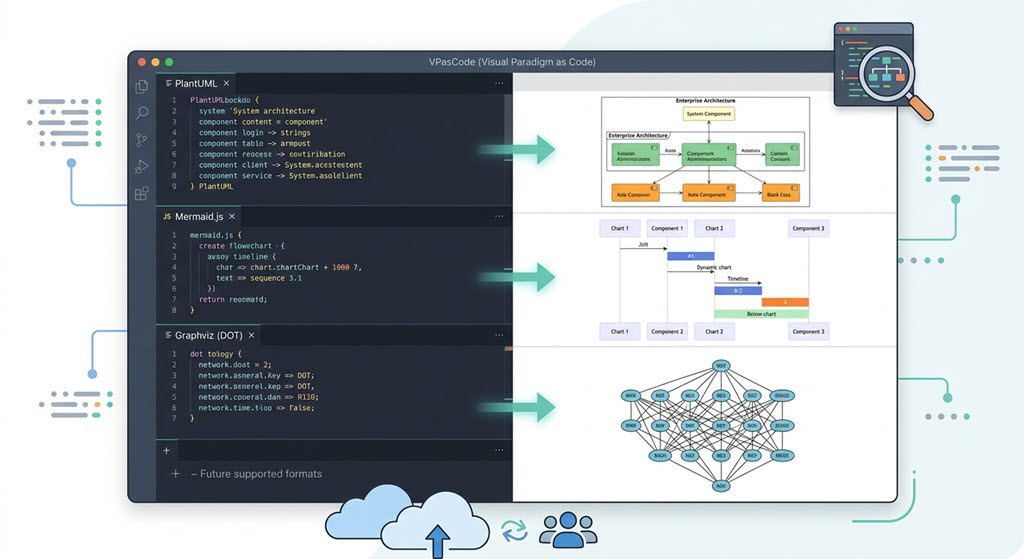
If you are new to VPasCode, think of it as a comprehensive, unified environment designed for rendering text-to-diagram syntaxes in real-time. It is not just a tool; it is a vast catalog of visual representations that supports both standard and specialized modeling languages.
Visual Paradigm has integrated support for the industry giants in diagramming:
- PlantUML: This is a powerhouse for software architects. It supports a wide array of diagram types including ArchiMate, C4, Sequence, Use Case, Class, Object, Activity, Component, Deployment, State, Timing, ERD, Chen ERD, Network, and Work Breakdown Structures (WBS).
- Mermaid: Ideal for agile teams and developers, Mermaid handles Flowcharts, Class diagrams, Sequence diagrams, Entity Relationship Diagrams, State Diagrams, Mind Maps, C4 models, Gantt charts, Quadrants, Requirement Diagrams, Timelines, User Journeys, Git Graphs, and Kanban boards.
- Graphviz: For those who need precise control over graph layouts, Graphviz offers Digraph, Graph, Flowchart, Organization Chart, Cluster, and Data Flow diagrams.
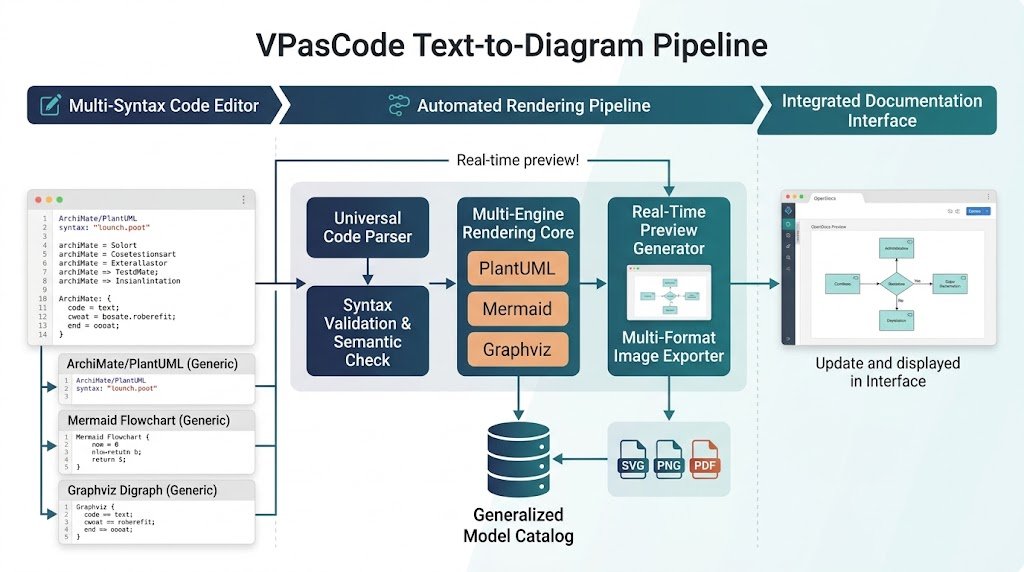
The beauty of this ecosystem is its accessibility. Free features include real-time previewing, URL sharing, and vector or raster exports (SVG/PNG), making it easy to integrate into any workflow immediately.
Unlocking Advanced Capabilities with Visual Paradigm
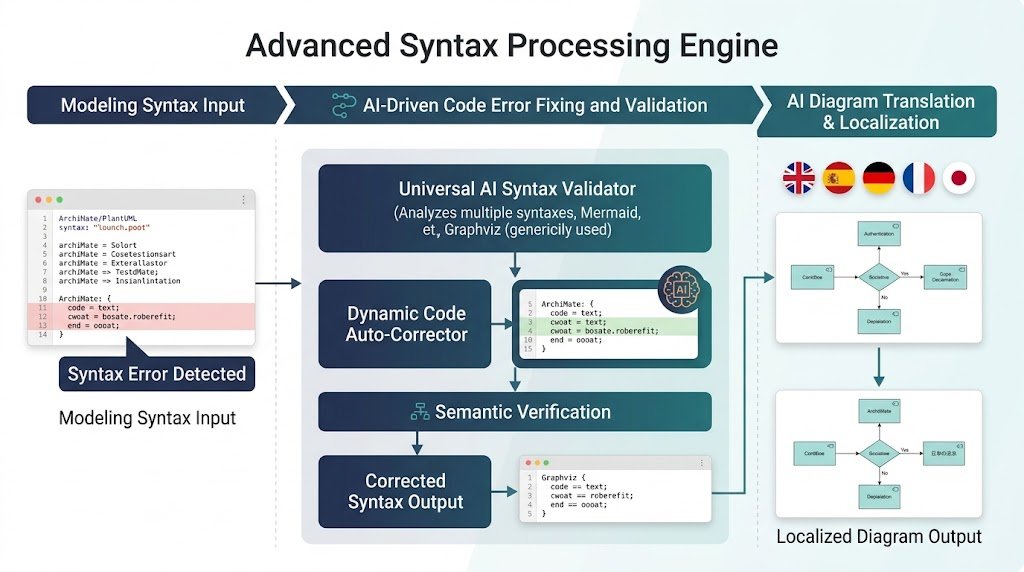
While the core functionality is robust, Visual Paradigm takes it a step further with its advanced editions. Whether you are using the Visual Paradigm Online Combo Edition or the Desktop Professional Edition with active maintenance, you unlock advanced core capabilities that transform the user experience.
Most notably, these paid editions enable AI-driven code error fixing and AI translation. If your syntax is tricky or you need to localize your documentation, the AI assists you in refining the code before it renders. This ensures that your diagrams are not just visually accurate but also technically sound.
By leveraging VPasCode, you are adopting a philosophy where content creation is fluid. You can modify your content just in time, creating a collaborative environment where speed and efficiency are paramount. This is why VPasCode by Visual Paradigm stands out as a critical tool for modern software design, modeling, and implementation.