Unifying Design and Documentation: The VPasCode to OpenDocs Pipeline
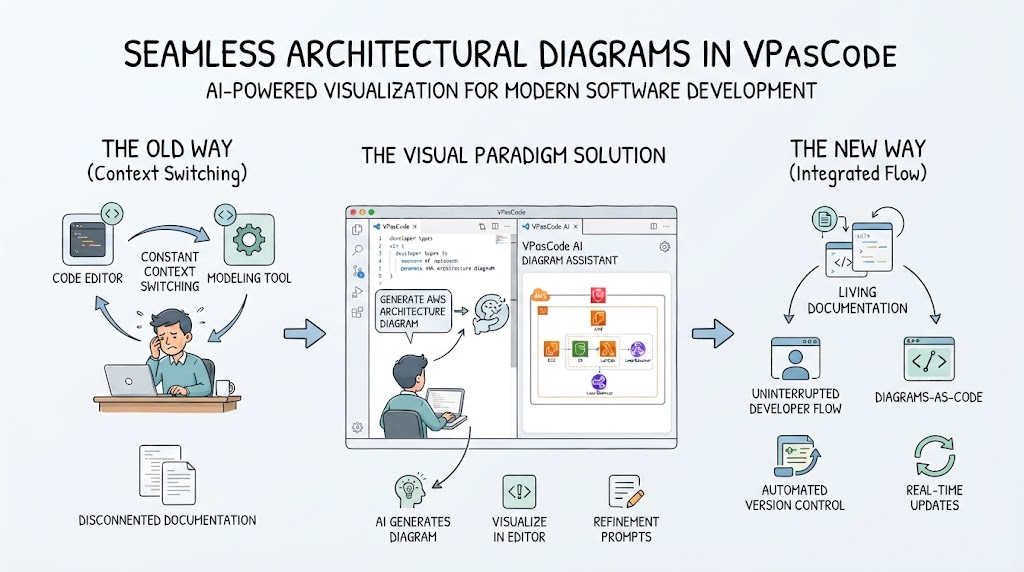
In the modern landscape of software development and system architecture, the gap between creating a diagram and documenting it has long been a source of friction. We have all experienced the tedious cycle of generating a diagram, exporting it as an image, saving it to a local folder, and then manually embedding it into a documentation tool. At Visual Paradigm, we understand that this breaks your flow and hinders agility. That is why we are excited to introduce a transformative feature: the VPasCode to OpenDocs Pipeline Integration.
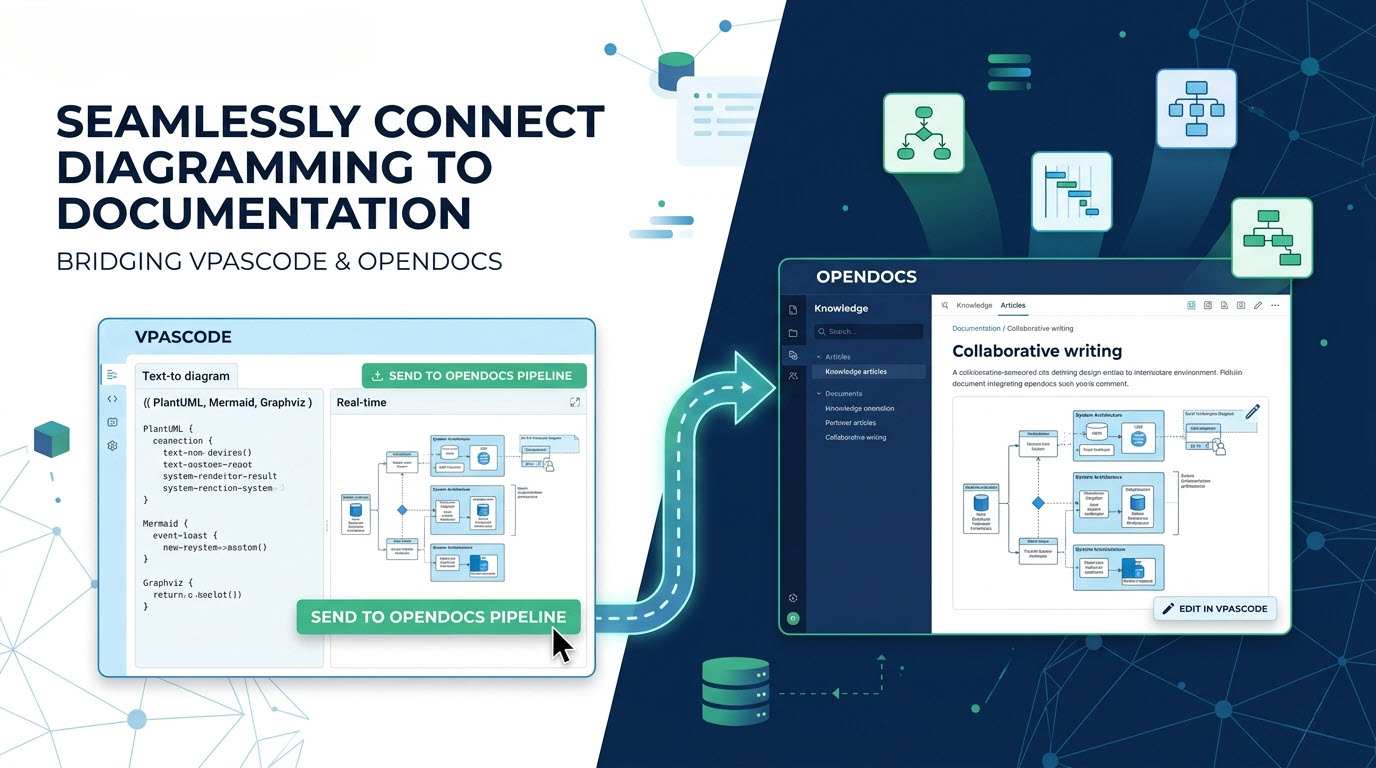
This integration bridges the divide between the creative power of text-to-diagramming and the structured environment of AI-powered knowledge management. It allows your visual assets to flow seamlessly from the VPasCode editor directly into your OpenDocs knowledge base, eliminating the “export-import” bottleneck entirely.
Understanding the Tools at Play
To fully appreciate the power of this pipeline, it is helpful to understand the distinct roles of the two platforms involved in this workflow.
- Visual Paradigm VPasCode: This is a text-to-diagram platform designed for speed and flexibility. It allows developers and architects to write code in familiar formats like PlantUML, Mermaid.js, and Graphviz to instantly render rich, complex diagrams. It is the engine for rapid prototyping and system modeling.
- Visual Paradigm OpenDocs: This is our next-generation, AI-powered knowledge management platform. It serves as the central repository for your project documentation, articles, and collaborative writing efforts. It is where the story of your project lives.
By connecting these two, Visual Paradigm is effectively creating a unified lifecycle where design informs documentation in real-time.
How the Workflow Enhances Agility
The core of this integration is the Send to OpenDocs Pipeline. This feature is designed to be extremely agile, allowing you to maintain a “single source of truth” for your visuals. Here is how the workflow operates in practice:
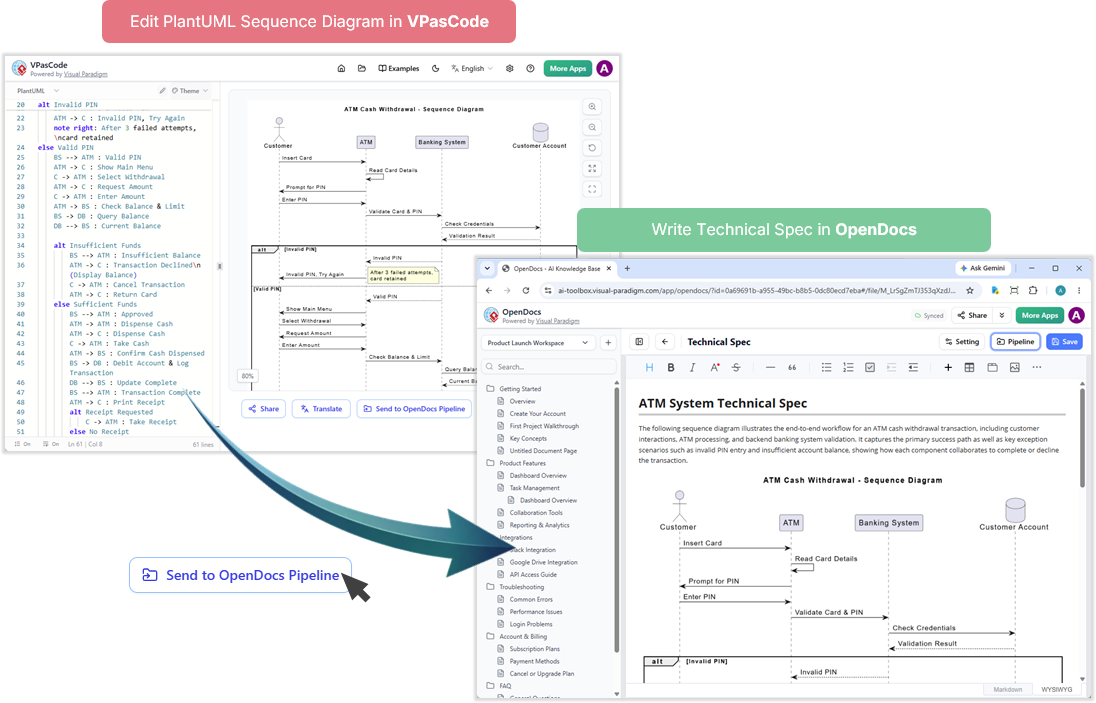
- Create in VPasCode: You begin by writing your diagram definition in the VPasCode editor. Whether you are defining a sequence diagram in PlantUML or a flowchart in Mermaid, the code is executed instantly to render the visual.
- Trigger the Pipeline: Once the diagram is complete and verified, you simply click the Send to OpenDocs Pipeline button. There is no need to export as PNG or SVG.
- Seamless Integration: The diagram is transmitted directly into your OpenDocs workspace. It appears as a native, editable element within your knowledge articles.
- Iterate and Edit: If you need to make changes, you can click Edit in VPasCode directly from the OpenDocs interface. Any updates you make in the code editor are immediately reflected in the documentation.
Real-World Usage Cases and Examples
This integration is not just a convenience; it is a productivity multiplier. Here are a few scenarios where this workflow shines:
1. The Agile System Architect
Imagine you are designing a microservices architecture. You start by drafting the system topology in VPasCode using Mermaid. Instead of stopping to export, you push the architecture diagram straight into the “System Design” chapter of your project wiki in OpenDocs. When a stakeholder requests a change to the load balancer configuration, you edit the Mermaid code in VPasCode, and the wiki updates instantly. Your documentation is never outdated.
2. The Technical Writer
Technical writers often struggle to keep diagrams synchronized with code changes made by developers. With this pipeline, the developer creates the diagram in VPasCode. The writer then pulls this asset directly into OpenDocs to write the surrounding explanation. The writer does not need to know how to code; they simply manage the knowledge context, while the visual asset remains dynamic and connected to its source.
3. The DevOps Engineer
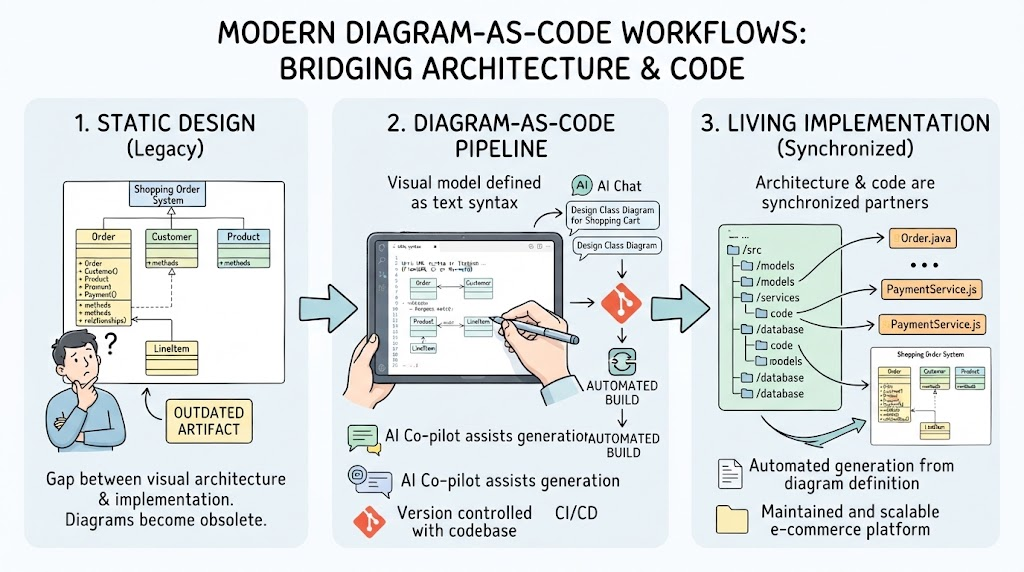
For CI/CD pipelines, documentation needs to be as robust as the code itself. You can document a complex deployment flow using PlantUML. By integrating this directly into OpenDocs, you create a living document that can be version-controlled alongside your infrastructure code. This ensures that your deployment guides always match the current state of your infrastructure.
The Future of Unified Workflows
Visual Paradigm is dedicated to unifying your development, design, and documentation workflows. The VPasCode to OpenDocs integration represents a significant step toward eliminating silos. By allowing your diagrams to exist natively within your knowledge management system, we empower you to focus on what matters most: building better systems and communicating their design clearly.
Stop wrestling with file exports and manual uploads. Embrace the fluidity of the VPasCode to OpenDocs pipeline and experience a documentation workflow that is as dynamic as the software you build.