


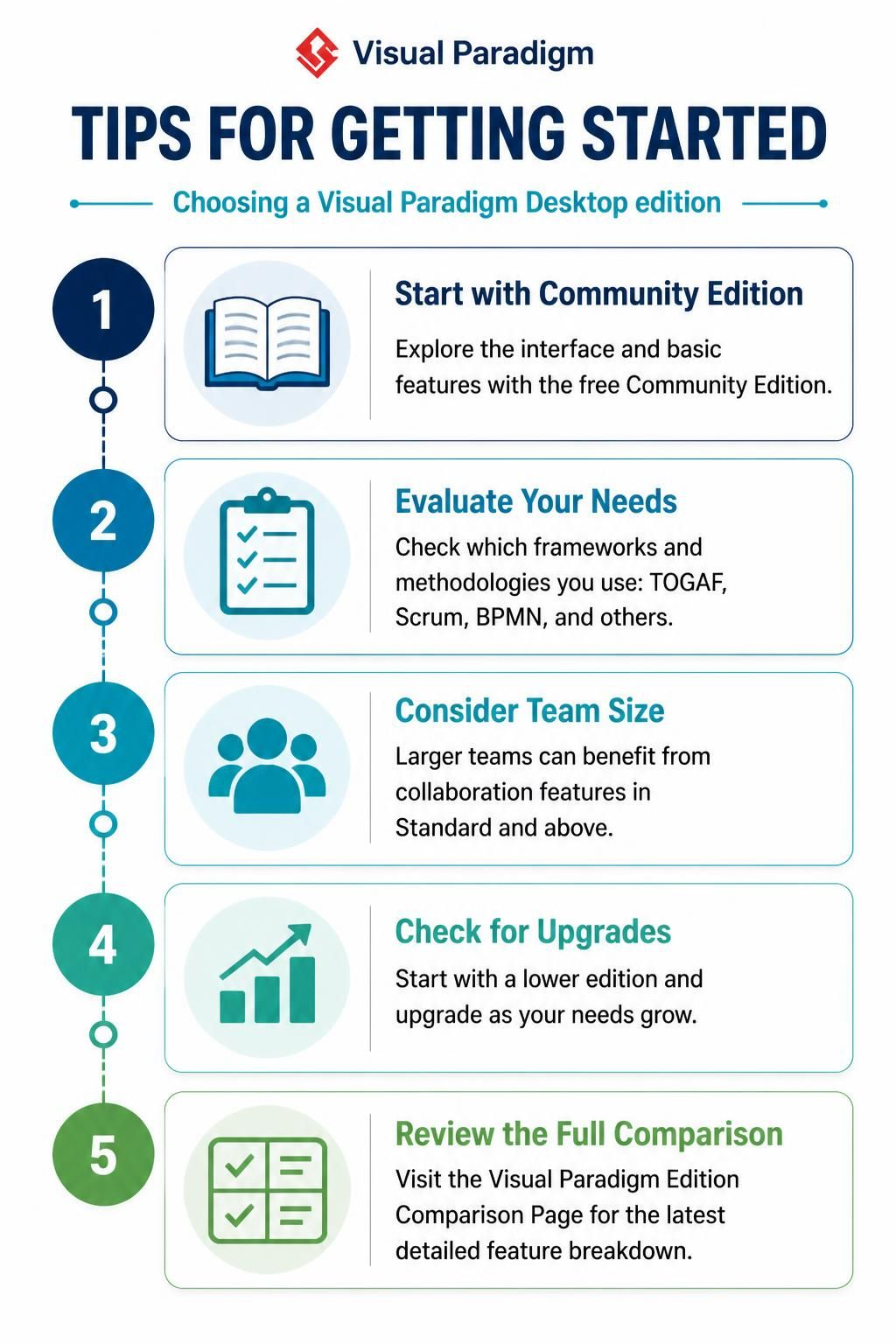
Visual Paradigm is a comprehensive tool designed to handle the complexities of modern system analysis and design. However, the sheer breadth of its capabilities can be overwhelming for new users. Selecting the correct edition of the software is not merely a financial decision; it is a strategic choice that aligns your modeling capabilities with your organization’s specific methodologies, team size, and long-term architectural goals.
1. The Entry Point: The Community Edition
For students, hobbyists, or professionals exploring the tool for the first time, the Community Edition serves as the foundational layer of the Visual Paradigm ecosystem. It is a powerful, no-cost solution designed to lower the barrier to entry for modeling.
- Best For: Individuals learning UML, creating personal projects, or non-commercial research.
- Key Feature: It provides a fully functional environment for core modeling capabilities, allowing you to master the interface without the distraction of enterprise licensing.
- Limitations: It is strictly licensed for non-commercial purposes and lacks advanced collaboration features required for large-scale team projects.
2. Evaluating Methodological Needs
Not all software architectures are built the same way. Different industries rely on different frameworks to structure their systems. Before committing to a paid edition, you must evaluate the specific methodologies your organization utilizes.
Visual Paradigm editions are tiered based on the depth of support they offer for various standards. If your organization operates under the TOGAF framework for enterprise architecture, requires BPMN for business process modeling, or utilizes Scrum for agile development, you need to ensure your selected edition includes the specific templates and tooling for these standards.
3. Scaling for Collaboration
As your modeling efforts transition from a single-person project to a collaborative team environment, the need for synchronization and version control becomes critical. This is the primary differentiator between the Community Edition and the paid tiers.
Standard Edition and above introduce robust collaboration features. These allow multiple team members to work on the same model simultaneously, share resources, and maintain a single source of truth. For larger teams, the ability to manage user permissions and synchronize changes is not a luxury; it is a requirement for maintaining data integrity.
4. Strategic Upgrading and Licensing
One of the most flexible aspects of the Visual Paradigm licensing model is the ability to start small and grow. You do not need to commit to the highest tier immediately. You can begin with a lower edition—such as the free Community Edition—and migrate to a paid license as your needs expand.
- Start: Begin with the Community Edition to validate the tool’s fit for your workflow.
- Assess: As your team grows or project complexity increases, evaluate the feature gaps.
- Upgrade: Utilize the available upgrade paths to move to Standard or Enterprise editions, ensuring you only pay for the features you actually need.
Conclusion
Visual Paradigm Desktop is designed to be a scalable solution that grows with you. Whether you are a student learning the basics of UML, a developer engineering complex systems, or an enterprise architect implementing TOGAF frameworks, there is an edition tailored to your specific requirements. By understanding the differences between editions, you can make an informed decision that balances functionality, collaboration needs, and budget constraints.