


The Challenge of “Documentation Rot”
Have you ever felt that familiar frustration when trying to understand a legacy system? You open the architecture diagrams, only to realize they look nothing like the actual code running today. This phenomenon is known as documentation rot.
In traditional development workflows, creating diagrams often happens as a separate activity from writing code. Once the design phase is over, the diagrams are saved as static images or PDFs. As developers inevitably refactor, add features, or change logic, those diagrams become stale. They no longer reflect reality, leading to confusion for new team members and potential errors during deployment.
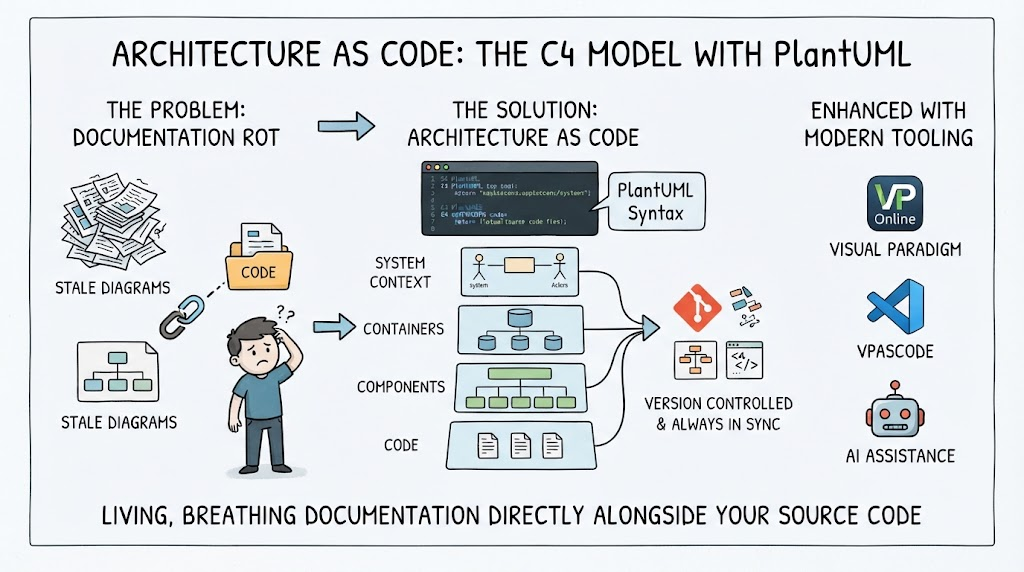
The image we are looking at highlights this problem vividly: a developer standing confused by outdated diagrams and disconnected code folders. But it also offers a clear path forward.
The Solution: Architecture as Code
The shift towards Architecture as Code is changing how we approach system modeling. Instead of treating diagrams as separate artifacts, we treat them as code itself. This means defining our architecture using text-based syntax that lives directly alongside your application code.
In the diagram, you can see a transition from “Stale Diagrams” to a synchronized workflow. The core of this solution is using tools like PlantUML. Just as you write Java or Python to build functionality, you write PlantUML scripts to define your architecture.
This approach ensures that:
- Version Control: Your architecture diagrams are stored in Git just like your source code. Every commit updates both the logic and the visual representation simultaneously.
- Living Documentation: Because the diagram is generated from code, it is always up-to-date. If you push a change to the codebase, the diagram reflects that change immediately upon generation.
Visualizing with the C4 Model
To make this effective, we need a structured way to describe software. The infographic illustrates the C4 Model, which breaks down system complexity into four distinct levels of abstraction:
- System Context: The high-level view showing your system and its users (actors).
- Containers: Where the software runs, such as web applications, mobile apps, or databases.
- Components: The logical building blocks within a container.
- Code: The actual implementation details.
By combining the C4 Model with PlantUML syntax, you create a hierarchy of definitions that maps exactly to your code structure. This prevents the “big ball of mud” scenario where everything is lumped together without clarity.
Enhancing the Workflow with Modern Tools
While writing code is powerful, collaboration requires more than just a text editor. The right tooling ecosystem makes this process seamless. In the context of modern enterprise development, platforms like Visual Paradigm play a crucial role.
Visual Paradigm provides an environment where these concepts come alive. It allows teams to:
- Visualize Code: Automatically generate diagrams from existing codebases to reverse-engineer current states.
- Collaborate Online: Use Visual Paradigm Online to allow stakeholders to view and comment on living diagrams without needing deep technical knowledge of PlantUML.
- Leverage AI Assistance: As shown in the bottom right of the infographic, AI tools can assist in generating or refactoring code, further speeding up the creation of accurate architectural models.
Additionally, integrating with version control systems via tools like VPASCODE ensures that the “Architecture as Code” philosophy is enforced strictly. The CI/CD pipeline becomes the gatekeeper, ensuring that if the code changes, the documentation must update to match.
Summary: Keeping Systems Alive
The journey from “stale diagrams” to “living documentation” is about discipline and the right set of tools. By adopting the C4 Model and utilizing Architecture as Code principles, you ensure that your documentation evolves with your software.
Key takeaways include:
- Avoid Disconnection: Never let your architecture diagrams exist in a silo away from your source code.
- Use Standard Syntax: Leverage PlantUML to write readable, maintainable architecture definitions.
- Adopt the C4 Hierarchy: Structure your thinking from Context down to Code components.
- Integrate Tooling: Utilize platforms like Visual Paradigm to manage, visualize, and automate the synchronization between design and implementation.
Related posts:
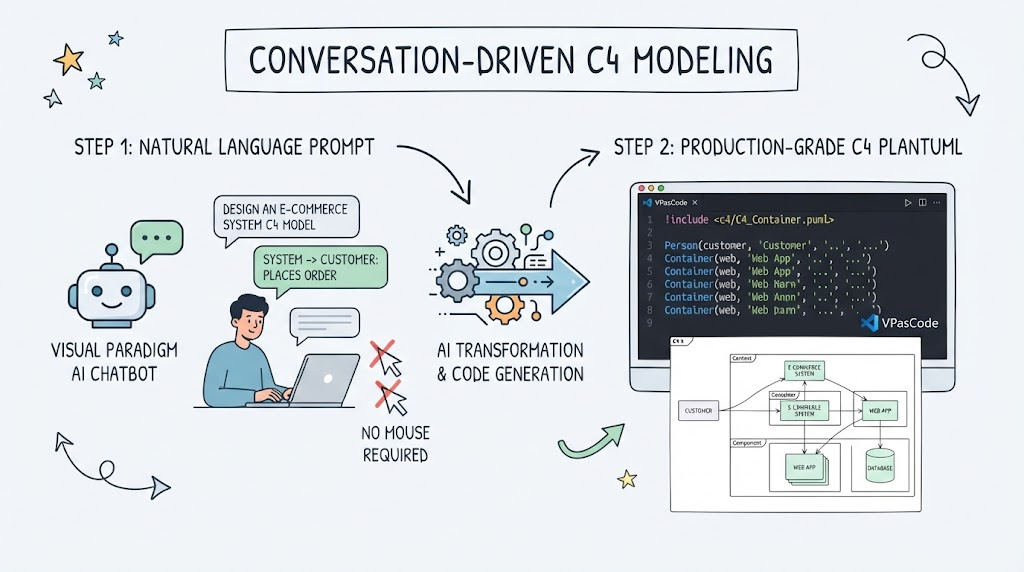 Master Conversation-Driven C4 Modeling with AI
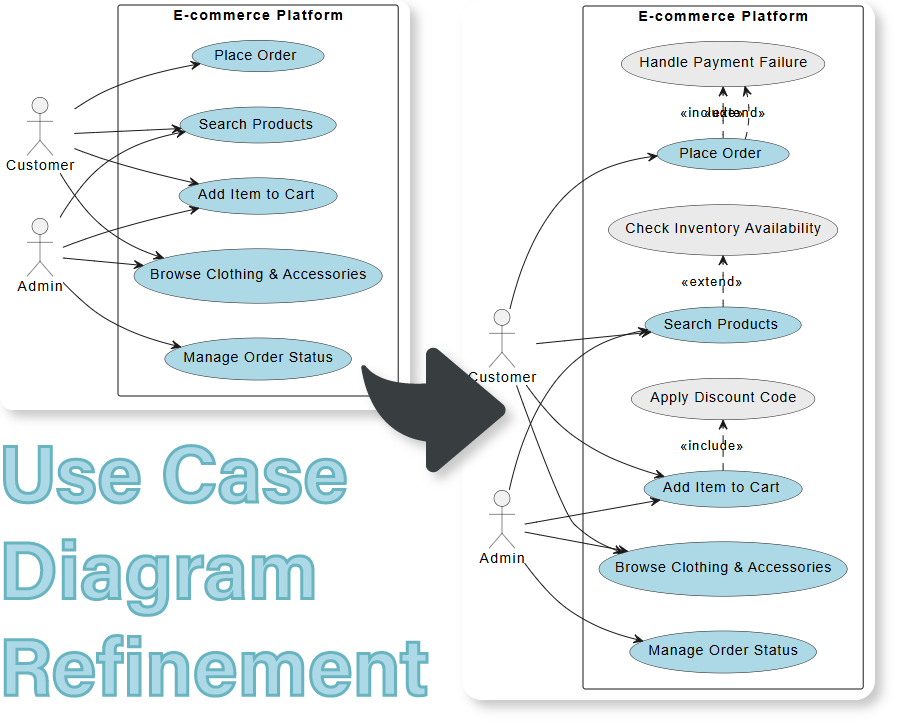 Refining Use Case Diagrams: From Basic to Advanced E-commerce Models
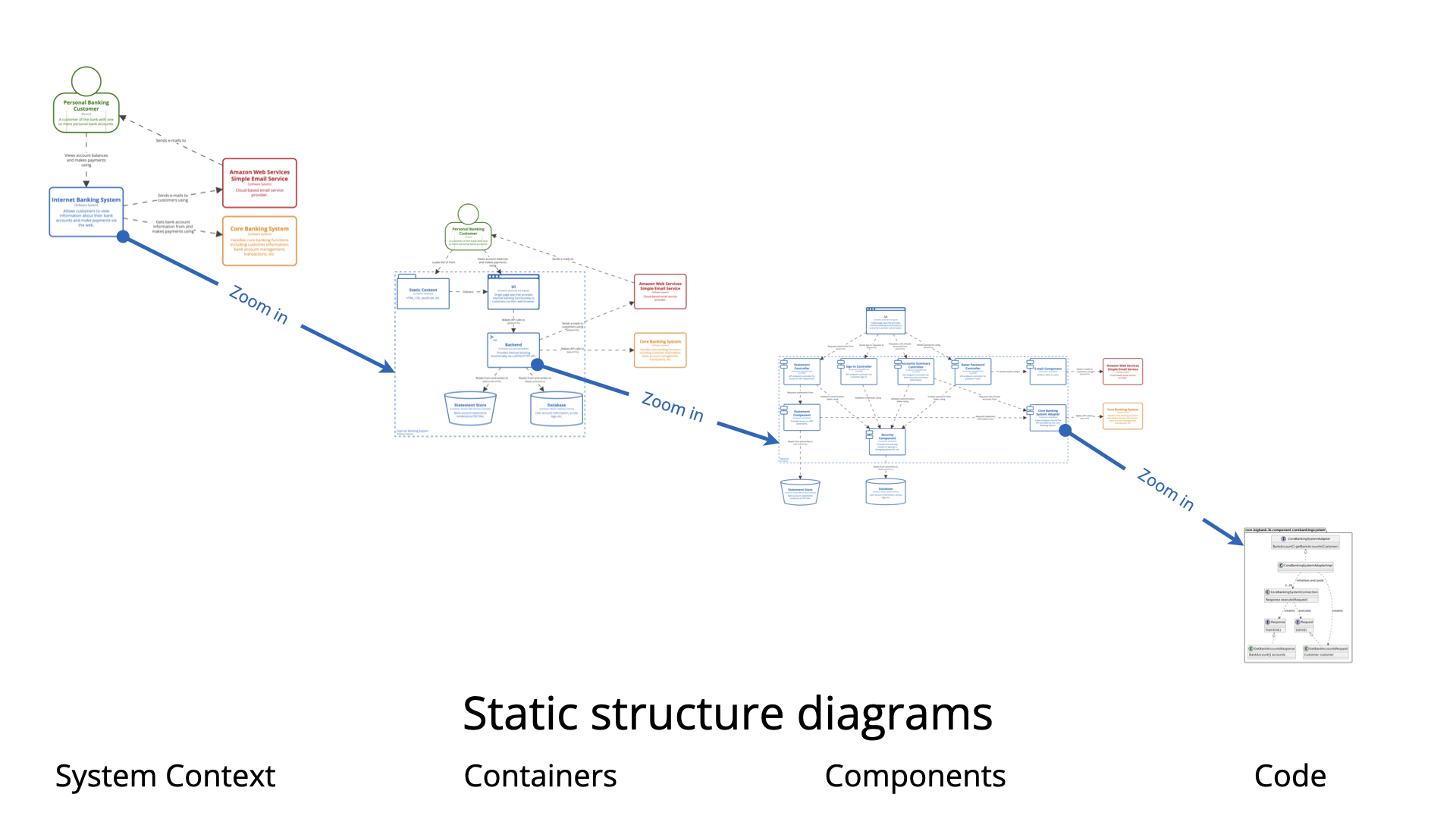 Mastering Software Architecture: A Comprehensive Guide to the C4 Model and Visual Paradigm
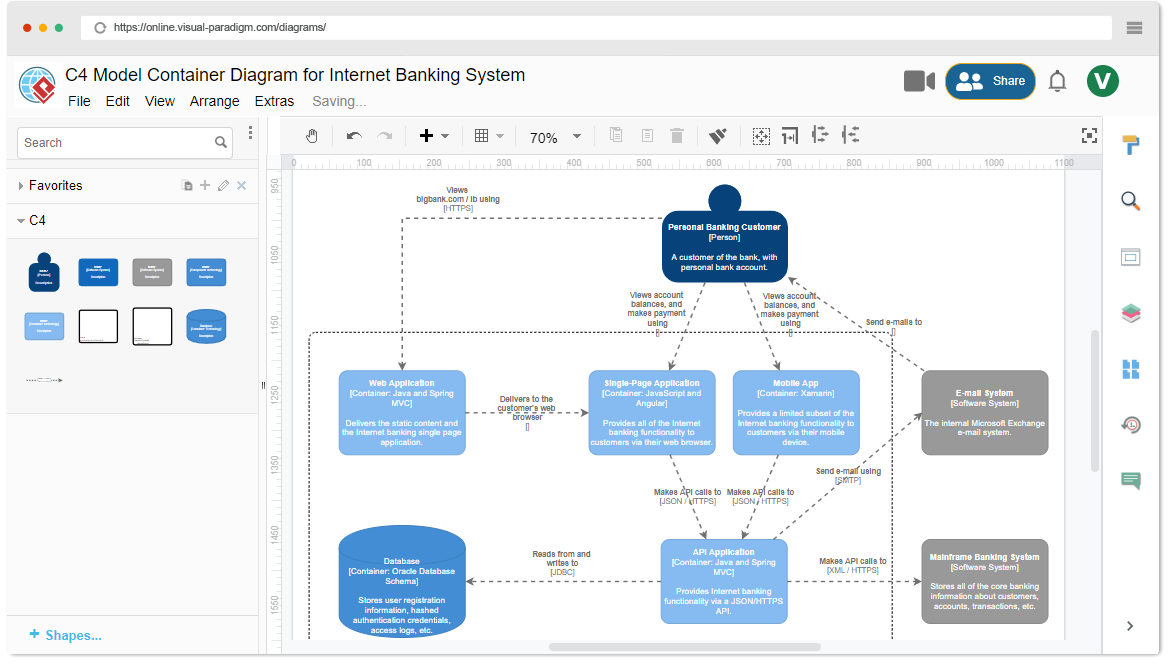 Mastering the C4 Model: A Step-by-Step Guide to the Container Diagram for an Internet Banking System