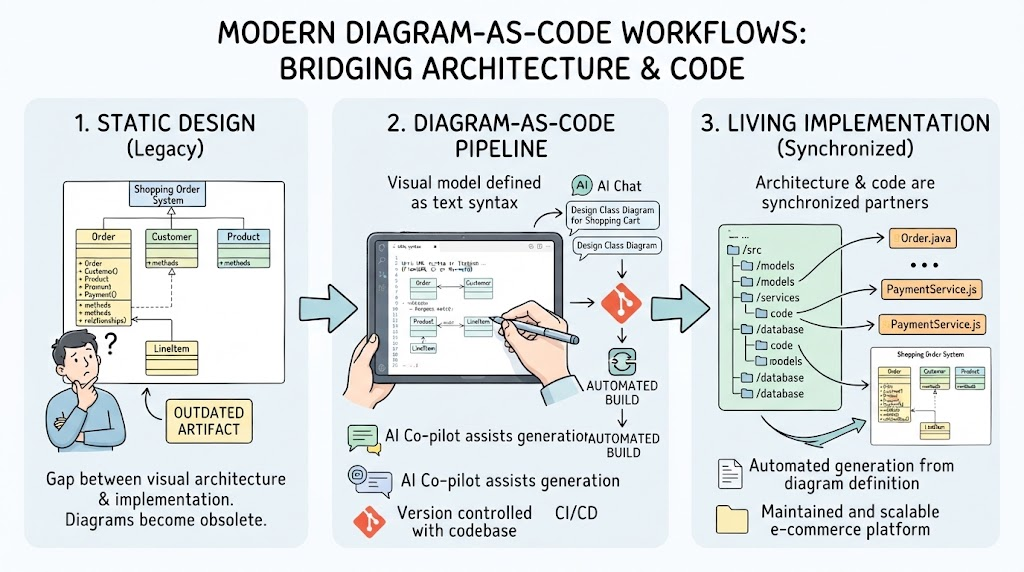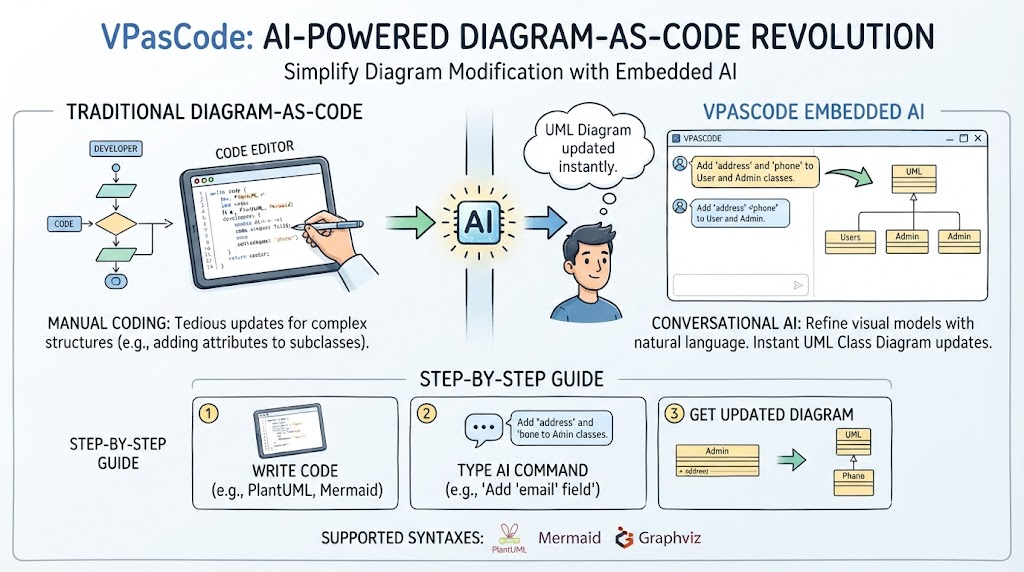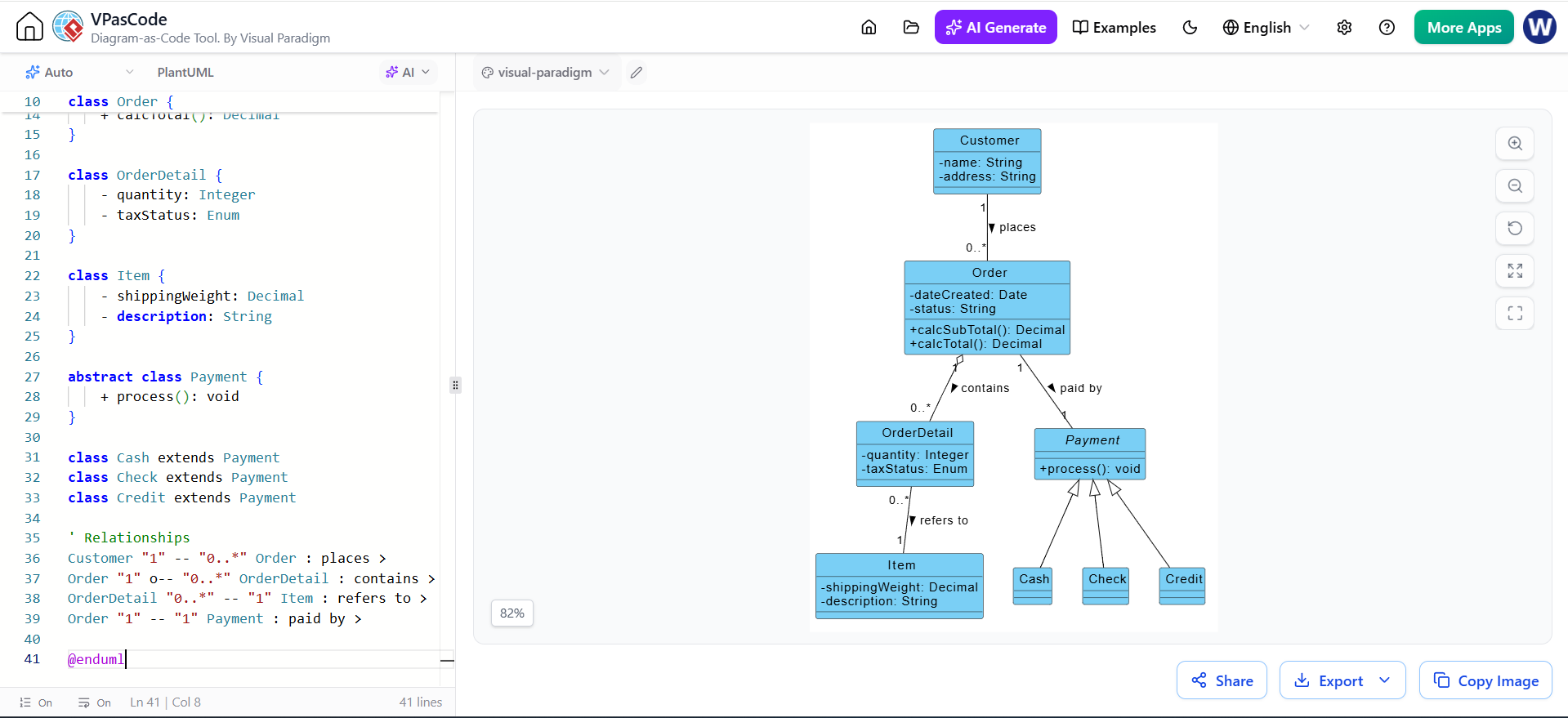
In the world of software architecture, efficiency is key. Visual Paradigm has long been a staple for creating professional diagrams, but the introduction of VPasCode represents a significant leap forward. It allows developers and architects to treat diagrams as code, merging the precision of text-based modeling with the visual clarity of UML. Today, we will explore a powerful feature within this ecosystem: using the built-in AI to refine and populate your class diagrams instantly.
Imagine you are designing an e-commerce system. You have established the high-level structure of your payment processing logic. You have an abstract Payment class with three concrete children: Cash, Check, and Credit. However, in the early stages of modeling, these classes often start as “empty shells.” While the inheritance hierarchy is correct, the specific attributes that make each payment type unique are missing. Manually typing out these attributes can be tedious and prone to syntax errors. Fortunately, the AI capabilities in VPasCode can bridge this gap effortlessly.
Starting from a Basic Structure
Let’s assume you have already defined the skeleton of your diagram using PlantUML syntax. You have successfully created the relationship where Cash, Check, and Credit extend the Payment class. Visually, your diagram is structured correctly, but semantically, it is incomplete. The child classes are devoid of the specific data fields required to represent real-world payment methods.
This is the perfect scenario for leveraging the “Diagram-as-Code” philosophy. Instead of manually switching back and forth between the code editor and the visual canvas to add fields, you can instruct the AI to do the heavy lifting.
Step 1: Unlocking the AI Controls
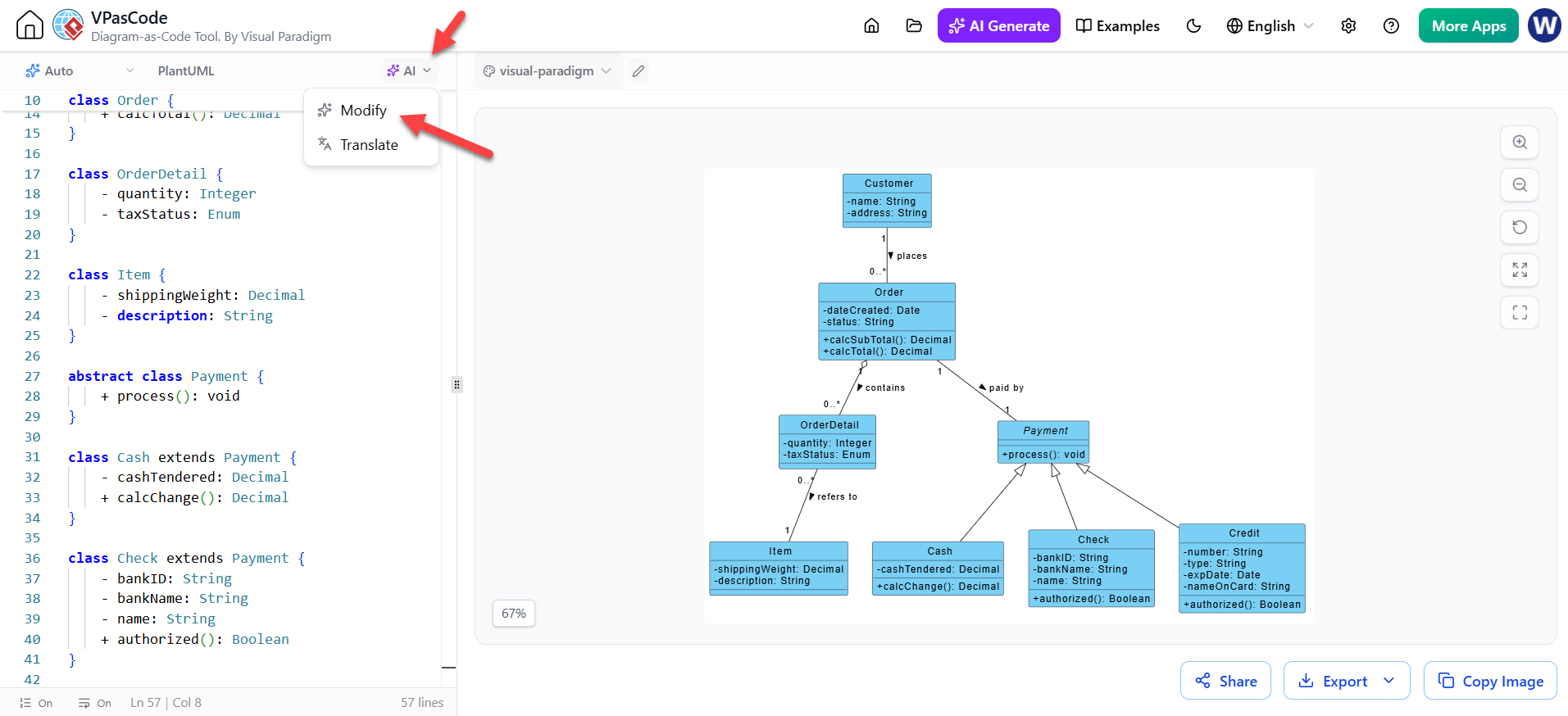
The first step to refining your diagram is accessing the intelligent tools provided by VPasCode. Located prominently at the top-left of the editor interface, just above your code, you will find a dropdown button labeled AI. This is your gateway to intelligent diagram manipulation. By clicking this button, you reveal a menu of options designed to assist you in modifying or translating your diagram code.
Step 2: Choosing the Modify Function
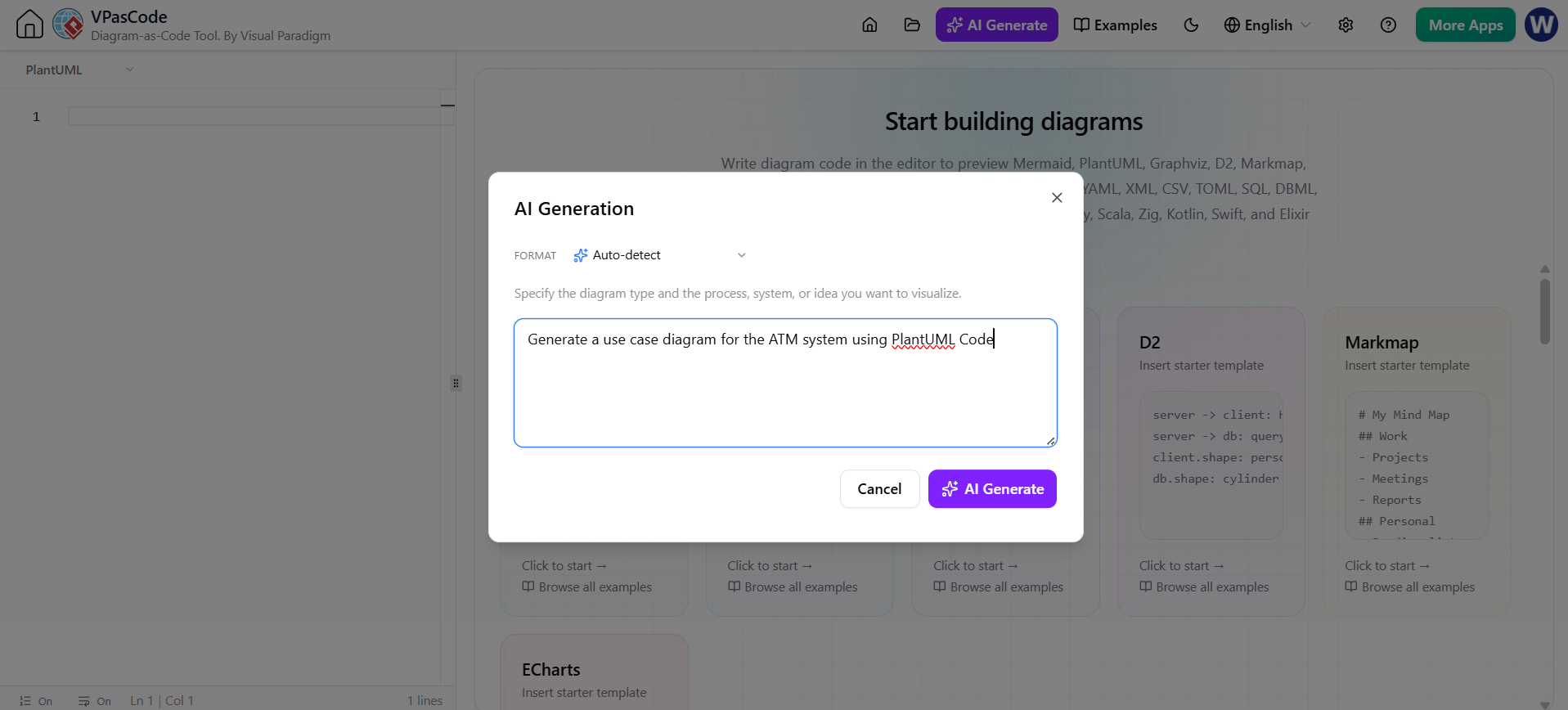
Visual Paradigm offers various AI capabilities depending on your current needs. If you were starting from a blank page, you might use the generation tool. However, since you already have a working structure, you need to alter the existing logic. From the dropdown menu, select the Modify option, which is accompanied by the AI icon. This selection signals to the system that you intend to enhance the current diagram rather than generate a new one from scratch.
Step 3: The Power of Natural Language
This is where the magic happens. In traditional coding, you would need to recall the exact PlantUML syntax for defining attributes, ensuring correct visibility modifiers (like - for private or + for public), and checking for syntax errors. With the AI Modify dialog box, you can simply describe your intent in plain English.
For our e-commerce example, you would enter a prompt similar to this:
“Add some attributes to the children Classes of the Payment Class in the Class Diagram”
Once you click the AI Modify button to submit this request, the VPasCode engine springs into action. It analyzes your prompt, identifies the target classes (Cash, Check, and Credit), and utilizes its domain knowledge to inject relevant attributes.
Step 4: The Refined Result
The AI processes your description and updates both the code on the left and the visual representation on the right simultaneously. The result is a fully populated class diagram that reflects standard domain knowledge for payment systems.
- The Cash class now includes an attribute for
cashTendered. - The Check class is equipped with
bankIDandbankNameto handle banking details. - The Credit class is populated with
numberandexpDateto manage credit card information.
This seamless integration of AI into the modeling workflow allows you to focus on the architecture and logic of your system rather than getting bogged down in the syntax of attribute definitions. By using VPasCode, Visual Paradigm continues to demonstrate how modern tools can democratize complex modeling tasks, making them accessible and efficient for developers of all levels.