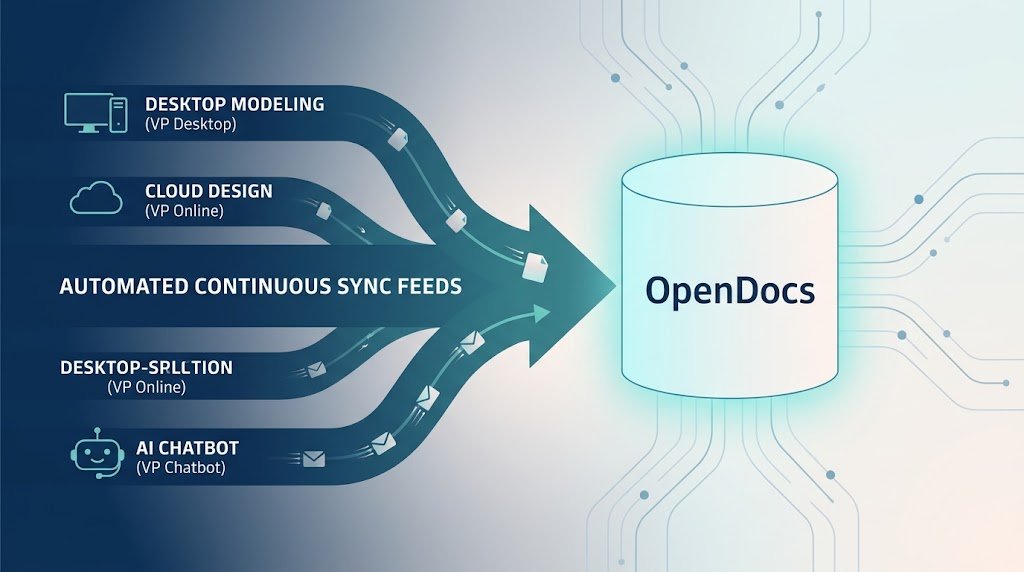
In the modern software development landscape, the separation between design, implementation, and documentation can often lead to siloed information and lost context. Visual Paradigm is revolutionizing this workflow by positioning itself not just as a modeling tool, but as a Highly Integrated Visual Paradigm Ecosystem. This new pipeline represents a vision where design and knowledge retention live hand-in-hand, ensuring that your team’s collective intelligence is never lost.
The Central Hub: OpenDocs
At the heart of this ecosystem is OpenDocs. Think of OpenDocs as the central repository for your team’s collective intelligence. It is more than just a document store; it is the living documentation that evolves alongside your projects. The goal is to create a seamless flow where the blueprints you create in your modeling tools automatically feed into this documentation pipeline.
Seamless Integration: Desktop Modeling to Docs
One of the most powerful features of this ecosystem is the ability to pipe content from your favorite Visual Paradigm platforms directly into OpenDocs. Let’s look at a practical example using Visual Paradigm Desktop.
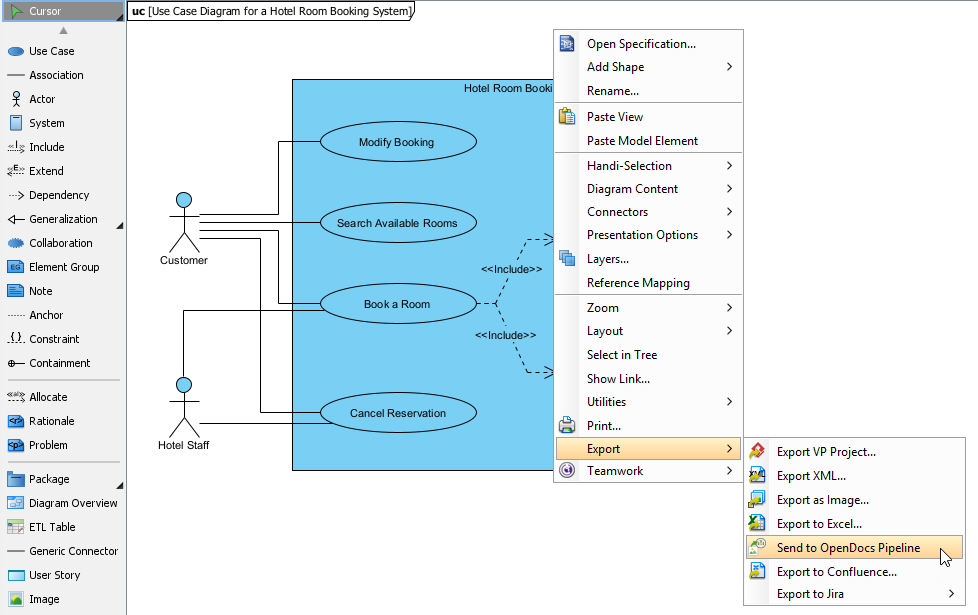
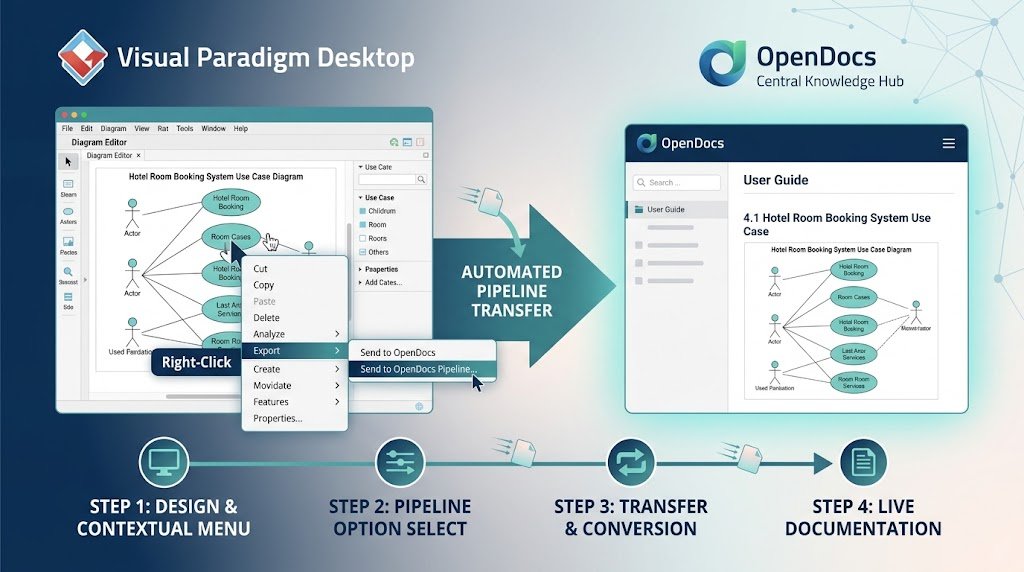
Imagine you are designing a Hotel Room Booking System. You have spent time creating a detailed Use Case Diagram, defining actors like the “Customer” and “Hotel Staff,” and mapping out critical functions such as “Book a Room” and “Cancel Reservation.” In the past, you might have had to manually export screenshots or write separate documents to explain these diagrams to stakeholders.
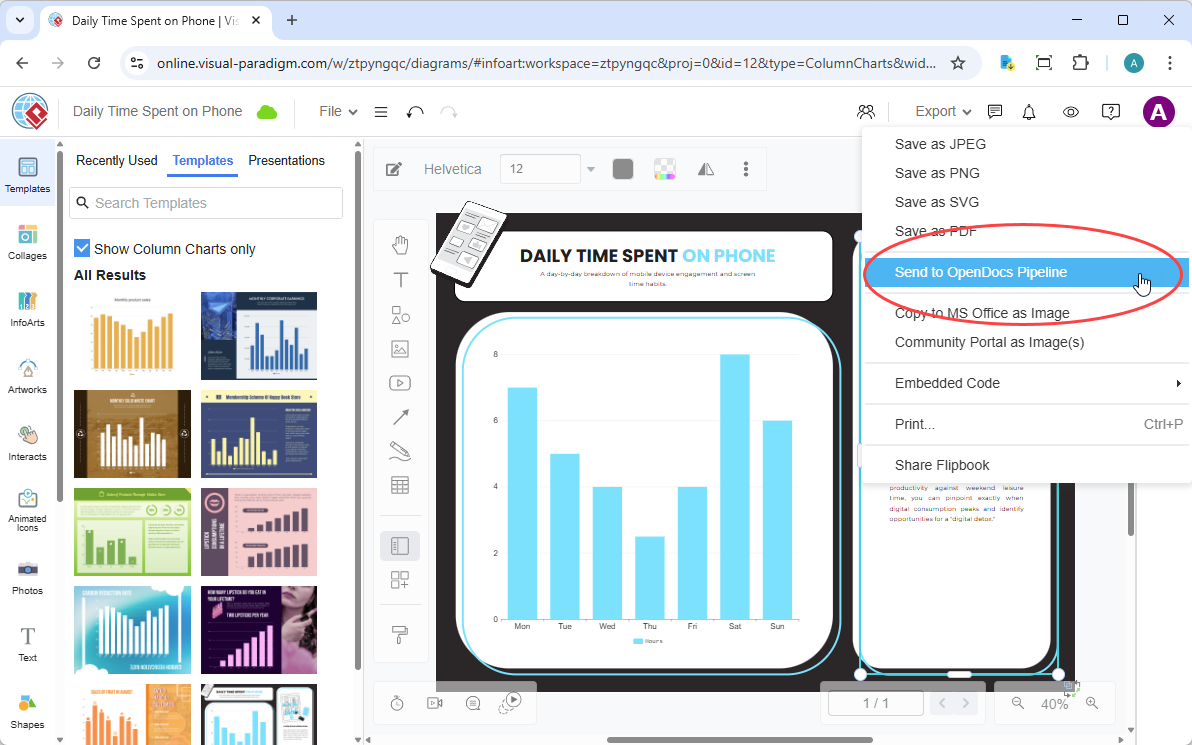
However, with the new pipeline, the process is drastically simplified. As shown in the workflow below, you can right-click within your diagram environment, navigate to the Export menu, and select Send to OpenDocs Pipeline. This single action bridges the gap between your enterprise-grade blueprints and your documentation needs.
A Unified Ecosystem: VPasCode and Beyond
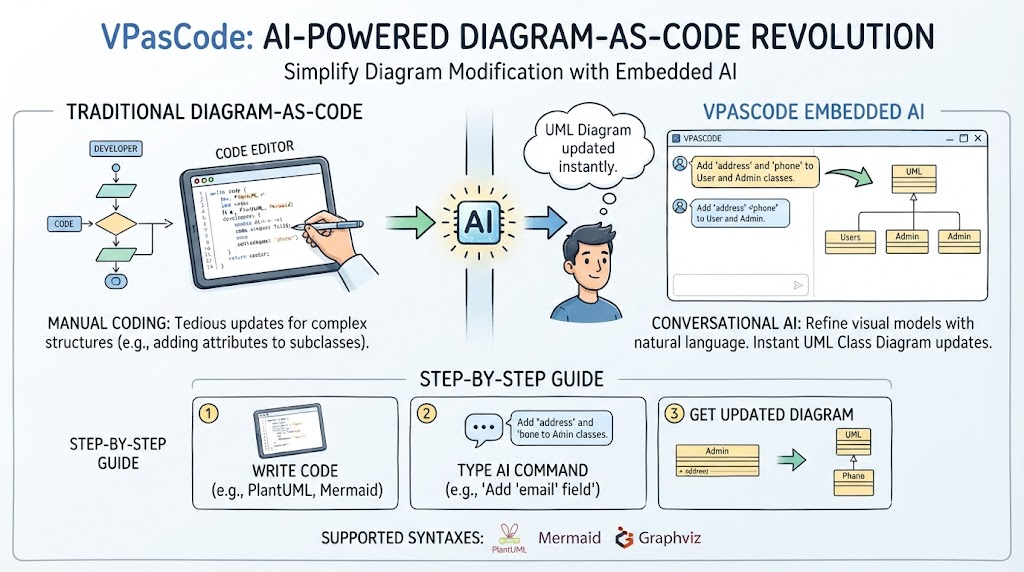
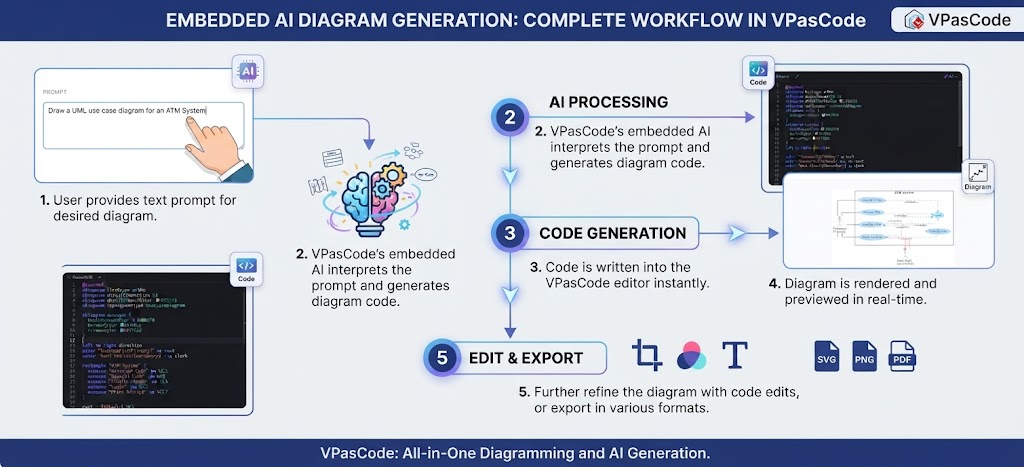
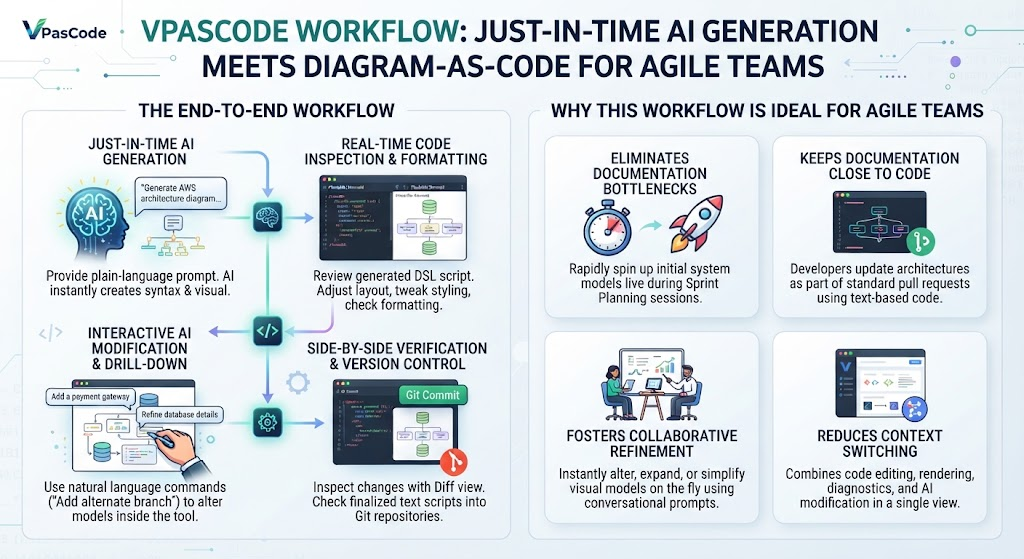
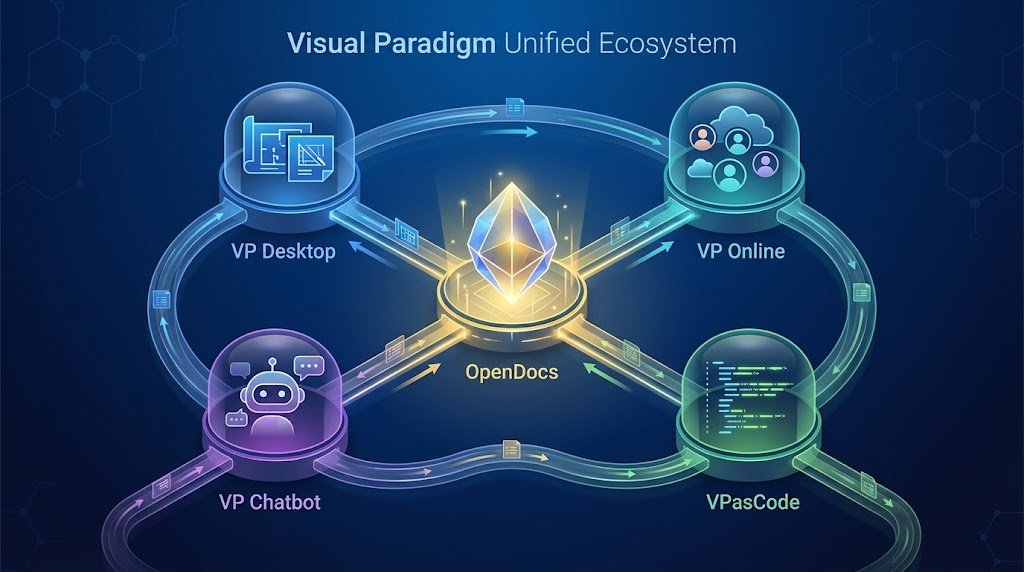
This integration isn’t limited to just the Desktop application. The power of the Visual Paradigm ecosystem lies in its interconnected nature. VPasCode is seamlessly integrated with the entire suite, creating a robust environment for full-stack development and documentation.
When you utilize this ecosystem, you gain access to a unified platform that includes:
- VP Desktop: For deep, enterprise-grade modeling and architecture.
- VP Online: For collaborative, cloud-based design and access from anywhere.
- VP Chatbot: For conversational AI assistance within your modeling workflow.
- OpenDocs: The central hub where all this knowledge converges.
Why This Matters
By enabling features like the Send to OpenDocs Pipeline, Visual Paradigm ensures that your documentation is always up-to-date with your models. You eliminate the tedious manual work of copy-pasting diagrams and updating text descriptions. Instead, you focus on what matters most: designing robust systems and retaining the knowledge that drives your project forward.
Whether you are exporting a complex Use Case Diagram or a database schema, the ecosystem ensures that your design intent is preserved and accessible, fostering a culture of transparency and efficiency across your entire organization.