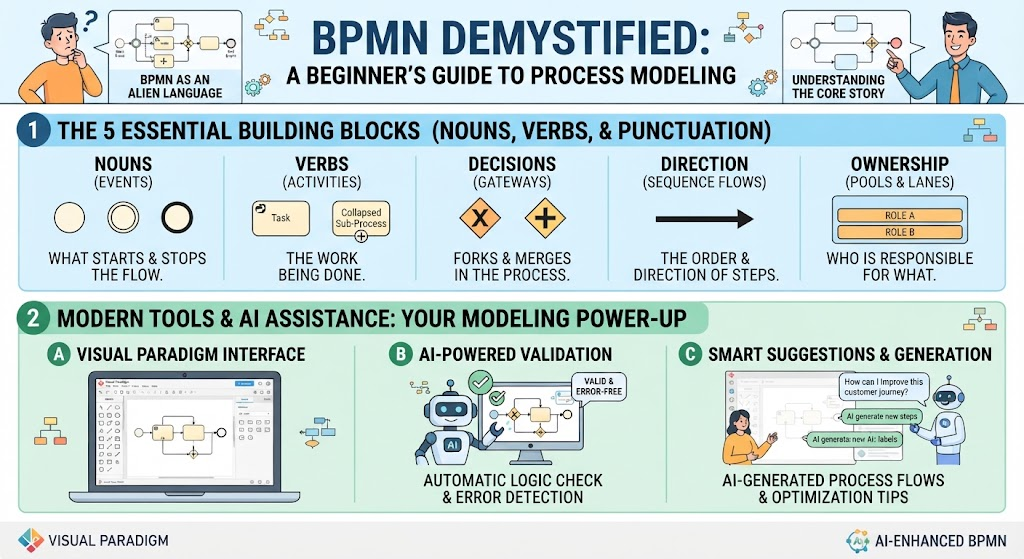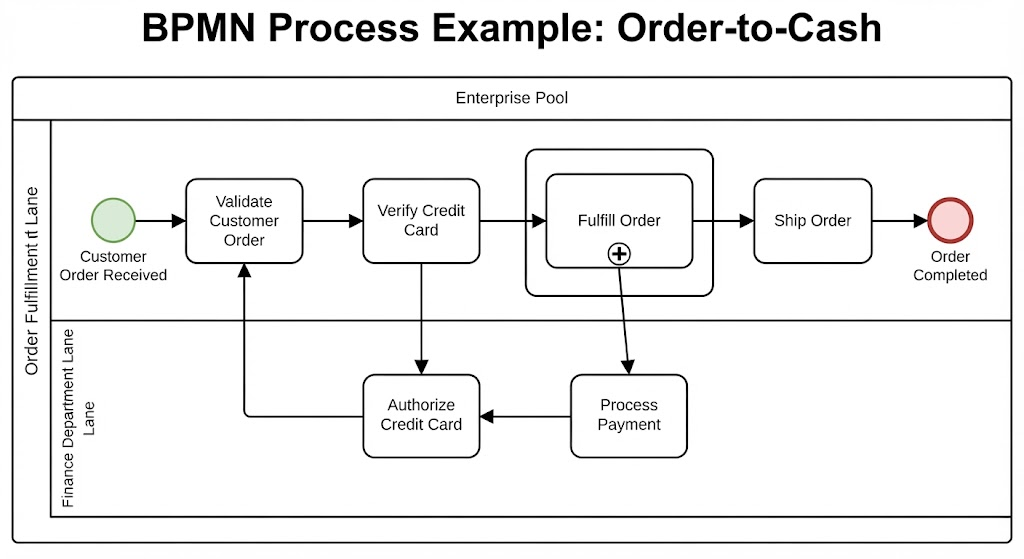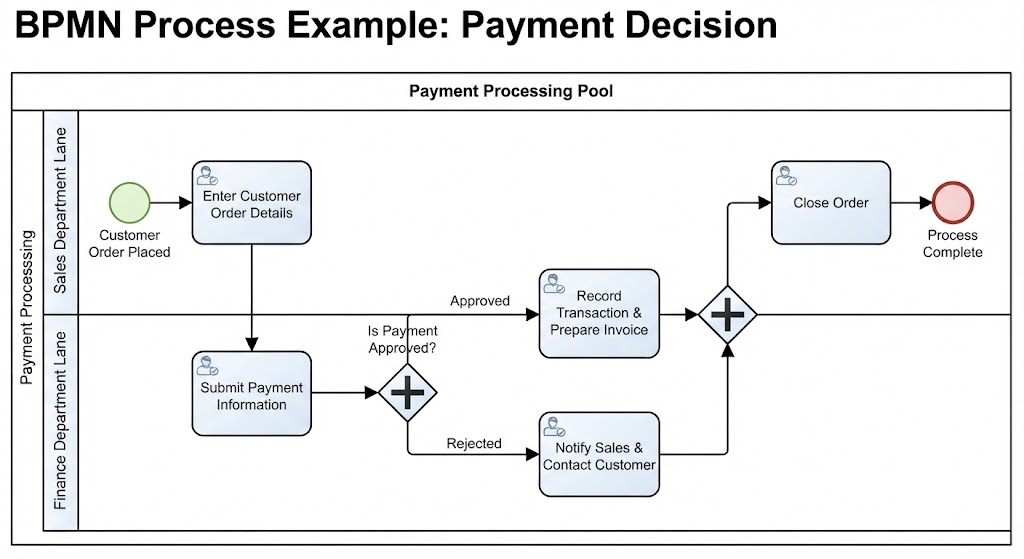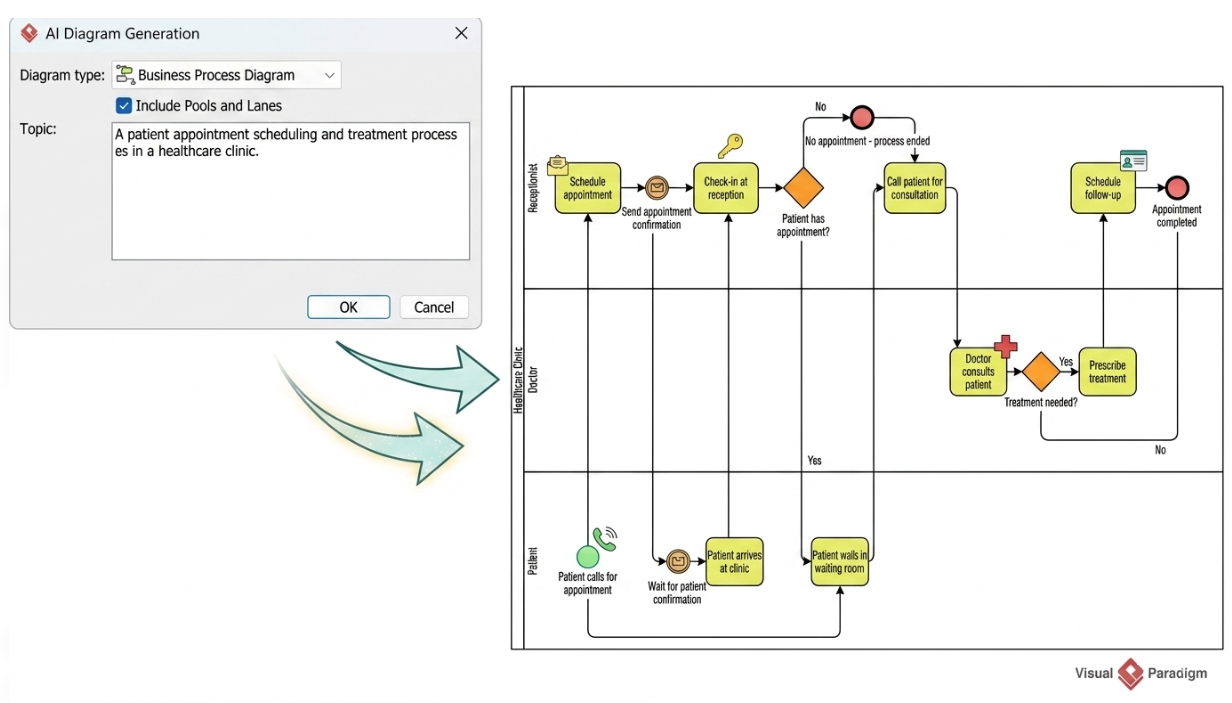
Business Process Model and Notation (BPMN) is the industry standard for visualizing business processes, but traditional modeling can be time-consuming and technically demanding. Enter Visual Paradigm’s AI Assistant, a tool that transforms natural language descriptions into fully editable, technically sound BPMN 2.0 diagrams. This tutorial walks you through the system architecture of this AI-driven workflow, analyzing a specific example of a healthcare clinic process generation.
The AI Interface: From Text to Model
The process begins with the user interaction within the Visual Paradigm interface. As seen in the “AI Diagram Generation” dialog box, the system is designed to be intuitive, requiring only two primary inputs to generate a complex model:
- Diagram Type Selection: The user selects
Business Process Diagram. This sets the technical schema for the output, ensuring standard BPMN 2.0 syntax is used (e.g., specific shapes for gateways and events). - Topic Input (Prompt Engineering): The user provides a natural language description. In our example, the prompt is: “A patient appointment scheduling and treatment process es in a healthcare clinic.”
The AI engine parses this text, identifying key entities (Patient, Receptionist, Doctor) and verbs (Schedule, Check-in, Consult), which it then maps to specific BPMN elements.
Anatomy of the Generated Diagram
The output is a collaborative process diagram divided into Swimlanes. This structure is crucial for understanding “Who” does “What.” Let’s break down the technical elements visible in the generated healthcare process:
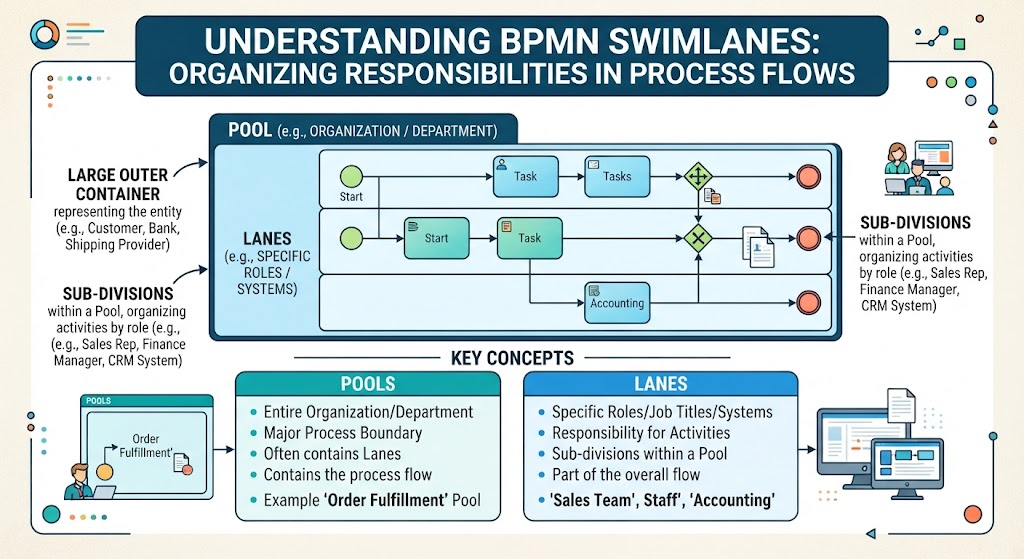
1. Collaboration Structure (Pools and Lanes)
The diagram is organized into three distinct vertical lanes, representing the participants in the process:
- Receptionist: Handles administrative tasks like scheduling and check-ins.
- Healthcare Clinic / Doctor: Handles the medical consultation and treatment prescription.
- Patient: The external actor initiating the process and receiving care.
2. Event Flow and Sequence
The process follows a logical flow from start to finish, connected by sequence flows (solid arrows):
- Start Event: The process initiates with a Green Circle in the Patient lane (“Patient calls for appointment”).
- Intermediate Events: Notice the envelope icon (“Send appointment confirmation”). This represents a message flow, indicating a communication between the system and the patient.
- Tasks: The yellow rounded rectangles (e.g., “Schedule appointment”, “Check-in at reception”) represent specific work activities.
3. Decision Logic (Gateways)
One of the most powerful features of the AI is its ability to infer logic. The diagram includes two Exclusive Gateways (the orange diamonds), which represent decision points:
- Gate 1: “Patient has appointment?”
- Yes Path: The patient proceeds to “Call patient for consultation.”
- No Path: The process leads to a red End Event labeled “No appointment – process ended.”
- Gate 2: “Treatment needed?”
- Yes Path: The Doctor moves to “Prescribe treatment,” followed by a follow-up scheduling task.
- No Path: The process loops back to the “Call patient for consultation” lane or concludes, depending on specific logic interpretation.
How the AI Assists in Modeling
Visual Paradigm’s AI does not just draw shapes; it ensures the diagram is technically sound. The text notes that the tool provides Built-in Validation. In the generated diagram, you can see:
- Correct Connectivity: Every task has an input and an output (except the Start and End events).
- Proper Gateway Logic: Gateways have both incoming and outgoing flows, ensuring the path isn’t broken.
- Semantic Accuracy: The AI correctly identified that a “Patient calls for appointment” is a Start Event, whereas a “Doctor consults patient” is a Task.
Conclusion: The Future of Process Modeling
This example demonstrates how Visual Paradigm bridges the gap between conceptual ideas and technical execution. By describing a process in plain English, you bypass the tedious task of dragging and dropping shapes and memorizing keyboard shortcuts. The AI handles the placement of Gateways, Events, and Tasks, allowing you to focus entirely on refining the logic of the business process.
Whether you are a beginner trying to visualize a workflow or an expert looking to prototype quickly, this AI-assisted approach turns your ideas into professional, standard-compliant diagrams in seconds.