


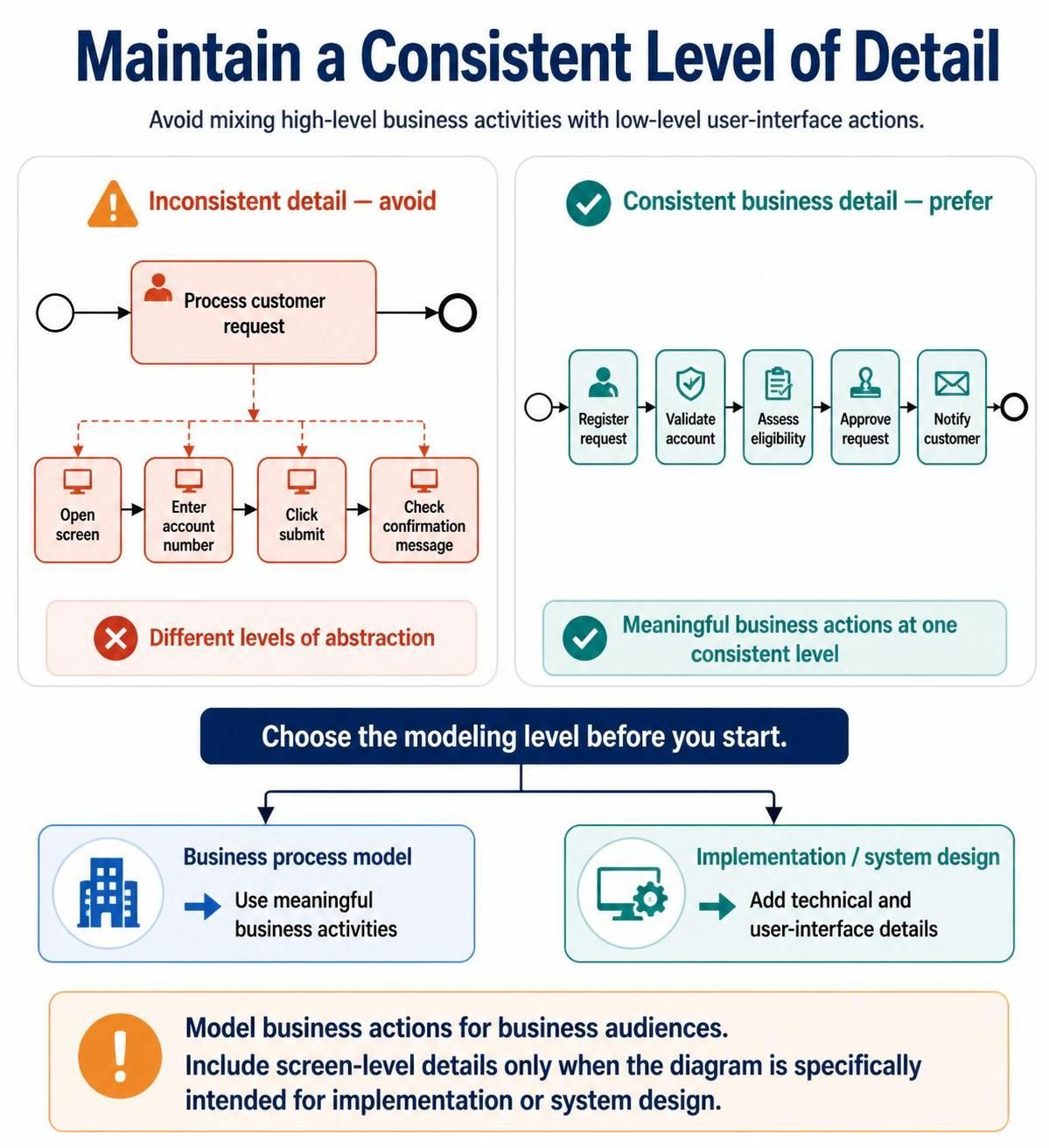
In the world of Business Process Management (BPM) and Systems Architecture, clarity is king. One of the most pervasive and detrimental quality issues found in process modeling is inconsistent detail. This occurs when a model mixes high-level business activities with low-level user-interface actions, creating confusion for stakeholders and developers alike.
This tutorial explores how to maintain a consistent level of abstraction in your diagrams, ensuring that your models serve their intended purpose effectively.
The Problem: Mixing Abstraction Levels
Imagine a process diagram that begins with a high-level block labeled “Process customer request.” To the untrained eye, this looks like a solid business step. However, if you zoom in or look at the subsequent steps, you might find a jarring transition to granular technical actions like:
- Open screen
- Enter account number
- Click submit
- Check confirmation message
These activities belong to completely different levels of abstraction. The first is a business outcome, while the latter are system interactions.
Inconsistent Detail — Avoid
Mixing these levels creates a “swiss cheese” model where the reader cannot determine if the diagram represents the business logic or the technical implementation.
The Solution: Consistent Business Detail
To fix this, you must decide early on what the model is meant to represent. For standard Business Process Modeling, you should prefer meaningful business actions. These actions describe what is happening, not how the computer is doing it.
Instead of listing clicks and screen opens, your process flow should look like this:
Register Request
    → Validate Account
    → Assess Eligibility
    → Approve Request
    → Notify Customer
By using these high-level, semantic labels, you create a model that business stakeholders can understand and verify.
Choosing Your Modeling Level
The key to a high-quality diagram is choosing the modeling level before you start drawing. You generally have two distinct paths:
-
Business Process Model:
- Goal: To analyze, optimize, and communicate business value.
- Content: Meaningful business activities (e.g., “Assess Eligibility”).
- Audience: Business analysts, process owners, and executives.
-
Implementation / System Design:
- Goal: To guide developers and UI designers.
- Content: Technical and user-interface details (e.g., “Click Submit Button”).
- Audience: Software engineers and QA testers.
When to Include Technical Details
Add technical or user-interface details only when the diagram is specifically intended for implementation or system design.
If your diagram is meant to be a blueprint for a software developer, then “Enter account number” is appropriate. However, if you are modeling the business workflow for the company, this level of detail is noise that obscures the value of the process.
Summary: Best Practices for Modeling
To ensure your diagrams are professional and useful:
- Model business actions for business audiences. Keep the focus on value creation and decision points.
- Include screen-level details only when necessary. Do not clutter a business process map with UI clicks.
- Maintain one consistent level. Ensure every task in your diagram belongs to the same tier of abstraction.
By adhering to these principles, you avoid the common pitfall of inconsistent detail and produce diagrams that truly serve as effective communication tools.
Related posts:
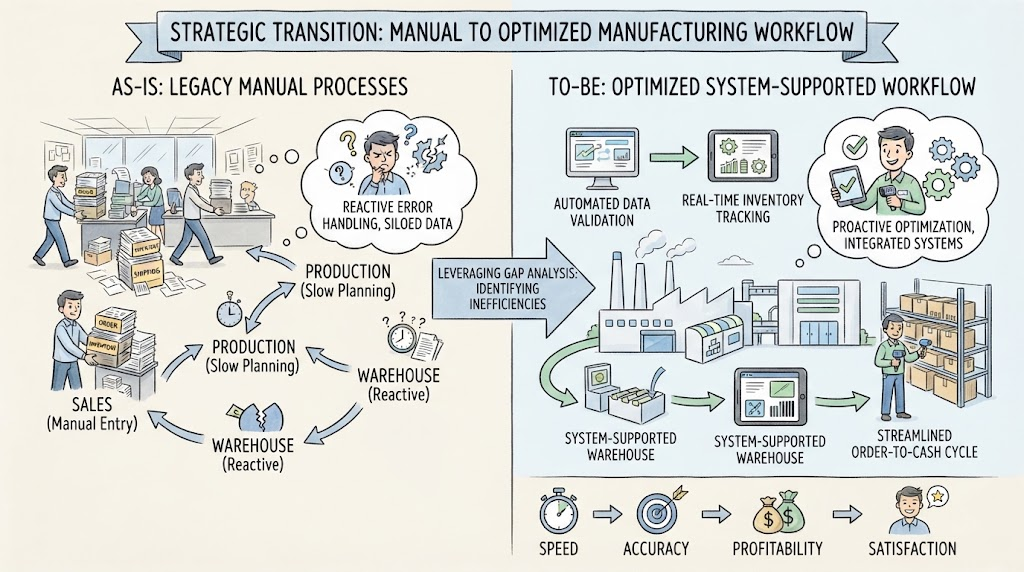 Navigating the Strategic Transition: From Manual Chaos to Optimized Efficiency
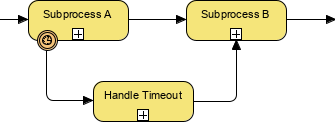 BPMN Diagram Subprocess Timeout Handling
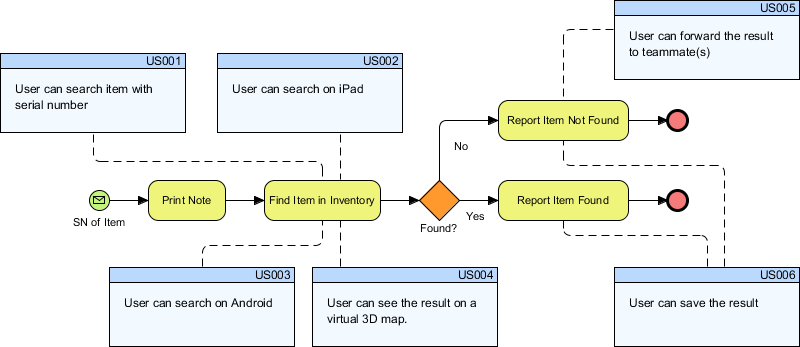 Bridging the Gap: Integrating BPMN Process Flows with Agile User Stories in Visual Paradigm
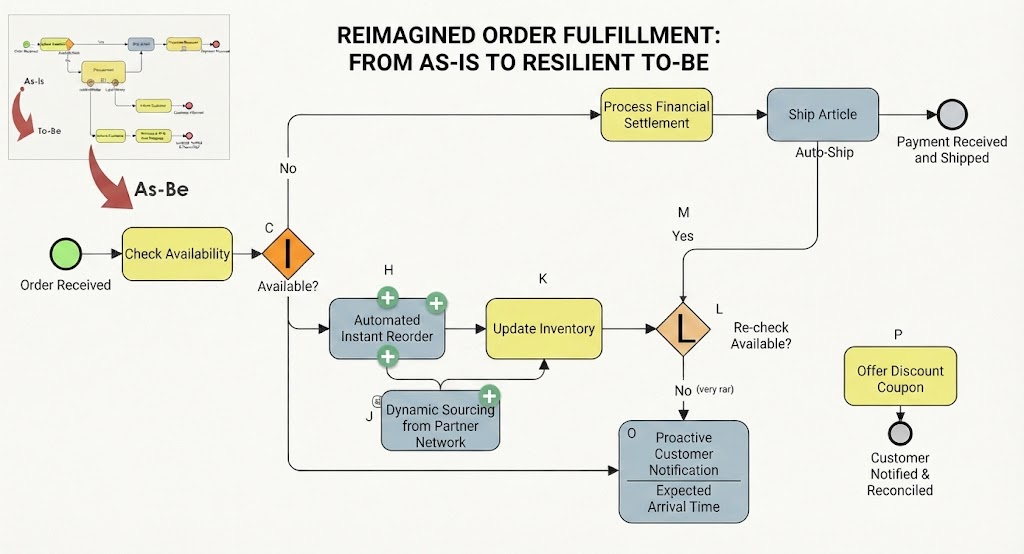 Reimagining Business Resilience: A Visual Guide to the As-Is vs. To-Be Order Fulfillment Architecture