


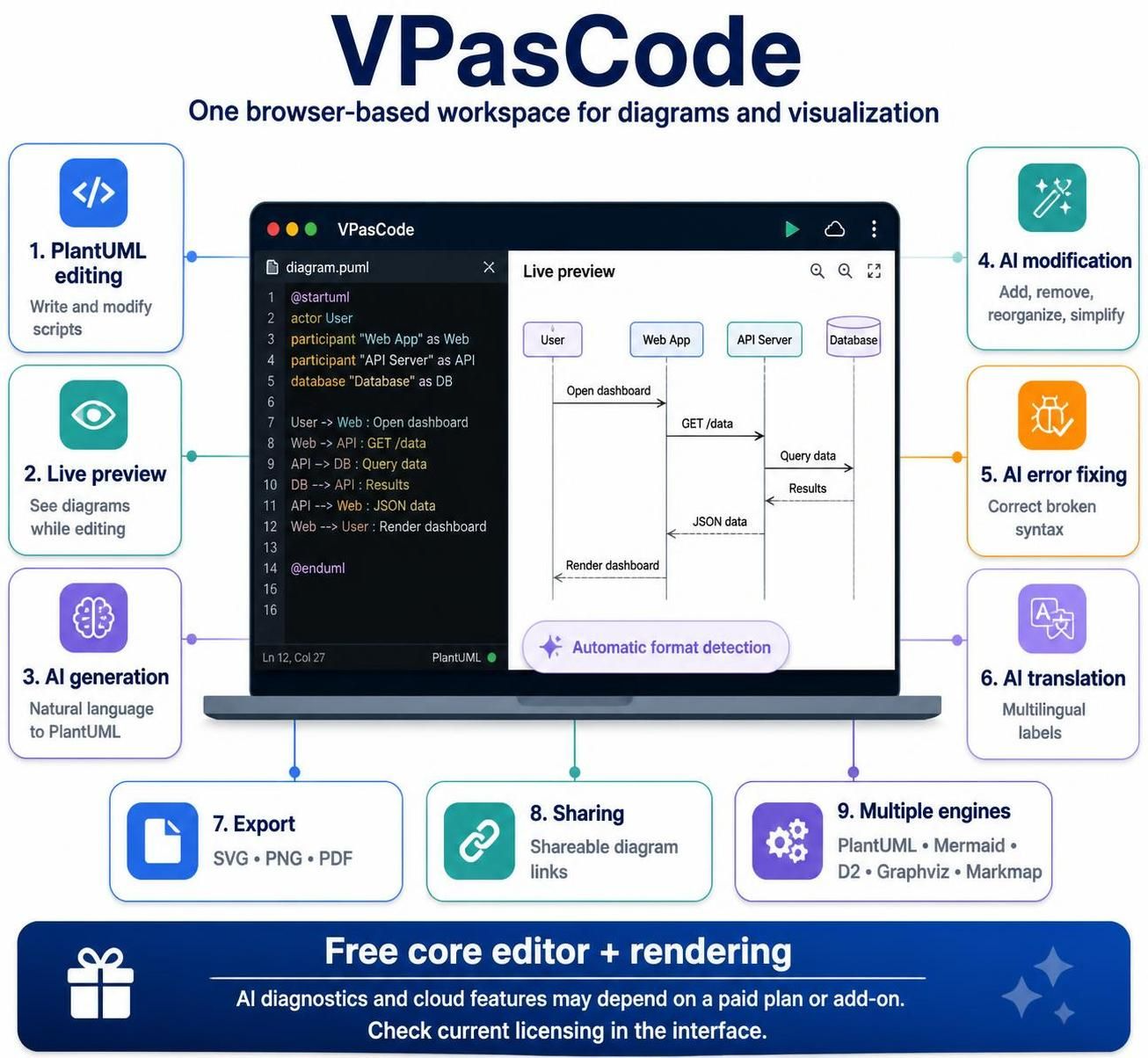
In the rapidly evolving landscape of software engineering, the gap between high-level conceptual thinking and concrete implementation has often been bridged by Model-Driven Architecture (MDA). However, traditional modeling tools frequently suffer from a “heavy” user experience, requiring steep learning curves and expensive licenses. VPasCode represents a paradigm shift by offering a lightweight, browser-based workspace that unifies multiple diagram languages with intelligent AI capabilities.
This tutorial explores the architectural pillars of VPasCode, focusing on the synergy between Visual Paradigm’s robust AI engines and the VPasCode editor. We will dissect how this system transforms text-based inputs into complex visualizations and how you can leverage its core features for efficient system modeling.
The Core Architecture: Text as the Source of Truth
At the heart of VPasCode is the philosophy of Diagram-as-Code (DaC). Unlike WYSIWYG (What You See Is What You Get) tools where you drag and drop boxes with a mouse, VPasCode treats the diagram definition as a text file. This approach brings the stability and version control benefits of software development to system design.
The system supports a polyglot environment, meaning it does not restrict you to a single syntax. Instead, it provides an abstract layer that automatically detects and renders various standards. This is evident in the Multiple diagram engines capability, which includes:
- PlantUML: The industry standard for UML diagrams.
- Mermaid: Popular for documentation and markdown-based workflows.
- D2: A declarative diagram language known for readability.
- Graphviz: Best for graph theory and flowcharts.
- Markmap: For converting Markdown to mind maps.
How Automatic Format Detection Works
One of the most critical features of the VPasCode architecture is its ability to recognize syntax without manual configuration. When you paste code into the workspace, the system analyzes the content to determine the language. This is particularly useful for ad-hoc modeling where you might have snippets from different sources.
The AI Integration: From Natural Language to Syntax
The integration of AI into the modeling workflow is not merely a “nice-to-have” feature in VPasCode; it is a fundamental pillar of its utility. The system bridges the gap between natural language requirements and strict coding syntax.
1. AI Generation (Natural Language to PlantUML)
Traditionally, writing a valid PlantUML script requires memorizing specific syntax rules (e.g., defining actors, participants, and arrows). VPasCode allows you to describe a diagram in plain English. The AI engine parses your intent and generates the corresponding code block.
@startuml
actor User
participant "Web App" as Web
participant "API Server" as API
database "Database" as DB

User -> Web : Open dashboard
Web -> API : GET /data
API -> DB : Query data
DB --> API : Results
API --> Web : JSON data
Web --> User : Render dashboard
@enduml
2. AI Modification and Error Fixing
Even experienced modelers make syntax errors. VPasCode provides an AI error fixing capability that analyzes broken syntax and suggests corrections. Furthermore, AI modification allows for dynamic changes to the diagram structure. You can request the AI to:
- Add: Insert new components into an existing flow.
- Remove: Eliminate obsolete steps from a process.
- Reorganize: Simplify the layout for better readability.
The Live Preview Workflow
VPasCode is designed as a real-time, reactive workspace. The architecture separates the “Editor” (where code is written) from the “Renderer” (where the diagram is visualized), but they are tightly coupled via a live preview mechanism.
- Input: You type PlantUML or Mermaid code in the left pane.
- Processing: The engine parses the text.
- Rendering: The diagram is instantly redrawn in the right pane.
This “Live preview” capability is crucial for iterative design. It eliminates the traditional “compile-and-view” cycle found in older tools, allowing for immediate visual feedback on architectural decisions.
Code Structure Example
When working with the editor, you will notice specific directives that control the rendering. The following example demonstrates the structure of a standard sequence diagram within the VPasCode workspace:
@startuml
title Web Application Data Flow

autonumber
actor User
participant "Web App" as Web
participant "API Server" as API
database "Database" as DB

User -> Web : Open dashboard
activate Web
Web -> API : GET /data
activate API
API -> DB : Query data
activate DB
DB --> API : Results
deactivate DB
API --> Web : JSON data
deactivate API
Web --> User : Render dashboard
deactivate Web

@enduml
Collaboration and Exporting
While the core editor is free, the ecosystem of VPasCode extends beyond the browser window. It supports modern software development workflows through:
- Sharing: Creating shareable links allows teams to view diagrams without installing software.
- Export: Diagrams can be downloaded in high-fidelity formats like SVG, PNG, and PDF, ensuring they look perfect in technical documentation.
- AI Translation: For international teams, labels can be translated automatically, ensuring that diagrams remain accessible across different languages.
Conclusion
VPasCode effectively democratizes system modeling by combining the power of visual diagramming with the precision of code. By leveraging its AI capabilities for generation and correction, and its flexible engine support for various formats, it offers a robust environment for architects and developers to design, document, and share complex system architectures.
Related posts:
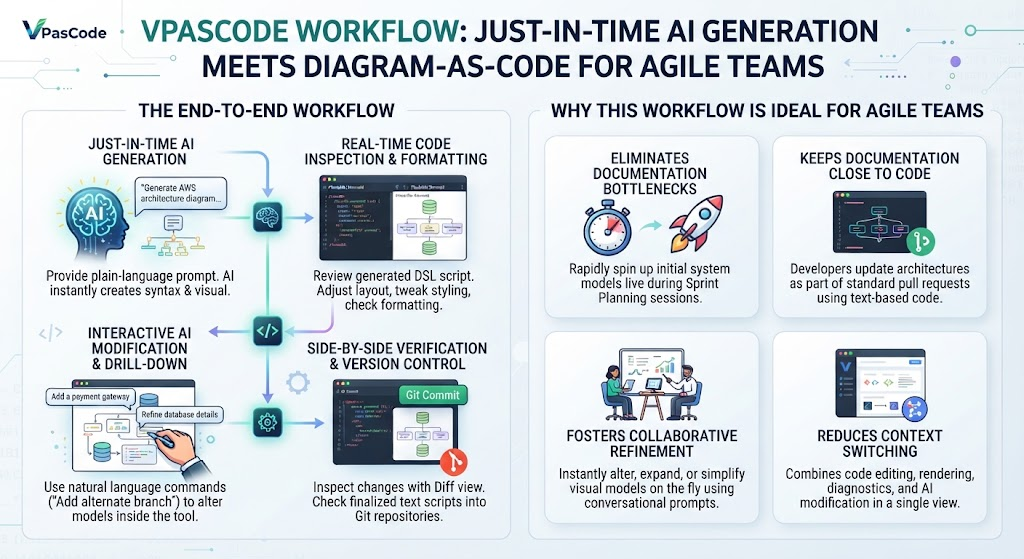 Mastering System Architecture with VPasCode: A Guide to Just-in-Time Diagram-as-Code
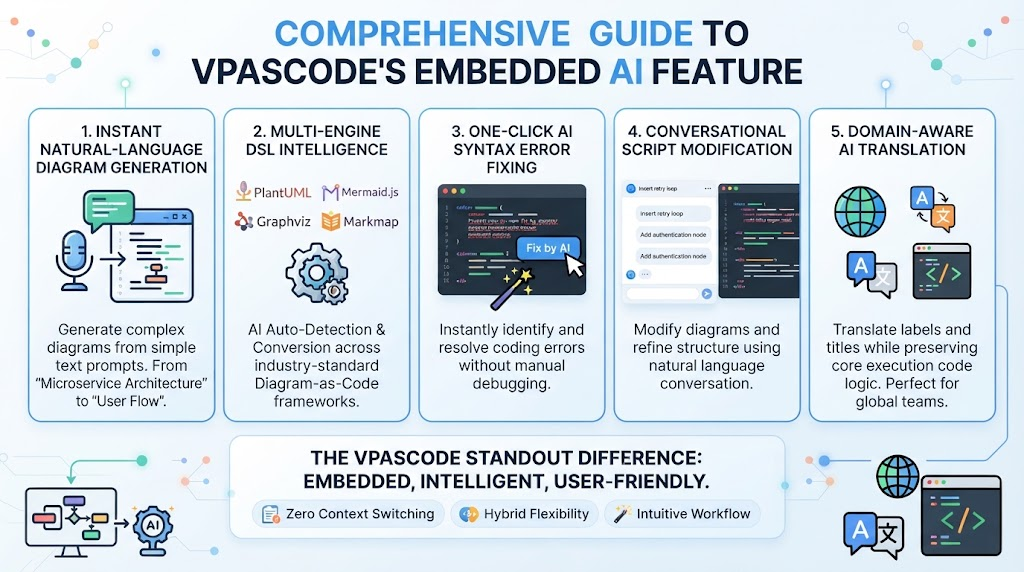 Mastering Diagram-as-Code: A Deep Dive into VPasCode’s Embedded AI Architecture
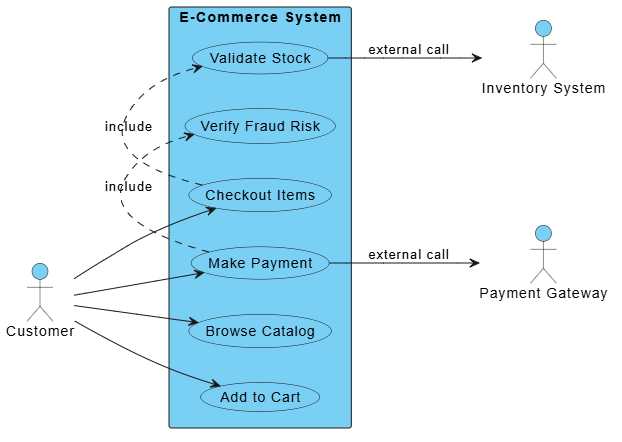 Mastering System Architecture: Refining Use Case Diagrams with VPasCode and Embedded AI
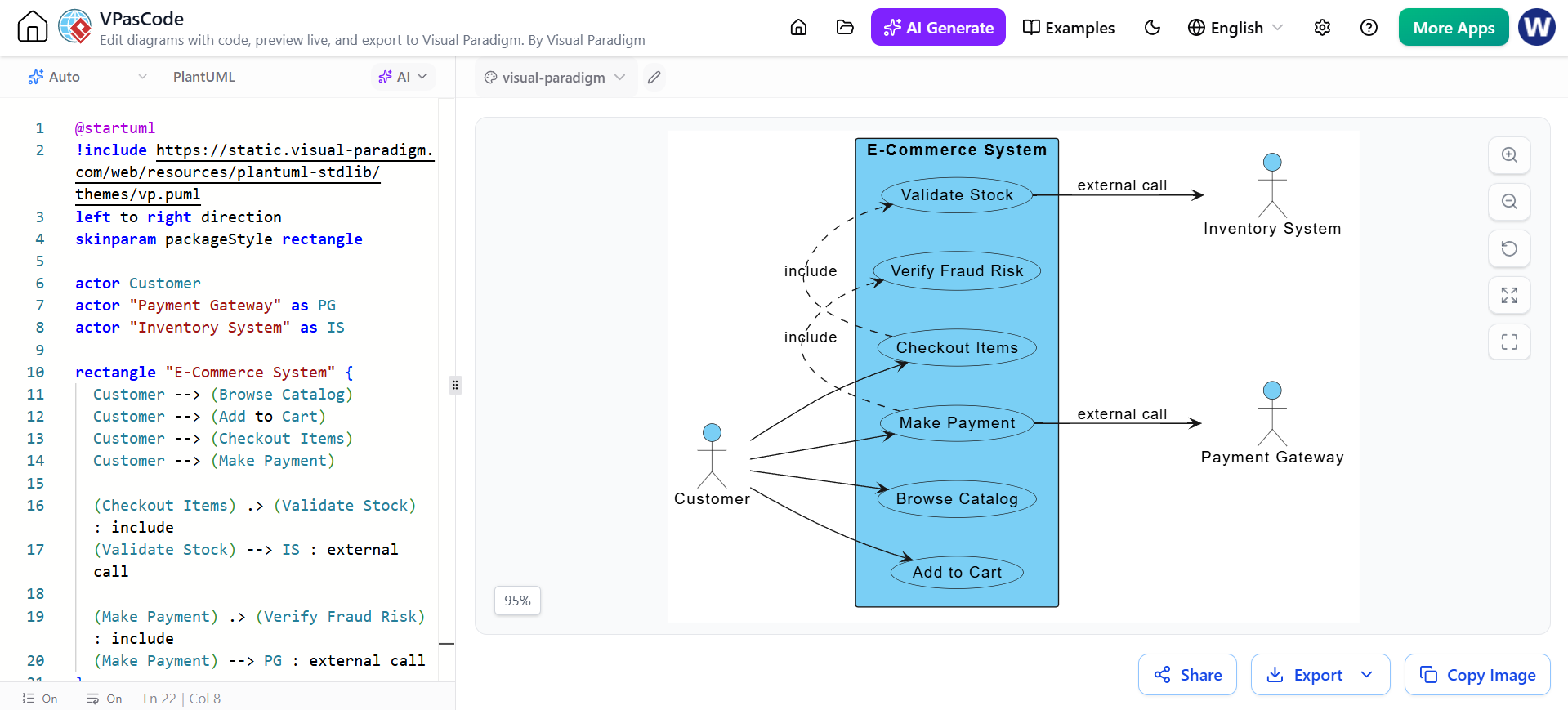 Mastering System Modeling: Building an E-Commerce Use Case Diagram with VPasCode