


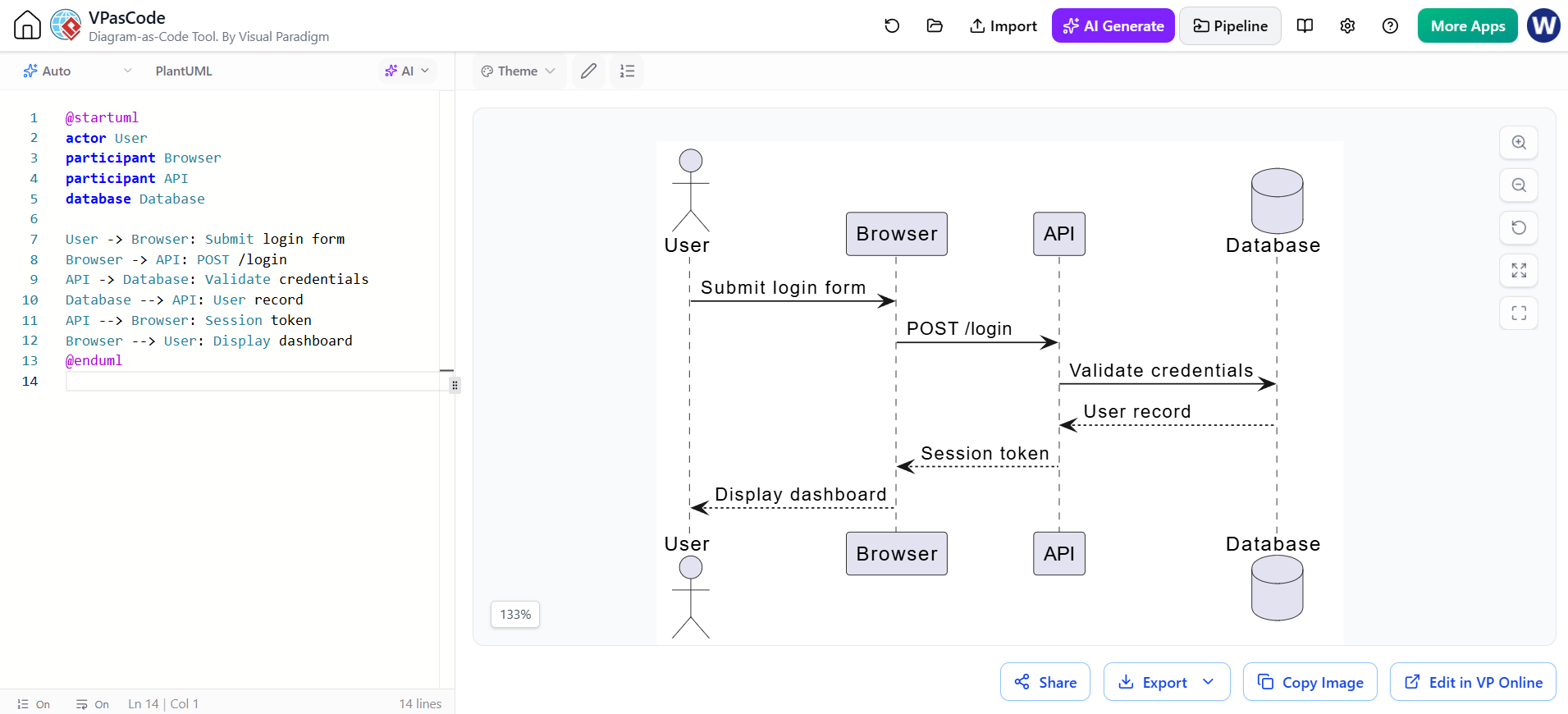
In modern software architecture, visual communication is paramount. However, traditional drag-and-drop diagramming tools often suffer from the “maintenance tax”—diagrams become outdated the moment the code changes, leading to documentation drift. The solution lies in Diagram-as-Code. This tutorial explores how Visual Paradigm’s VPasCode tool transforms the creation of sequence diagrams by treating them as version-controlled text files, enhanced by AI-assisted generation.
The Philosophy: Why Diagram-as-Code?
Traditionally, sequence diagrams were created on static canvases. If a developer needed to add a new service or change an API endpoint, they had to manually redraw arrows and boxes. With VPasCode, the diagram is defined in text (specifically using the PlantUML syntax). This text acts as the source of truth.
This approach offers several critical advantages:
- Version Control: Store your architecture in Git alongside your code.
- Collaboration: Review diagram changes in Pull Requests just like code changes.
- Efficiency: Update complex relationships by editing text rather than moving shapes.
Step 1: Defining the Participants
Every sequence diagram begins with the actors and components involved in the interaction. In VPasCode, these are declared using specific keywords at the beginning of the code block.
Using the provided example, we see a classic login flow involving a human user, a web browser, an API, and a database.
@startuml
actor User
participant Browser
participant API
database Database
Key Concepts:
actor User: Represents an external human entity interacting with the system.participant Browser: A standard component representing the client-side interface.database Database: Represents the persistent storage layer.
Step 2: Mapping the Interaction Flow
Once the participants are defined, we map the logic of the system using arrows. The syntax is intuitive: Sender -> Receiver: Message.
Request-Response Cycles
The core of the login process involves a chain of requests. Notice how the code naturally flows from top to bottom, mirroring the timeline of the system.
User -> Browser: Submit login form
Browser -> API: POST /login
API -> Database: Validate credentials
Handling Returns
In a sequence diagram, not every interaction is a request. Responses, such as data retrieval or error messages, are represented by dashed lines with open arrowheads.
Database --> API: User record
API --> Browser: Session token
Browser --> User: Display dashboard
Step 3: Leveraging VPasCode AI Features
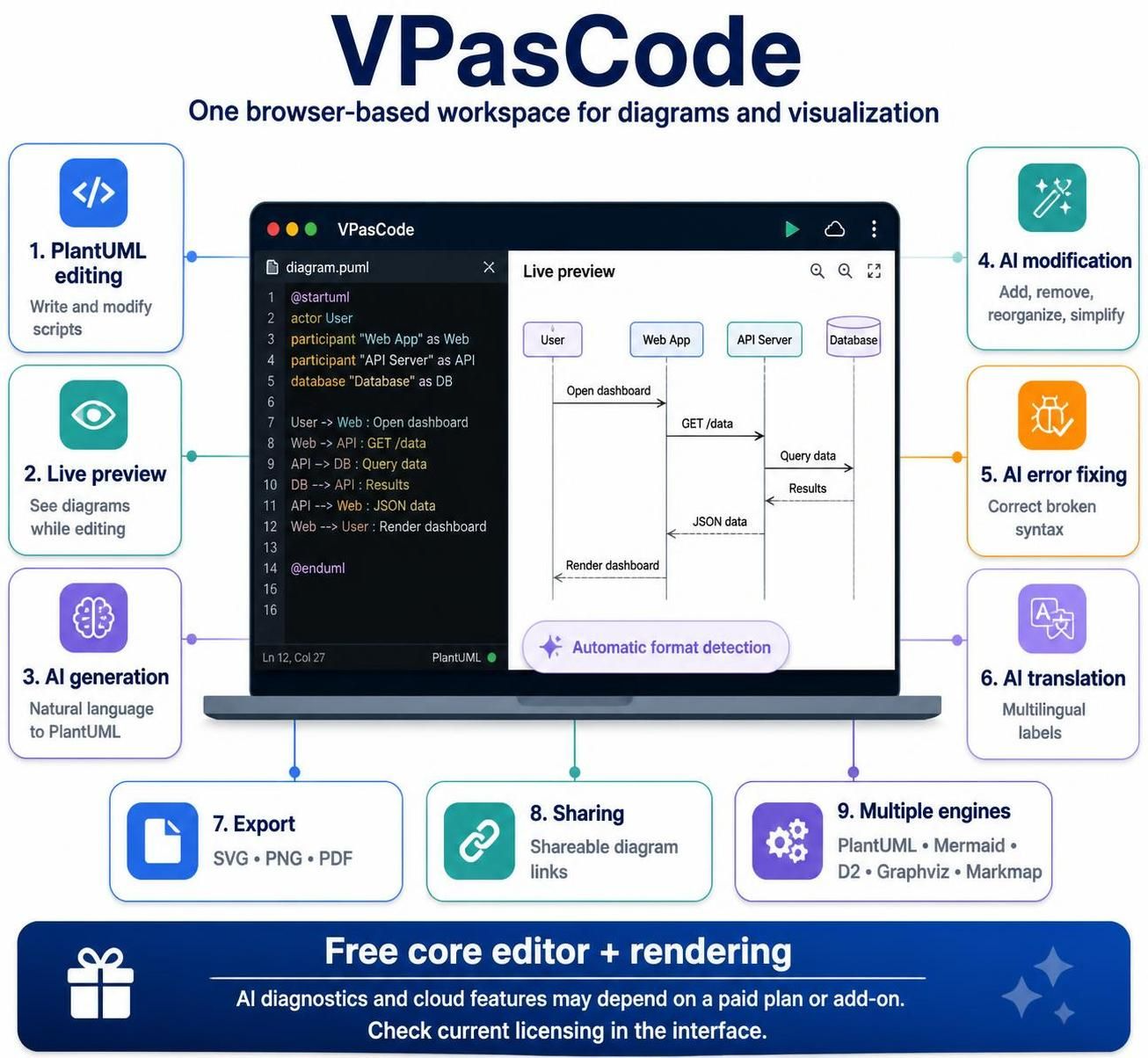
Visual Paradigm distinguishes itself by integrating AI directly into the workflow. As seen in the screenshot, the “AI” button allows for assisted generation.
This feature is powerful for:
- Refining Syntax: If your text is ambiguous, AI can suggest the correct PlantUML structure.
- Generating Complexity: You can describe a flow in natural language, and the AI can convert it into the precise diagram code shown above.
- Iterative Development: You can ask the AI to “Add a validation step before the API calls the database,” and it will inject the necessary code lines.
Step 4: Rendering and Integration
VPasCode is a live-rendering engine. As you type, the diagram updates in real-time on the right side of the interface.
Export Capabilities:
- SVG/PNG: Export high-resolution images for technical documentation.
- PDF: Create professional architecture reports.
- Embedding: The generated SVG can be embedded directly into Markdown files, Confluence pages, or GitHub Readmes.
Conclusion
By adopting VPasCode, teams move away from the “draw and forget” cycle of traditional diagrams. The system architecture becomes a living document, maintained as easily as the code it describes. Whether you are adding a new service or auditing a security flow, the text-based approach ensures clarity, accuracy, and maintainability.
Related posts:
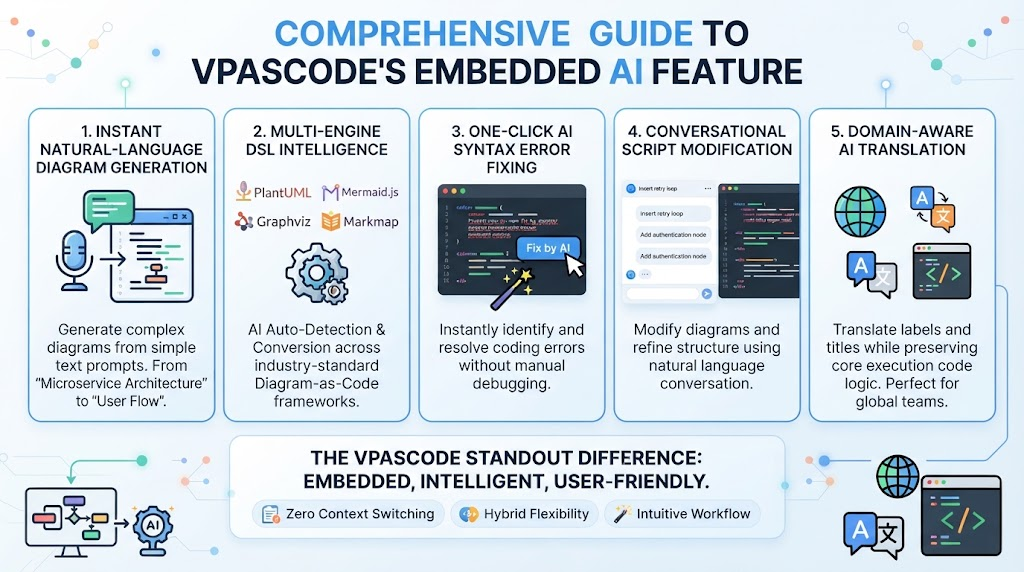 Mastering Diagram-as-Code: A Deep Dive into VPasCode’s Embedded AI Architecture
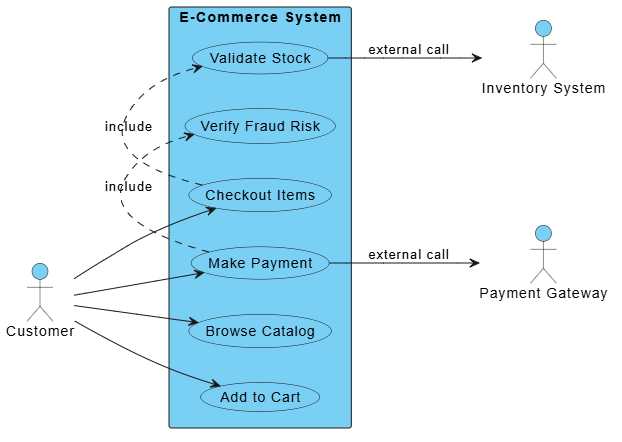 Mastering System Architecture: Refining Use Case Diagrams with VPasCode and Embedded AI
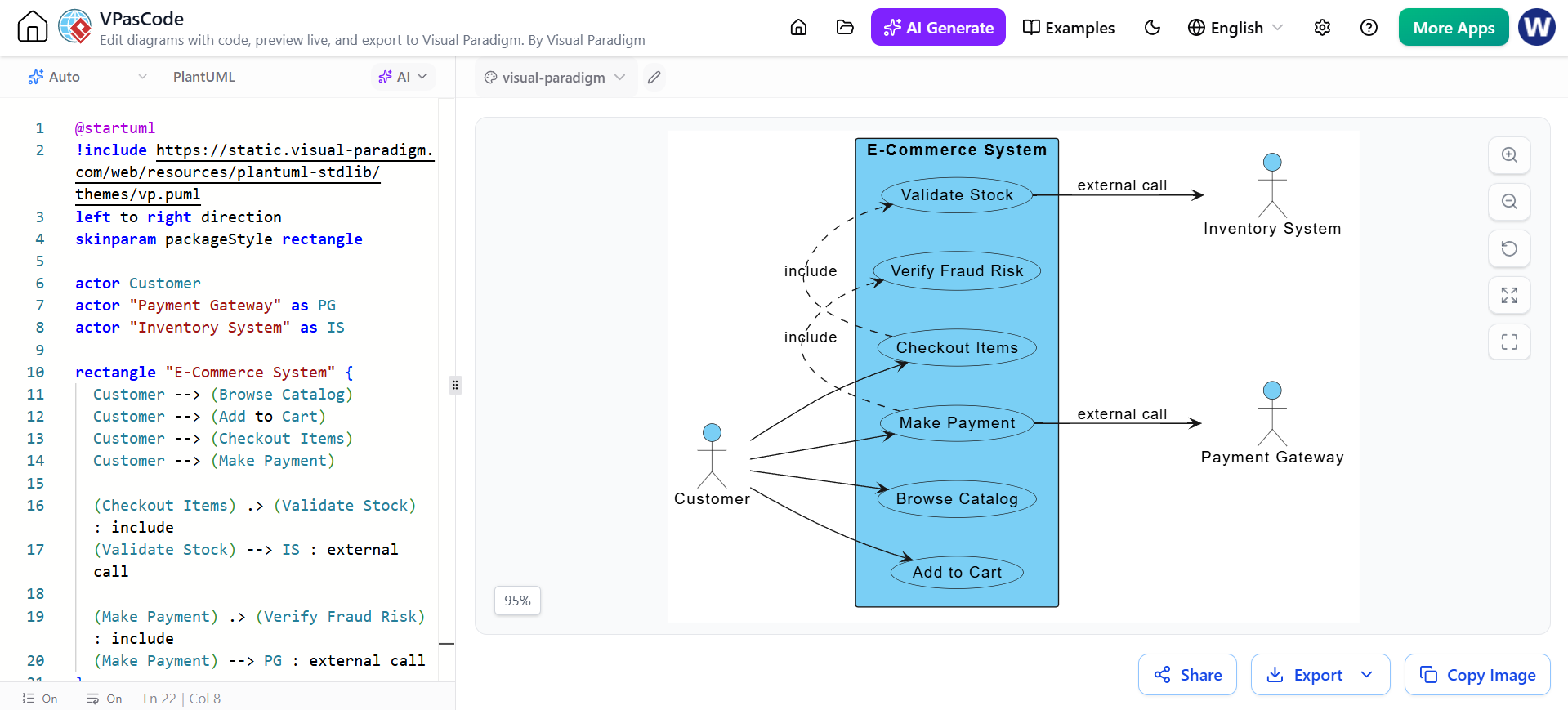 Mastering System Modeling: Building an E-Commerce Use Case Diagram with VPasCode
 Mastering Browser-Based Modeling: A Guide to VPasCode Architecture and Workflow