


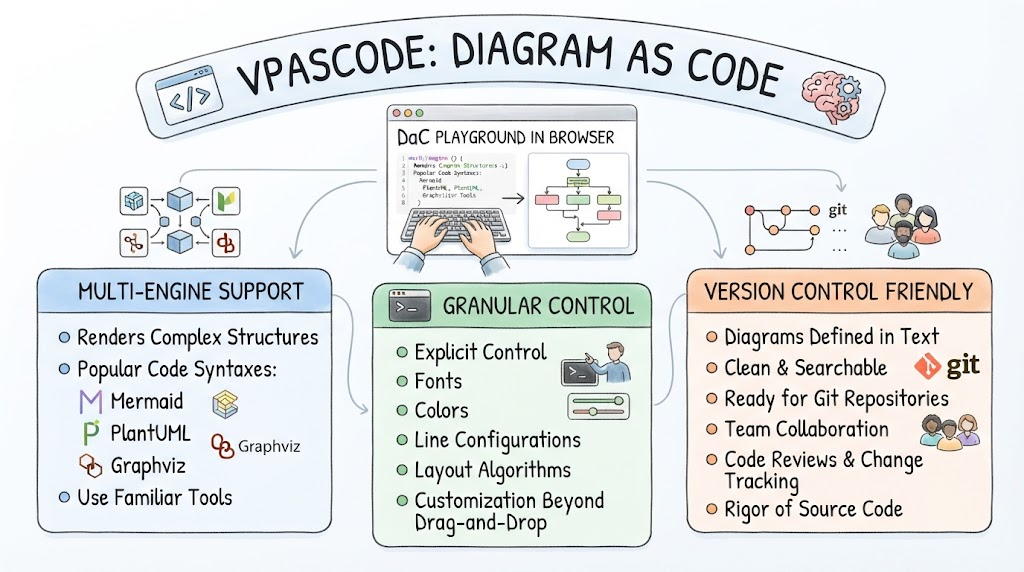
In the world of software engineering, the gap between architectural intent and visual representation often leads to friction. Traditional drag-and-drop diagramming tools are intuitive but lack the version control rigor and structural precision that developers demand. Enter VPasCode, a “Diagram as Code” (DaC) playground designed specifically for the browser. This tutorial explores the architectural philosophy behind VPasCode, breaking down how it transforms abstract logic into precise, maintainable visual documentation.
1. Multi-Engine Support: Leveraging Familiar Syntaxes
The foundation of VPasCode is its ability to act as a universal renderer for established diagramming languages. Instead of forcing engineers to learn a proprietary, closed-source markup language, VPasCode embraces the ecosystem of open standards. It supports complex structure rendering through three industry-standard syntaxes:
- Mermaid: Ideal for flowcharts, sequence diagrams, and class diagrams, offering a lightweight syntax perfect for quick prototyping.
- PlantUML: A powerful tool for UML diagrams that handles complex relationships with a concise text-based approach.
- Graphviz: The gold standard for graph visualization, utilizing the DOT language to automate layout algorithms for intricate node-link diagrams.
By supporting these engines, VPasCode ensures that the “model” (the code) remains decoupled from the “view” (the rendered image), allowing engineers to use the tools they are already familiar with.
2. Granular Control: The Engineer’s Engine
One of the primary criticisms of standard diagramming tools is the “ugly by default” aesthetic and the lack of fine-grained customization. VPasCode addresses this by acting as the “engineer’s engine.” It moves beyond simple drag-and-drop interactions to provide explicit control over the visual properties of the diagram.
This level of control includes:
- Typography: Explicit configuration of fonts to ensure brand consistency or technical clarity.
- Styling: Granular control over colors and line configurations, allowing for semantic highlighting (e.g., coloring error paths differently than success paths).
- Layout Algorithms: The ability to tweak how nodes and edges are positioned, ensuring the diagram remains readable even as complexity grows.
This flexibility bridges the gap between a rough sketch and a production-ready architectural diagram.
3. Version Control Friendly: Diagrams as Source Code
The most significant architectural advantage of VPasCode is its compatibility with modern DevOps workflows. In traditional tools, diagrams are often binary files (like .png or .vsdx) that are difficult to diff, merge, or review.
VPasCode treats diagrams as text files, which unlocks the full power of Git:
- Clean & Searchable: Text-based definitions are human-readable and indexable.
- Git Repositories: Diagrams live alongside source code in the same repository, ensuring they stay in sync with the application they describe.
- Team Collaboration: Because diagrams are text, they can be reviewed via Pull Requests. Teams can discuss specific changes to a node or edge just as they would with a function in a codebase.
- Change Tracking: Version history allows engineers to track the evolution of system architecture over time, providing an audit trail of design decisions.
Conclusion
VPasCode represents a shift in how software engineers approach visualization. By combining the precision of code with the clarity of diagrams, it enables a workflow where architecture documentation is as rigorous, testable, and versioned as the software itself. Whether you are a solo developer maintaining a personal project or a large team managing a complex microservices architecture, treating diagrams as code ensures clarity and collaboration.
Related posts:
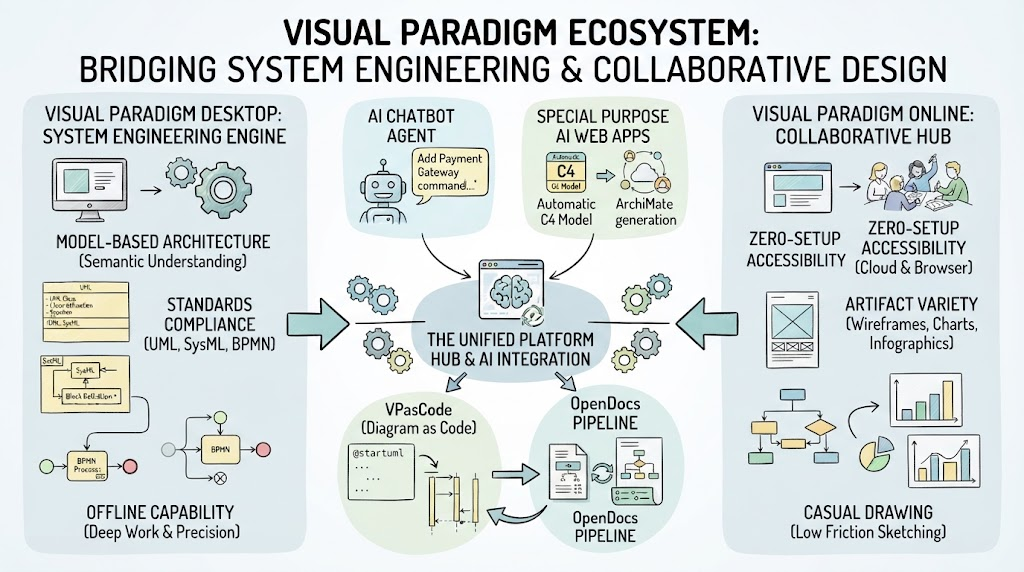 Mastering the Visual Paradigm Ecosystem: Bridging System Engineering & Collaborative Design
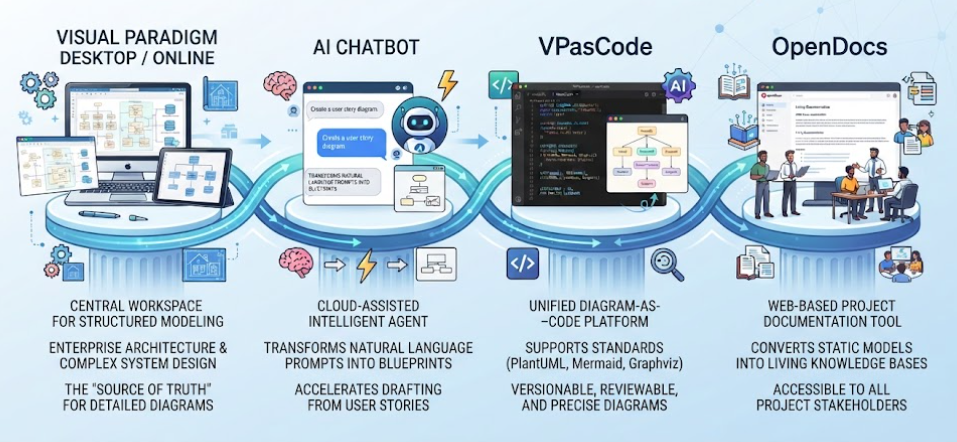 Mastering the Modern Software Design Workflow: From Ideation to Living Documentation with Visual Paradigm
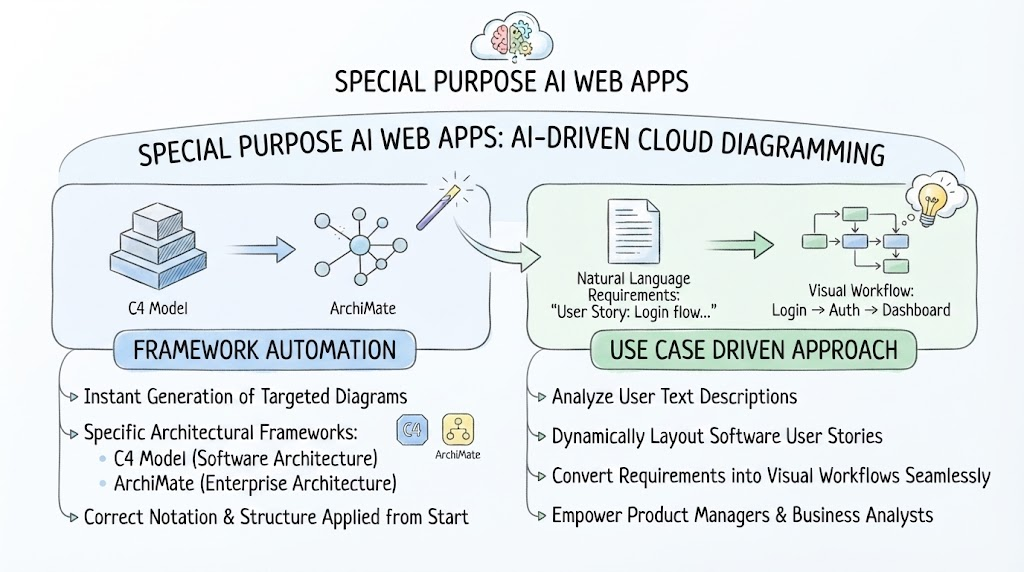 Mastering AI-Driven System Modeling: From Frameworks to Workflows
 Mastering System Architecture: How AI Chatbots Transform Visual Modeling