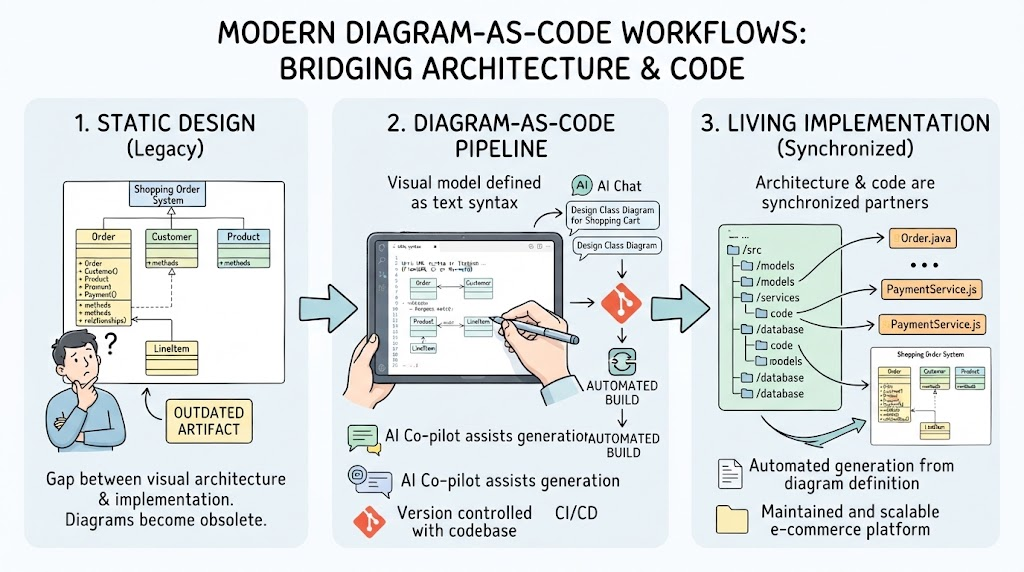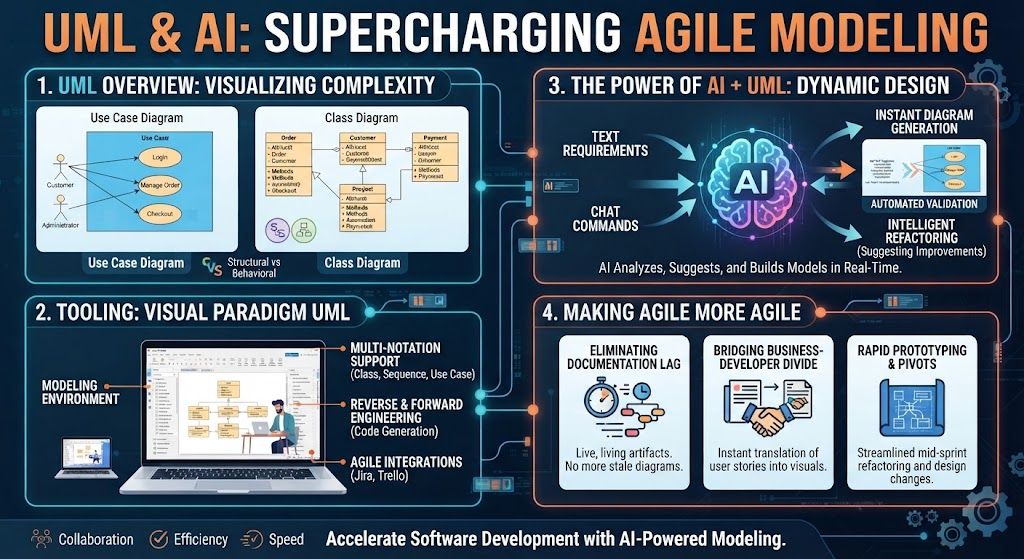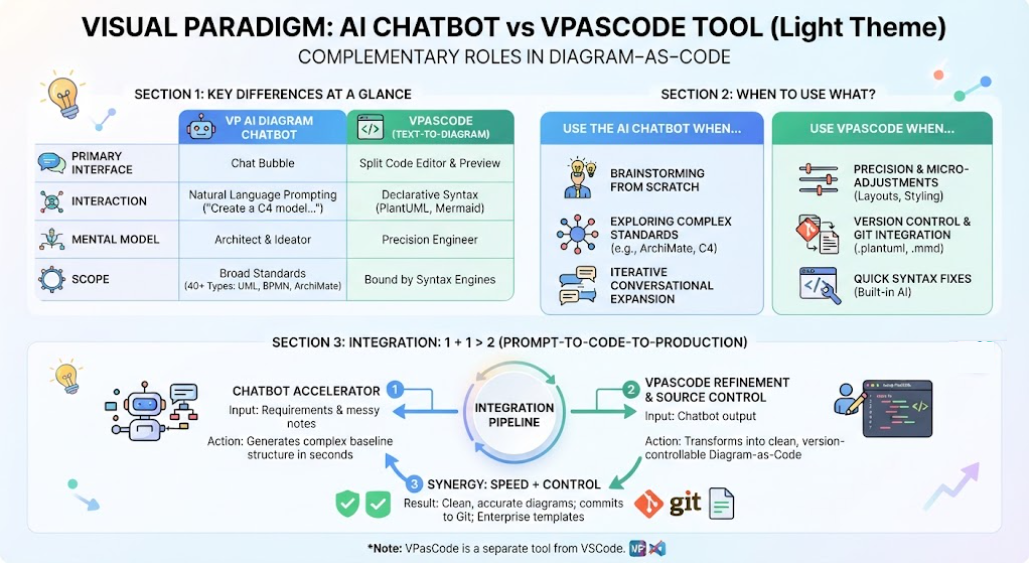
In the evolving landscape of software architecture, how we document systems is shifting. We are moving away from purely manual drawing tools toward “Diagram-as-Code” (DaC) methodologies that prioritize version control, automation, and precision. However, a new question arises: How do we balance the speed of natural language generation with the strict precision required for engineering artifacts?
This tutorial explores the symbiotic relationship between two powerful tools in the Visual Paradigm ecosystem: the AI Diagram Chatbot and VPasCode. By understanding their distinct roles and how they integrate, you can build a workflow that offers the best of both worlds—rapid ideation and robust engineering governance.
1. The Core Distinction: Architect vs. Engineer
To understand the system architecture of these tools, we must first look at the mental models they serve. They are not competitors; they are complementary tools designed for different phases of the cognitive work involved in modeling.
The AI Diagram Chatbot: The Architect & Ideator
The Chatbot is designed for domain exploration and architecture discovery. It acts as your intelligent partner for brainstorming. When you are faced with a blank slate or a messy set of meeting notes, the Chatbot helps you structure those thoughts.
- Primary Interface: A conversational chat bubble.
- Interaction Style: Natural Language Prompting (e.g., “Create a C4 container model for an e-commerce platform”).
- Scope: Broad. It handles 40+ structured diagram types including UML, BPMN, ArchiMate, and C4.
VPasCode (Text-to-Diagram): The Precision Engineer
VPasCode is designed for precision engineering and code-level governance. Once the high-level structure is decided, VPasCode takes over to ensure the diagram is technically accurate, strictly styled, and maintainable.
- Primary Interface: A split-screen text-to-diagram code editor and preview canvas.
- Interaction Style: Declarative syntax editing using languages like PlantUML, Mermaid, or Graphviz.
- Scope: Bound by the rendering limits of the underlying text-to-diagram engines, but offering granular control over node placement and styling.
2. When to Use What? A Decision Guide
Choosing the right tool depends entirely on your current goal. Below is a guide to help you decide whether to start a conversation or start writing code.
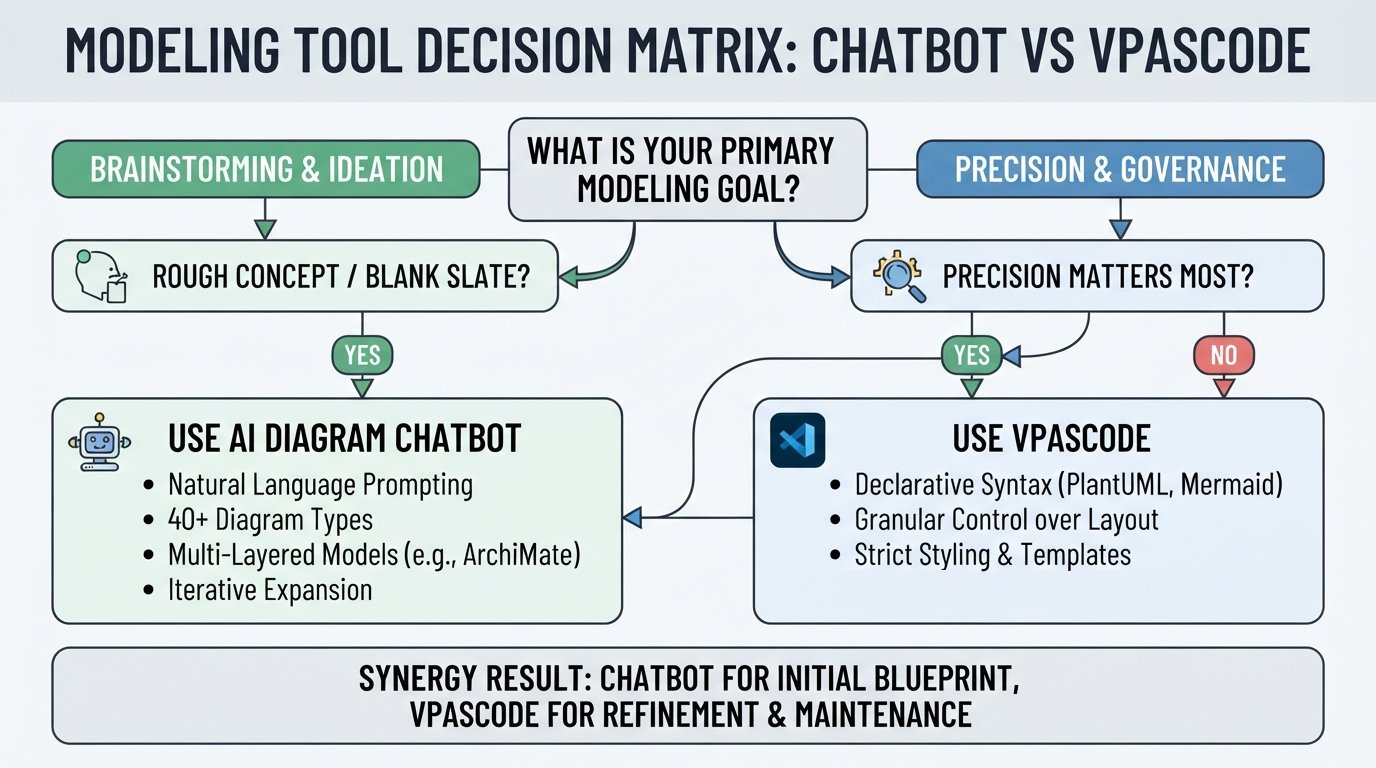
Scenario A: Use the AI Diagram Chatbot When…
- Brainstorming from Scratch: You have rough notes or a “blank-slate” concept and need a structured framework immediately.
- Exploring Complex Standards: You need to generate a multi-layered model (like an ArchiMate 3.2 viewpoint) without memorizing the specific syntax rules or specification details.
- Iterative Conversational Expansion: You want to ask high-level questions, such as, “Add a payment processing failure path to this sequence diagram”, without manually editing text lines.
Scenario B: Use VPasCode When…
- Precision Matters: You need absolute control over node placement, specific line routing, or strict text formatting that a chat interface might misinterpret.
- Version Control & Git Integration: You want to commit clean, human-readable text files (like
.plantumlor.mmd) directly into your repository alongside your application code. - Quick Syntax Fixes: You are already writing code and just need the local AI engine to fix a stray bracket or syntax error using the built-in “Fix by AI” option.
3. The Integration Pipeline: Why “1 + 1 > 2”
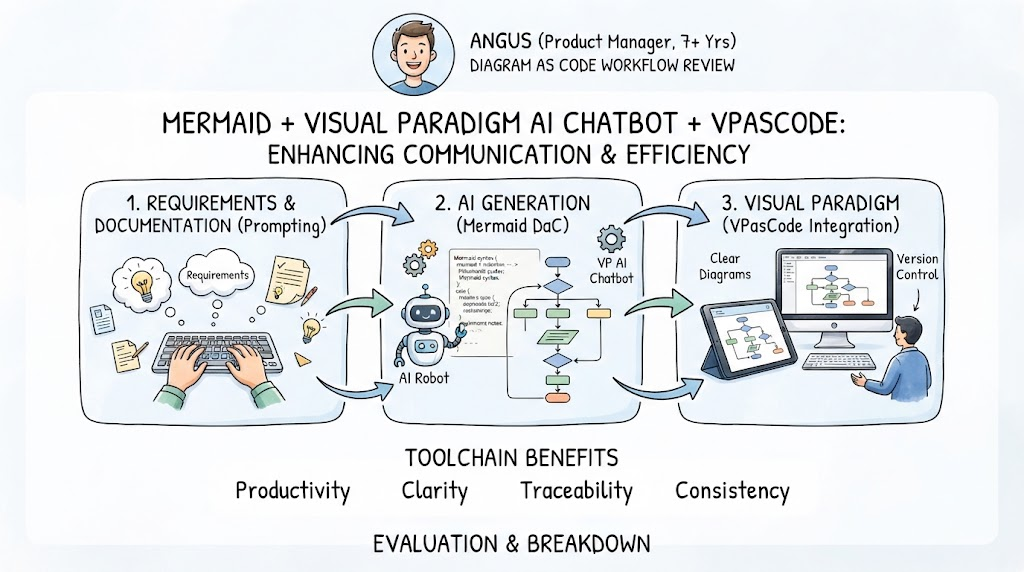
The true power of Visual Paradigm’s approach lies in the Prompt-to-Code-to-Production pipeline. This is where the Chatbot and VPasCode work sequentially to create a seamless workflow.
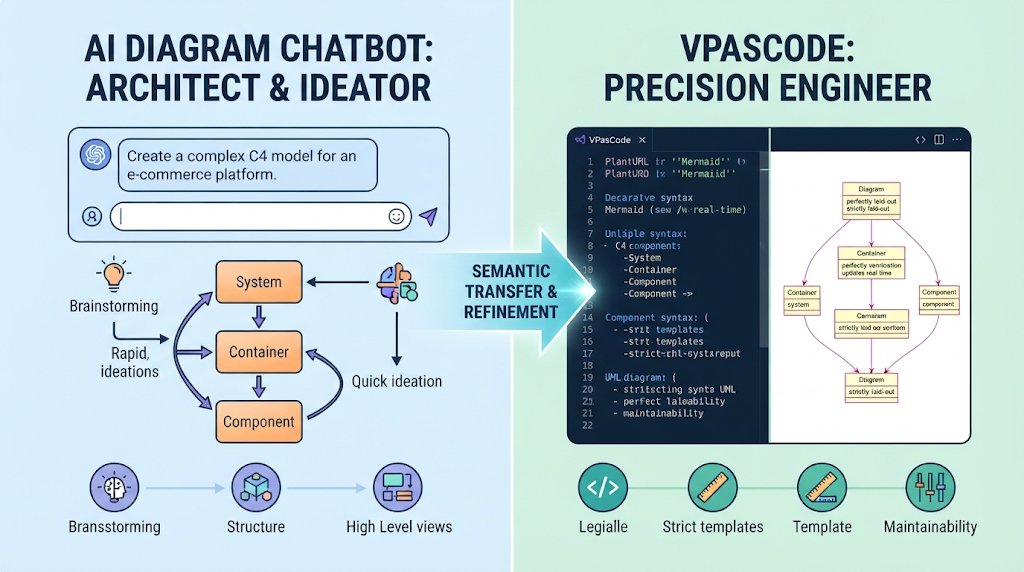
Step 1: The Chatbot Accelerator
First, you feed complex, messy requirements into the AI Chatbot. Because the Chatbot understands underlying modeling semantics (knowing the exact difference between a Process and a Sub-process, or a Class and an Interface), it can spin up a complex baseline structure in seconds.
Step 2: VPasCode Refinement & Source Control
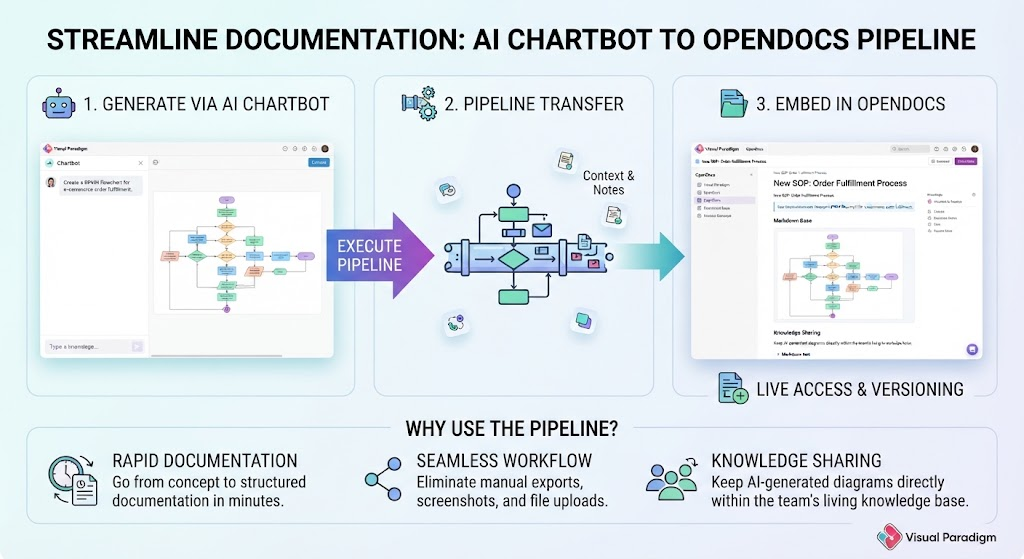
Once the Chatbot builds the core logic, you send the output directly into VPasCode. Here, the diagram transforms into clean, version-controllable “Diagram-as-Code.” This step allows you to:
- Apply strict enterprise templates.
- Commit the file to Git.
- Push the diagram to OpenDocs.
The Synergy Result
By combining these tools, you achieve Speed + Control. You get the rapid generation speed of natural language without being locked into a rigid “black-box” chat window. You retain the freedom to edit the underlying text, apply strict engineering standards, and maintain the diagram as a true software artifact.
Conclusion
While VPasCode features embedded, just-in-time AI capabilities for fixing syntax or translating labels, a pure chatbot serves a fundamentally different phase of work. VPasCode’s AI is for intent refinement within a code block; the Chatbot is for domain exploration.
Use the Chatbot to figure out what you want to build and generate the initial blueprint. Then, use VPasCode to govern how it is written, styled, and maintained as a professional engineering artifact.