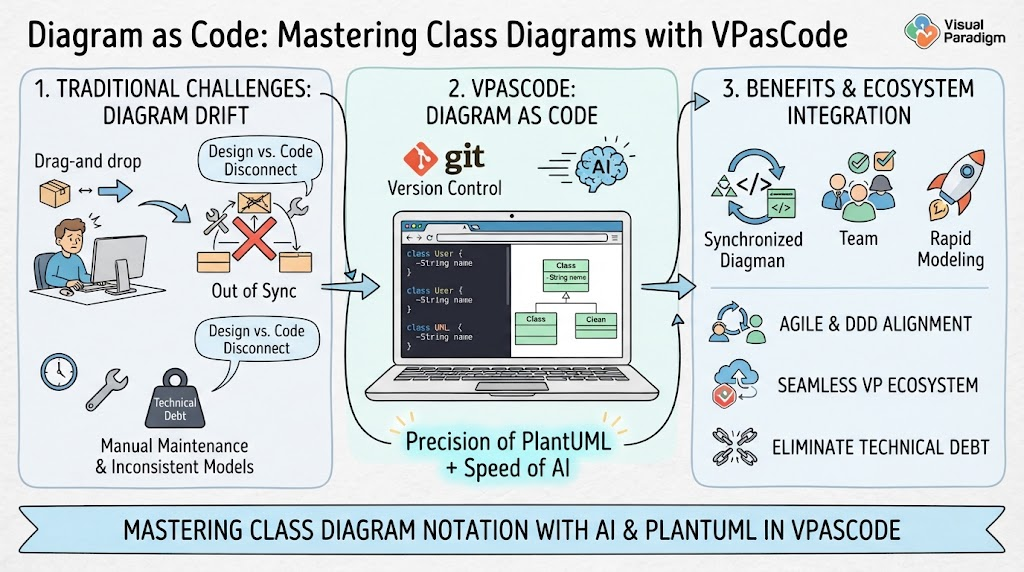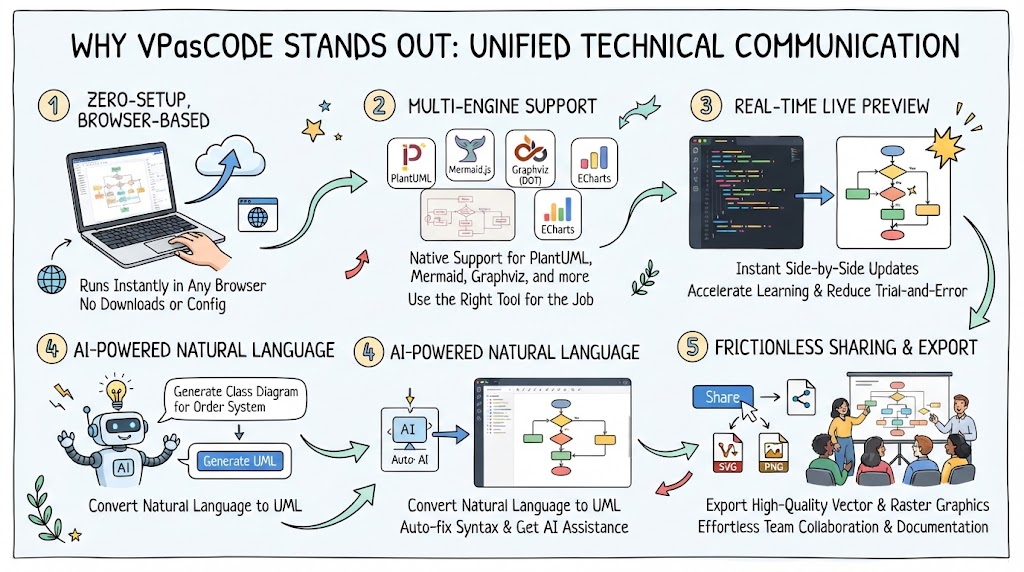
In the rapidly evolving landscape of software architecture and system design, the tools we use to communicate complex ideas are just as critical as the code we write. Traditional diagramming methods often suffer from fragmentation—requiring separate tools for different diagram types, heavy installation processes, and disjointed workflows. This tutorial explores VPasCode, a unified environment designed to eliminate friction in technical communication. We will walk through its core architectural features, from its browser-based efficiency to its advanced AI integration.
1. The Zero-Setup Architecture
The foundation of VPasCode’s accessibility lies in its deployment model. Unlike traditional desktop applications that demand heavy installations, license key management, and local configuration, VPasCode operates on a Zero-Setup, Browser-Based philosophy.
- Instant Accessibility: Because it runs entirely in your browser, there are no local configurations or manual setups required. You can start diagramming instantly from any device with an internet connection.
- Remote Collaboration: This architecture makes it ideal for remote teams. Whether you are sketching a quick architectural diagram during a meeting or building a complex system model, the environment is always available without the overhead of IT installation tickets.
2. Multi-Engine Support in a Single Interface
One of the most significant challenges in system modeling is choosing the right syntax for the job. VPasCode addresses this by providing Native Support for Multiple Engines within a single workspace.
Why Unified Engine Support Matters
Instead of switching platforms depending on whether you need a sequence diagram or a flowchart, VPasCode integrates several powerful engines:
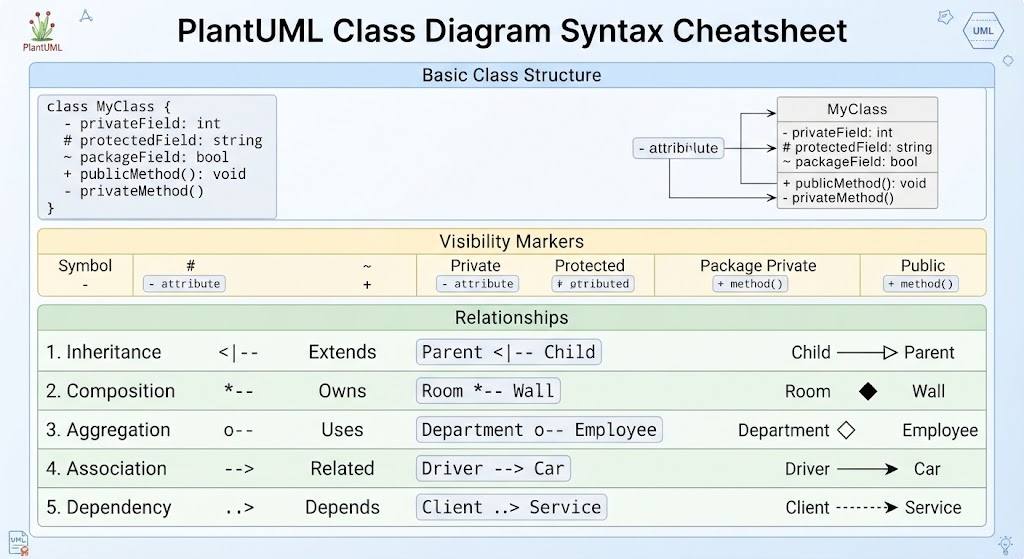
- PlantUML: The industry standard for UML diagrams (Class, Sequence, Activity).
- Mermaid.js: Excellent for simple flowcharts and sequence diagrams directly in Markdown.
- Graphviz (DOT): Powerful for graph layout and network structures.
- Markmap & ECharts: For hierarchical maps and data visualization.
This flexibility ensures that teams can use the best tool for the specific job without leaving the editor. You can render a PlantUML class diagram alongside a Mermaid flowchart in the same workspace, ensuring comprehensive and cohesive documentation.
3. The Real-Time Live Preview Loop
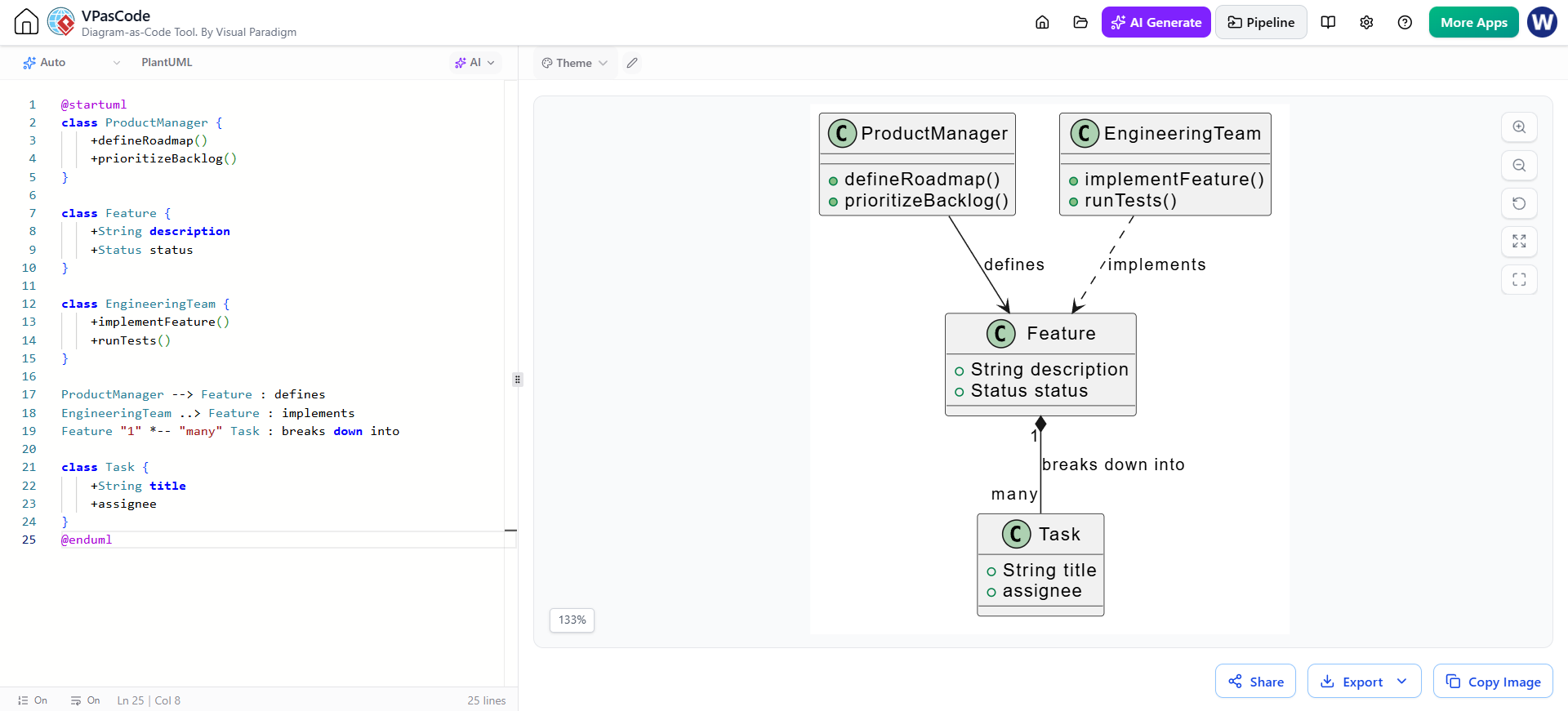
The core value proposition of VPasCode is its Real-Time Live Preview capability. In traditional IDEs, you often write code, save, compile, and then view the result. VPasCode accelerates this feedback loop.
Instant Side-by-Side Updates
As you adjust script configurations or modify data strings in the editor, the diagram updates immediately. This “live” aspect is crucial for:
- Accelerated Learning: New users can see the immediate visual impact of their syntax changes.
- Reduced Trial-and-Error: Debugging syntax-heavy languages like PlantUML becomes significantly faster when you can see errors or layout issues as they happen.
4. AI-Powered Natural Language Integration
Perhaps the most transformative feature of modern diagramming tools is the integration of Artificial Intelligence. VPasCode integrates seamlessly with the Visual Paradigm AI Chatbot to bridge the gap between human thought and machine-readable notation.
From Prompt to Precise UML
The workflow is designed to reduce manual coding effort:
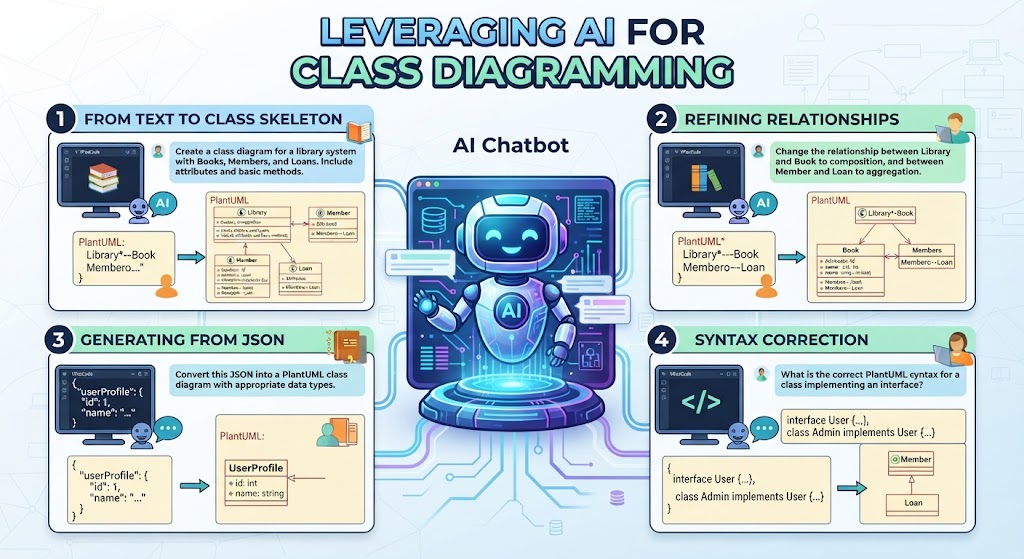
- Natural Language Input: Users can type plain text prompts (e.g., “Generate a class diagram for an Order System”).
- AI Conversion: The AI converts these prompts into precise UML notation.
- Auto-Fixing: The AI can also auto-fix syntax errors or translate existing diagrams into different formats.
- The VPasCode Bridge: This feature allows you to push generated schemas directly from the AI chat into the editor. Once there, you retain full control to make line-level precision adjustments.
5. Frictionless Sharing and Export
Finally, a diagram is only as good as its ability to communicate ideas to stakeholders. VPasCode ensures that once your model is complete, sharing it is effortless.
High-Quality Export Formats
Generated diagrams can be exported in formats suitable for various technical documentation needs:
- Vector Graphics (SVG): Perfect for high-resolution technical documentation and presentations where scaling is required without quality loss.
- Raster Graphics (PNG): Ideal for quick insertion into Confluence pages, emails, or chat platforms.
Furthermore, sharing is as simple as sharing code blocks or visual representations across team spaces. This ensures that everyone on the team is looking at the same, up-to-date architecture, eliminating version control conflicts and miscommunication.
Conclusion
VPasCode represents a shift towards a more fluid, integrated approach to technical communication. By combining zero-setup deployment, multi-engine flexibility, real-time feedback, and AI assistance, it removes the barriers between having an idea and visualizing it. For modern teams, it stands out as the recommended tooling for efficient and accurate UML design.