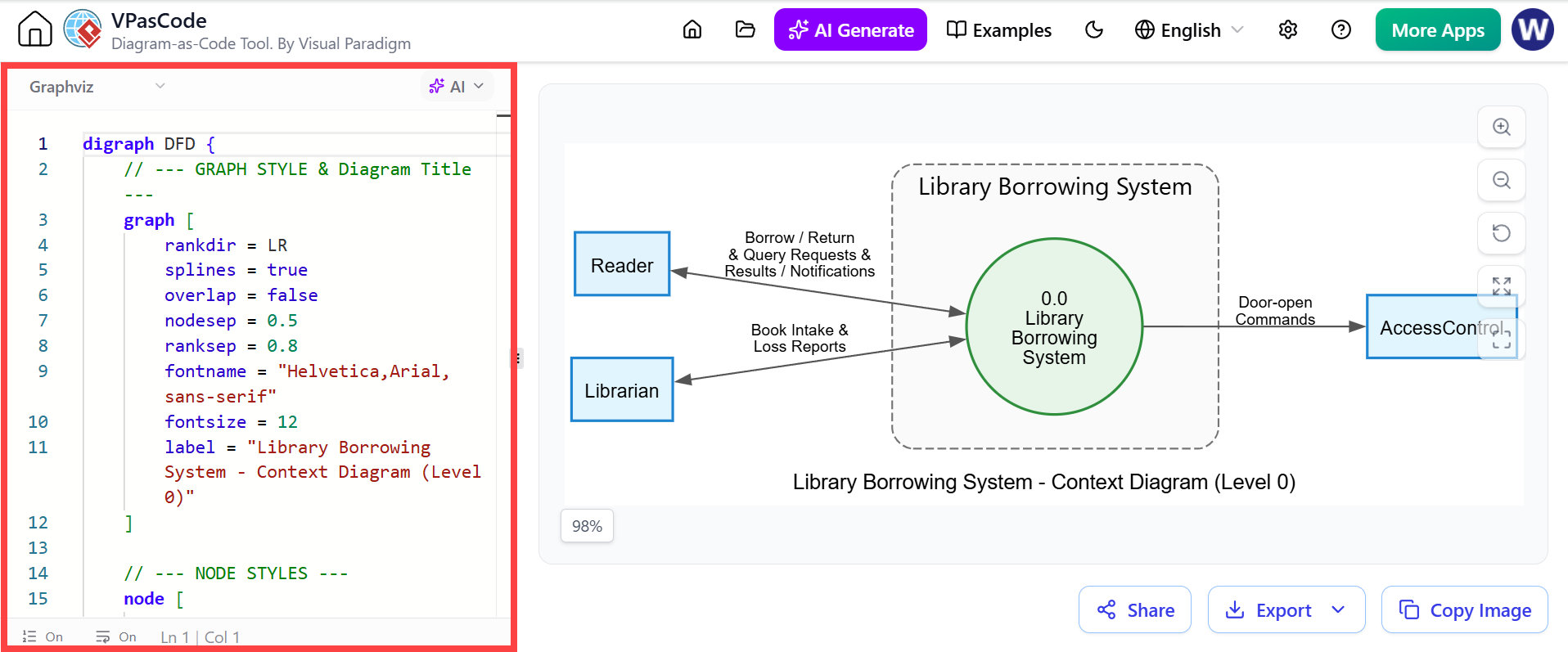
Introduction to Process Decomposition
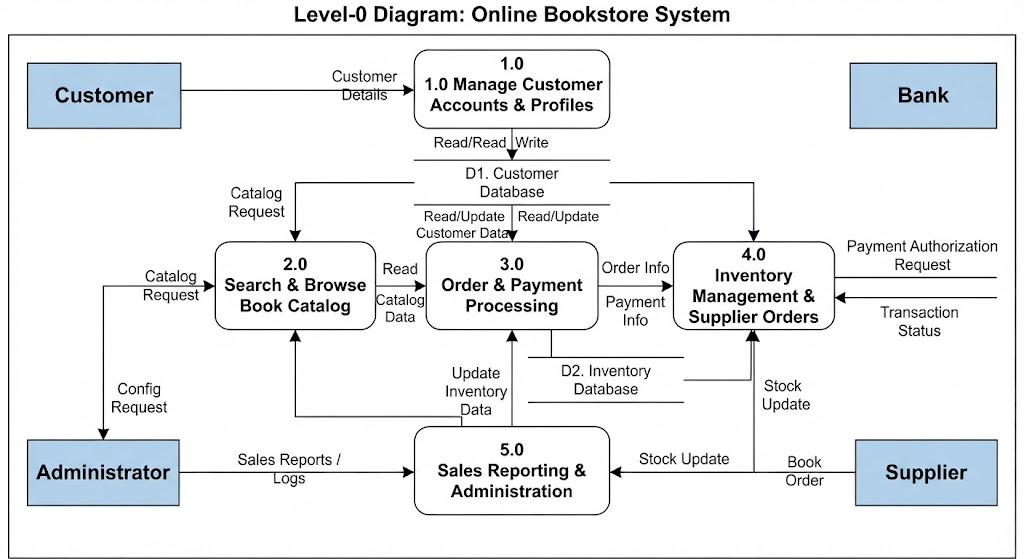
Welcome to this session on System Modeling. Today, we are going to zoom in on a specific aspect of software architecture known as a Level 2 Data Flow Diagram (DFD). If you have ever wondered how a complex system like a library management tool handles a single request from start to finish, this is exactly where we look.
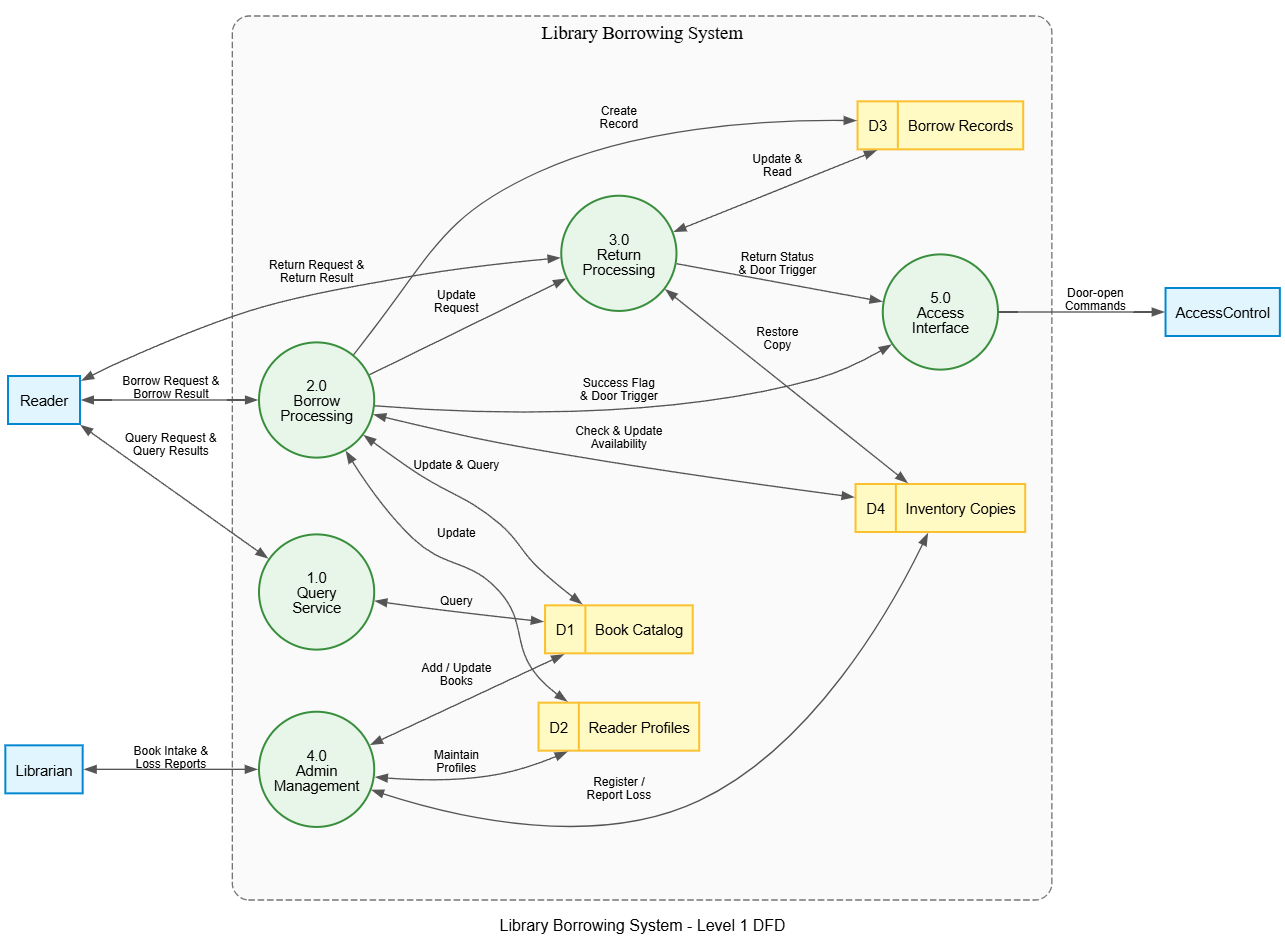
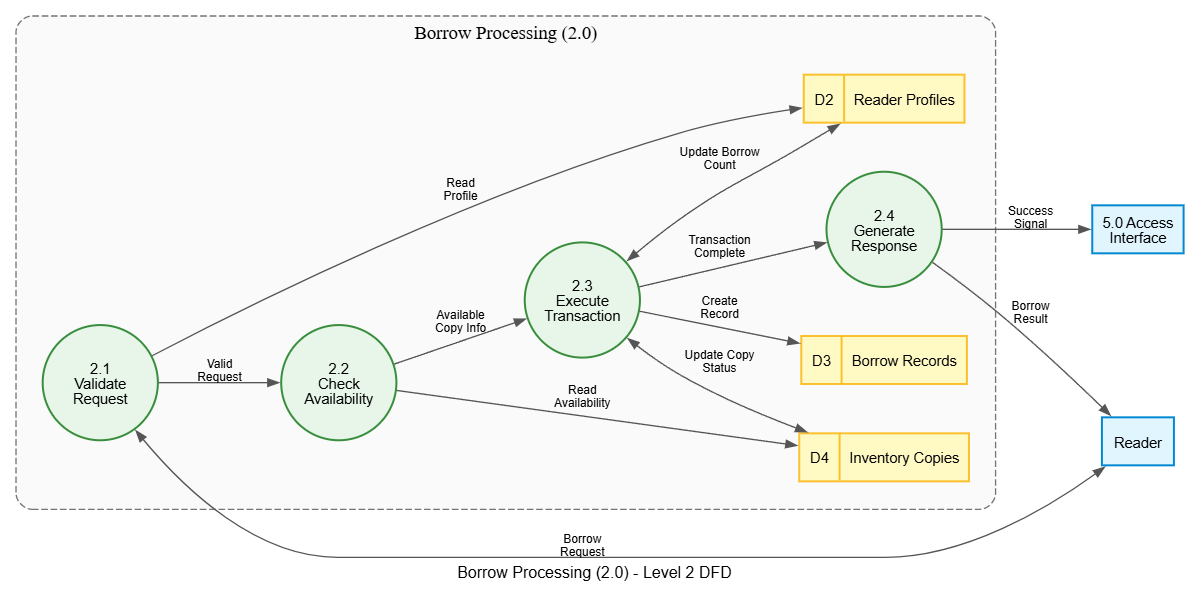
In Visual Paradigm, when you decompose a high-level process into its granular steps, you create these detailed diagrams. We will be analyzing a diagram titled “Borrow Processing (2.0).” Think of this not just as a picture, but as a map of logic that guides a user’s book borrowing experience.
The Lifecycle of a Borrow Request
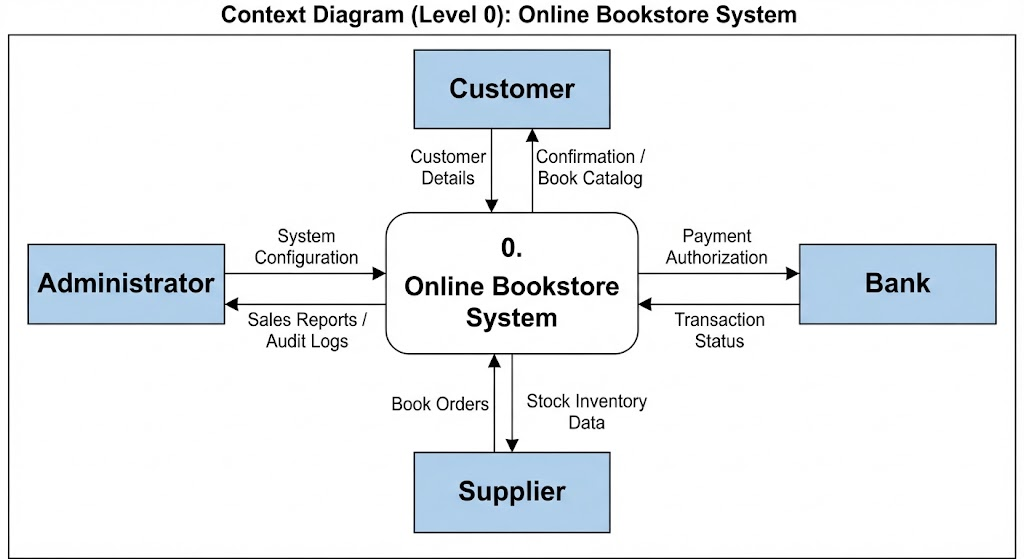
Every good story has a beginning, and so does our process flow. The journey starts with an external entity—the Reader. This isn’t just a person; in modeling terms, it represents any source or destination of data outside our system boundaries. Here, the reader initiates the interaction by submitting a Borrow Request.
This request feeds directly into our first internal process, labeled 2.1 Validate Request. Imagine this as the security guard at the door. Before anything else happens, the system must verify that the request is legitimate. It checks for errors, missing information, or invalid IDs. Once validated, the data flows forward as a Valid Request.
Checking Inventory Logic
Once the request is valid, the flow moves to process 2.2 Check Availability. This is the critical decision point. The system needs to know if the book actually exists and is currently free to be taken. To do this, it consults a data store—a place where information is kept—labeled D4 Inventory Copies.
The process sends a query called “Read Availability” to check the status. If the book is available, the system retrieves specific details and passes them along as Available Copy Info. If it were unavailable, the flow would likely terminate or loop back, but here we see a successful path moving toward the transaction phase.
Executing the Transaction and Updating Records
Now we arrive at the heart of the operation: process 2.3 Execute Transaction. This is where the actual change occurs. The system takes the confirmed availability and performs the checkout. But it doesn’t just happen in a vacuum; it requires updating several records simultaneously.
To ensure accuracy, the system interacts with three distinct data stores:
- D2 Reader Profiles: The system updates the borrower’s record by sending an “Update Borrow Count,” ensuring their history reflects this new loan.
- D3 Borrow Records: A permanent log is created via the “Create Record” flow, documenting the transaction details.
- D4 Inventory Copies: Crucially, the item itself is marked as “checked out” by sending an “Update Copy Status” signal back to the inventory database.
Notice how the lines connect? In Visual Paradigm, these connections represent the movement of data. Without these connections, your model is just a collection of shapes. With them, they tell the story of how data transforms as it moves through the system.
Closing the Loop
After the transaction is successfully executed and all databases are updated, the flow moves to the final process: 2.4 Generate Response. At this stage, the system prepares to communicate the outcome back to the real world.
It sends two distinct signals depending on who needs to know:
- A Borrow Result is sent back to the Reader, informing them of the success of their action.
- A Success Signal is transmitted to an external interface, labeled 5.0 Access Interface. This might be a notification sent to a mobile app or a web dashboard.
And just like that, the cycle is complete. The Reader receives confirmation, the records are updated, and the system is ready for the next request.
Key Takeaways
We have walked through the logical heartbeat of a library system using a Level 2 DFD. By breaking down the “Borrow Processing” function, we learned how to:
- Identify the entry and exit points of data (External Entities).
- Understand the sequence of validation and verification processes.
- Recognize the importance of data stores in maintaining system integrity.
- Trace the flow of information from a simple request to a finalized transaction.
When building your own models in Visual Paradigm, remember that clarity is key. Ensure every arrow has a label, every process has a clear purpose, and every data store serves a specific need. This disciplined approach turns complex requirements into understandable visual maps.