


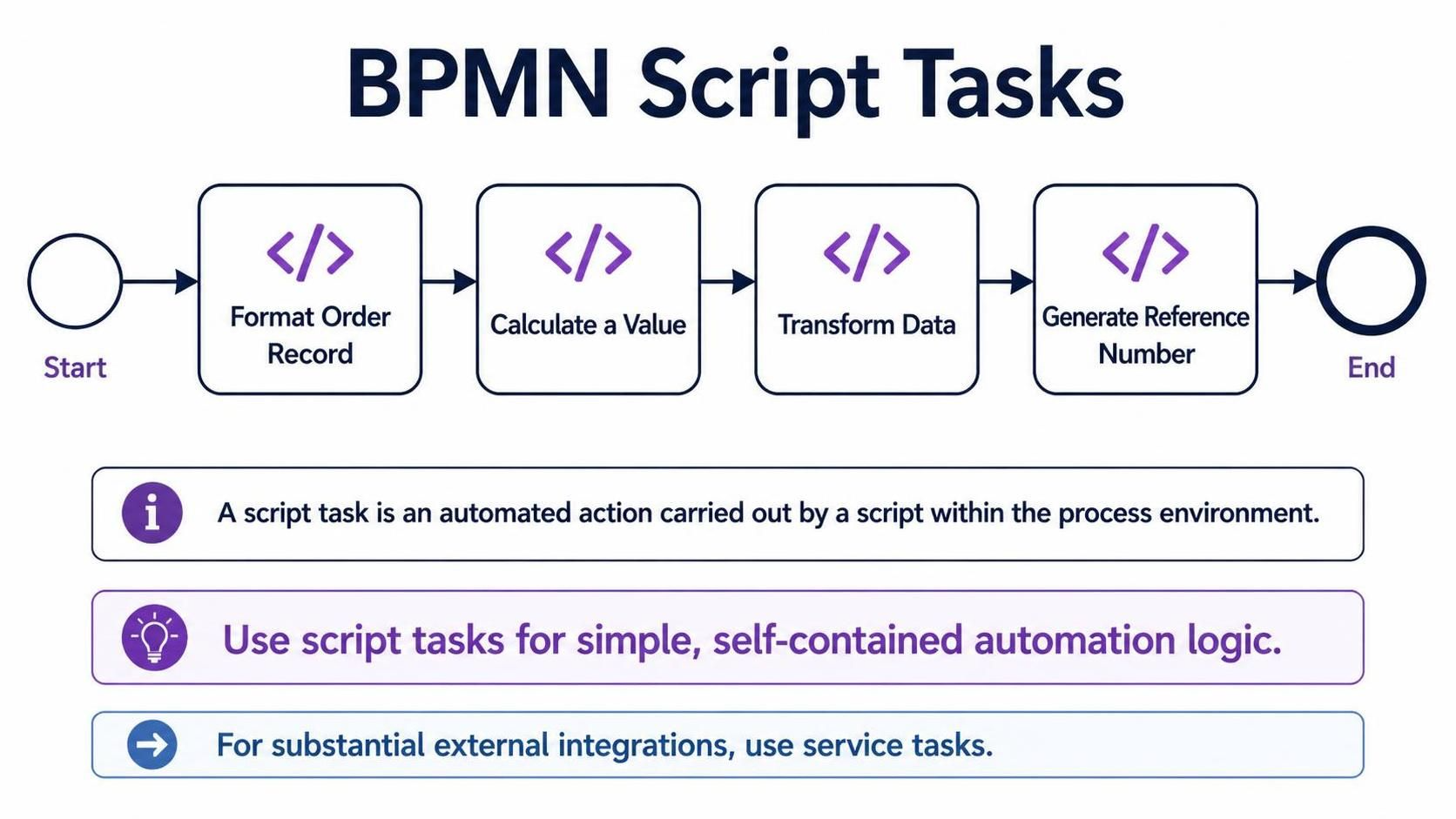
In the world of Business Process Model and Notation (BPMN), efficiency is key. When a process requires an action that isn’t a manual hand-off or a complex external system call, but rather a piece of logic executed immediately within the flow, we utilize a specific element: the Script Task.
This tutorial explores the architecture of Script Tasks, their specific use cases, and how modern AI-integrated modeling tools like Visual Paradigm (VP) are transforming these technical details into seamless productivity.
What is a BPMN Script Task?
A Script Task represents an automated action carried out by a script within the process environment. Unlike a Service Task, which typically acts as a connector to an external enterprise system (like an ERP or a legacy database), a Script Task is designed for logic that is self-contained within the process engine.
In the diagram above, we see a linear flow where the process engine executes code to manipulate data before moving to the next step. This is the essence of the Script Task.
Common Use Cases
Script Tasks are the “Swiss Army Knife” of process automation. They are best suited for tasks such as:
- Format an order record: Standardizing dates, removing special characters, or capitalizing names before saving.
- Calculate a value: Performing arithmetic operations, tax calculations, or compound interest logic on the fly.
- Transform data: Converting data structures (e.g., transforming a JSON object into a specific XML format required by a downstream system).
- Generate a reference number: Creating unique IDs using specific algorithms or UUIDs.
Architecture: Script Tasks vs. Service Tasks
One of the most critical architectural decisions in BPMN modeling is choosing between a Script Task and a Service Task. The distinction lies in where the logic resides and how heavy the integration is.
- Script Task (Internal Logic): Use this when the automation logic is simple and contained strictly within the process environment. The code runs on the BPM engine itself. It is lightweight and fast for data manipulation.
- Service Task (External Integration): Use this for substantial integrations. If you are calling a REST API, connecting to a mainframe, or triggering a complex external workflow, a Service Task is the appropriate modeling choice. It represents a “black box” interaction with an external system.
Tooling: The VPasCode Advantage
Implementing logic in BPMN models used to require developers to manually write Java or JavaScript code blocks within the engine settings. This often led to errors and maintenance nightmares. However, modern tools like Visual Paradigm have integrated AI and VPasCode to revolutionize this workflow.
By combining the core pillars of Visual Paradigm BPMN with AI, teams can achieve a seamless integration of logic and design. This significantly boosts team collaboration and productivity in several ways:
- Collaboration: Business Analysts can define the process flow visually, while AI-driven code generation ensures the underlying script logic is syntactically correct without needing deep programming expertise.
- Productivity: Instead of writing boilerplate code for data transformation (like “Format Order Record”), developers can describe the intent, and the AI generates the script snippet.
- Usage Cases: This integration is particularly powerful for rapid prototyping. A team can model a complex order fulfillment process, and instantly generate the necessary script tasks for data validation, reducing the gap between design and deployment.
Visualizing the Flow
Let’s break down the flow shown in the image. The process begins with a Start Event, flows into a sequence of Script Tasks, and concludes at an End Event. Each Script Task acts as a processor in the pipeline.
Diagram Structure
graph TD
    Start((Start)) --> Format[Script: Format Order Record]
    Format --> Calculate[Script: Calculate a Value]
    Calculate --> Transform[Script: Transform Data]
    Transform --> Generate[Script: Generate Reference Number]
    Generate --> End((End))

    style Start fill:#f9f,stroke:#333
    style End fill:#f9f,stroke:#333
    style Format fill:#fff,stroke:#333,stroke-width:2px
    style Calculate fill:#fff,stroke:#333,stroke-width:2px
    style Transform fill:#fff,stroke:#333,stroke-width:2px
    style Generate fill:#fff,stroke:#333,stroke-width:2px
This Mermaid diagram illustrates the sequential execution of the logic defined in the context. Notice how each node represents a distinct automated action, ensuring that data is transformed step-by-step before reaching the final state.
Conclusion
Script Tasks are a fundamental building block for modern BPMN processes. They allow for agile data manipulation and logic execution directly within the workflow. By understanding when to use them (simple, contained logic) versus when to use Service Tasks (heavy external integrations), architects can build robust, efficient processes. With the addition of AI-driven tooling, the barrier to implementing these scripts has never been lower, empowering teams to focus on the “why” of the process rather than the “how” of the code.
Related posts:
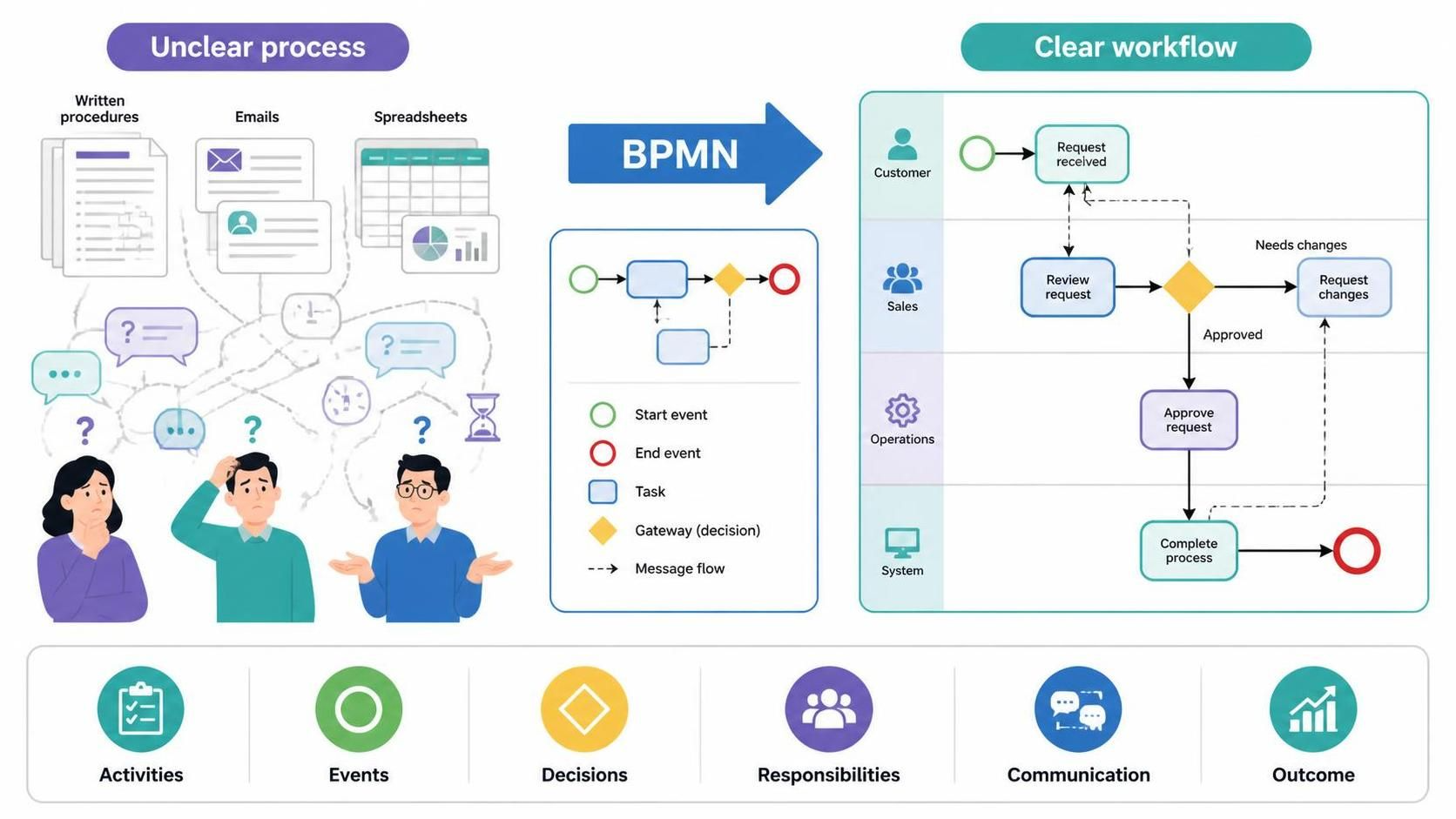 Visualizing Workflows: Transforming Ambiguity with BPMN and AI Chatbots
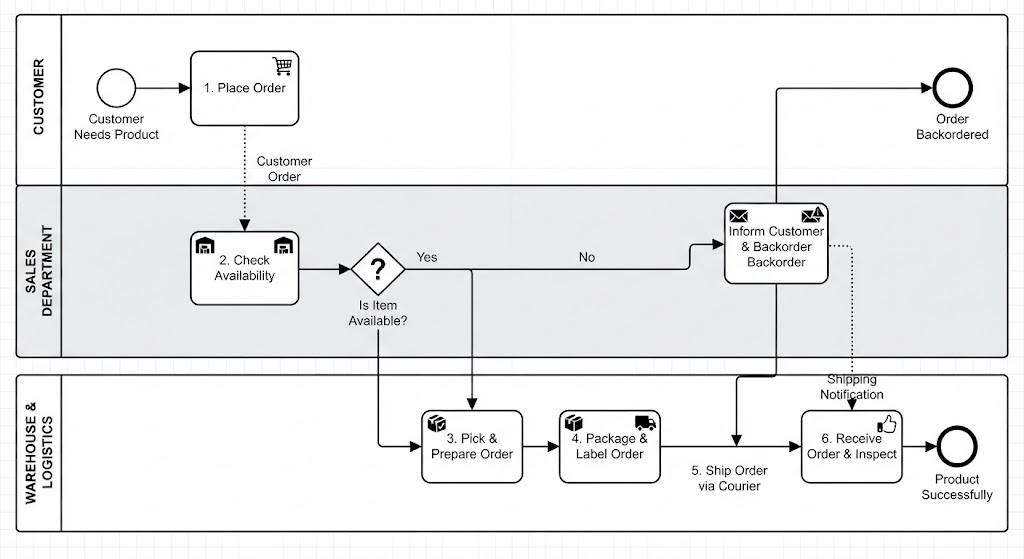 Mastering BPMN 2.0: AI Chatbot-Driven Order Fulfillment Architecture
 Mastering Visual Paradigm BPMN: A Comprehensive Guide to Process Architecture & AI Modeling
 Mastering Exception Handling: A Step-by-Step Guide to Modeling Intermediate Error Events