The Evolution of Diagramming
Gone are the days when creating technical diagrams meant endless hours of clicking, dragging, and dropping shapes on a canvas. While traditional tools like those found in Visual Paradigm have been excellent for visualization, they often struggle with version control and collaboration among developers. Today, we are stepping into a new era where your text editor is not just for code, but for visuals too.
This shift is known as Diagram-as-Code, and when combined with Embedded AI, it creates a workflow that feels almost magical. Let’s walk through how this technology works and why it is changing the way we document system architecture.
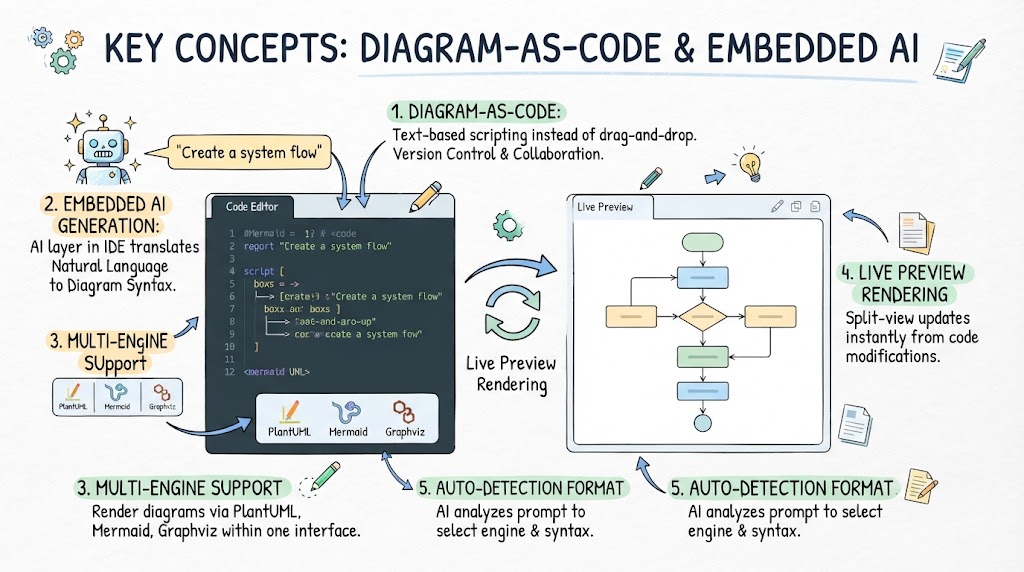
1. Text-Based Scripting Instead of Drag-and-Drop
The core concept here is simplicity. Instead of manually adjusting the alignment of boxes, Diagram-as-Code allows you to describe your diagram using plain text scripts. Think of it as writing pseudocode that automatically renders into a visual representation.
- Version Control Friendly: Since diagrams are now text files (like .md or .txt), you can use Git to track changes, merge conflicts, and collaborate just like you do with software code.
- Cleanliness: No more messy connectors or misaligned shapes. The layout is handled algorithmically based on your script.
2. The Magic of Embedded AI Generation
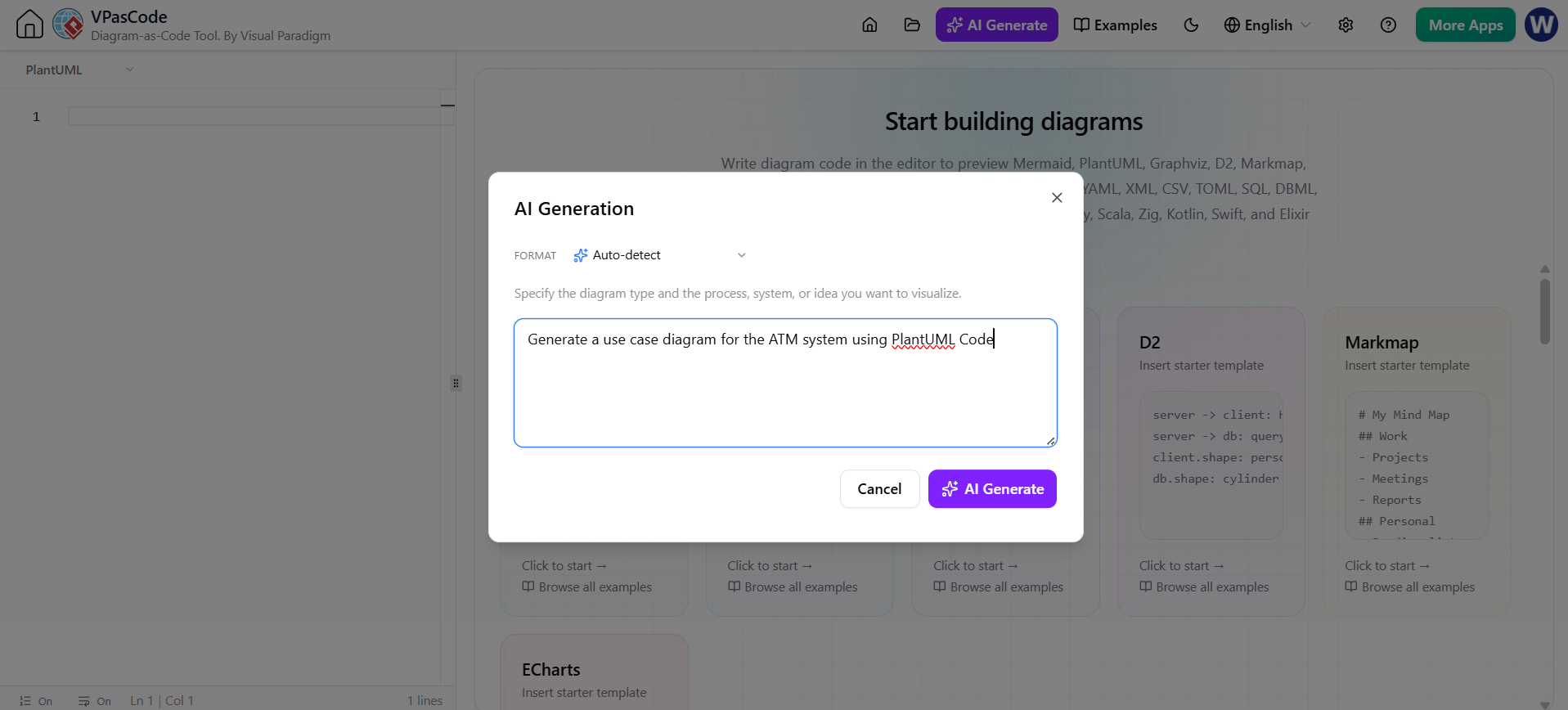
If you aren’t familiar with specific syntax languages yet, don’t worry. This is where the power of Embedded AI comes in. Imagine having an intelligent assistant right inside your Integrated Development Environment (IDE).
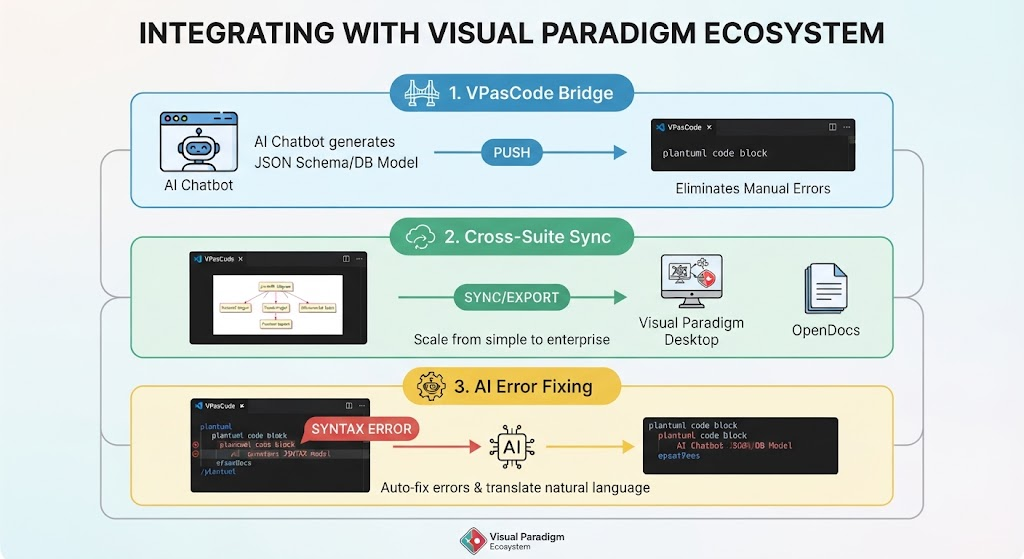
You simply type a prompt in natural language—something like “Create a system flow” or “Show me a database schema.” The AI layer analyzes this intent and instantly translates it into the correct diagram syntax. It bridges the gap between human thought and machine-readable code, removing the learning curve of complex markup languages.
3. Multi-Engine Support
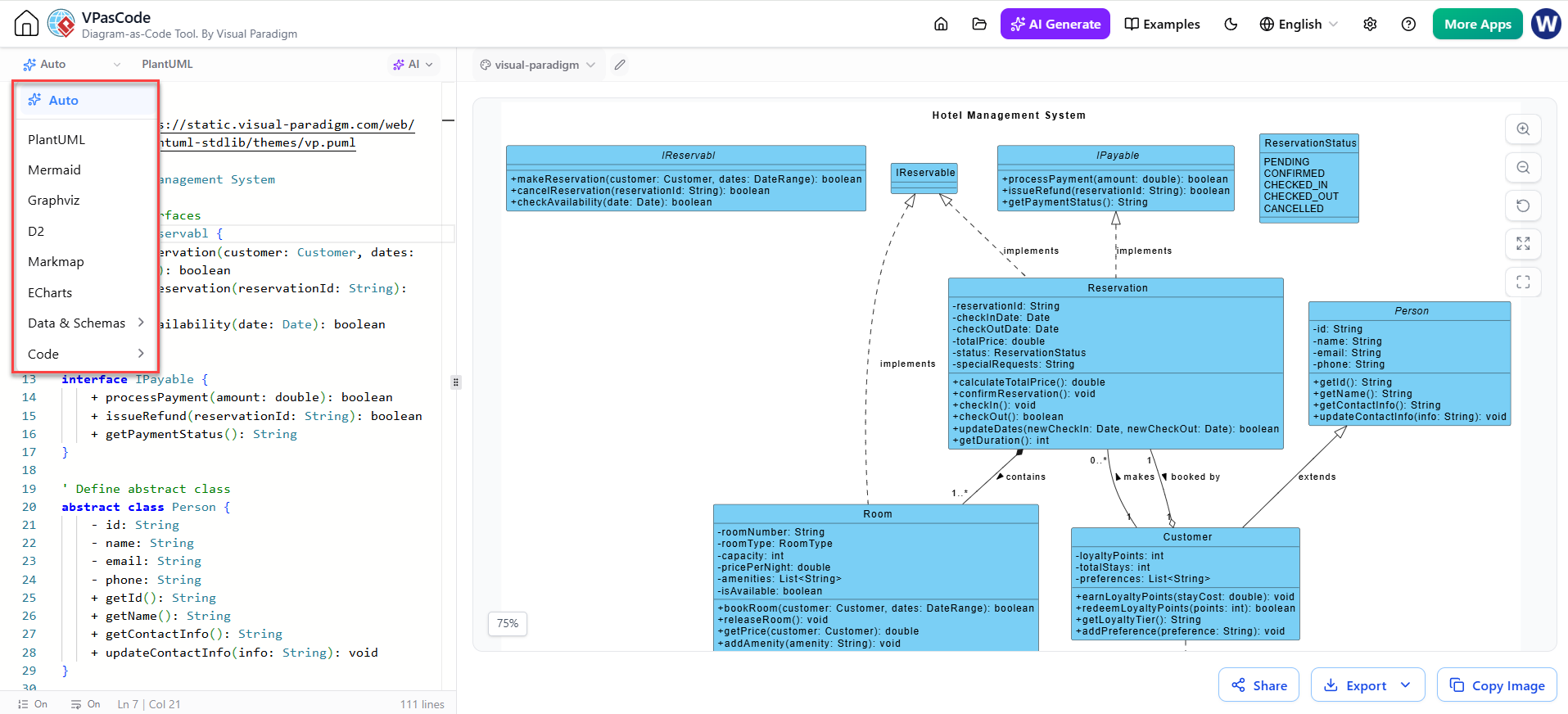
One of the greatest challenges in the past was being locked into a single format. Modern tools break down these walls by supporting multiple engines within one interface. Whether you prefer the flexibility of PlantUML, the readability of Mermaid, or the graphing power of Graphviz, you are no longer restricted.
This interoperability means you can choose the best tool for the job without needing to switch applications or convert files manually.
4. Live Preview Rendering
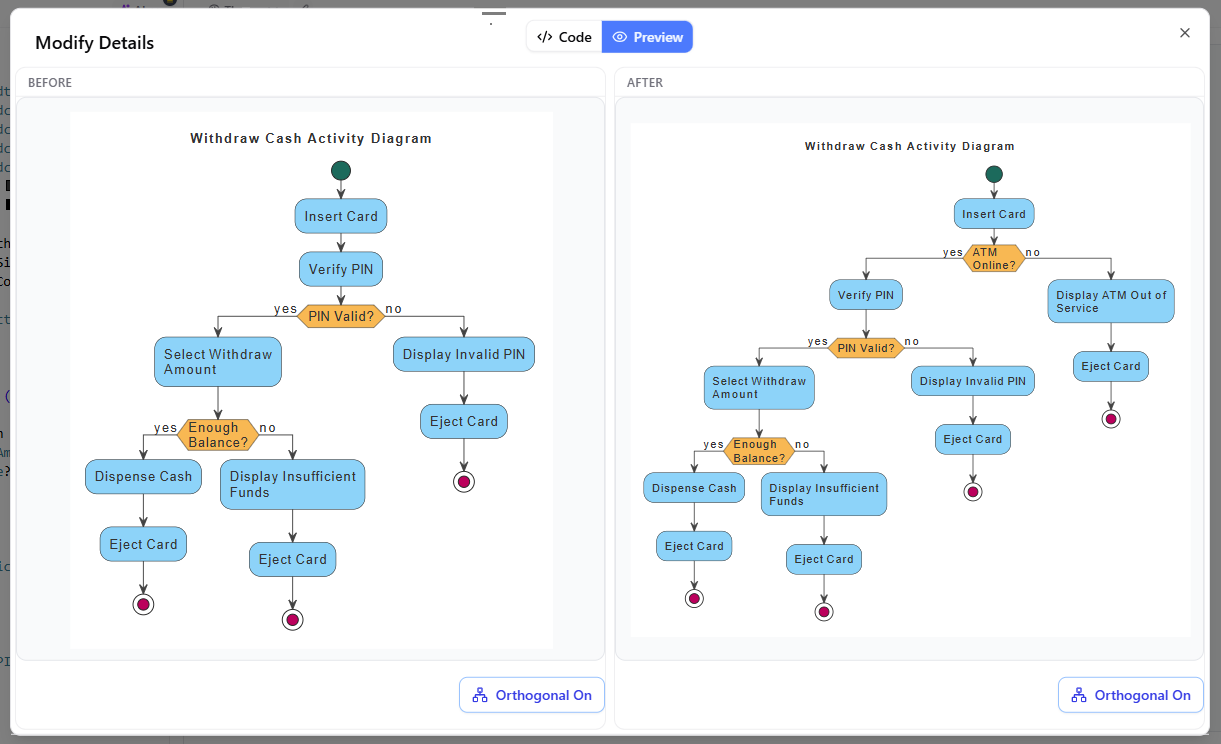
The most satisfying part of this workflow is the feedback loop. As you edit your code or refine your AI prompts, the diagram updates instantly.
In a split-view setup, you see your raw code on one side and the rendered diagram on the other. This immediate visual feedback allows you to iterate rapidly. If you change a label or add a connection, the diagram redraws itself immediately, keeping your documentation perfectly synchronized with your design thoughts.
5. Auto-Detection of Format
To make the experience seamless, advanced systems utilize auto-detection formats. When you input a prompt, the AI doesn’t just guess; it analyzes the context to select the appropriate engine and syntax. This ensures that your diagram is not only generated correctly but also optimized for the specific rendering engine being used.
Summary of Key Learnings
We have explored how modern diagramming has evolved from static drawing to dynamic coding. Here are the takeaways:
- Efficiency: Text-based scripting is faster and easier to manage than drag-and-drop interfaces.
- Accessibility: Embedded AI allows anyone to create complex diagrams using natural language.
- Flexibility: Multi-engine support gives you freedom to choose your preferred standard (PlantUML, Mermaid, Graphviz).
- Real-time Feedback: Live preview rendering ensures your visuals always match your latest ideas.
By adopting these concepts, you align yourself with the future of development and design, ensuring your documentation is as robust and maintainable as your actual code.