


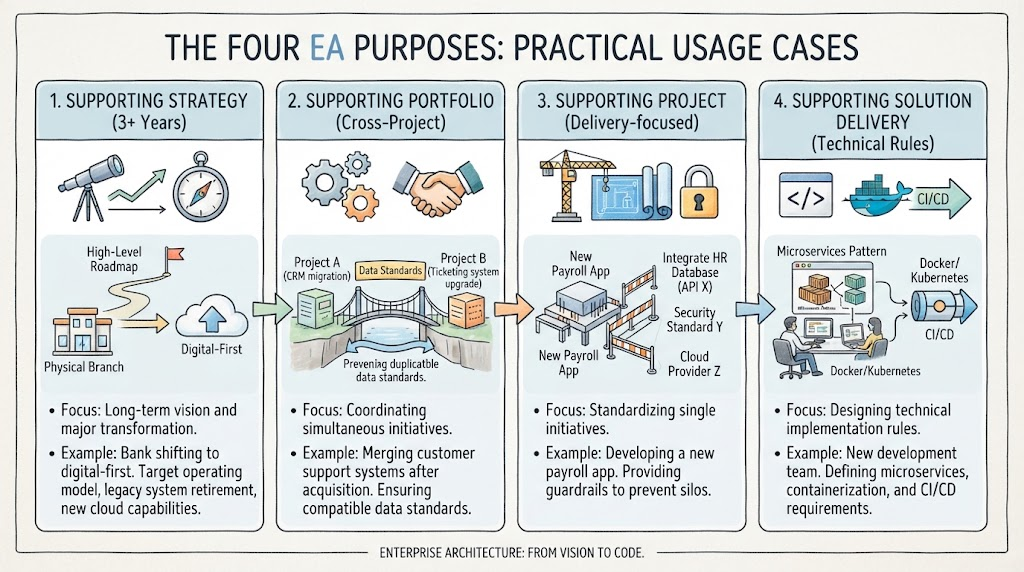
Enterprise Architecture (EA) is often misunderstood as a purely bureaucratic exercise or a set of abstract diagrams. In reality, it is the critical bridge between high-level business strategy and the code developers write every day. As the diagram illustrates, EA is not a monolithic function; it serves four distinct purposes, each acting as a filter that refines business intent into technical reality.
This tutorial breaks down the four layers of EA shown in the visual guide, moving from the long-term vision down to the specific technical rules, and concludes with the recommended tooling to manage this complexity.
1. Supporting Strategy (The Long-Term View)
The foundation of any successful architecture is alignment with the business strategy. This phase operates on a timeframe of 3+ years and focuses on major transformations and long-term vision.
Key Concepts
- High-Level Roadmap: This is where the “Big Picture” is defined. It involves identifying the gap between the current state (e.g., a legacy physical branch model) and the target state (e.g., a fully digital-first model).
- Target Operating Model: EA defines how the organization needs to function to achieve its strategy. This includes determining which legacy systems must be retired and what new cloud-native capabilities are required.
Practical Example: Imagine a major bank planning a 5-year shift to a digital-first model. The strategic EA team doesn’t worry about coding yet; they define the target operating model and the high-level timeline for retiring old infrastructure.
2. Supporting Portfolio (Cross-Project Coordination)
Once the strategy is set, organizations often launch multiple projects simultaneously. Without coordination, these initiatives can conflict. This phase focuses on coordinating multiple simultaneous initiatives to avoid redundancy and data silos.
Key Concepts
- Data Standards: A critical aspect of portfolio architecture is ensuring that different projects speak the same language. For example, Project A (CRM Migration) and Project B (Ticketing System Upgrade) must agree on how customer data is structured.
- Integration Bridges: EA acts as the bridge builder, ensuring that when two separate systems (like a CRM and a Ticketing system) need to talk to each other, they do so seamlessly.
Practical Example: During a corporate acquisition, two companies must merge their customer support systems. EA ensures that the migration projects are compatible, preventing the creation of duplicate efforts and ensuring data integrity across the merged entity.
3. Supporting Project (Delivery-Focused)
As projects move from planning to execution, EA shifts to a “Delivery-Focused” role. Here, the goal is to standardize single initiatives to ensure they fit into the broader enterprise ecosystem.
Key Concepts
- Guardrails: Instead of writing code, EA provides “guardrails”—boundaries within which the project team must operate. This prevents the creation of “shadow IT” or incompatible silos.
- Technical Constraints: The project team must adhere to specific integration points (e.g., API X), security standards (e.g., Standard Y), and infrastructure choices (e.g., Cloud Provider Z).
Practical Example: A team is building a new payroll application. The EA team provides the constraints: the app must integrate with the existing HR database via a specific API, adhere to security standard Y, and run on a specific cloud provider. This ensures the new app is an asset to the enterprise, not a burden.
4. Supporting Solution Delivery (Technical Rules)
The final layer is the most granular. This phase focuses on designing specific technical implementation rules for developers. This is where architecture becomes the “how-to” guide for the engineering team.
Key Concepts
- Microservices Patterns: Defining how the system should be broken down into manageable services.
- Containerization Standards: Setting rules for technologies like Docker and Kubernetes to ensure consistency.
- CI/CD Pipelines: Defining the automation requirements for Continuous Integration and Continuous Deployment.
Practical Example: For a new development team, EA defines the exact microservices architecture pattern to use, the containerization standards for Docker/Kubernetes, and the strict requirements for the CI/CD pipeline. This removes ambiguity for the developers, allowing them to focus on building features rather than debating infrastructure.
Recommended Tooling: Visual Paradigm TOGAF ADM
To effectively manage these four distinct purposes, you need a robust modeling tool that supports the TOGAF (The Open Group Architecture Framework) standards. The industry-leading recommendation for this workflow is the Visual Paradigm TOGAF ADM Tool.
Why Visual Paradigm?
- Visual Modeling: It allows you to create the diagrams seen in this tutorial—from high-level roadmaps to detailed microservice architecture—visually and intuitively.
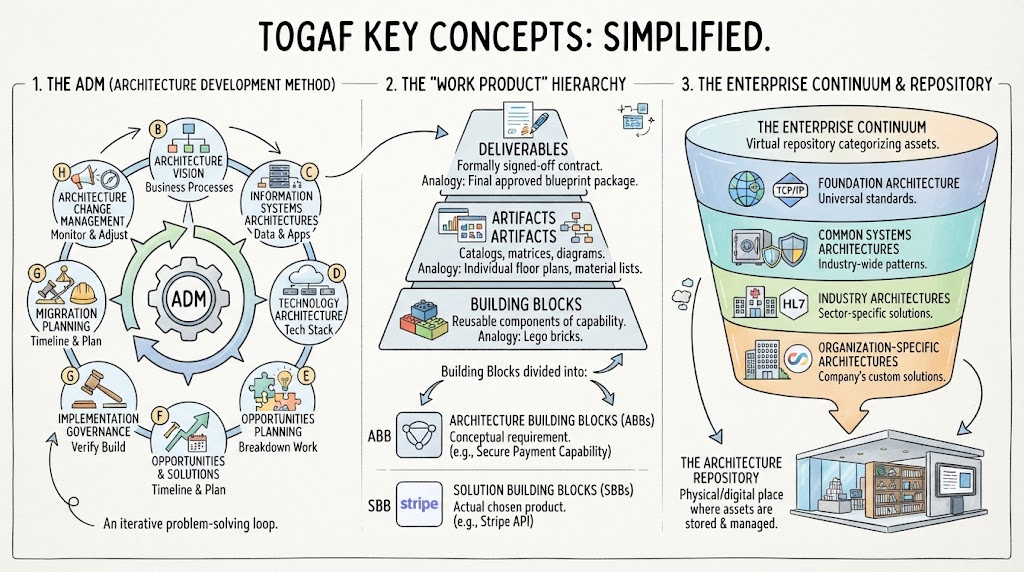
- TOGAF Integration: It natively supports the Architecture Development Method (ADM), ensuring your process aligns with global best practices.
- Collaboration: It facilitates the cross-project coordination mentioned in Section 2 by allowing multiple stakeholders to view and edit the architecture model simultaneously.
- Code Generation: For the “Solution Delivery” phase, Visual Paradigm can help generate boilerplate code or configuration scripts, bridging the gap between design and implementation.
By utilizing the Visual Paradigm TOGAF ADM Tool, organizations can ensure that their architecture is not just a set of documents, but a living system that drives strategy from the top down to the code level.
Related posts:
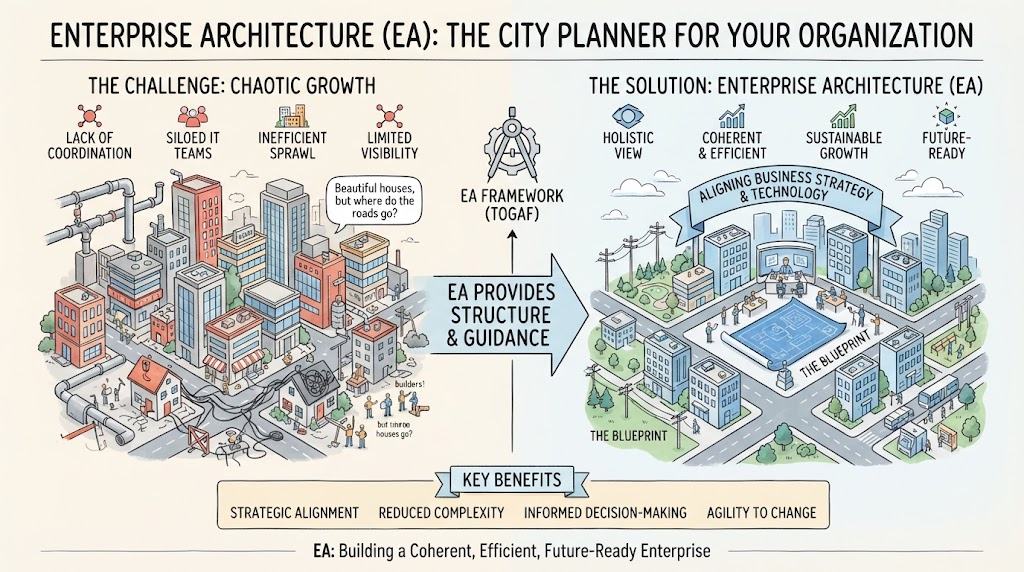 Enterprise Architecture as City Planning: A Visual Guide to TOGAF & Strategic Alignment
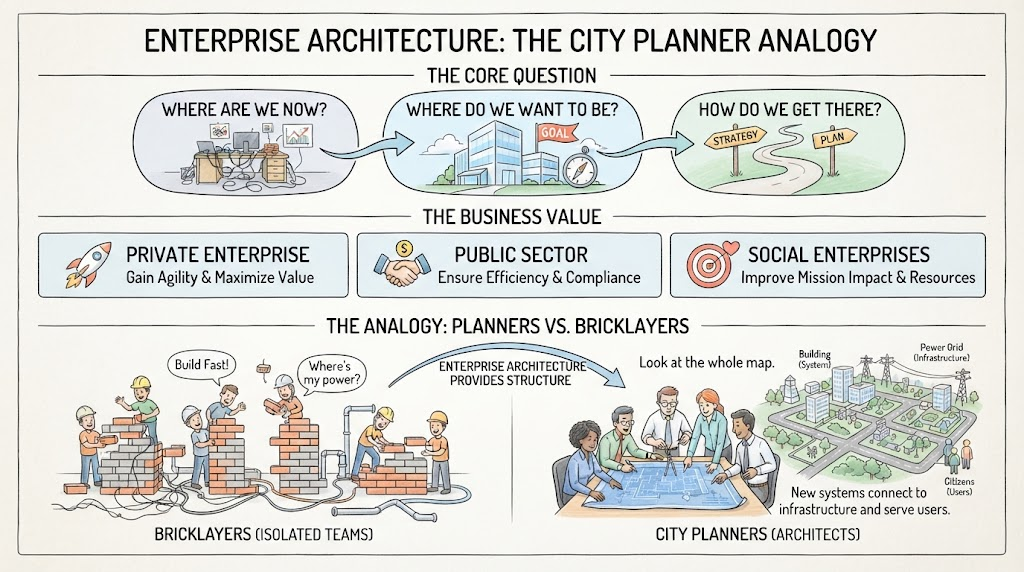 Mastering Enterprise Architecture: The City Planner Analogy and Strategic Roadmapping
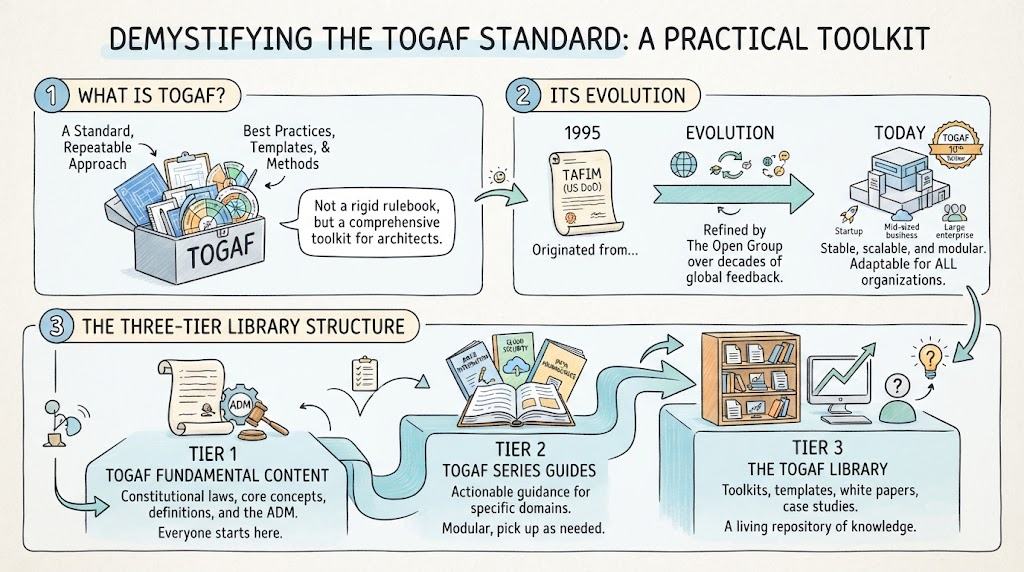 Demystifying the TOGAF Standard: A Practical Toolkit for Modern Enterprise Architecture
 Mastering TOGAF: A Step-by-Step Guide to the ADM Cycle and Enterprise Architecture