


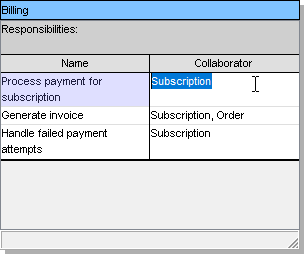
In the realm of software engineering, bridging the gap between business requirements and technical implementation is a critical challenge. Class-Responsibility-Collaborator (CRC) modeling serves as a powerful heuristic tool to facilitate this transition. It allows architects and developers to conceptualize system behavior before writing a single line of code. This tutorial guides you through the refinement, validation, and implementation phases of CRC modeling using Visual Paradigm, transforming abstract concepts into a robust software architecture.
Phase 1: Refining and Validating Your Model
Once you have sketched the initial responsibilities and collaborators for your system, the model requires rigorous editing to ensure accuracy. Visual Paradigm provides a comprehensive set of tools to manage this process.
Refining the Model
The initial draft of a CRC card often highlights gaps in logic or missing connections. You should actively modify shapes, connections, and layout styles using the standard editor tools. If the AI-assisted generation or initial brainstorming missed a critical responsibility—such as error handling or security checks—you must add it manually to ensure a complete system view.
Expanding Content and Connectivity
A robust model relies on precise details. You can manually insert additional attributes, methods, or packages as needed. Visual Paradigm enhances this workflow by allowing you to drag-and-drop existing elements directly from your project repository into the CRC cards. This ensures that the responsibilities defined in your CRC model align perfectly with your actual codebase.
Check Traceability
Every responsibility assigned to a class must have a business justification. To ensure this, link your CRC cards to use cases or requirements documents within Visual Paradigm. This creates a bidirectional traceability matrix, allowing you to verify that every class method serves a defined purpose and satisfies a user requirement.
Phase 2: Exporting and Implementation
The ultimate goal of CRC modeling is to produce a working system. Once your design is validated, Visual Paradigm offers seamless pathways to export your work and leverage it for development.
Share and Export
Documentation is a key part of the software lifecycle. You can save your work in various formats, including PNG, SVG, or PDF. These formats are essential for creating external documentation or preparing stakeholder presentations where high-fidelity visuals are required.
Leverage Data for Forward Engineering
Visual Paradigm acts as a bridge between design and code. You can utilize the diagram to produce source code stubs or comprehensive technical reports. The software can transform your refined CRC cards into full Class Diagrams, which can then be used for forward engineering to generate boilerplate code in languages like Java, C#, or Python.
Implementation Workflow
To move from a CRC card to a functional class, follow this logical sequence:
- Export to Class Diagram: Convert the CRC card into a Class Diagram element.
- Add Details: Fill in the specific method signatures and attribute types required by your target language.
- Generate Code: Use the “Forward Engineer” feature to generate the actual .java, .cs, or .py files.
Conclusion
CRC modeling is more than just a sketching exercise; it is a strategic approach to designing software that is maintainable and aligned with business goals. By utilizing Visual Paradigm’s advanced editing, traceability, and code generation features, you can ensure that your system architecture is both robust and ready for implementation.
Recommended Tooling: For the most effective CRC modeling experience, Visual Paradigm’s dedicated CRC Card Editor is the industry standard. It provides a structured interface that simplifies the definition of responsibilities and collaborator relationships, while seamlessly integrating with the broader UML and forward engineering capabilities of the platform.
Related posts:
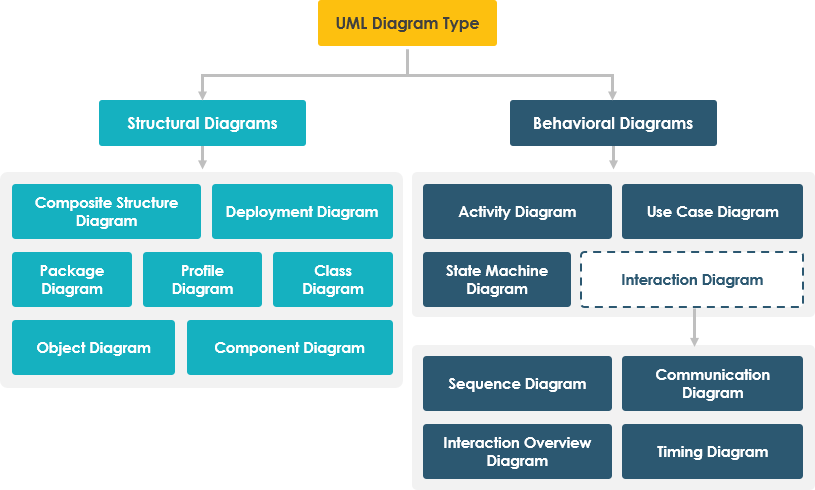 Mastering the 14 UML Diagram Types: A Comprehensive Tutorial for Software Architects
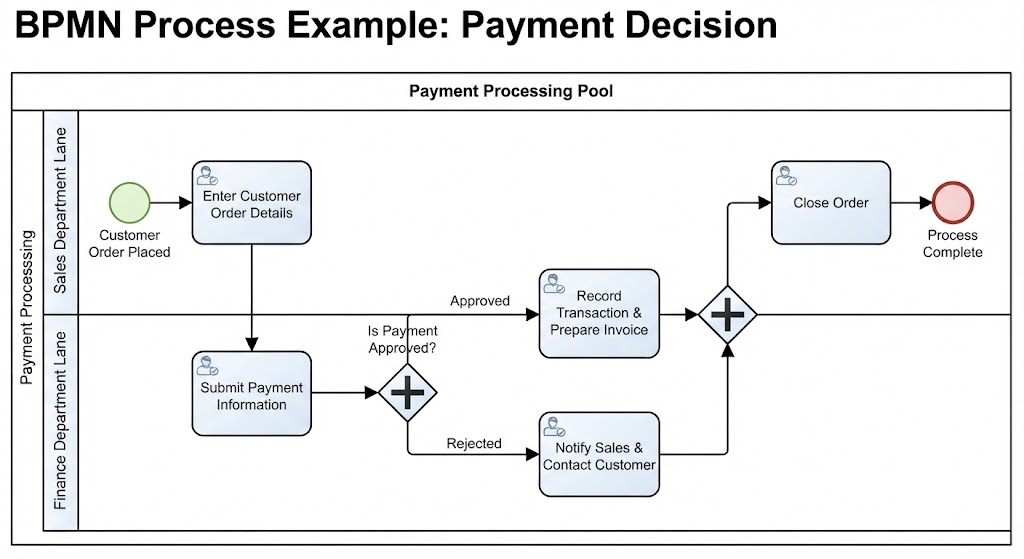 Mastering BPMN: A Step-by-Step Guide to the Payment Decision Process
 Mastering the UML Class Box: A Comprehensive Guide to Software Architecture and Modeling
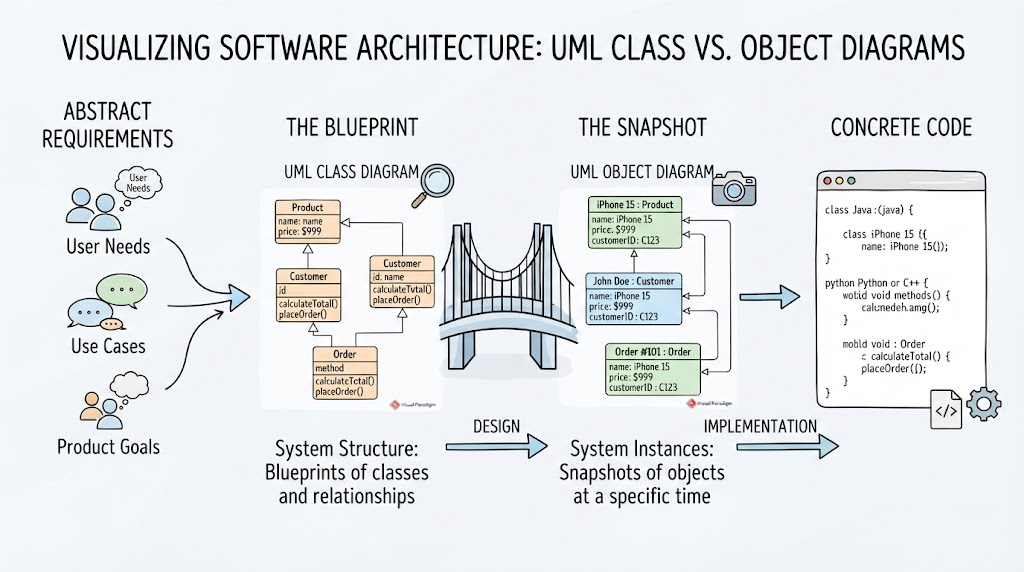 From Abstract Ideas to Concrete Code: Mastering UML Class vs. Object Diagrams