


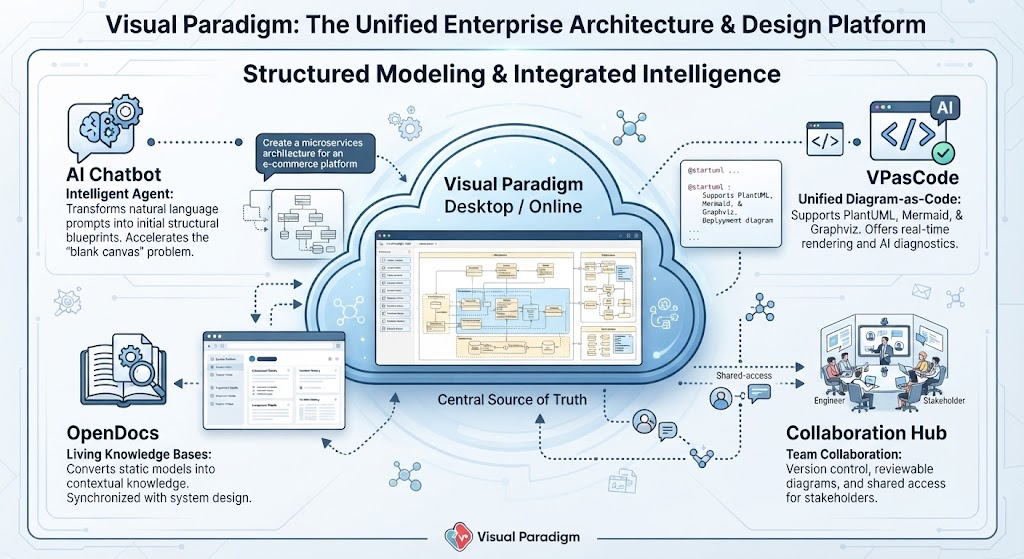
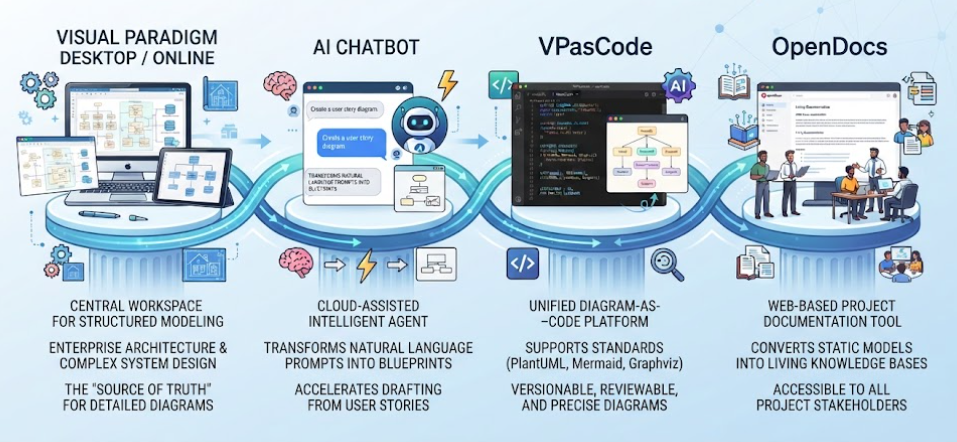
Welcome to this comprehensive tutorial on Visual Paradigm. As a technical tutor, I often emphasize that modern system design is not just about drawing boxes and arrows; it is about managing the lifecycle of architectural data. The infographic provided illustrates Visual Paradigm not merely as a diagramming tool, but as a unified platform for Enterprise Architecture and System Design.
In this guide, we will deconstruct the ecosystem shown in the diagram, exploring how the “Central Source of Truth” interacts with AI agents, code-based modeling, documentation engines, and team collaboration hubs.
1. The Core: Visual Paradigm Desktop / Online
At the heart of the architecture is the Visual Paradigm Desktop / Online environment, depicted as the central cloud in the diagram. This is the “Source of Truth.”
- Structured UML Modeling: This is where you create the formal diagrams (Class diagrams, Sequence diagrams, etc.) that define your system’s structure.
- Enterprise Architecture (EA): It serves as the repository for high-level business architecture, ensuring that technical design aligns with business strategy.
- Complex System Design: The workspace handles the granular details of software engineering, acting as the definitive reference for developers and architects alike.
2. Accelerating the “Blank Canvas” with AI
One of the biggest hurdles in system design is starting from scratch. Visual Paradigm addresses this through two distinct AI-driven approaches shown on the left and right of the central hub.
The AI Chatbot Intelligent Agent
Located on the left side of the ecosystem, the AI Chatbot acts as a bridge between human intent and technical structure. Instead of manually selecting tools and placing shapes, the chatbot transforms natural language prompts into initial structural blueprints. This significantly reduces the “blank canvas” problem, allowing architects to rapidly prototype microservices architectures or database schemas.
VPasCode: Unified Diagram-as-Code
On the right side, we see VPasCode, which represents the shift towards “Infrastructure as Code” applied to diagrams. This feature allows engineers to define diagrams using code rather than drag-and-drop interfaces.
- Supports Multiple Syntaxes: It unifies support for
PlantUML,Mermaid, andGraphviz. - Real-time Rendering: The code is rendered instantly into visual diagrams.
- AI Diagnostics: The AI checks the code for errors and suggests improvements, ensuring the diagram remains accurate.
3. OpenDocs: Transforming Models into Living Knowledge
A common pitfall in software engineering is documentation drift. When a model changes, the PDF or Word document often does not. The OpenDocs feature (bottom left) solves this by creating Living Knowledge Bases.
OpenDocs automatically converts static models into contextual knowledge documents. Because it is synchronized with the system design, if you update a class diagram in the central workspace, the documentation updates immediately. This ensures that stakeholders always have access to the most current architectural information.
4. The Collaboration Hub
Finally, architecture is a team sport. The Collaboration Hub (bottom right) ensures that the “Source of Truth” is accessible to everyone, from the Engineer to the Stakeholder.
This component manages:
- Version Control: Tracking changes to ensure no architectural data is lost.
- Reviewable Diagrams: Providing a clear interface for peer reviews and approval workflows.
- Shared Access: Allowing non-technical stakeholders to view and understand the system design without needing the full desktop software installed.
Conclusion
By integrating the Central Source of Truth with AI acceleration, code-based modeling, automated documentation, and robust collaboration, Visual Paradigm creates a seamless workflow. It moves beyond simple diagramming to become a comprehensive platform for managing the complexity of modern enterprise systems.
Related posts:
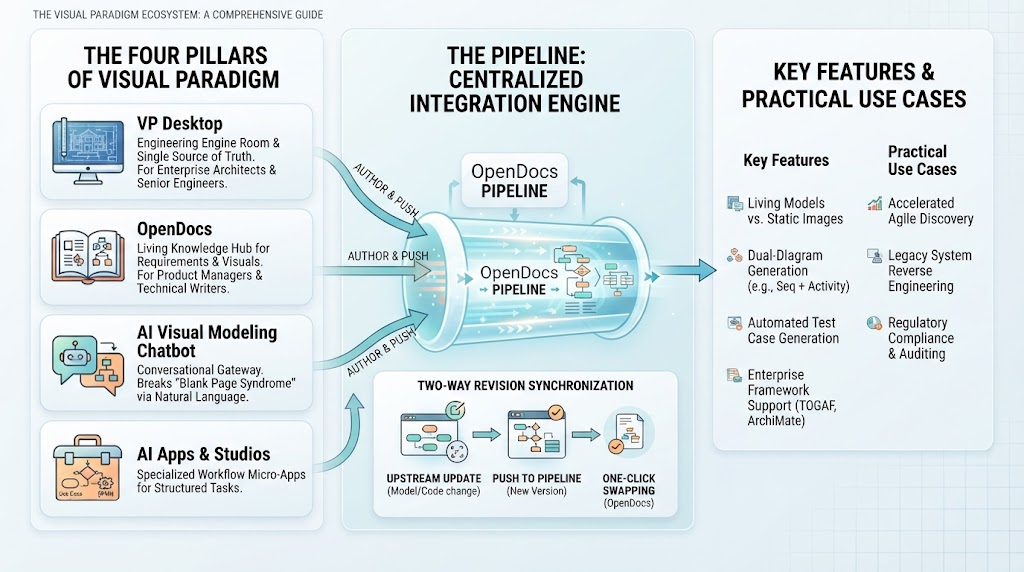 Mastering the Visual Paradigm Ecosystem: From Concept to Code with The Pipeline
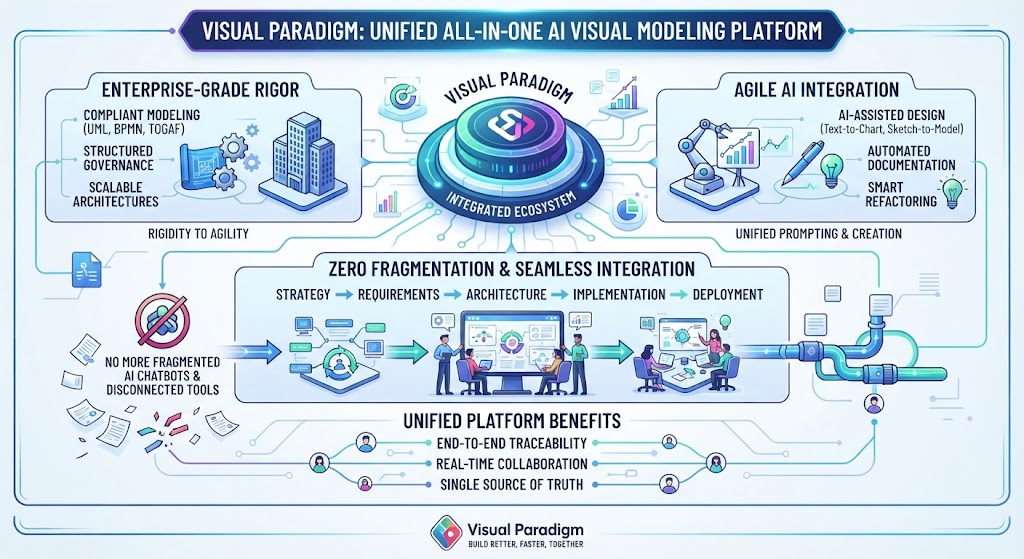 Mastering Unified Modeling: The Architecture of Enterprise Agility with Visual Paradigm
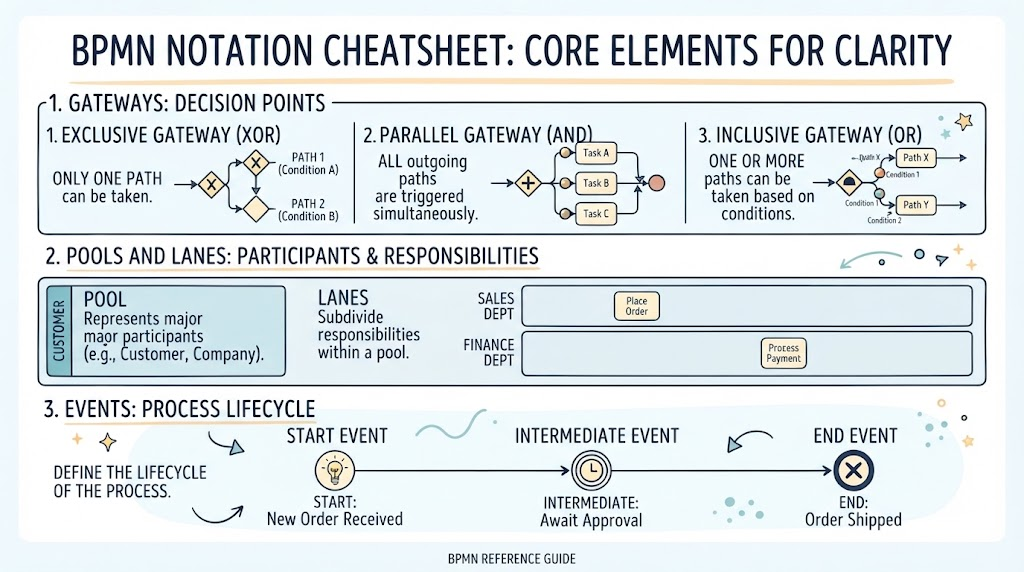 Mastering BPMN: A Visual Guide to Core Notation for Process Clarity
 Mastering the Modern Software Design Workflow: From Ideation to Living Documentation with Visual Paradigm