


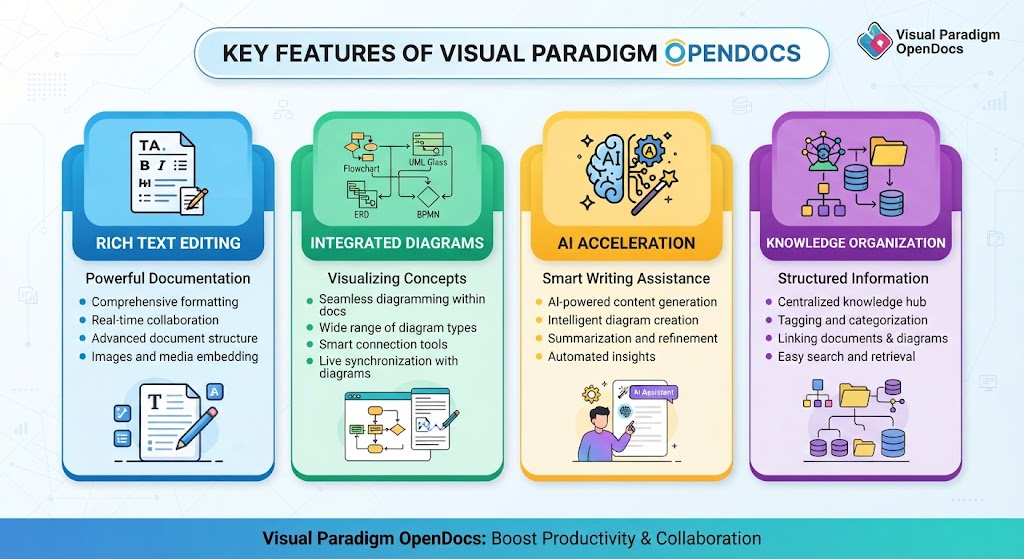
In modern software engineering, the gap between textual requirements and visual system architecture often leads to miscommunication and technical debt. Visual Paradigm OpenDocs addresses this critical disconnect by serving as an AI-powered, browser-based workspace where documentation and professional diagramming coexist seamlessly. This tutorial explores how to leverage the platform’s integrated diagramming engine to build robust system architectures.
Unlike traditional tools that require exporting images or switching tabs between editors, OpenDocs embeds the modeling engine directly into your text pages. This allows you to maintain a “living documentation” system where a Change Management Record (CMR) can reference a specific, editable UML Component Diagram on the same page.
1. The Architecture of Integrated Documentation
The core philosophy of OpenDocs is Contextual Modeling. When you document a system, the visual representation should not be an afterthought. It should be an intrinsic part of the narrative.
Consider the workflow for creating a System Context Diagram. In a standard environment, you might write a description in a Word document, create a separate image in Visio, and then paste it into the Word doc. If the architecture changes, you have to edit the Visio file, export a new image, and replace the old one.
In OpenDocs, you utilize the Native Embedding feature. You can describe the system in Markdown and immediately invoke the diagram editor. The diagram remains linked to the text, ensuring that your documentation is always synchronized with your architecture.
Key Concept: The “Single Source of Truth”
By using OpenDocs, you ensure that your diagrams are not static snapshots but dynamic assets. The platform supports:
- UML Diagrams: Class, Sequence, and Component diagrams for software structure.
- Business Processes: BPMN 2.0 and Flowcharts for operational workflows.
- Data Modeling: ERDs and DFDs for database architecture.
2. Building a System Context Diagram Step-by-Step
A System Context Diagram (or Level 0 DFD) is the highest-level view of a system. It defines the system boundary and shows how it interacts with external entities (actors, other systems, or databases).
Here is how to construct this in OpenDocs using the Rich Text & Markdown editor combined with the Integrated Diagramming Engine.
Step 1: Define the Scope in Text
Begin by documenting the functional scope. OpenDocs supports Live Markdown Preview, allowing you to format your documentation with tables, nested lists, and code blocks.
Example Documentation:
# System Context: Order Management Service

## Overview
The Order Management Service (OMS) is a central component responsible for receiving customer orders, validating inventory, and triggering fulfillment processes.

## External Entities
1. **Customer Portal**: The frontend application used by users to place orders.
2. **Inventory Service**: An internal microservice that checks stock availability.
3. **Payment Gateway**: A third-party API used for transaction processing.
Step 2: Embed the Diagram
While typing the text above, you can switch to the diagramming view. OpenDocs provides Extensive Diagram Support. For a context diagram, you would typically use the Flowchart or System Context stencil library.
1. Click the Diagram tab in your document page.
- Select the External Entity shape and drag it onto the canvas.
- Name it “Customer Portal”.
- Drag a Process shape (representing your OMS) into the center.
- Connect the entities using the Smart Connection Tools.
The result is a visual representation that lives in the same file as the text description above. If you need to add a new entity, like a “Shipping Provider,” you simply edit the diagram, and the visual changes instantly.
3. Leveraging AI for Architecture Generation
Visual Paradigm OpenDocs distinguishes itself with AI-Powered Acceleration. You do not need to manually drag and drop shapes for every diagram.
AI Diagram Generation
If you are starting from scratch, you can use the AI Assistant to generate the initial architecture. Simply type a prompt in plain English describing your system’s intent.
Example AI Prompt:
Create a Sequence Diagram for the user login process.
Include the User, the Frontend Controller, the Authentication Service, and the Database.
Show the steps for valid and invalid credentials.
The AI engine interprets this request and generates a fully editable Sequence Diagram. You can then refine the logic, add error handling paths, or adjust the styling, all within the same workspace.
4. Knowledge Organization and Collaboration
Architecture documentation is rarely a solo endeavor. OpenDocs offers Cloud-Based Accessibility and Real-Time Collaboration, ensuring that your team stays on the same page.
Knowledge Tree Management:
You can structure your knowledge base using collapsible, nested folders. A typical structure might look like this:
- Project Alpha
- Architecture
- System Context Diagram
- Component Diagrams
- Requirements
- User Stories
- Functional Specs
- Architecture
Global Search:
With large enterprise systems, finding a specific diagram can be difficult. OpenDocs provides Global Search that indexes full text across all documents and embedded diagrams. You can search for “Inventory API” and instantly locate the specific documentation and diagram where it is defined.
5. Best Practices for Documentation
To maximize the effectiveness of your documentation workspace, adhere to the following principles:
- Link, Don’t Copy: Instead of pasting static images, always use embedded diagrams. This ensures that if the architecture evolves, the documentation updates automatically.
- Use Standard Stencils: Stick to industry-standard shapes for UML (e.g., Class, Component) and BPMN to ensure your diagrams are readable by all stakeholders.
- Iterate with AI: Use the AI Content Assistant to draft initial documentation, then manually refine it with your specific technical knowledge.
By integrating these workflows, Visual Paradigm OpenDocs transforms the documentation process from a bureaucratic burden into a strategic asset for your engineering team.
Related posts:
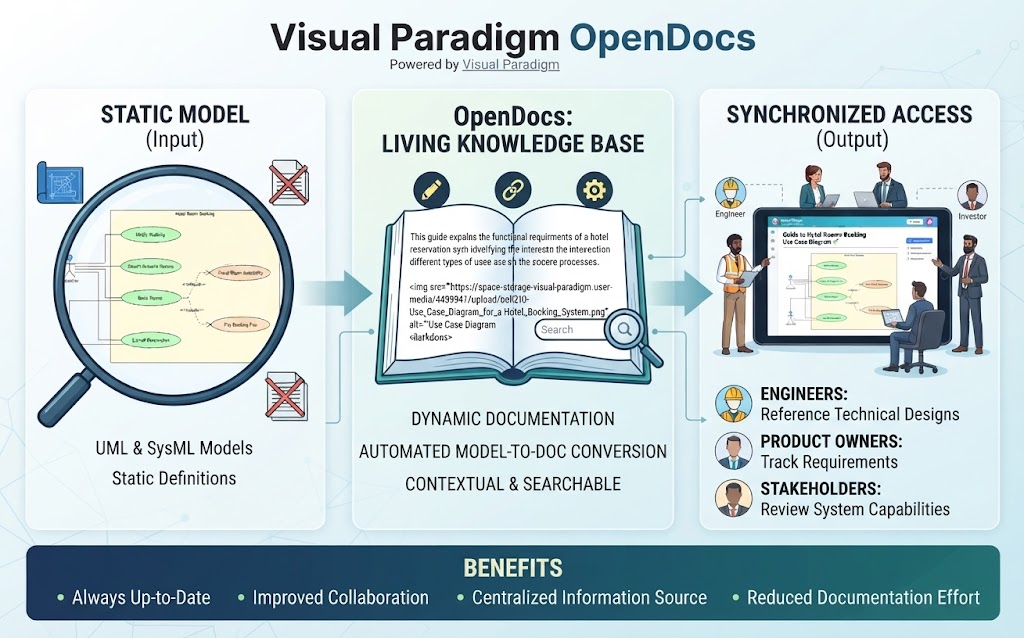 Mastering Dynamic Documentation: How Visual Paradigm OpenDocs Bridges the Gap Between Code and Context
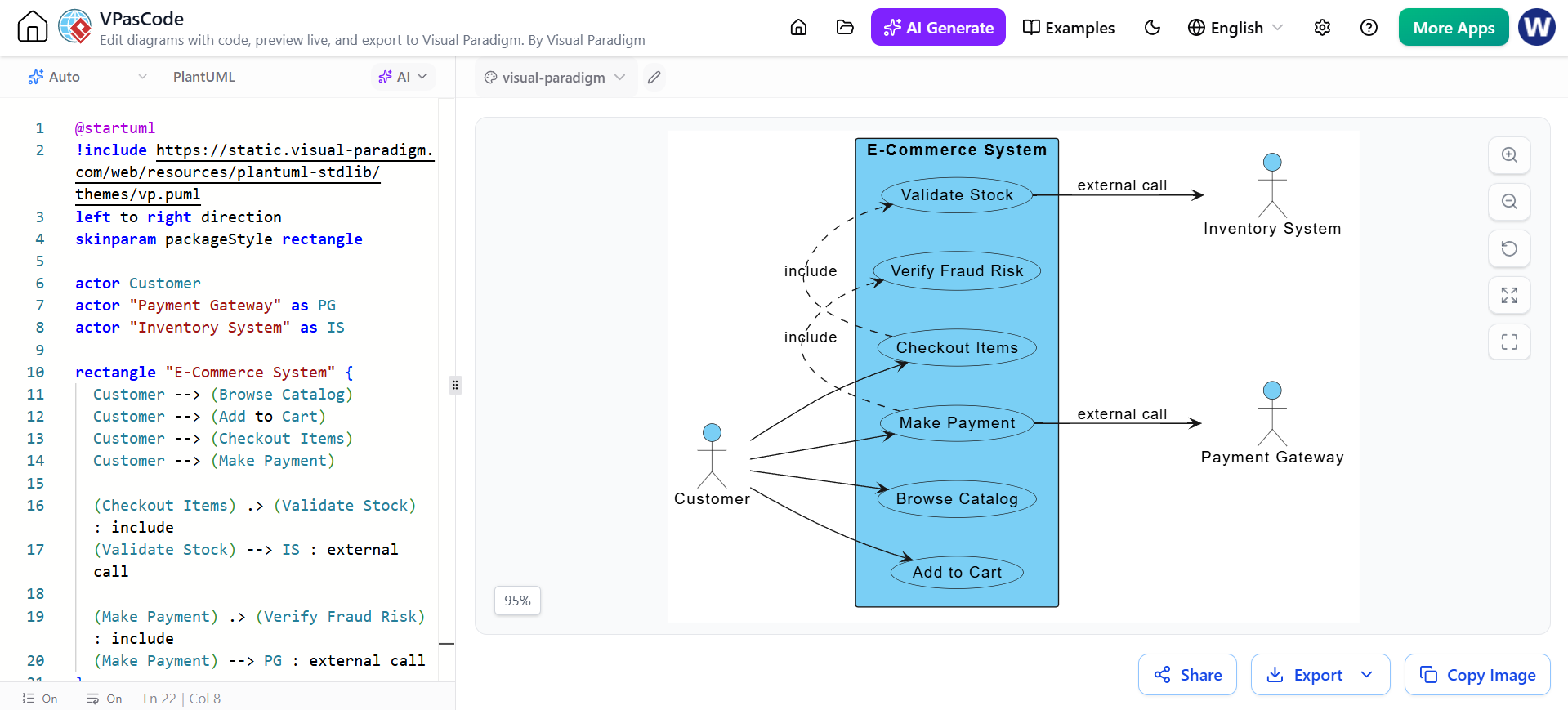
 Mastering System Architecture: Refining Use Case Diagrams with VPasCode and Embedded AI
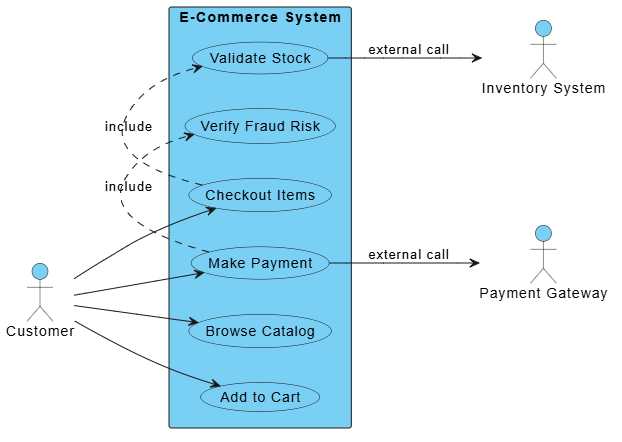
 Mastering System Modeling: Building an E-Commerce Use Case Diagram with VPasCode
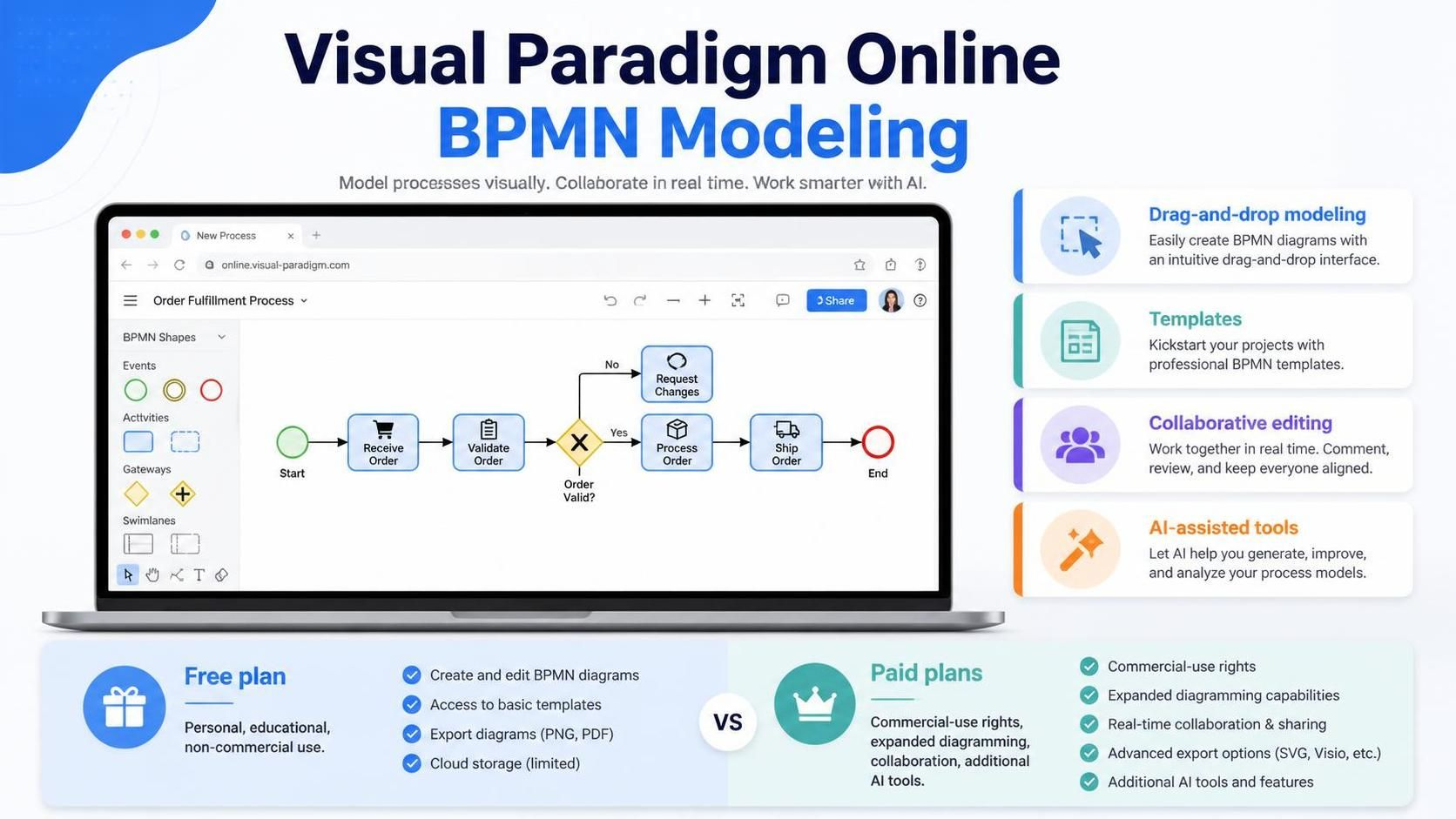 Mastering BPMN Modeling in Visual Paradigm Online: From Pools, Lanes, and AI-Generated Drafts to Production Workflows