In the world of Agile development and Business Process Management (BPM), clarity is currency. Complex workflows often get bogged down by confusion over who is responsible for what. This is where BPMN (Business Process Model and Notation) Pools and Lanes become essential. They serve as the backbone of clear communication, transforming abstract ideas into a visual map of accountability.
This tutorial explores how to move beyond static drawing and leverage intelligent tooling—specifically Visual Paradigm—to rapidly prototype, validate, and streamline your cross-functional workflows.
The Architecture of Collaboration: Understanding Pools and Lanes
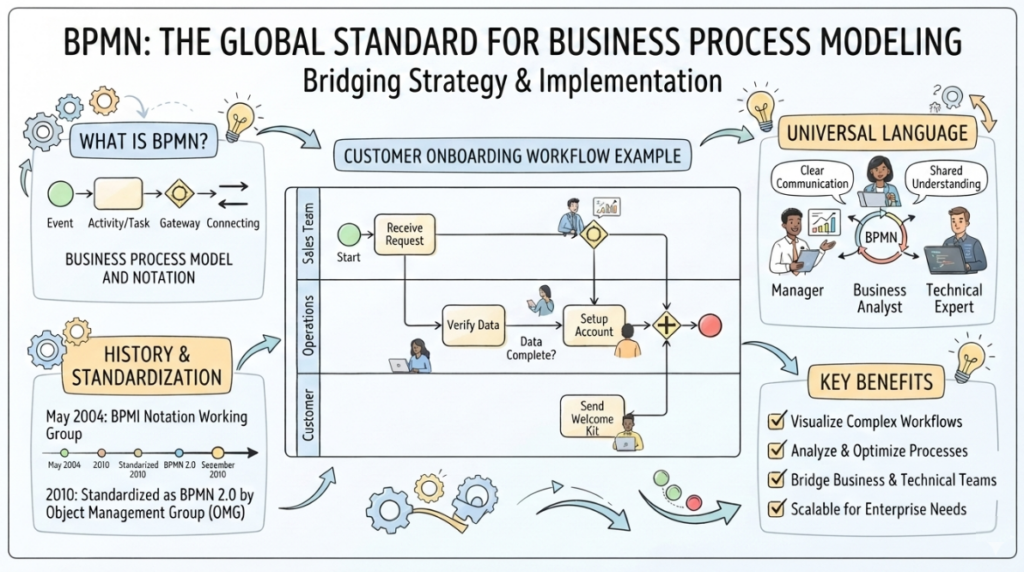
Before diving into the tools, we must understand the underlying modeling concepts. BPMN uses a specific architecture to separate concerns:
- Pools: These represent the boundaries of a process. Typically, a pool represents a major entity, such as a specific organization (e.g., “The Company”) or a specific partner (e.g., “The Customer”).
- Lanes: These are subdivisions within a pool. They represent specific roles, departments, or systems (e.g., “Sales,” “Warehouse,” or “Shipping”).
By mapping tasks to these lanes, teams can instantly see where a handoff occurs. If a process line crosses from one lane to another, it indicates a transfer of responsibility.
Step 1: The AI Revolution in Process Modeling
Traditionally, creating these diagrams manually was a tedious exercise. You would draw boxes, drag-and-drop connectors, and constantly adjust alignment. Visual Paradigm has introduced a paradigm shift using AI-Powered Natural Language Processing.
The Workflow:
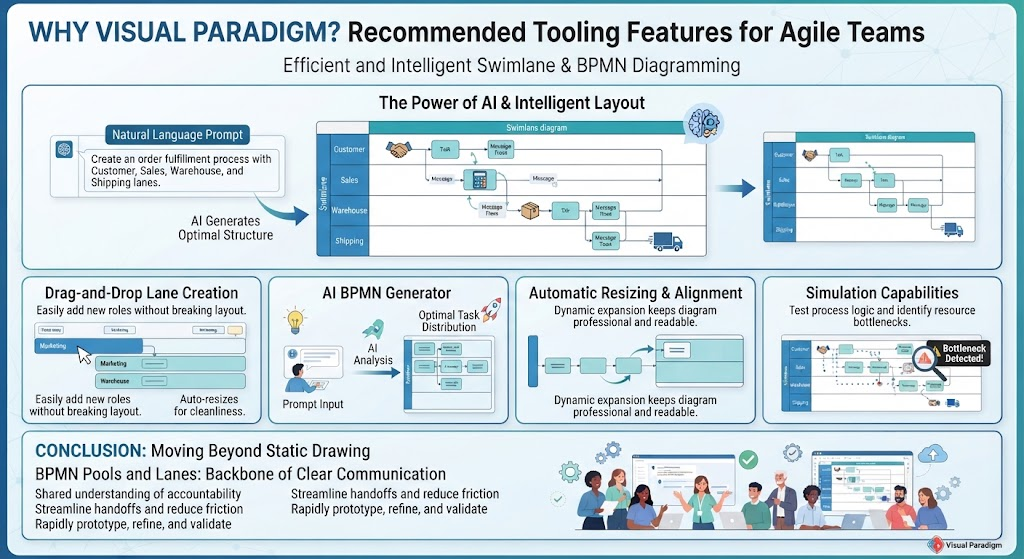
- Natural Language Prompt: Instead of clicking shapes, you describe the process. For example: “Create an order fulfillment process with Customer, Sales, Warehouse, and Shipping lanes.”
- Optimal Structure Generation: The AI analyzes the prompt and suggests the optimal distribution of tasks across the pools and lanes.
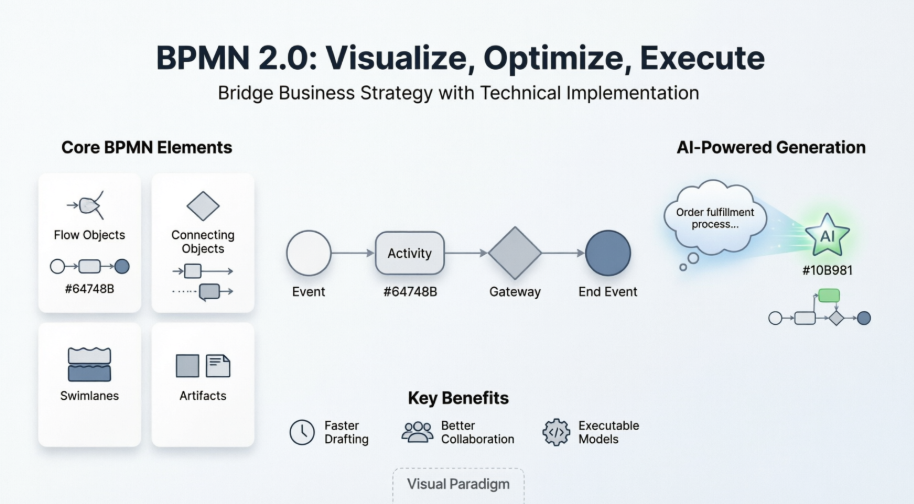
- Contextual Logic: The AI doesn’t just draw boxes; it understands BPMN 2.0 standards. It knows that interactions between different entities (like a customer and sales) should be represented as Message Flows (dashed lines), while interactions within a single department are Sequence Flows (solid lines).
Step 2: Intelligent Layout and Dynamic Resizing
One of the most common frustrations in diagramming is layout management. When you add a new task, it often breaks the visual balance of the diagram. Visual Paradigm solves this with Automatic Resizing and Alignment.
As you expand a lane to accommodate new tasks, the tool intelligently resizes adjacent elements. This ensures that your diagram remains professional and readable without requiring manual pixel-perfect adjustments. It allows teams to focus on the logic of the process rather than the aesthetics of the drawing.
Step 3: Simulation and Bottleneck Detection
A diagram is only as good as its accuracy. Visual Paradigm includes powerful Simulation Capabilities that allow you to test your process logic before implementing it in the real world.
How it works:
- You can “run” the diagram to see tokens move through the workflow.
- Bottleneck Detection: If tokens get stuck in a specific lane, the simulation highlights a resource bottleneck.
- Refinement: This immediate feedback loop allows Agile teams to refine their process models rapidly, ensuring that the workflow is not just fast, but also logically sound.
Conclusion: Moving Beyond Static Drawing
BPMN Pools and Lanes are more than just visual containers; they are the foundation of shared understanding in complex processes. By leveraging the AI-driven features of Visual Paradigm—specifically the AI BPMN Generator and automatic layout tools—teams can:
- Streamline Handoffs: Clearly define where responsibility shifts between departments.
- Reduce Friction: Identify resource bottlenecks before they cause delays.
- Ensure Accountability: Create a blueprint where every task has a clear owner.
By adopting these intelligent tools, you move from simply “drawing” diagrams to actively engineering efficient, well-communicated business processes.