


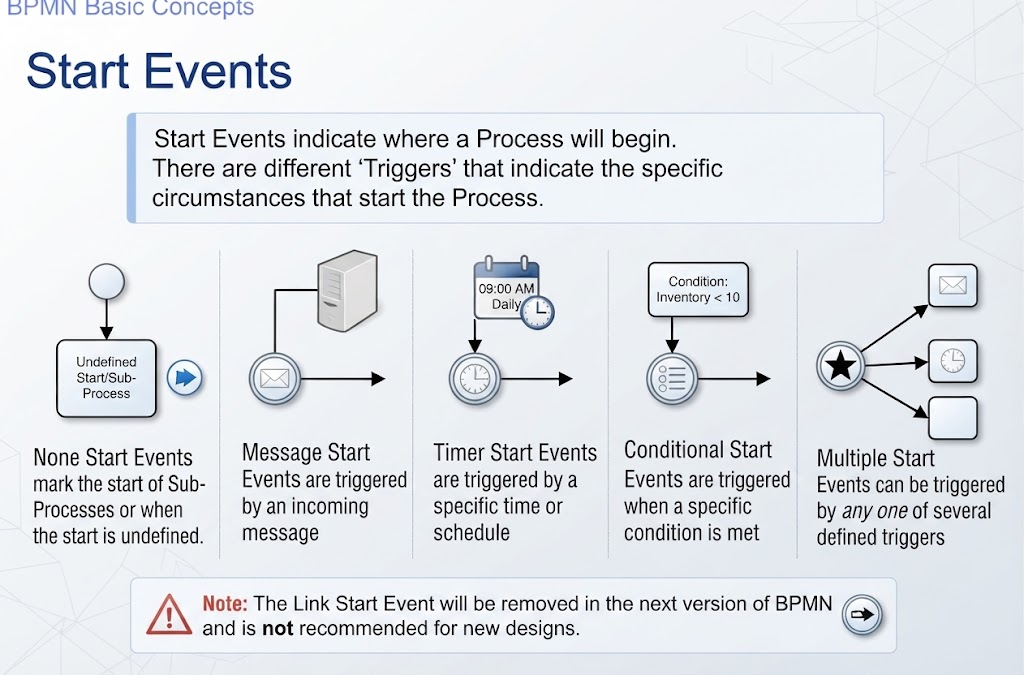
In the world of Business Process Model and Notation (BPMN), the Start Event is the gateway to automation. It represents the precise moment a business process comes to life, transforming a dormant diagram into an active workflow. Understanding the nuances of these events is crucial for architects and developers building robust systems.
This tutorial provides an in-depth look at the architecture of BPMN start events, explaining how different triggers dictate the flow of execution and how to model them effectively for various business scenarios.
The Architecture of a Process Initiation
At its core, a BPMN process is a sequence of activities. However, before any activity can occur, the process instance must be instantiated. This is the function of the Start Event.
- Visual Representation: In the diagram, start events are universally recognized as a thin-bordered circle. This distinguishes them from other events, which typically use thick borders.
- The Trigger Mechanism: A process does not start simply because it exists. It starts because of a trigger. The trigger is the specific circumstance—such as receiving data, a time passing, or a condition being met—that causes the “engine” to begin execution.
Every valid BPMN process diagram must contain at least one start event. Without it, the process is unreachable and effectively dead code.
Detailed Breakdown of Start Event Types
Different business needs require different types of initiators. Below, we explore the specific start events depicted in the architecture, their symbols, and their practical applications.
1. None Start Event: The Generic Initiator
The None Start Event is the most fundamental form. Visually, it is an empty circle.
- Use Case: It is primarily used to mark the start of a Sub-Process or when the specific condition for starting is not defined in the diagram itself.
- Technical Context: In complex systems, this event often serves as a placeholder for a process that is called via a Call Activity from another process, where the actual trigger is handled by the calling parent process.
2. Message Start Event: Asynchronous Communication
Modern business relies heavily on interaction between systems. The Message Start Event is represented by a circle containing an envelope icon.
- The Trigger: The process starts strictly when a specific message is received from an external participant (another system, a user, or an email server).
- Example: An Order Processing System. The process remains dormant until a customer submits an order via an API or an email arrives, triggering the envelope icon to begin the fulfillment workflow.
3. Timer Start Event: Scheduled Automation
Some processes are time-dependent. The Timer Start Event is identified by a clock icon within the circle.
- The Trigger: The process initiates based on a specific time, a recurring schedule, or a defined duration.
- Example: A monthly financial report. The system is programmed to wake up and generate a report automatically at 09:00 AM on the 1st of every month. No human interaction is required to start this event.
4. Rule (Conditional) Start Event: Logic-Based Triggers
While timers rely on time and messages on communication, some processes rely on data logic. This is the Rule Start Event (also known as a Conditional Start Event).
- The Trigger: The process begins when a specific business rule or data condition evaluates to true.
- Example: Inventory Management. A reordering process does not run on a schedule; it runs only when a check reveals that Inventory Level < 10. Once this condition is met, the rule event fires.
5. Multiple Start Event: The Hybrid Trigger
In complex scenarios, a single process might need to be initiated by various different means. The Multiple Start Event (marked with a star icon) allows for this flexibility.
- The Trigger: The process starts if any one of the defined triggers occurs. It effectively consolidates multiple start points into a single entry point.
- Example: Customer Onboarding. A process might start if a customer sends an application message, if a scheduled batch job runs, or if a rule detects a high-priority eligibility check. All these distinct triggers feed into this single event.
Important Historical Note: The Deprecated Link Event
In older versions of BPMN, there was a Link Start Event (a circle with an arrow) used to connect separate parts of a diagram. However, modern BPMN 2.0 standards have deprecated this event type.
Best Practice: Do not use Link Start Events in new designs. Instead, utilize Link Intermediate Events for internal process flows or Call Activities to connect distinct process diagrams cleanly.
Conclusion
Mastering Start Events is the first step toward creating dynamic, responsive process models. By selecting the correct trigger—be it a message, a timer, or a rule—you ensure that your business processes start at exactly the right moment, aligning your technical architecture with your operational reality.
Related posts:
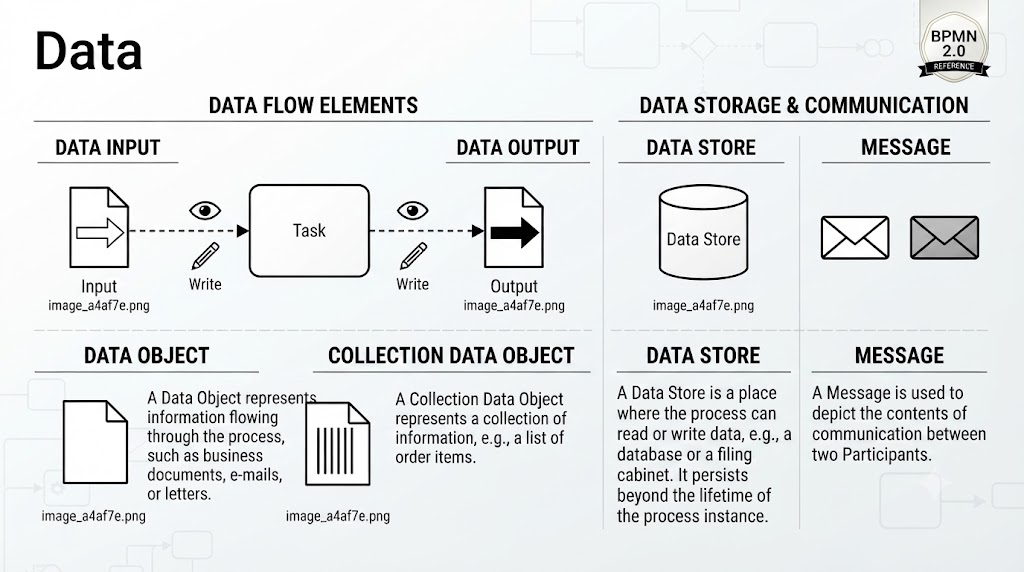 Mastering BPMN 2.0: A Comprehensive Guide to Data Objects and Flows
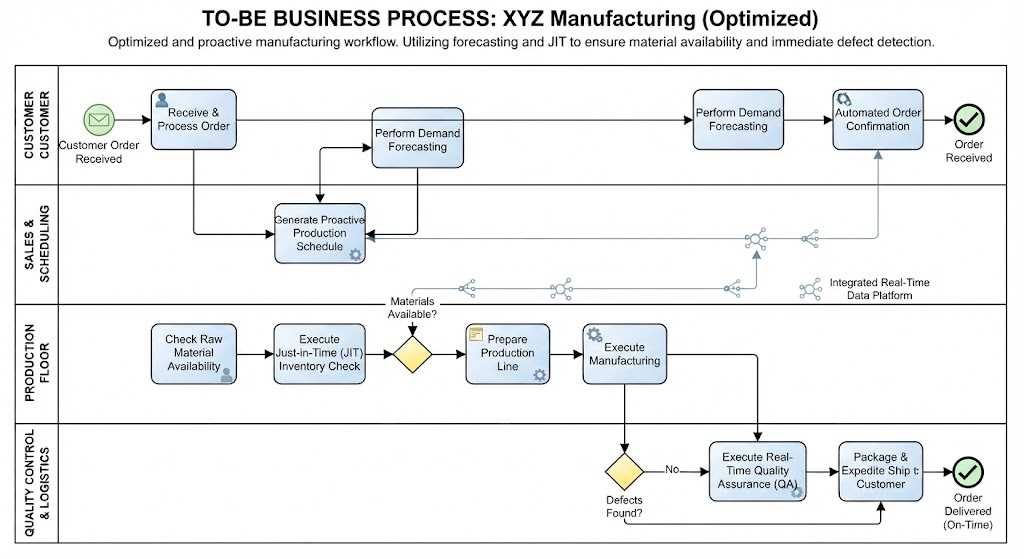 Mastering the To-Be Business Process: A Step-by-Step Guide to XYZ Manufacturing’s Optimized Workflow
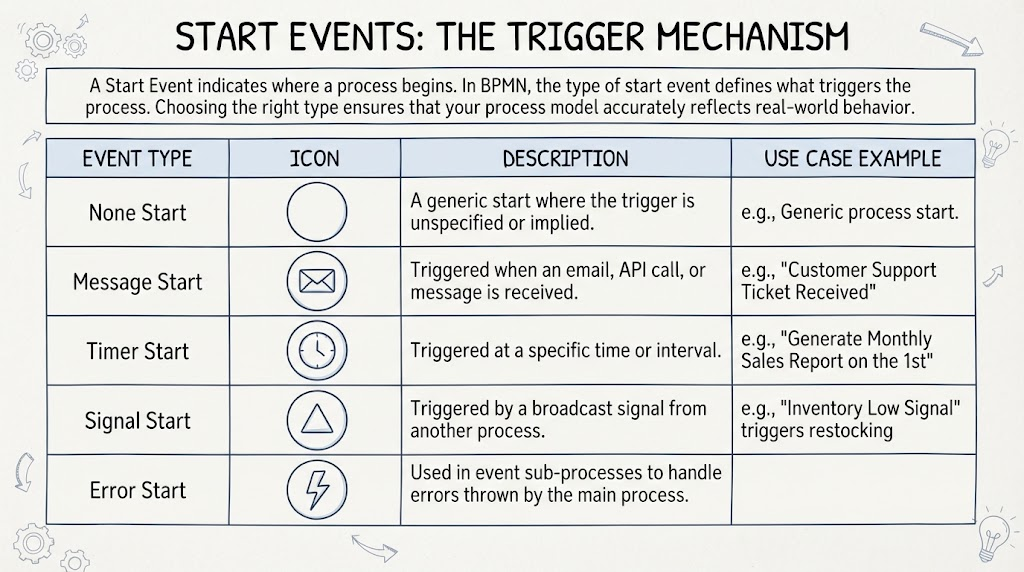 Mastering BPMN Start Events: A Technical Guide to Process Triggers
 Mastering BPMN Sub-Processes: From Hierarchical Logic to Visual Modeling