In the rapidly evolving landscape of software engineering, the gap between architectural intent and implementation reality often widens. Modern software teams require more than just code editors; they need architecture diagrams, technical documentation, and system maps that remain aligned with their code. This is where Visual Paradigm VPasCode steps in, offering a browser-based “diagram-as-code” workflow that bridges this critical gap.
This tutorial explores the system architecture of a typical microservices setup—specifically an “Online Order Process”—and demonstrates how to model it using VPasCode. We will walk through the workflow from raw requirements to aligned documentation, illustrating how this tool acts as a valuable layer around the development process.
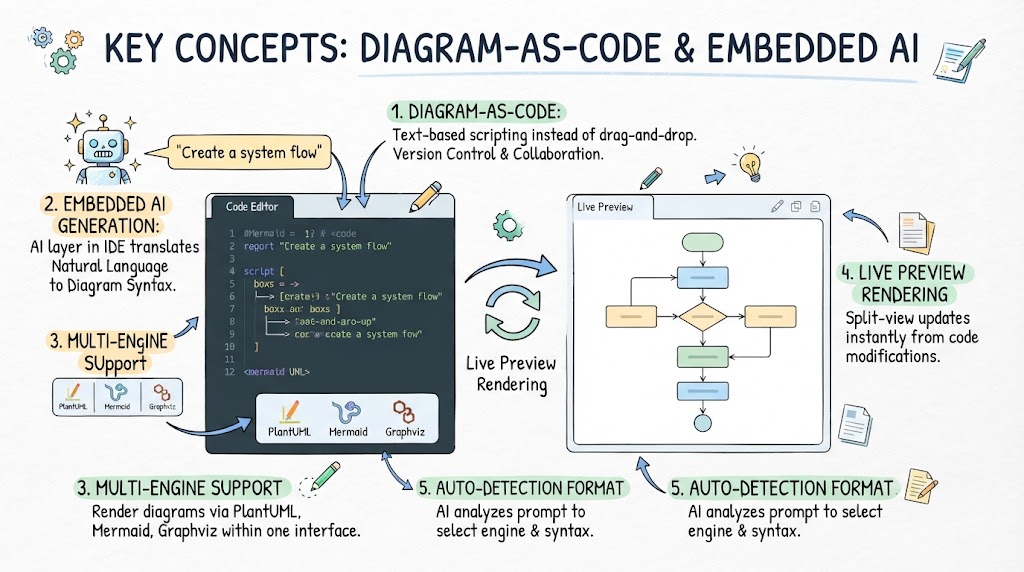
The Philosophy: Diagram-as-Code
Traditional modeling tools often rely on drag-and-drop interfaces. While intuitive, these diagrams can quickly become disconnected from the actual codebase, leading to “diagram rot” where the visual representation no longer matches the system.
VPasCode solves this by treating diagrams as code. Developers describe diagrams using a text-based syntax. This approach offers several distinct advantages:
- Version Control Friendly: Like code, text-based diagrams can be easily tracked in Git repositories.
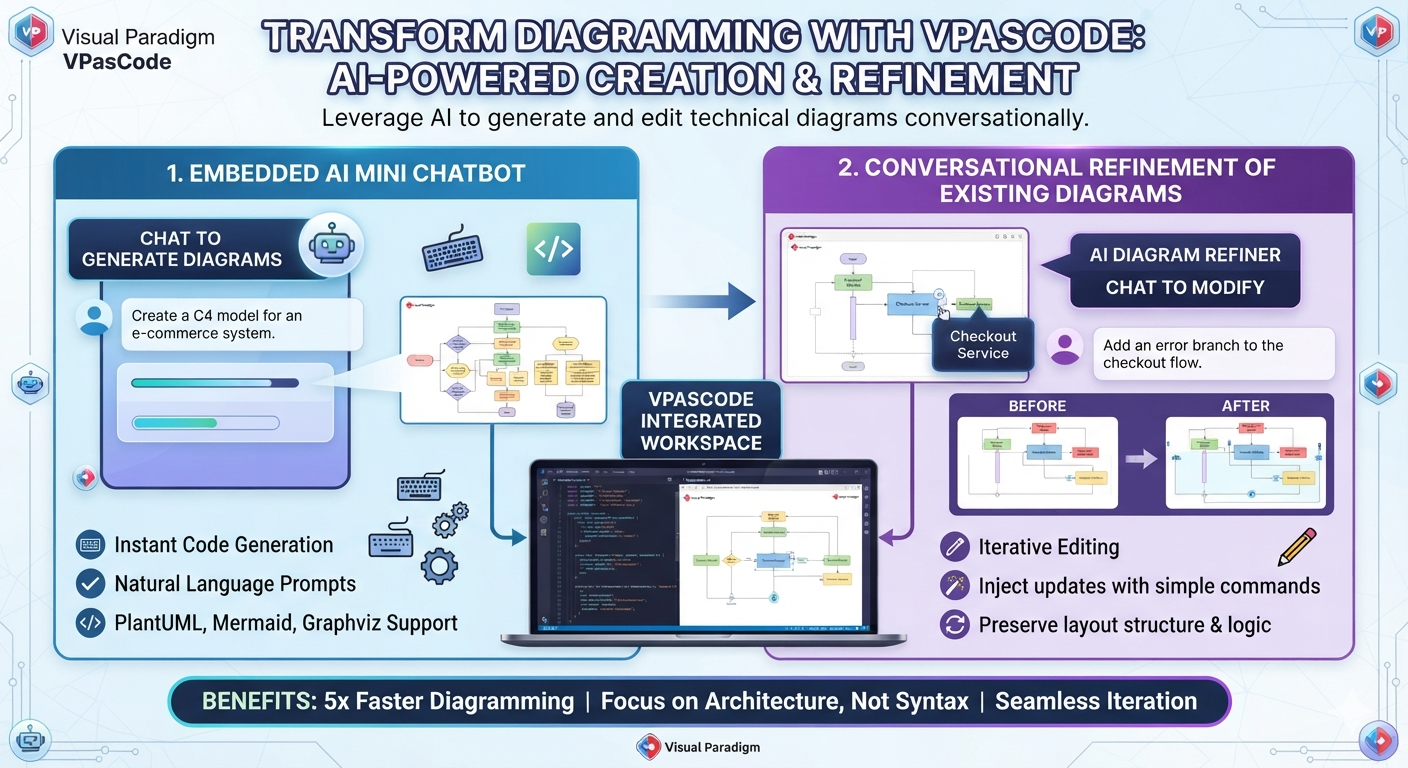
- AI Acceleration: Developers can leverage AI to generate, correct, and refine complex architectural structures.
- Real-Time Synchronization: Changes in the text are instantly reflected in the visual preview.
Step 1: Defining the System Components
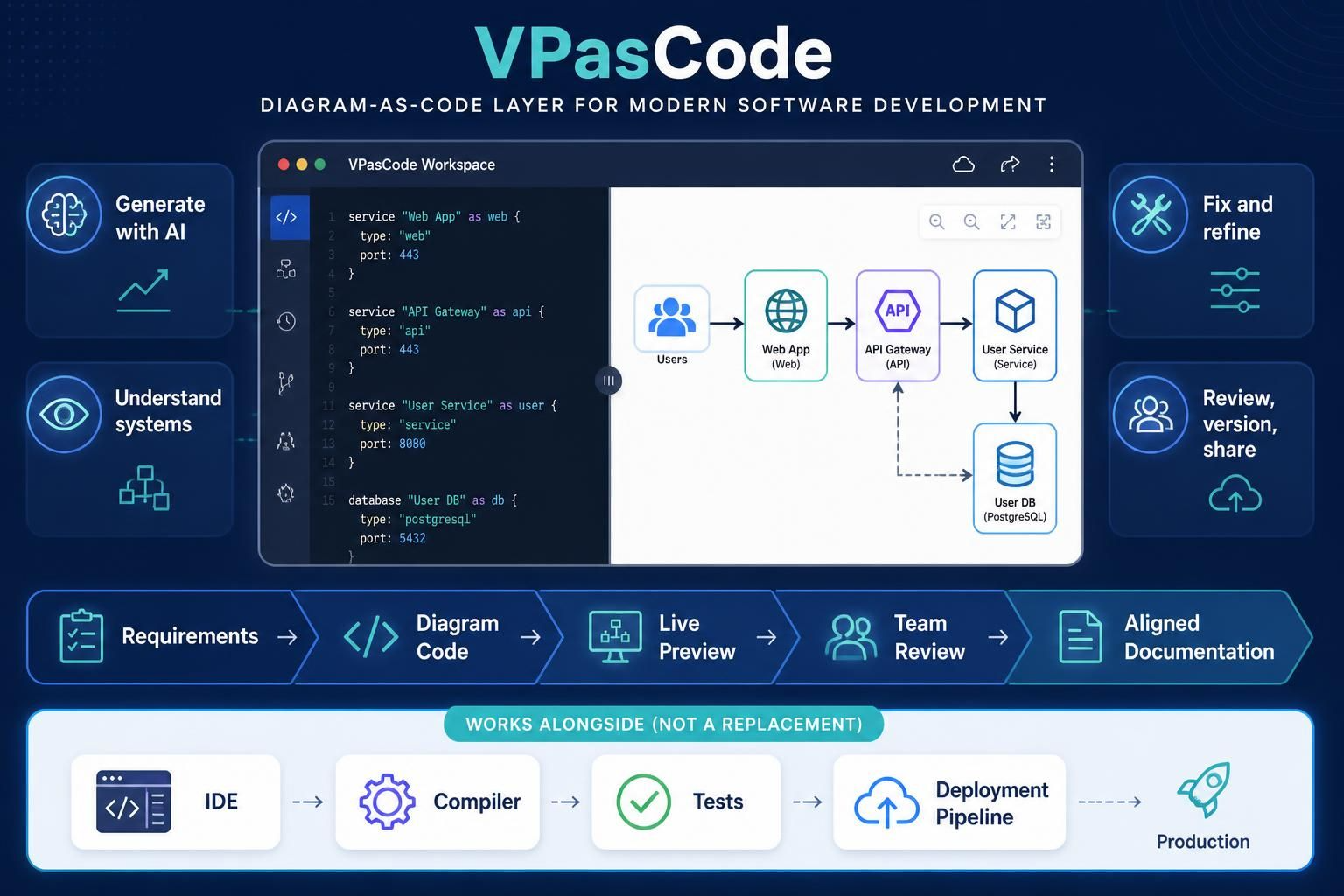
Let’s begin by modeling a standard e-commerce backend. Our system consists of four main components:
- Users: The external actors interacting with the system.
- Web App: The frontend interface handling the user experience.
- API Gateway: The entry point for all incoming requests.
- User Service & Database: The backend logic and storage layer.
In VPasCode, we define these services using a simple, structured text syntax. Below is how you would define the “Web App” and “API Gateway” services.
Text-Based Syntax Example
 service "Web App" as web {
   type: "web"
   port: 443
 }
service "API Gateway" as api {
type: "api"
port: 443
}
Notice how we assign a type and a port. This metadata helps the system understand the role of each component. The database block follows a similar pattern, specifying the technology stack (e.g., PostgreSQL) and its port.
Step 2: Establishing Relationships and Flow
Once the components are defined, the architecture comes alive through relationships. In our Online Order Process, data flows from the user to the web app, then to the API Gateway, and finally to the User Service.
VPasCode allows you to define these flows using arrows. For example, the Web App communicates with the API Gateway. The API Gateway, in turn, routes traffic to the User Service. Additionally, we often need to show indirect access, such as the API Gateway accessing the database directly for caching or routing purposes.
Step 3: The VPasCode Workflow
The power of this tool lies in its integrated workflow, which transforms how teams handle system architecture. As illustrated in the VPasCode interface, the process follows a logical progression:
1. Requirements to Diagram Code
Instead of starting with a blank canvas, you start with requirements. You can use the “Generate with AI” feature to describe your system in plain English, and VPasCode will generate the initial diagram code. This drastically reduces the time spent on boilerplate setup.
2. Live Preview & Refinement
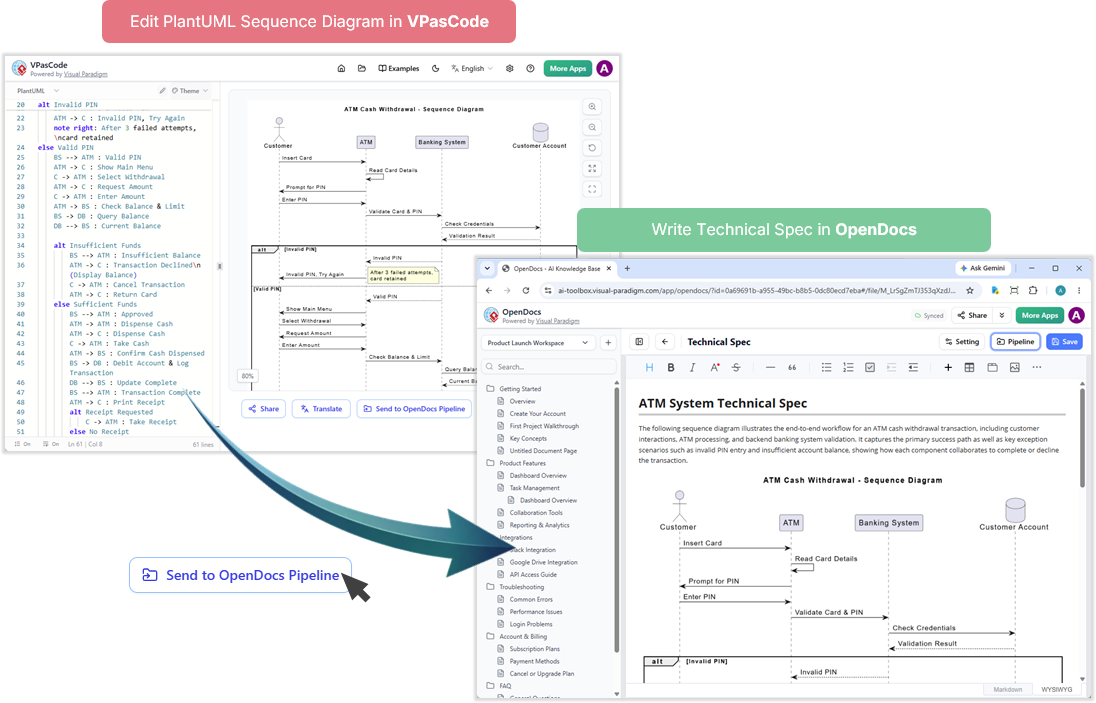
As you type, the diagram updates in real-time. The interface splits the view: on the left is the code editor, and on the right is the visual representation. You can instantly see if a connection is missing or a label is incorrect. The “Fix and refine” loop is accelerated by AI, which can suggest corrections or optimize the layout.
3. Team Review and Versioning
Once the diagram is accurate, it becomes a source of truth. Because it is text-based, it can be reviewed by the team just like code. You can version control your architecture, ensuring that the documentation evolves alongside the software.
Conclusion: A Layer, Not a Replacement
It is crucial to understand that Visual Paradigm VPasCode is not a replacement for your Integrated Development Environment (IDE), compiler, test suite, or deployment pipeline. It is a specialized layer designed to sit alongside these tools.
By integrating VPasCode into your workflow, you ensure that your architectural diagrams are not static documents but living artifacts. They are easier to review, update, version, and share, keeping your team aligned on the system’s true state. Whether you are visualizing an “Online Order Process” or a complex microservices mesh, VPasCode provides the clarity and structure modern software teams need.