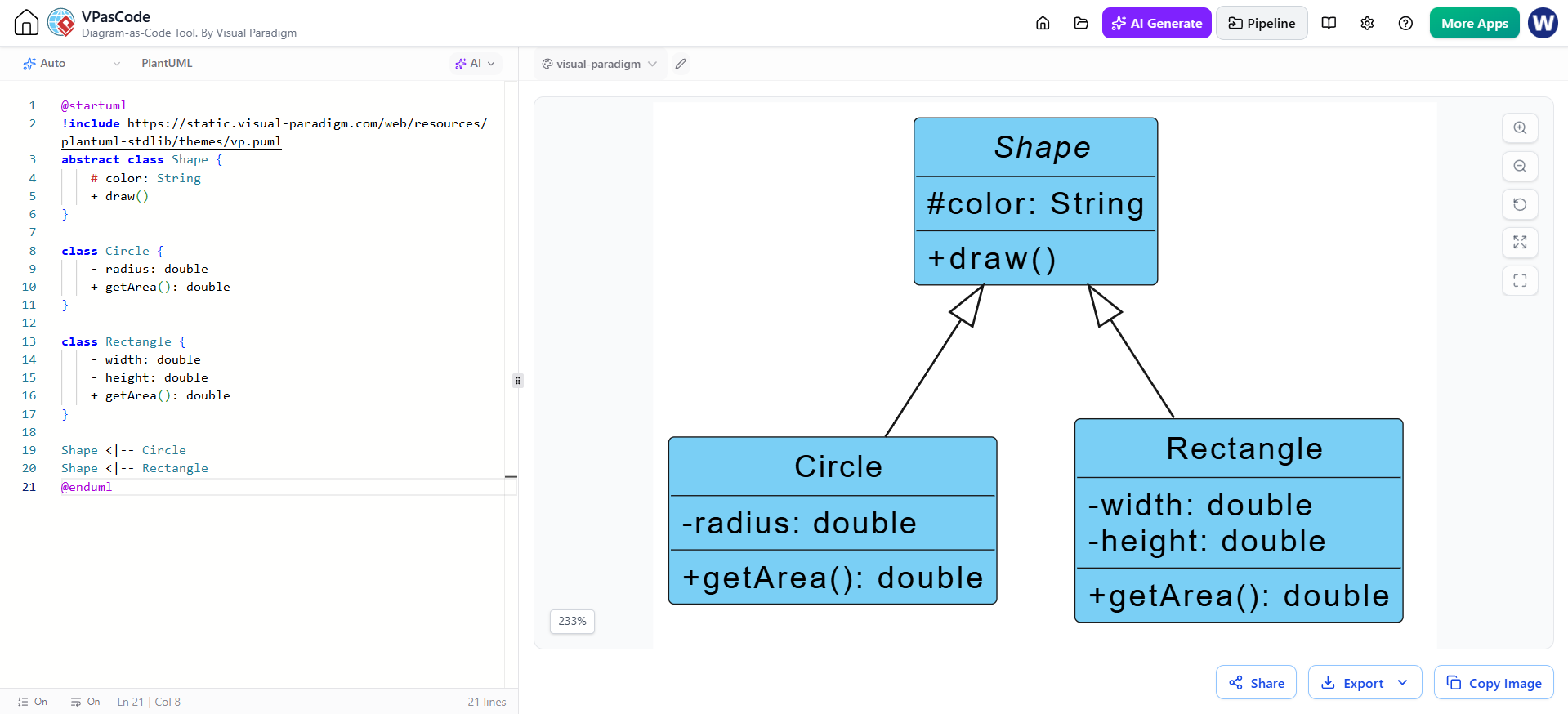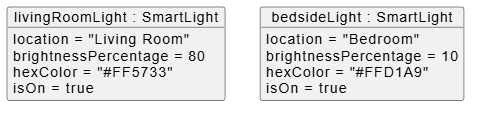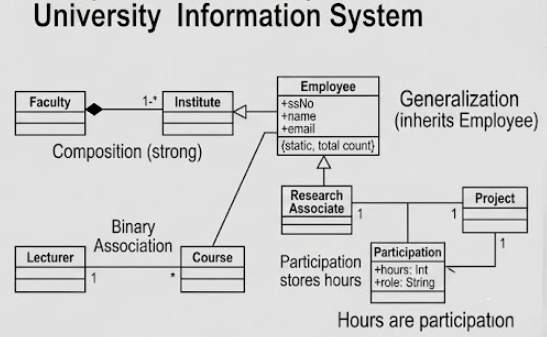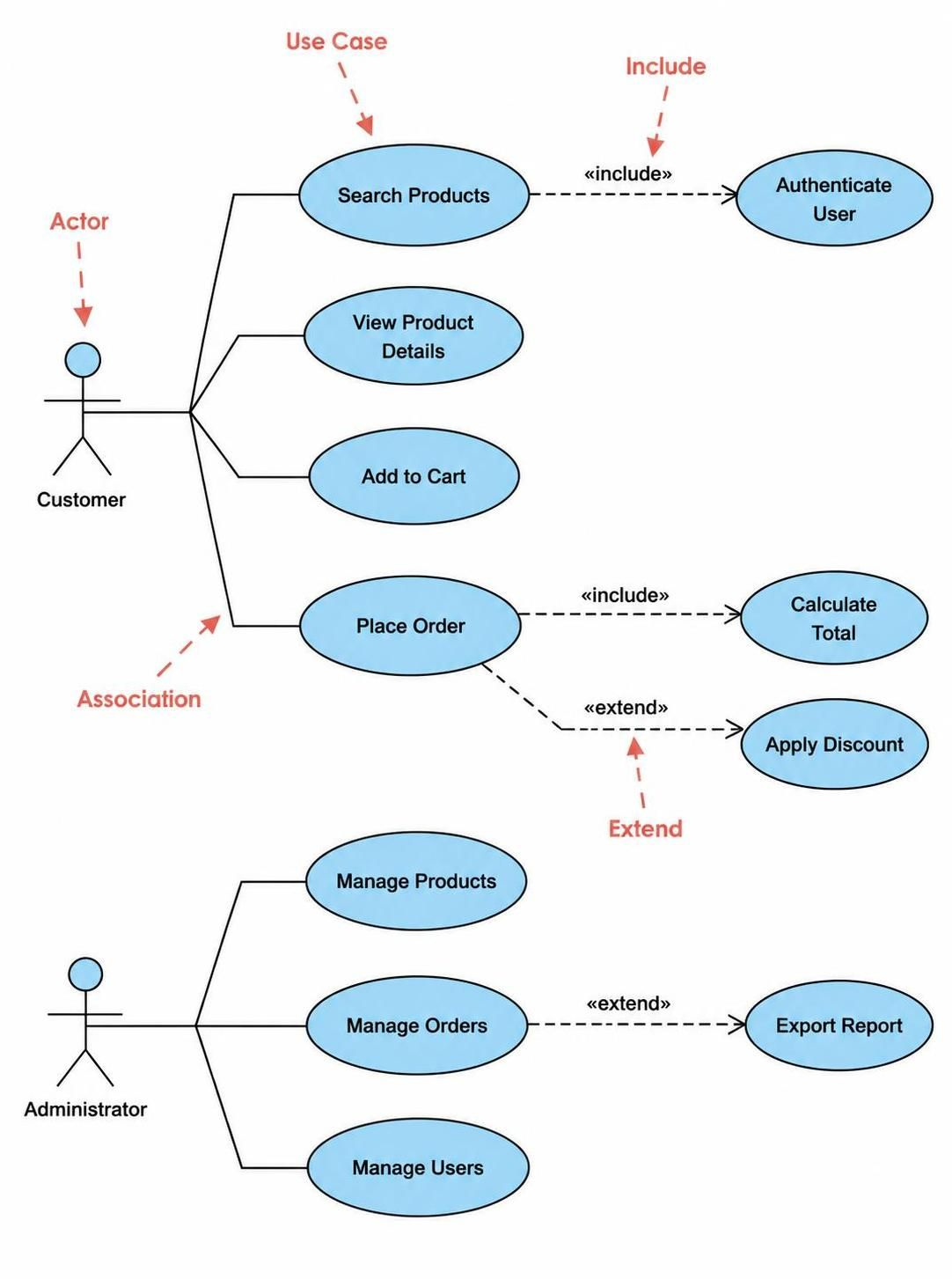
In the modern software development lifecycle, the gap between high-level business requirements and low-level implementation details can be a significant bottleneck. Traditionally, creating UML diagrams required manual effort, precise syntax, and a deep understanding of structural relationships. Today, Visual Paradigm has revolutionized this workflow by integrating AI-powered diagram generation. This tutorial explores how to leverage this technology to transform simple text descriptions into complex architectural diagrams, bridging the gap between requirements and code instantly.
Understanding the AI-Driven Workflow
The core philosophy behind Visual Paradigm’s AI capabilities is to reduce the friction of “starting from scratch.” Instead of manually dragging and dropping shapes onto a blank canvas, the system allows you to act as an architect by defining the what and how through natural language. The AI engine then interprets these requirements, maps out the necessary entities and relationships, and renders the appropriate diagram type.
This process supports a wide variety of UML standards, including:
- Class Diagrams: For defining static structure and relationships.
- Use Case Diagrams: For visualizing actor interactions.
- Sequence Diagrams: For modeling dynamic object interactions over time.
- State Machine Diagrams: For defining object lifecycles.
- Requirement Diagrams: For traceability and management.
Step-by-Step: Generating Your First AI Diagram
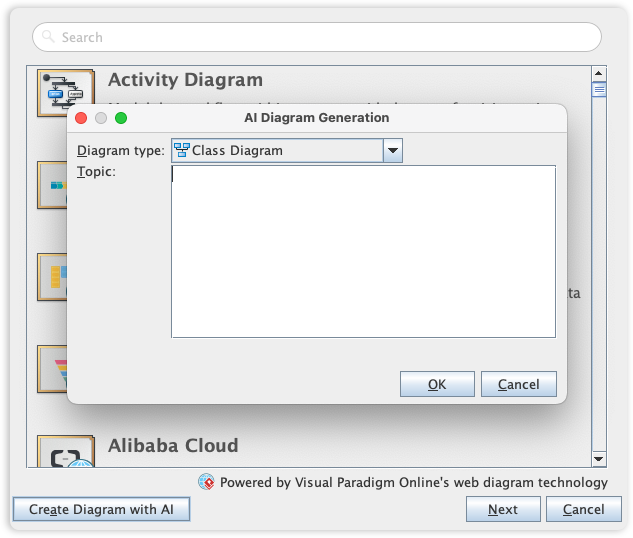
Based on the interface shown in the screenshot, here is the precise workflow to initiate an AI-generated diagram within the Visual Paradigm environment.
1. Accessing the AI Generator
Start by navigating to the modeling workspace. In the toolbar, locate the icon labeled Create Diagram with AI. This button serves as the gateway to the intelligent modeling suite. Clicking this button triggers the AI Diagram Generation modal window.
2. Selecting the Diagram Type
Once the modal window appears, the first decision you must make is the target diagram type. The dropdown menu, as seen in the screenshot, provides a curated list of supported UML standards. Select the diagram that best fits your current modeling phase.
3. Defining the Topic
The most critical step is entering the Topic. This is not just a label; it is the prompt for the AI. You must provide a comprehensive text description of the system behavior, structure, or interaction you wish to model.
For example, if you are building a banking system, your topic input might look like this:
Topic: Design a banking transaction system.
The system should have an Account class with attributes balance and accountNumber.
It should have a Customer class.
The Account should be able to deposit and withdraw money.
A Transfer should be a separate class that links two accounts.
Ensure all relationships are properly defined.
4. Execution and Verification
After entering your description, click the OK button. The system will process the semantic meaning of your text, map the entities (Classes), and establish the cardinality and associations. The resulting diagram is then generated, allowing you to immediately enter the design verification phase.
Why This Matters for System Architecture
The integration of AI into UML tools like Visual Paradigm represents a shift from diagramming to designing. By automating the syntax and structural layout, developers can focus entirely on the logic and architecture of the system. This capability ensures that:
- Consistency is maintained: The AI enforces standard UML notation rules automatically.
- Speed is increased: Complex structural diagrams that used to take hours can be generated in seconds.
- Collaboration is improved: Technical diagrams can be generated directly from business requirements text, making them accessible to non-technical stakeholders.
Conclusion
Visual Paradigm’s AI Chart Generator is more than a convenience feature; it is a strategic asset for modern software engineering. By leveraging these tools, teams can navigate the complex journey from high-level business needs to detailed code implementation with unprecedented clarity and efficiency. Whether you are a seasoned architect or a student learning UML, embracing AI-assisted modeling is the key to delivering high-quality software products in today’s fast-paced development environment.