


In the rapidly evolving landscape of enterprise technology, traditional architecture frameworks often struggle to keep pace with emerging domains like Cloud, AI, and Cybersecurity. This tutorial explores how TOGAF 10 addresses these challenges through a revolutionary modular approach. We will dissect the architecture of the “Specialist Architecture Modules,” understand the “Tailored Practice” strategy, and examine how modern tools like Visual Paradigm TOGAF ADM Tool facilitate this transition.
The Challenge: Beyond the Traditional Domains
Historically, architecture work has been categorized into four primary pillars: Business, Data, Application, and Technology (BDAT) architecture. While TOGAF 9.2 provided a solid foundation, modern enterprise transformation often requires deep expertise in specialized areas that fall outside these traditional boundaries.
For example, a company undergoing a massive digital transformation needs more than just “Technology Architecture”; they need specific guidance on Cloud Architecture, Migration Planning, and Agile Delivery.
The Solution: TOGAF 10’s Modular Specialist Content
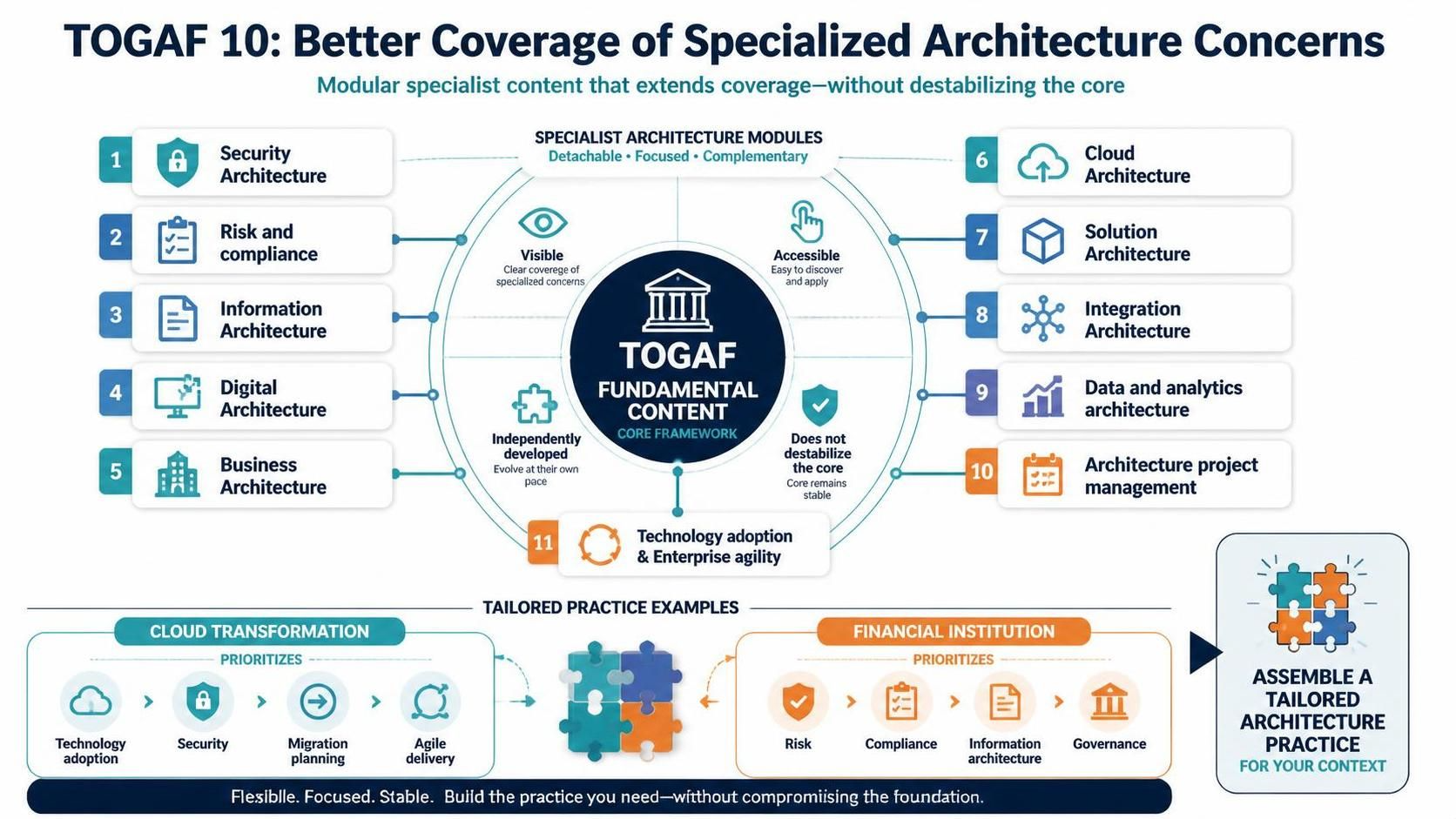
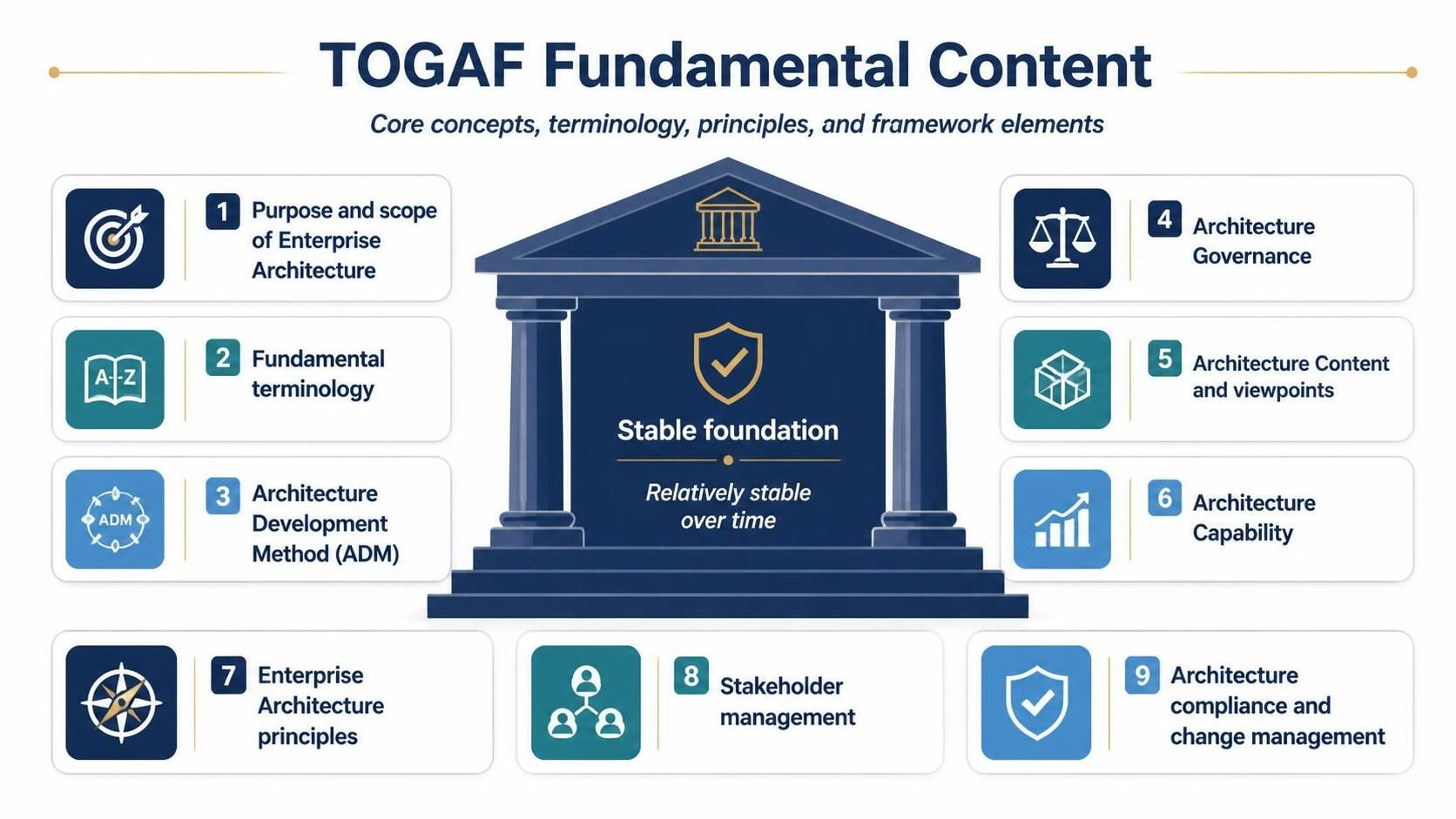
The core innovation of TOGAF 10 is its shift from a monolithic standard to a modular suite. The image provided illustrates the TOGAF Fundamental Content Core Framework surrounded by detachable, focused, and complementary specialist modules.
1. The Core vs. The Extensions
At the center of the diagram is the TOGAF Fundamental Content. This represents the “Core Framework”—the stable, foundational principles that have been proven over time. The diagram emphasizes that this core “does not destabilize” when new modules are added.
Surrounding this core are Specialist Architecture Modules. These modules are designed to be:
- Visible: Clear coverage of specialized concerns like Security and Risk.
- Accessible: Easy to discover and apply for practitioners.
- Independently Developed: They can evolve at their own pace without breaking the core framework.
2. The 11 Specialist Domains
The framework identifies eleven specific areas where organizations frequently need guidance. By integrating these into the standard, TOGAF 10 ensures that modern concerns are not an afterthought.
- Security Architecture: Protecting assets and data.
- Risk and Compliance: Managing regulatory and operational risks.
- Information Architecture: Structuring information flow.
- Digital Architecture: Enabling digital business models.
- Business Architecture: Aligning strategy with execution.
- Cloud Architecture: Managing cloud-native environments.
- Solution Architecture: Designing specific solutions.
- Integration Architecture: Connecting disparate systems.
- Data and Analytics Architecture: Leveraging data for insights.
- Architecture Project Management: Managing the architecture function itself.
- Technology Adoption & Enterprise Agility: Accelerating innovation.
Strategy: Building a Tailored Practice
The true power of this modular structure lies in the ability to assemble a Tailored Architecture Practice based on organizational context. As shown in the bottom section of the diagram, organizations can pick and choose modules that align with their specific transformation goals.
Example 1: The Cloud Transformation
Consider a company undertaking a Cloud Transformation. Their architecture practice would likely prioritize the following modules:
- Technology Adoption: Understanding new cloud capabilities.
- Security: Ensuring cloud security posture.
- Migration Planning: Moving legacy systems.
- Agile Delivery: Iterative deployment.
Example 2: The Financial Institution
Contrast this with a Financial Institution. Their risk profile is different, so they would prioritize a different set of modules:
- Risk & Compliance: Adhering to strict regulations.
- Information Architecture: Managing sensitive customer data.
- Governance: Ensuring oversight and control.
Implementation: The Role of Visual Paradigm
Implementing a complex framework like TOGAF 10 requires robust tooling to manage the interdependencies between the Core and the Specialist Modules. To effectively visualize these relationships and manage the Architecture Development Method (ADM), the industry standard recommendation is the Visual Paradigm TOGAF ADM Tool.
This tool is essential for the following reasons:
- Unified Modeling: It allows architects to model the “Tailored Practice” visually, mapping how Cloud modules interact with Data Architecture.
- Standard Compliance: It ensures that the output adheres strictly to TOGAF standards while accommodating the new modular flexibility.
- Collaboration: It facilitates the “Accessible” nature of the new modules, allowing teams to work on specialized domains independently yet cohesively.
Conclusion
TOGAF 10 represents a maturation of enterprise architecture, moving from a rigid structure to a flexible, context-aware system. By treating specialized concerns like Security, Cloud, and Risk as first-class, detachable modules, it allows organizations to build a practice that is Flexible, Focused, and Stable.
Whether you are navigating a digital transformation or managing strict financial governance, this modular approach ensures you only use the tools necessary for the job without compromising the foundational stability of your architecture. To successfully navigate this complexity, utilizing the Visual Paradigm TOGAF ADM Tool is highly recommended to bring these diagrams to life and manage the lifecycle of your architecture.
Related posts:
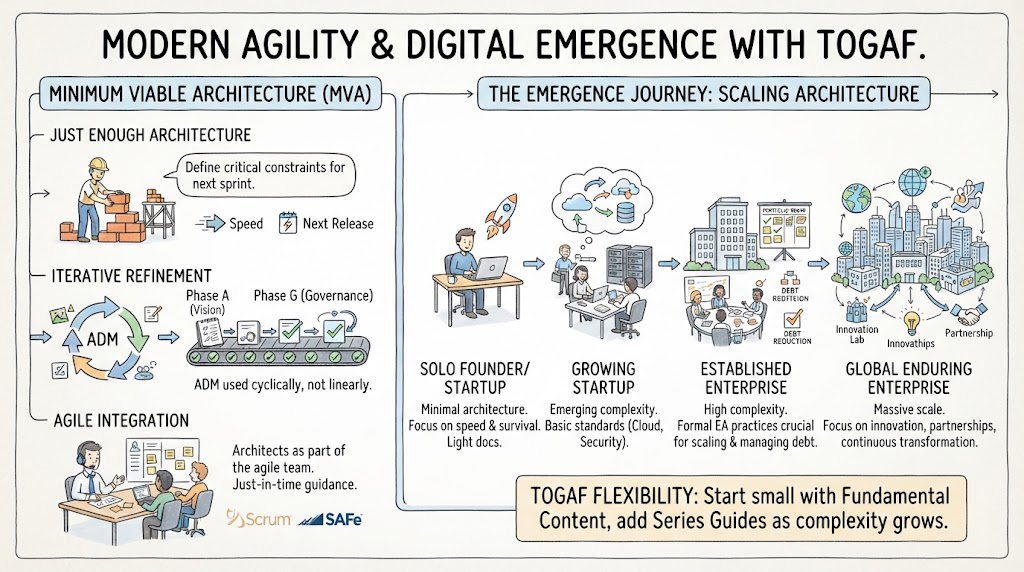 Mastering Modern Agility: A Tutorial on Minimum Viable Architecture and the Digital Emergence Journey
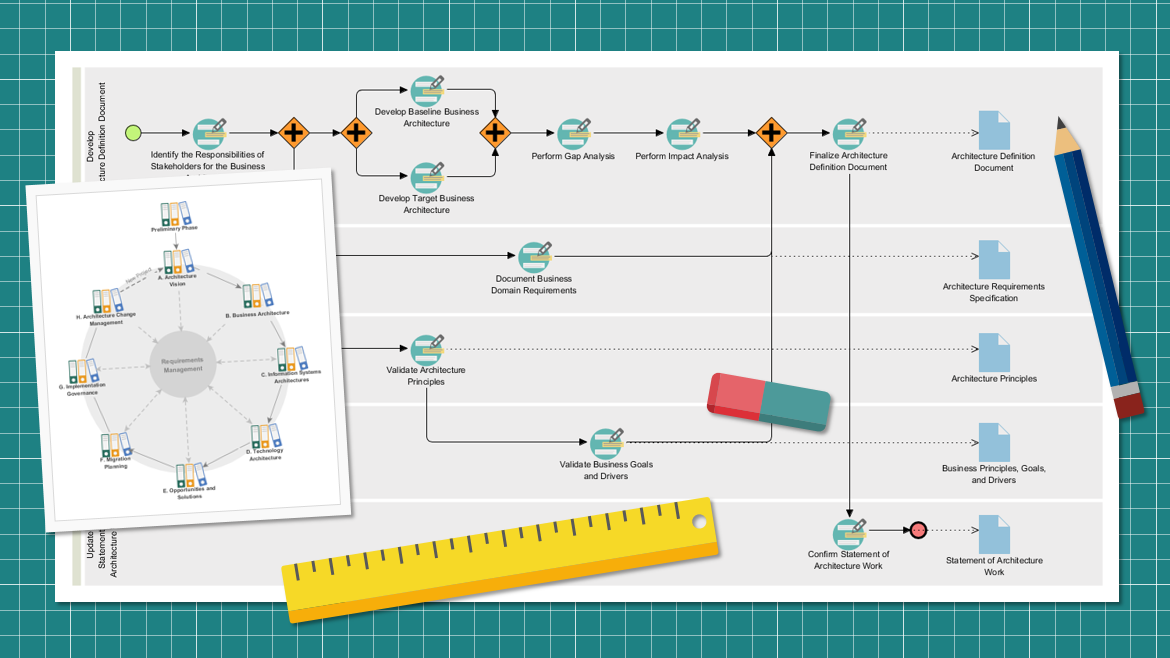 Mastering the TOGAF ADM Cycle: A Visual Guide to Enterprise Architecture Modeling
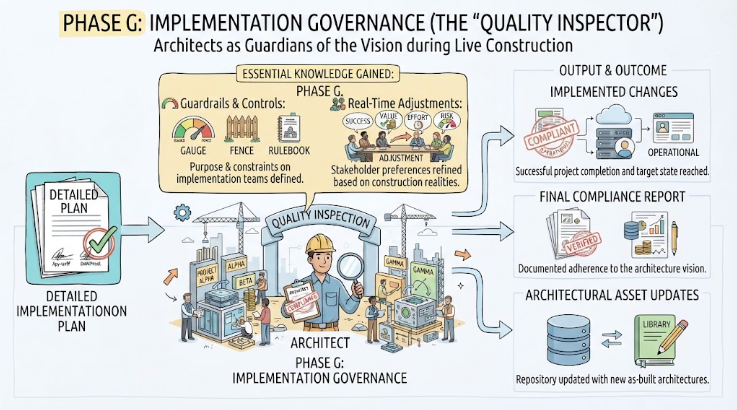 Mastering TOGAF Phase G: Implementation Governance with Visual Paradigm & ArchiMate
 Demystifying the TOGAF Foundation: A Comprehensive Guide to Fundamental Content