


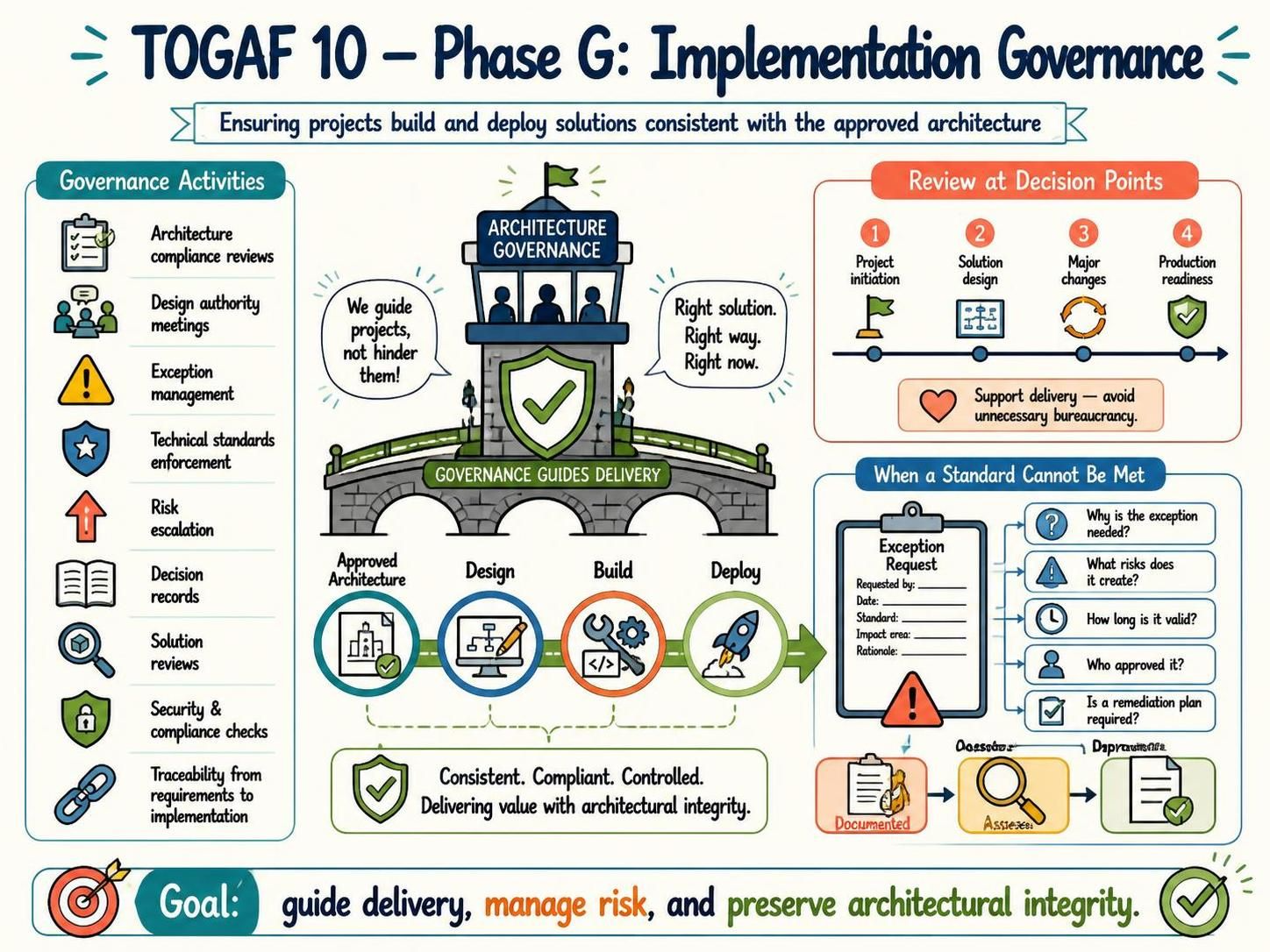
Welcome to this comprehensive tutorial on TOGAF Phase G: Implementation Governance. As a technical tutor, I often see organizations struggle with the balance between rigid control and agile delivery. This phase is the bridge that ensures the theoretical architecture designed in previous phases becomes a reality without losing its intended value.
In this guide, we will deconstruct the visual concepts of Phase G, explore the critical decision points for review, and discuss the essential tooling required to manage architectural exceptions effectively.
What is Implementation Governance?
At its core, Implementation Governance is the discipline of ensuring that projects build and deploy solutions that are consistent with the approved architecture. Think of it as the “air traffic control” for your IT projects.
The image depicts a lighthouse or tower labeled “Architecture Governance” overseeing a bridge connecting “Approved Architecture” to “Deploy.” This metaphor is powerful:
- It provides guidance: The tower watches over the bridge but does not build it.
- It ensures safety: The shield icon represents risk management and compliance.
- It maintains direction: The arrows show that the flow moves from Design to Build to Deploy, all while adhering to the approved architecture.
The 4 Critical Decision Points
One of the most common mistakes in architecture governance is reviewing too often, which creates bureaucracy, or reviewing too rarely, which allows projects to drift off course. The diagram highlights four specific points where governance reviews should occur:
- Project Initiation: Before work begins, ensure the project aligns with the strategic architecture.
- Solution Design: The most critical technical phase where detailed architecture is defined. This is where we verify that the proposed solution matches the standard architecture.
- Major Changes: If a project scope changes significantly, the architectural impact must be re-evaluated.
- Production Readiness: A final check before deployment to ensure security, compliance, and stability.
The guiding principle here is to support delivery, not hinder it. Reviews should be efficient and focused on influencing decisions, not just paperwork.
Core Governance Activities
To achieve the goal of “Consistent. Compliant. Controlled,” organizations must engage in specific activities. These are the daily tasks of an architecture governance board:
- Architecture Compliance Reviews: Auditing projects to ensure they follow the blueprint.
- Design Authority Meetings: Forums where architects and technical leaders make high-level decisions.
- Technical Standards Enforcement: Ensuring the organization doesn’t drift into a “wild west” of technology.
- Security and Compliance Checks: Verifying that security is “baked in,” not “bolted on.”
- Traceability: Linking requirements directly to implementation to ensure nothing gets lost.
Managing Exceptions: The “What If” Scenario
Real-world IT is messy. Sometimes, a project genuinely cannot comply with a standard architecture due to specific constraints, legacy limitations, or market urgency. The diagram illustrates a clear workflow for when a standard cannot be met:
The Exception Management Process
- Document the Request: The project team must formally request an exception.
- Assess the Rationale: Why is the exception needed?
- Risk Analysis: What risks does this create for the organization?
- Duration: How long will the exception remain valid?
- Approval: Who approved it (usually a senior architecture board)?
- Remediation: Is there a plan to eventually fix the deviation and return to compliance?
Recommended Tooling: Visual Paradigm TOGAF ADM Tool
Implementing Phase G effectively requires more than just spreadsheets and meetings. You need a robust system to manage the complexity of the Architecture Development Method (ADM).
For this tutorial, I highly recommend utilizing Visual Paradigm TOGAF ADM Tool. Here is why this tool is essential for your Implementation Governance phase:
- Centralized Repository: It allows you to store all architecture artifacts in one place, ensuring that “Decision Records” and “Design Authority” notes are easily accessible.
- Visual Modeling: You can create the diagrams and models referenced in the “Design” phase, ensuring that the visual representation matches the documentation.
- Traceability Matrix: One of the most powerful features is the ability to trace requirements to specific architectural components, fulfilling the “Traceability from requirements to implementation” requirement.
- Exception Management Workflow: You can configure workflows within Visual Paradigm to manage the lifecycle of an exception request, from “Requested” to “Assessed” to “Approved,” ensuring that no exception is left hanging.
Conclusion
Phase G is not about saying “No” to innovation; it is about saying “Yes” to Architectural Integrity. By utilizing the right tooling like Visual Paradigm and following a structured governance process, organizations can ensure that their IT investments deliver the intended value while managing risk effectively.
Related posts:
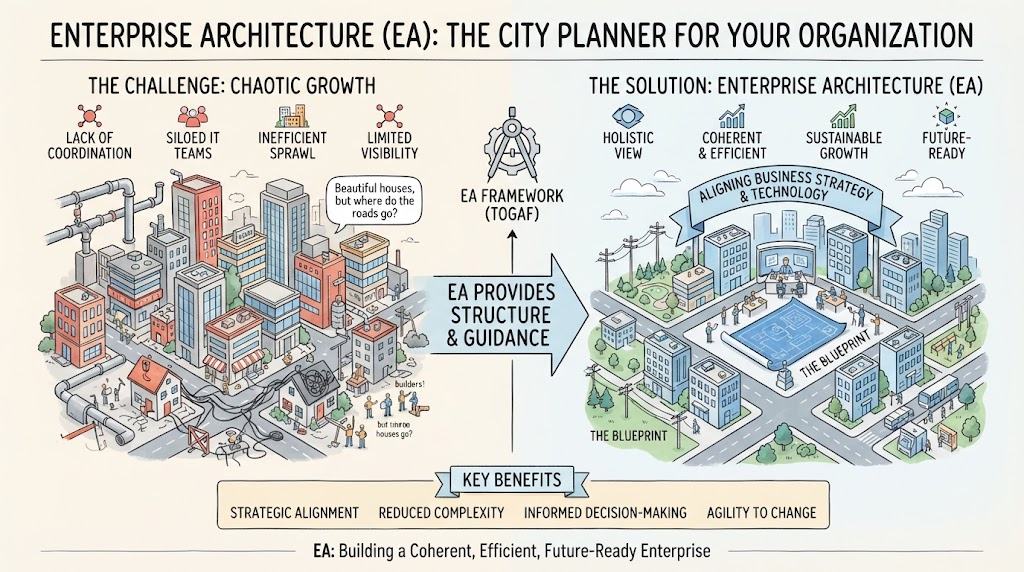 Enterprise Architecture as City Planning: A Visual Guide to TOGAF & Strategic Alignment
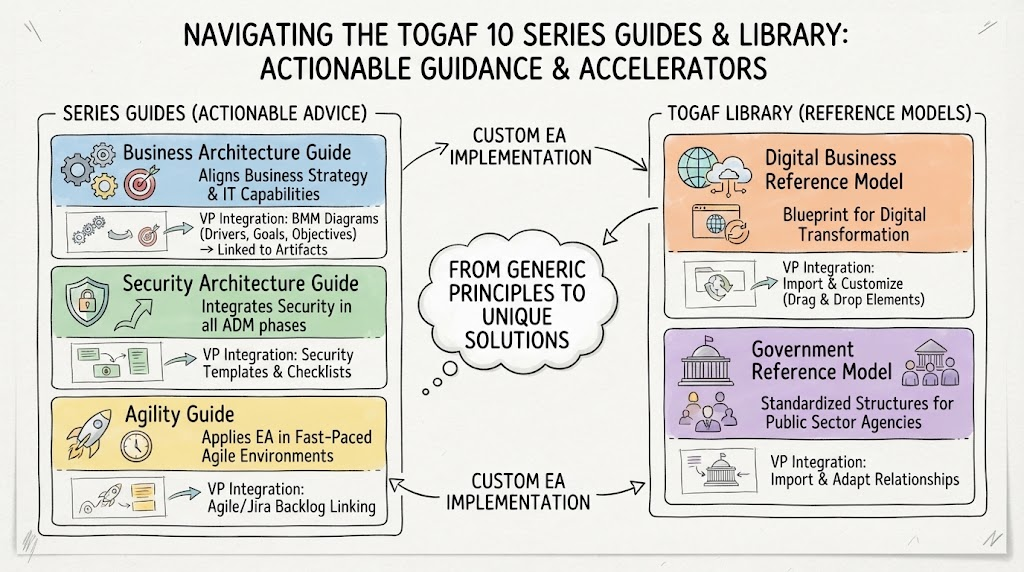 Navigating the TOGAF 10 Series Guides & Library: Actionable Guidance & Accelerators
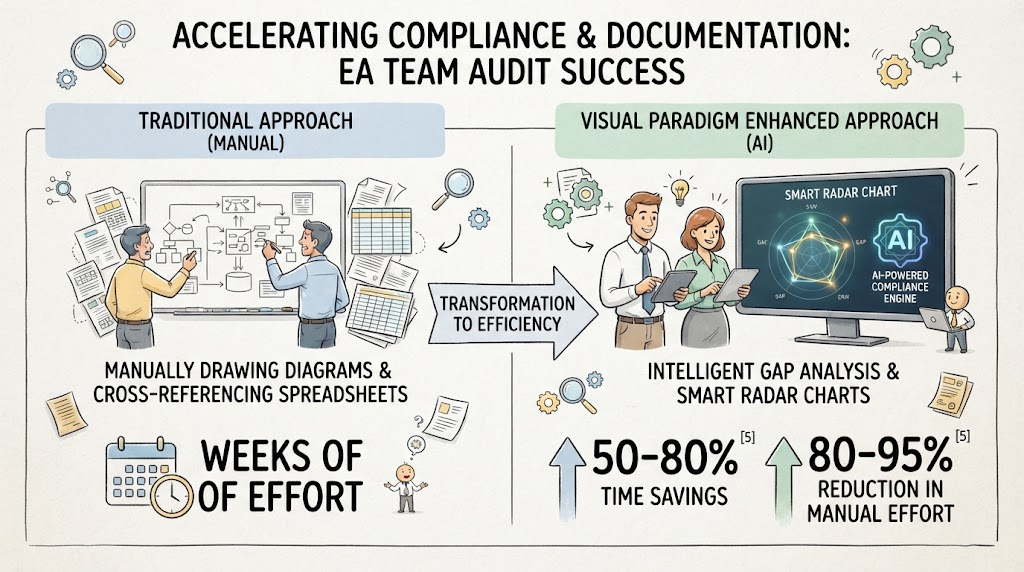 Accelerating Compliance & Documentation: Mastering the EA Audit Workflow with AI
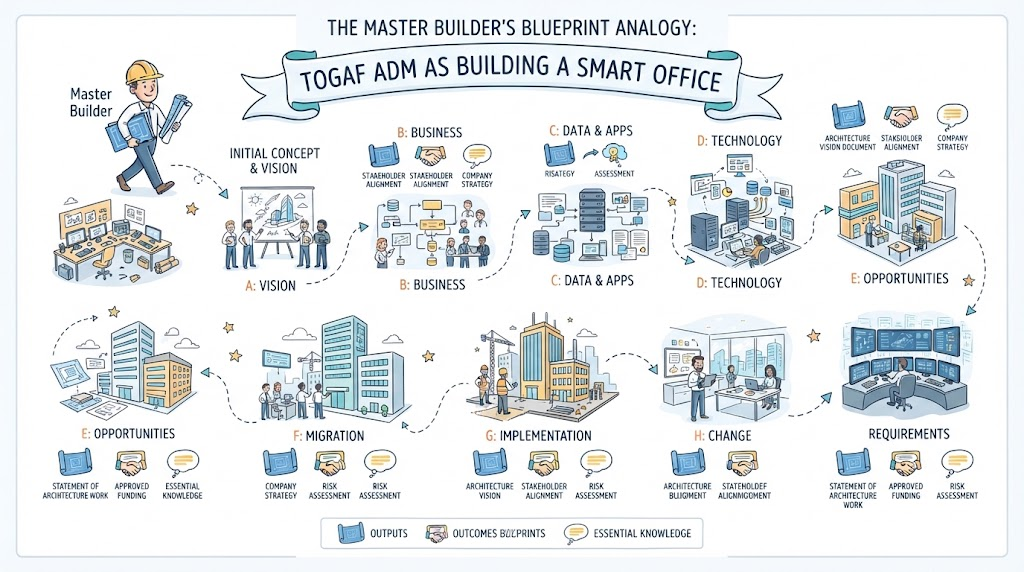 The Master Builder’s Blueprint Analogy: A Step-by-Step Guide to the TOGAF ADM