In the fast-paced world of Agile development, processes are rarely linear. They are dynamic, collaborative, and full of potential interruptions. Traditional flowcharts often fail to capture this complexity, but Business Process Model and Notation (BPMN) excels at it. This tutorial explores how Agile teams can leverage specific BPMN events—Message, Timer, and Error events—to model real-world scenarios like User Story Acceptance and Payment Processing.
Why BPMN Matters for Agile Teams
Agile processes are not just “do task A, then task B.” They involve waiting for user feedback, handling API failures, and managing Service Level Agreements (SLAs). Intermediate events in BPMN are the key to modeling this reality.
- Handles Real-World Complexity: Intermediate events allow the process to pause or react to external stimuli without breaking the main flow.
- Exception Handling: Instead of cluttering the main flow with error checks, Error Throw/Catch events allow for a clean separation of “happy paths” and “exception paths.”
- Process Interaction: Message Events enable clear modeling of communication between different teams or systems (e.g., Product Team ↔ Engineering Team).
- Time-Based Automation: Timer Events help define SLAs, reminders, and automatic escalations, which are critical for operational efficiency.
Case Study 1: The User Story Acceptance Workflow
One of the most common bottlenecks in Agile is the review process. A story sits in a “Ready for Review” state, waiting for a Product Owner (PO). If the PO is unavailable, work stalls.
The Scenario
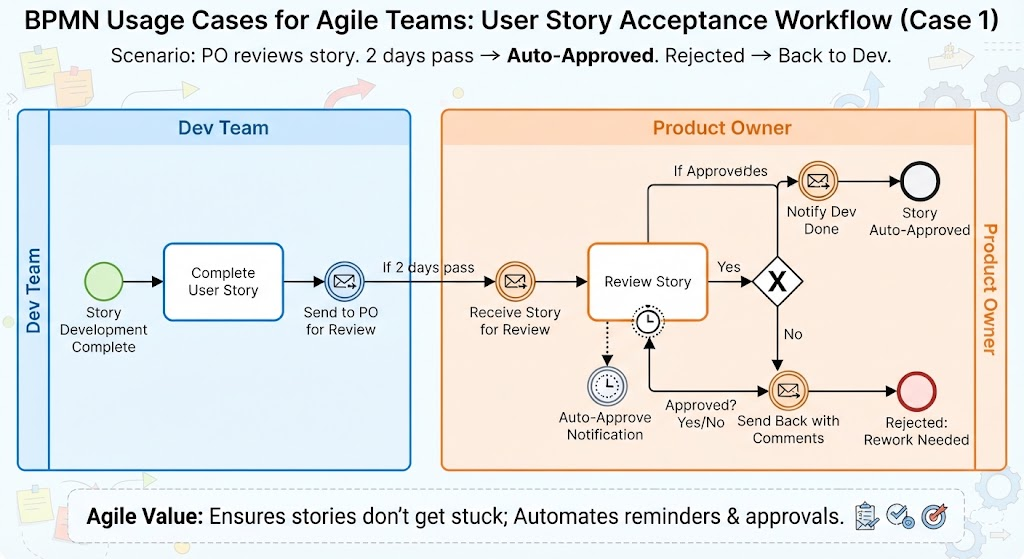
A Product Owner reviews a completed user story. If no response is given within 2 days, it should be auto-approved. If rejected, it goes back to development.
Modeling the Flow
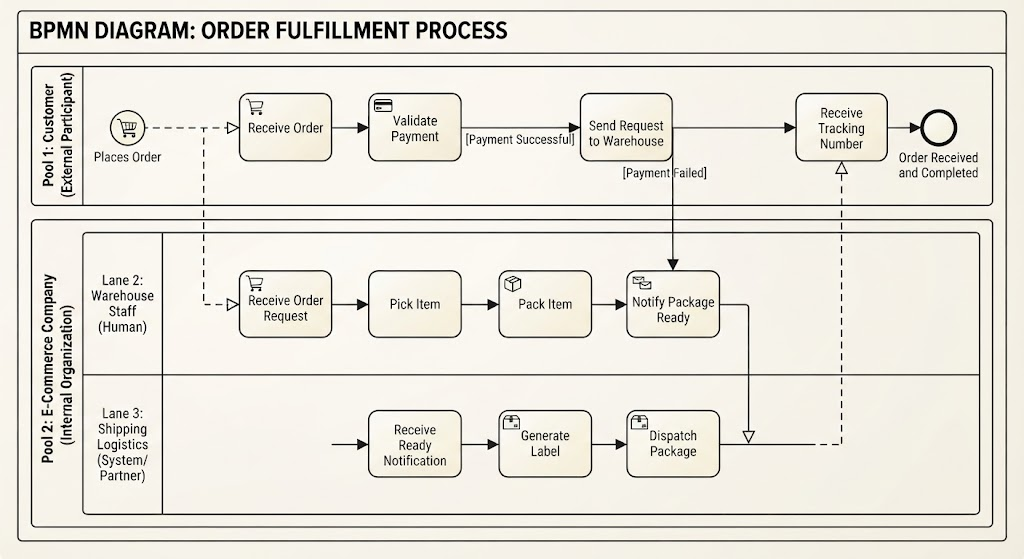
Let’s break down how we model this using BPMN pools and lanes.
1. The Development Phase (The “Throw”)
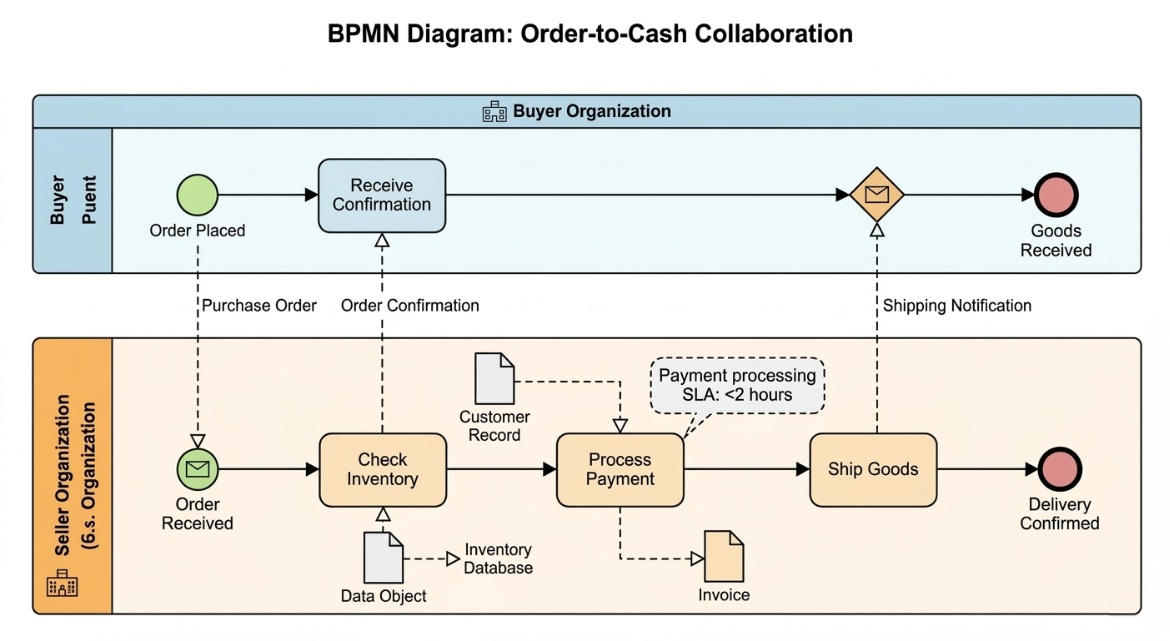
The process begins in the Dev Team pool. Once the work is done, the team performs an activity: Complete User Story. Instead of manually emailing the PO, the developer triggers a Message Throw event. This sends a signal to the next pool.
2. The Review Phase (The “Catch”)
The process moves to the Product Owner pool. Here, the PO pool has a Message Catch event. This event waits specifically for the message sent by the developer. Once received, the flow continues to the activity: Review Story.
3. The Timer Event (The Safety Net)
This is the crucial part of the architecture. We attach a Boundary Timer Event to the “Review Story” activity. This is a non-interrupting timer. It means the PO can still review the story manually, but if 2 days pass without action, the timer fires automatically.
- Trigger: 2 Days Elapsed.
- Action:
Message Throw(Auto-Approve Notification). - Result: The story moves to “Done.”
4. The Gateway (Decision Making)
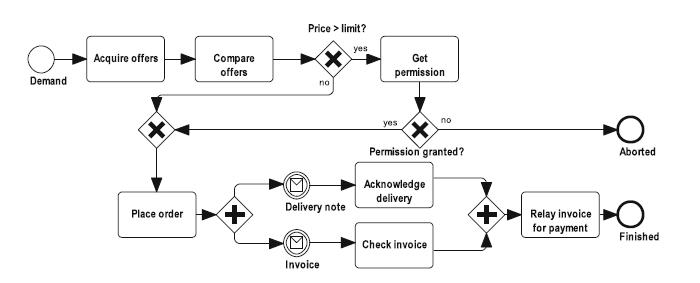
If the PO reviews the story before the timer expires, they reach an Exclusive Gateway (X). This acts as a router:
- Yes (Approved): A message is thrown back to the Dev Team (“Notify Dev Done”).
- No (Rejected): A message is thrown back to the Dev Team (“Send Back with Comments”).
Agile Value
This workflow ensures stories don’t get stuck in review limbo. It automates reminders and approvals, allowing the team to maintain velocity even when key stakeholders are busy.
Case Study 2: Payment Processing with Exception Handling
While the first case focused on time, this case focuses on reliability. In any system that processes money, errors are inevitable. How do you model a retry mechanism without making your diagram look like spaghetti?
The Scenario
A customer makes a payment. If it fails, notify support and retry once. If it succeeds, confirm the order.
Modeling the Flow
1. The Happy Path
The flow starts with the Process Payment via Gateway activity. If everything works perfectly, the flow proceeds directly to sending a confirmation email. This is the “happy path.”
2. The Boundary Error Event
To handle failure, we attach a Boundary Error Event (Interrupting) to the payment activity. This event sits on the boundary of the activity box.
- Condition: An error occurs (e.g., API timeout, insufficient funds).
- Action: The error event “interrupts” the current activity immediately.
- Path: It diverts the flow to a separate error-handling lane.
3. Handling the Exception
Once the error is caught:
- Log Error: The system records the failure.
- Notify Support: A message is sent to the support team.
- Retry Payment: The system attempts to process the payment again.
Agile Value
This architecture clearly separates the happy path from error handling. This makes the process resilient and significantly easier to test, as testers can specifically trigger the error event to verify the retry logic.
Case Study 3: Sprint Planning Dependencies
Agile teams often work in silos (Backend, Frontend, QA). A common challenge is managing dependencies—specifically, the Frontend team waiting for the Backend team to finish an API.
Modeling the Flow with Signal Events
Unlike Message events which are point-to-point (Person A talks to Person B), Signal Events allow for “loose coupling.” It’s like a public announcement.
- Backend Pool: The team completes the Develop API activity and performs a
Signal Throw(e.g., “API Ready”). - Frontend Pool: The Frontend team has a
Signal Catchwaiting in their pool. They wait until the signal is broadcast. - Action: Once the signal is caught, they begin Start Frontend Implementation.
Agile Value
This models cross-team dependencies without direct message coupling. The Frontend team doesn’t need to know exactly who the Backend Lead is; they just need to listen for the “API Ready” signal. This allows for loose coupling between teams.
Conclusion
By utilizing Intermediate Events—Timer, Message, Error, and Signal—Agile teams can create diagrams that are not just visual representations, but functional blueprints for automation. These diagrams serve as a single source of truth, bridging the gap between business requirements and technical implementation.