


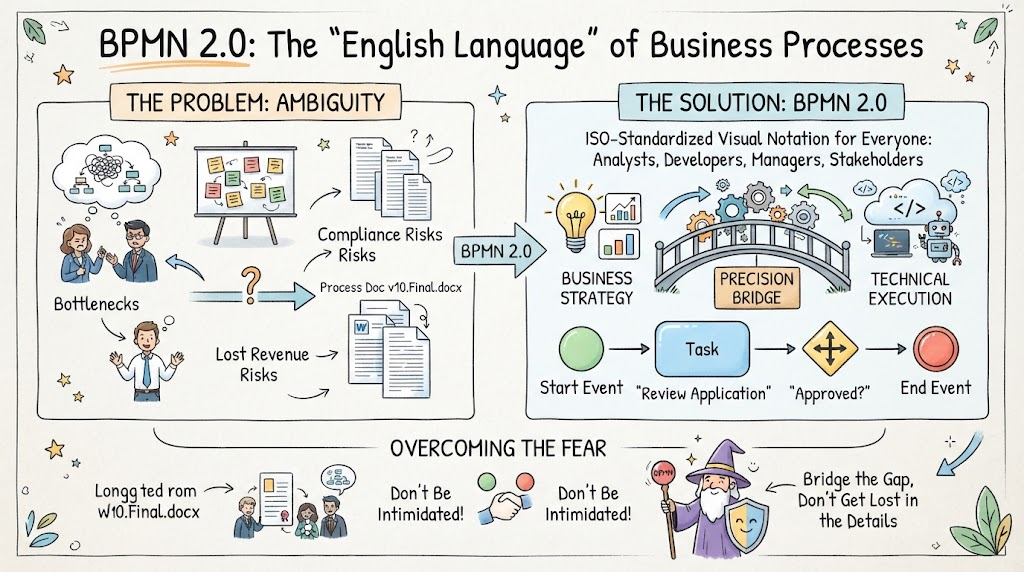
In today’s fast-paced business environment, ambiguity is expensive. We have all experienced the scenario where a meeting ends with everyone nodding in agreement, only to realize later that three different stakeholders had three completely different mental models of how the process actually works. These misunderstandings lead to bottlenecks, compliance risks, frustrated employees, and lost revenue.
While many professionals attempt to document workflows using flowcharts, sticky notes, or lengthy Word documents, these methods often fail to capture the complexity of modern operations. This is where BPMN 2.0 (Business Process Model and Notation) enters the picture.
The Core Problem: Ambiguity and Miscommunication
The infographic highlights a critical challenge known as “The Problem: Ambiguity.” In many organizations, the disconnect between strategy and execution is bridged by documents like “Process Doc v10.Final.docx” (and often “v10.Final2.docx”). This version control chaos leads to:
- Bottlenecks: Tasks get stuck because the next step isn’t clear.
- Compliance Risks: Regulatory requirements are missed due to unclear procedures.
- Lost Revenue: Efficiency drops when the process isn’t optimized.
The Solution: BPMN 2.0 as a Universal Dialect
BPMN 2.0 is an ISO-standardized visual notation designed to be the “English language” of business processes. It serves as a Precision Bridge between two critical domains:
- Business Strategy: The high-level goals and rules defined by managers.
- Technical Execution: The actual implementation by developers and system architects.
By using a standardized set of symbols, BPMN allows analysts, developers, and managers to speak the same dialect, eliminating the confusion of disparate documentation styles.
Understanding the Anatomy of a BPMN Diagram
To master BPMN, you must understand the visual vocabulary used to construct these process maps. The diagram illustrates the fundamental lifecycle of a business event, moving from a start point to an end point.
1. The Lifecycle: Start to Finish
Every BPMN process starts with a specific trigger and ends with a result. The infographic visualizes this flow:
- Start Event (Green Circle): The trigger that initiates the process. In the example, this represents the arrival of an application.
- End Event (Red Circle): The termination point of the process, indicating the final outcome, such as “Approved.”
2. The Activities: Tasks and Gateways
Between the start and end, the process is broken down into specific actions and decision points.
- Task (Blue Rounded Rectangle): A unit of work performed by a specific actor. The diagram shows a task labeled “Review Application.” This is the core action where work gets done.
- Gateway (Diamond Shape): The decision point. The diamond icon labeled “Approved?” represents a gateway. In BPMN, this is where the flow branches based on a condition (e.g., Is the application approved? If Yes, go to End; If No, return to review).
Overcoming the Fear of Technical Complexity
One of the biggest barriers to adopting BPMN is the perception that it is overly technical and intimidating. The “Wizard” figure in the illustration represents the mindset needed to overcome this:
- Don’t Get Lost in the Details: Focus on the high-level flow first.
- Don’t Be Intimidated: BPMN is designed to be accessible. You don’t need to memorize obscure symbols immediately.
- Practical Application: Strip away the academic jargon. Focus on what matters: clarity, precision, and business value.
Conclusion
By adopting BPMN 2.0, organizations can move away from ambiguous Word documents and towards clear, actionable process models. Whether you are mapping out a simple employee onboarding workflow or designing a complex loan approval system, BPMN provides the tools to bridge the gap between business strategy and technical execution.
Related posts:
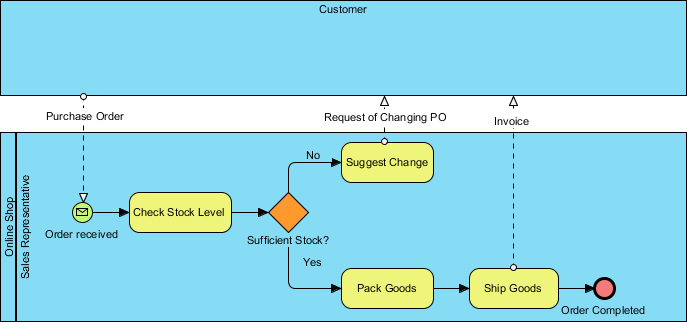 Online Shop Sales Representative Order Process Flow Diagram
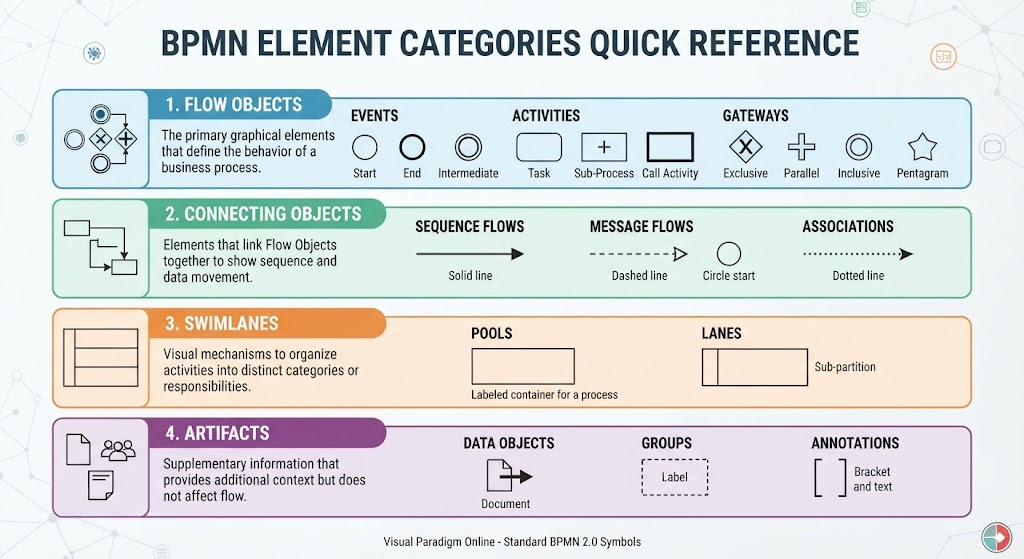 Mastering BPMN: A Comprehensive Guide to Element Categories and Modeling Logic
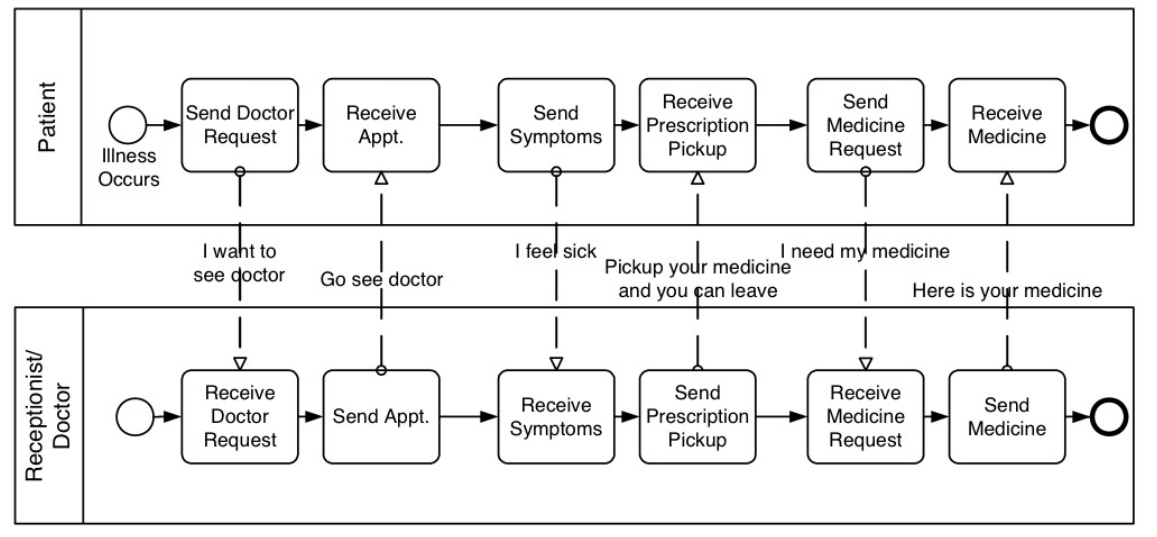 Mastering BPMN Collaboration Diagrams: A Step-by-Step Guide to Modeling Multi-Party Interactions
 Building Agile Workflows: A Guide to AI-Driven BPMN Modeling in Visual Paradigm