


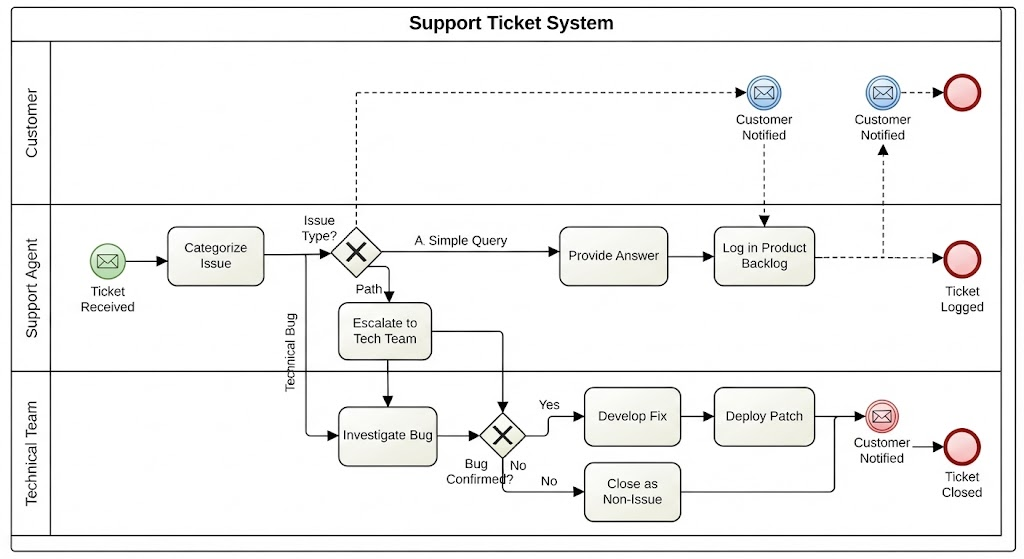
In the world of business process management, few diagrams are as ubiquitous or as critical as the Business Process Model and Notation (BPMN) diagram. It serves as the universal language between business stakeholders and technical developers. Today, we are going to dissect a classic example of process modeling: the Support Ticket System. By breaking down this diagram, we will uncover how to architect complex workflows that involve multiple roles, decision-making gateways, and asynchronous communication.
The Power of Swimlanes: Organizing Responsibility
Before tracing the flow of the process, we must understand the structural backbone of this diagram: the Swimlanes. A swimlane diagram partitions the visual space to clearly define who is responsible for what. In our Support Ticket System, the process is divided into three distinct pools:
- Customer: The external entity initiating the request.
- Support Agent: The frontline staff responsible for triage and initial resolution.
- Technical Team: The backend experts handling complex engineering issues.
This separation is crucial. It prevents the “black box” phenomenon where a process looks good on paper but fails because no one knows their specific role. For instance, the Support Agent lane handles the initial Categorize Issue task, while the Technical Team lane only becomes active when a Technical Bug is identified.
From Trigger to Triage: The Initial Flow
Every robust system needs a clear starting point. In this scenario, the process begins with a Start Event (represented by a green circle with an envelope icon). This signifies a Message Start Event, meaning the process is triggered by an external input—in this case, the Customer submitting a request.
Once the ticket is received, the flow moves to the Support Agent lane. The first actionable step is Categorize Issue. This is a critical juncture. Immediately following this task, we encounter the first Exclusive Gateway (the diamond shape with an ‘X’ inside).
Navigating the Decision Matrix
The Exclusive Gateway is the brain of the operation. It asks the question: “Issue Type?”. Based on the answer, the process splits into three distinct paths. Understanding these paths is key to mastering system logic.
Path A: The Simple Query
If the issue is straightforward, the path labeled “A Simple Query” is taken. This is a linear flow where the Support Agent performs a Provide Answer task. This path is designed for efficiency, allowing the agent to resolve the ticket without external dependencies.
Path B: The Technical Bug (Escalation)
When the gateway determines the issue is a Technical Bug, the process transitions from the Support Agent lane to the Technical Team lane via a Task: Escalate to Tech Team. This is a prime example of a cross-lane transition. The flow then moves to the Investigate Bug task.
Here, we encounter a second Exclusive Gateway: Bug Confirmed?. This demonstrates how nested logic can be used to handle conditional outcomes:
- Yes (Bug Confirmed): The workflow branches into a development cycle involving Develop Fix and Deploy Patch.
- No (Bug Not Confirmed): The system executes a Close as Non-Issue task, effectively terminating the technical investigation.
Path C: Feature Requests
Not all inputs are problems to be solved; some are opportunities to be built. If the issue is a Feature Request, the process diverges to Log in Product Backlog. This task often implies an asynchronous interaction with a Product Management team, distinct from the immediate resolution of a bug.
The Art of Asynchronous Communication
One of the most sophisticated elements in this diagram is the use of Message Events. Notice the blue circles with envelope icons and dashed lines.
These represent Intermediate Message Events. They indicate that a message has been sent to or received from an external participant. In this diagram:
- When the Ticket Resolved or Ticket Closed (red circle), the system triggers a Customer Notified message.
- The dashed line connecting the “Ticket Closed” end event back to the “Customer Notified” message event (in the Customer lane) signifies that the customer is the recipient of this status update.
This visualizes the concept of asynchronous communication. The support agent does not necessarily have to wait for the customer to read the email to close the ticket; the system records the message event as a side effect of the process completion.
Conclusion: Architecture for Clarity
The Support Ticket System diagram is more than just a drawing; it is a logical blueprint. By utilizing swimlanes, we define responsibility. By using Exclusive Gateways, we handle complexity. By employing Message Events, we ensure stakeholder engagement. Whether you are modeling a simple workflow or a complex enterprise system, these BPMN concepts provide the foundation for clear, executable, and maintainable process architecture.
Related posts:
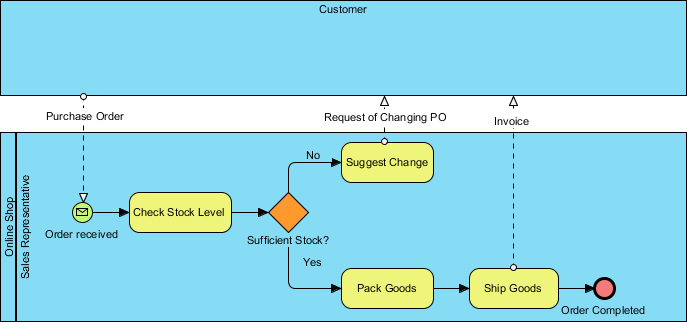 Online Shop Sales Representative Order Process Flow Diagram
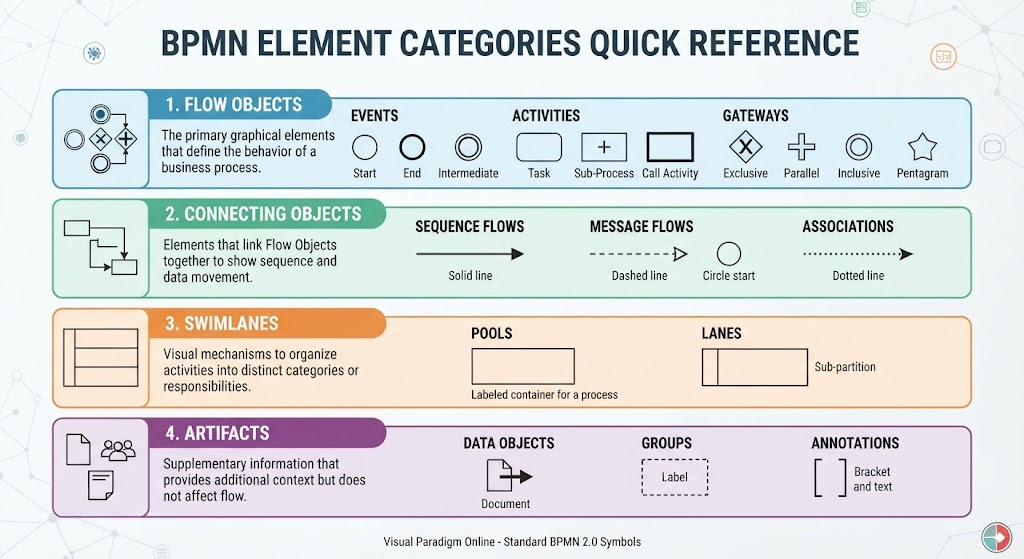 Mastering BPMN: A Comprehensive Guide to Element Categories and Modeling Logic
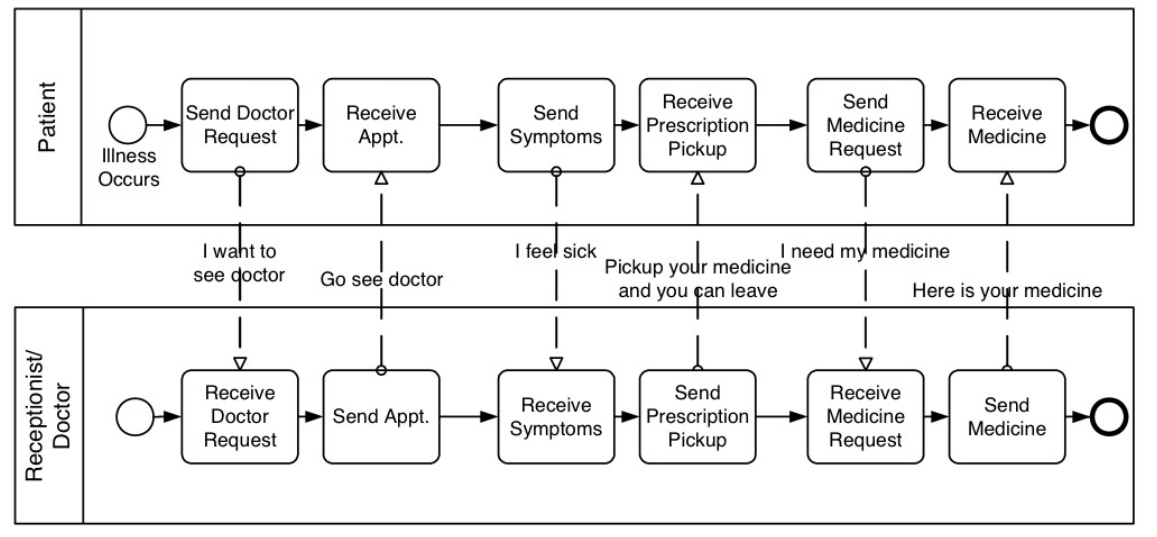 Mastering BPMN Collaboration Diagrams: A Step-by-Step Guide to Modeling Multi-Party Interactions
 Building Agile Workflows: A Guide to AI-Driven BPMN Modeling in Visual Paradigm