


Welcome to this comprehensive tutorial on Phase G: Implementation Governance within the TOGAF Architecture Development Method (ADM). In the world of Enterprise Architecture (EA), Phase G is often called the “Quality Inspector.” It is the critical stage where the theoretical blueprints designed in previous phases meet the chaotic reality of software development and construction.
In this guide, we will break down the core concepts of governance, the role of the architect as a guardian, and how to leverage Visual Paradigm combined with TOGAF ADM and ArchiMate to streamline this complex process.
1. Understanding the Core Concept: The “Quality Inspector”
Phase G is not about starting new projects; it is about ensuring existing projects align with the architecture vision. Think of the Enterprise Architect in this phase as a building inspector or a quality control engineer on a construction site. They do not necessarily build the walls (that is the implementation team’s job), but they ensure the walls are built exactly according to the blueprint.
The Input: The Detailed Implementation Plan
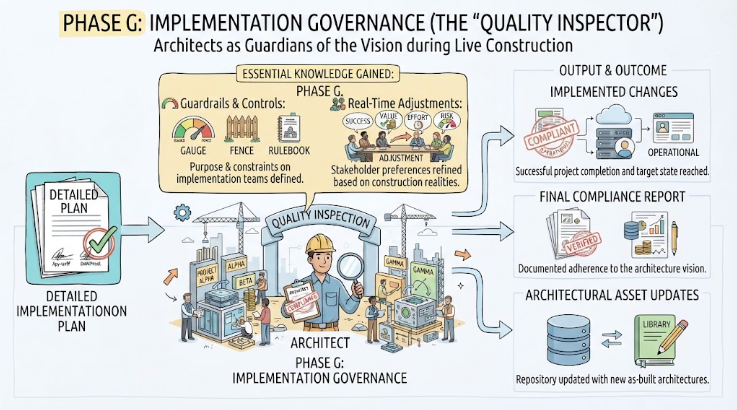
As illustrated in the diagram, the process begins with the Detailed Implementation Plan. This is the “blueprint” generated from the Architecture Requirements Specification. It contains the specific constraints, gaps, and controls that the development team must follow.
The Output: Implemented Changes
The ultimate goal of Phase G is the successful completion of projects that implement changes necessary to reach the target state. This results in:
- Operational Systems: New or modified systems that are live and compliant.
- Final Compliance Report: Documentation proving adherence to the architecture vision.
- Architectural Asset Updates: Ensuring the “As-Built” architecture matches reality.
2. Essential Knowledge: Guardrails & Real-Time Adjustments
During implementation, two distinct but connected activities occur that define the success of the phase:
A. Guardrails & Controls
These are the constraints drawn from the Gaps, Controls, and Architecture Requirements Specification. The architect must understand the “Exact Purpose” of these guardrails. In TOGAF terms, this is ensuring that the implementation team isn’t just building faster, but building correctly according to the standards defined in the Architecture Definition.
B. Real-Time Adjustments
Construction rarely goes exactly according to plan. As stakeholders face the realities of success, value, effort, and risk during “live construction,” their preferences often shift. Phase G involves Learning and Adjusting. If a technical constraint proves too costly, the architect must facilitate a discussion to adjust the scope or the architecture itself without losing the strategic vision.
3. Recommended Tooling: Visual Paradigm + TOGAF ADM + ArchiMate
To effectively manage Phase G, you need a tool that bridges the gap between abstract architecture and concrete implementation. Visual Paradigm is the industry standard for this, offering a powerful integration of TOGAF ADM and ArchiMate.
How Visual Paradigm Supports Phase G
1. Traceability and Compliance Checking
Visual Paradigm allows you to link requirements directly to implementation artifacts. You can use ArchiMate models to define the constraints (e.g., “System X must use Protocol Y”). During Phase G, you can trace these requirements to actual project tickets or code repositories within the tool. If a developer deviates from the protocol, the tool helps flag the non-compliance immediately.
2. Visualizing “As-Built” vs. “Target”
One of the biggest challenges in Phase G is that the architecture document becomes outdated as soon as the software is built. Visual Paradigm allows you to update your ArchiMate diagrams in real-time. You can visually compare the “Target State” (the blueprint) against the “As-Built” state (the actual implementation), ensuring the Final Compliance Report is accurate.
3. Managing the “Quality Inspection” Workflow
You can configure workflows in Visual Paradigm to simulate the governance process:
- Define the Guardrails: Create a TOGAF Business Application Portfolio or Technology Landscape model that serves as the baseline.
- Monitor Implementation: Use the tool to track project progress against the architectural milestones.
- Handle Adjustments: When “Real-Time Adjustments” are needed, use the simulation features to see how a change in one part of the architecture impacts the overall system before approving it.
Summary
Phase G: Implementation Governance is the bridge between strategy and execution. It transforms the “Detailed Implementation Plan” into “Operational Systems.” By using Visual Paradigm to maintain strict Guardrails and facilitate Real-Time Adjustments, Enterprise Architects can ensure that the final product truly reflects the intended vision.
Related posts:
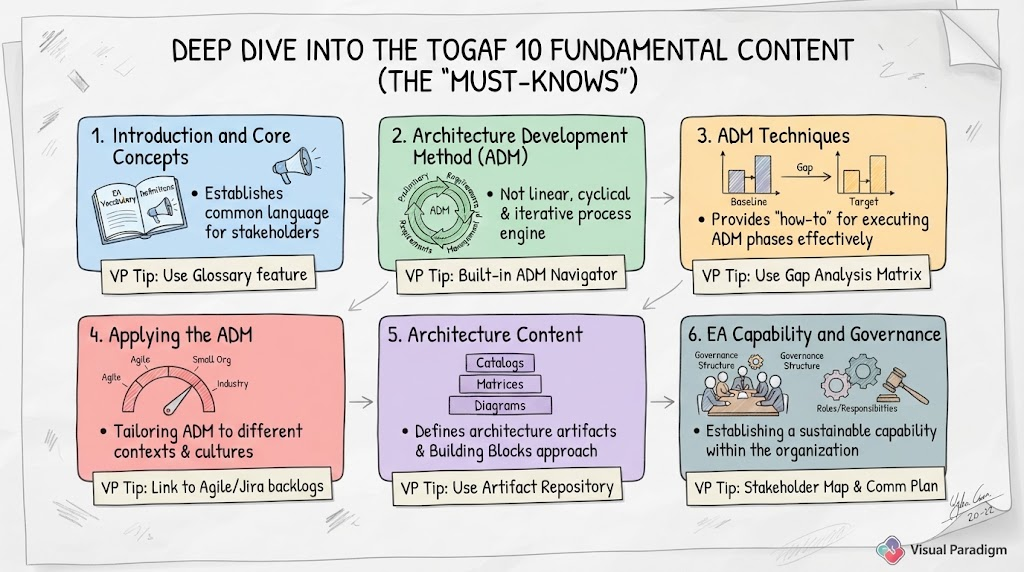 Mastering TOGAF 10: A Step-by-Step Guide to the Six Fundamental Content Pillars
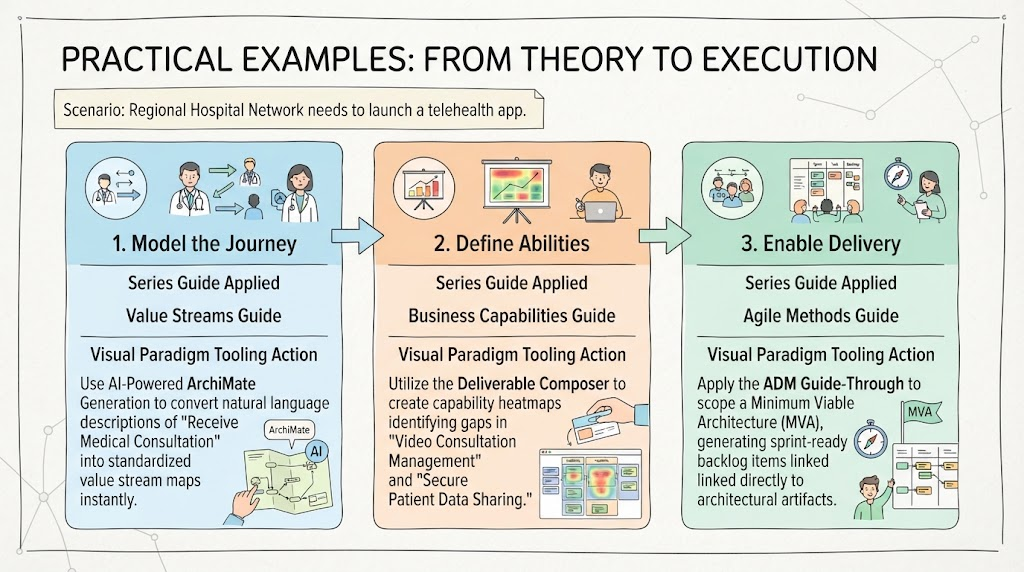 From Theory to Execution: A Practical Guide to Enterprise Architecture with Visual Paradigm
 Mastering the TOGAF Preliminary Phase with Visual Paradigm and ArchiMate
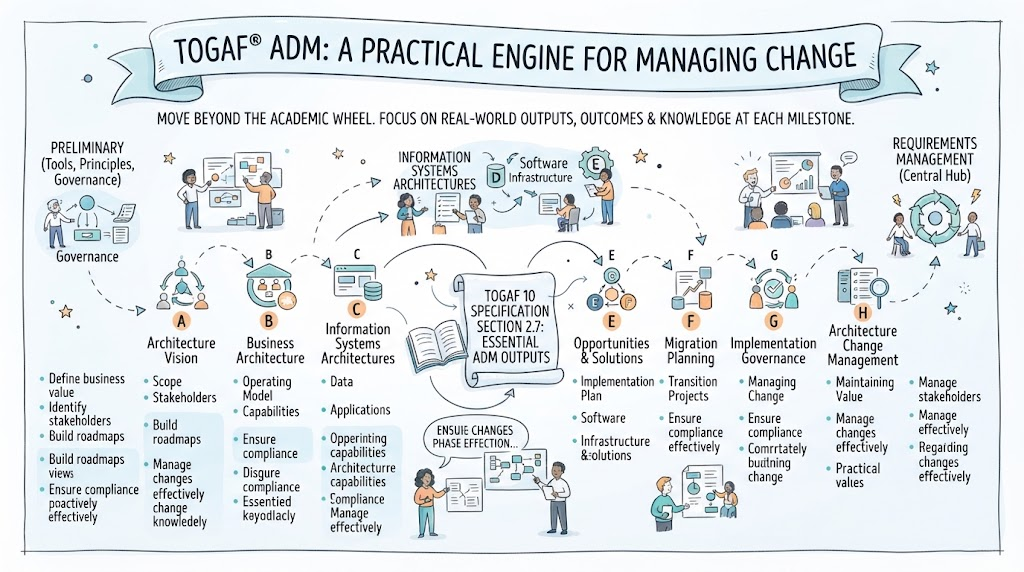 Mastering the TOGAF ADM: A Practical Engine for Managing Change