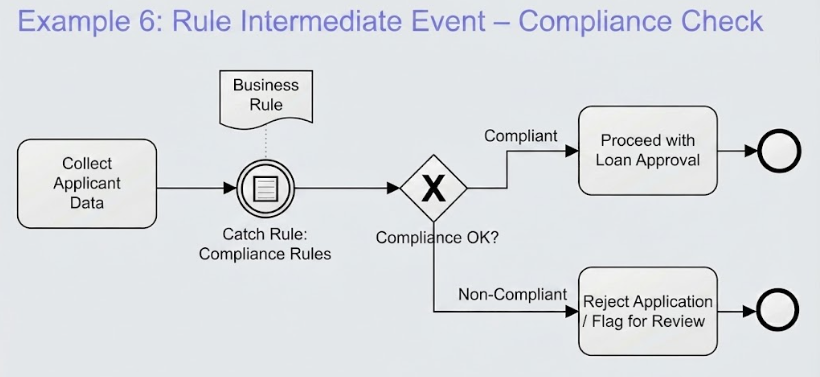
In the world of Business Process Model and Notation (BPMN), the flow of a process is rarely a simple straight line. Real-world scenarios, such as loan approvals, require dynamic decision-making that adapts to changing data. One of the most powerful tools for managing this complexity is the Intermediate Catch Event, specifically when configured to evaluate Business Rules. This tutorial explores how to architect a compliance check scenario, moving from data collection to a definitive decision point.
The Scenario: Loan Approval and Compliance
Imagine a banking process where the primary goal is to approve a loan. However, before money can be released, the bank must ensure the applicant adheres to specific regulatory standards. This creates a critical “gate” in the process. If the applicant fails this check, the process cannot proceed to approval; it must instead be rejected or flagged for review.
Visually and logically, this scenario requires a mechanism that:
- Pauses the process flow after data is collected.
- References an external set of logic (the Business Rule).
- Directs the flow down different paths based on the outcome.
Deconstructing the Architecture
Let’s break down the specific model elements shown in the diagram, analyzing how they interact to create a robust system architecture.
1. The Starting Point: Task “Collect Applicant Data”
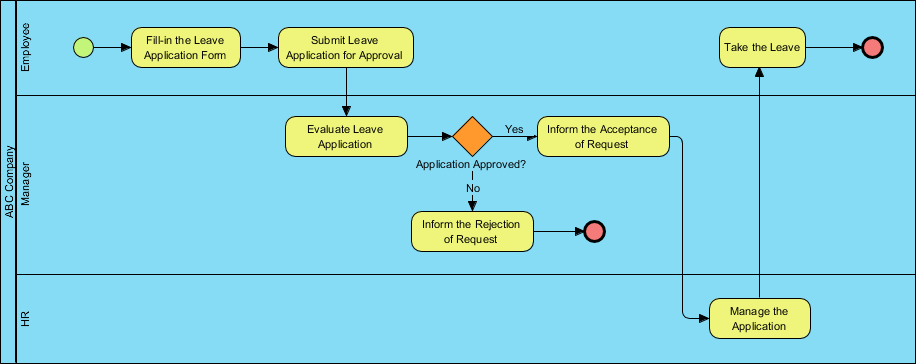
The process begins with a standard Task. In this context, the “Collect Applicant Data” task represents the work done by a loan officer or an automated form to gather necessary information. This is the input phase. Once this task is complete, the process is ready to make a decision, but it cannot jump straight to the end.
2. The Decision Trigger: Intermediate Catch Event
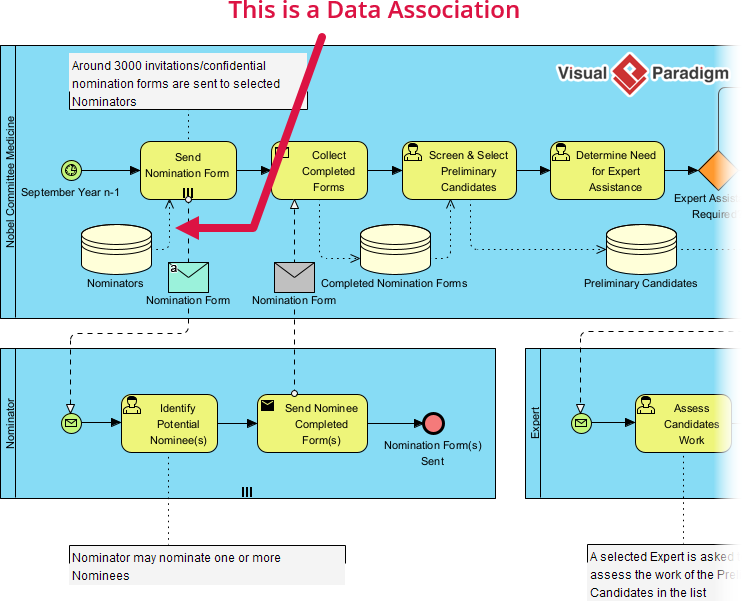
Here is where the magic happens. Instead of using a simple Gateway to make a decision immediately, we insert an Intermediate Catch Event. Notice the circular shape with a double border. This specific event type is designed to pause the process and “catch” a condition.
- Why use an Intermediate Event? Unlike a Start Event (which begins a process) or an End Event (which finishes it), an Intermediate Event occurs during the process. It acts as a checkpoint.
- The “Catch” Aspect: This event waits for a specific condition to be met or evaluated. In this diagram, it is configured as a Catch Rule.
3. The Logic: Business Rule Artifact
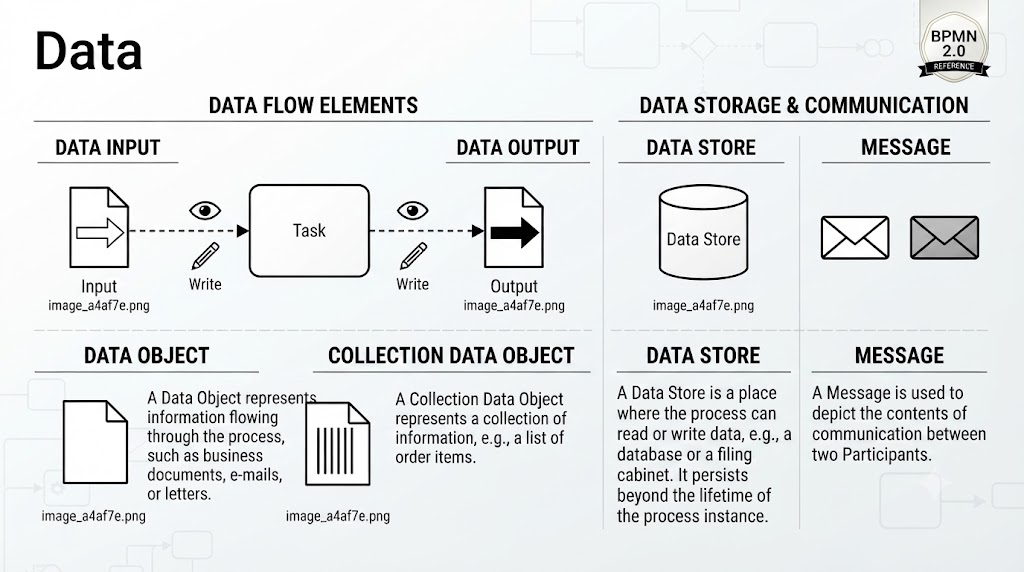
Connecting to the Intermediate Catch Event is a document icon labeled “Business Rule”. This is a critical architectural pattern known as Separation of Concerns.
By linking the process flow to a separate Business Rule artifact, we achieve several benefits:
- Flexibility: The compliance logic can be updated in the Rule Modeler without needing to redraw the entire BPMN diagram.
- Clarity: The diagram remains clean, showing the flow rather than the complex mathematical or logical conditions.
- Reusability: The same rule can potentially be applied to other processes.
4. The Path Divergence: Exclusive Gateway
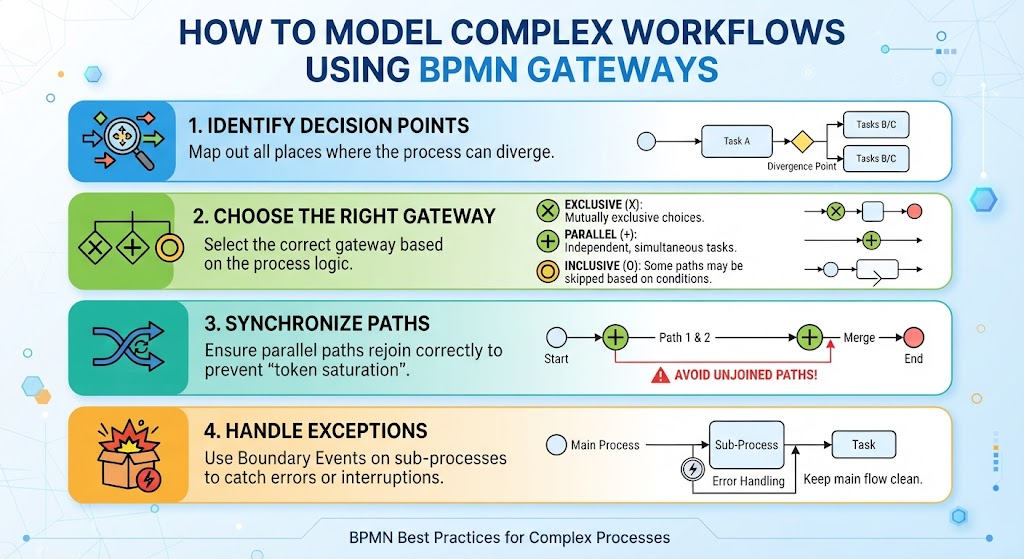
Following the evaluation of the rule, the flow hits an Exclusive Gateway (represented by the diamond with the ‘X’). This is the branching point.
- Compliant Path: If the rule evaluates to true (the applicant meets the criteria), the flow moves to the “Proceed with Loan Approval” task.
- Non-Compliant Path: If the rule evaluates to false, the flow diverts to “Reject Application / Flag for Review”.
Implementation Strategy in Visual Paradigm
For technical practitioners using tools like Visual Paradigm, implementing this architecture involves a specific workflow. Here is how you can replicate this scenario:
- Define the Rule Artifact: Before drawing the process, create the
Business Rulein the Rule Modeler. Define the conditions (e.g., “Income > $50k AND Credit Score > 650”). - Insert the Event: After your data collection task, drag an Intermediate Catch Event onto the canvas.
- Configure the Type: Double-click the event and change the type from “Message” to “Rule”.
- Link the Rule: In the event’s specification properties, select the Business Rule artifact you created in step 1. This binds the logic to the visual flow.
- Create the Gateway: Place an Exclusive Gateway immediately after the event. Connect the paths to your subsequent tasks and label them “Compliant” and “Non-Compliant”.
Conclusion
By utilizing an Intermediate Catch Event linked to a Business Rule, you transform a static flowchart into a dynamic, intelligent system architecture. This approach ensures that your business processes are not only visually clear but also maintainable and adaptable to future regulatory changes.