


In the world of business process modeling, managing exceptions and time-sensitive scenarios is just as critical as mapping out the “happy path.” This tutorial dives deep into a specific but powerful feature of Business Process Model and Notation (BPMN): Intermediate Events Attached to Boundaries. By mastering this concept, you can create robust process models that handle real-world uncertainties—like system errors or missed deadlines—without cluttering your main workflow.
What is a Boundary Event?
Unlike standard events that sit on the sequence flow between tasks, a Boundary Event is attached to the edge of an activity (a task or sub-process). It acts as a sensor, listening for specific conditions while the main task is executing.
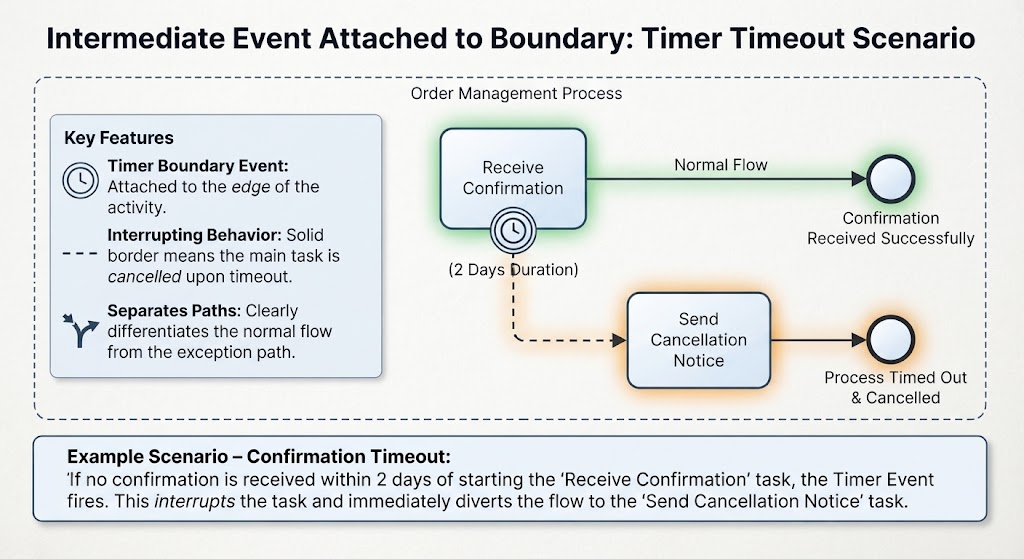
The diagram provided illustrates a classic use case: the Confirmation Timeout. Here, we are modeling an Order Management Process where a system waits for a confirmation. A boundary event is attached to the “Receive Confirmation” task to monitor the passage of time.
The Mechanics of Interrupting Behavior
The core functionality of a boundary event is defined by its behavior. The diagram explicitly highlights the Interrupting Behavior (indicated by a solid border). This is the most common type of boundary event and works as follows:
- The Trigger: The event listens for a condition. In our example, it is a Timer Event set for a 2 Days Duration.
- The Cancellation: If the condition is met (i.e., the 2 days pass without a confirmation), the event fires. Crucially, because it is an interrupting event, the host activity (“Receive Confirmation”) is immediately cancelled.
- The Diversion: The flow does not continue to the “Confirmation Received Successfully” end event. Instead, the process diverts along the outgoing path to the “Send Cancellation Notice” task.
Visualizing the Divergence
The diagram uses distinct visual cues to separate the two paths:
- Normal Flow (Solid Line): If the task completes successfully before the timer fires, the process moves to the “Confirmation Received Successfully” end event. The timer event effectively disappears.
- Exception Flow (Dashed Line): If the timer fires, the process takes the path labeled “Process Timed Out & Cancelled.” The dashed line signifies that this is a side path triggered by an event, not the standard sequence.
Why Use Interrupting Boundary Events?
Using an interrupting boundary event is superior to creating complex gateways for timeouts because it keeps the model clean. It allows you to handle the “exception” logic in isolation.
Consider the alternative: Without a boundary event, you would have to model the timeout logic inside the “Receive Confirmation” task or add a parallel gateway that waits for both the confirmation and the timer. This creates a “spaghetti” diagram that is difficult to read. The boundary event cleanly separates the Normal Path from the Exception Path.
Types of Boundary Events
While the diagram focuses on a Timer Event, BPMN supports several other types of boundary events, each serving a specific architectural purpose:
- Timer Boundary Event: Used for timeouts, reminders, or scheduled actions (as seen in our example).
- Error Boundary Event: Catches system or runtime errors thrown by the host activity, enabling structured error handling.
- Escalation Boundary Event: Handles business-level escalations, such as notifying a manager if a task exceeds its Service Level Agreement (SLA).
- Message Boundary Event: Allows the process to listen for external messages or signals while a task is running.
Conclusion
Intermediate boundary events are essential tools for building resilient process models. By attaching a timer event to the “Receive Confirmation” task with an interrupting behavior, we ensure that the process automatically recovers from delays by sending a cancellation notice, rather than hanging indefinitely. This technique is a cornerstone of professional BPMN modeling.
Related posts:
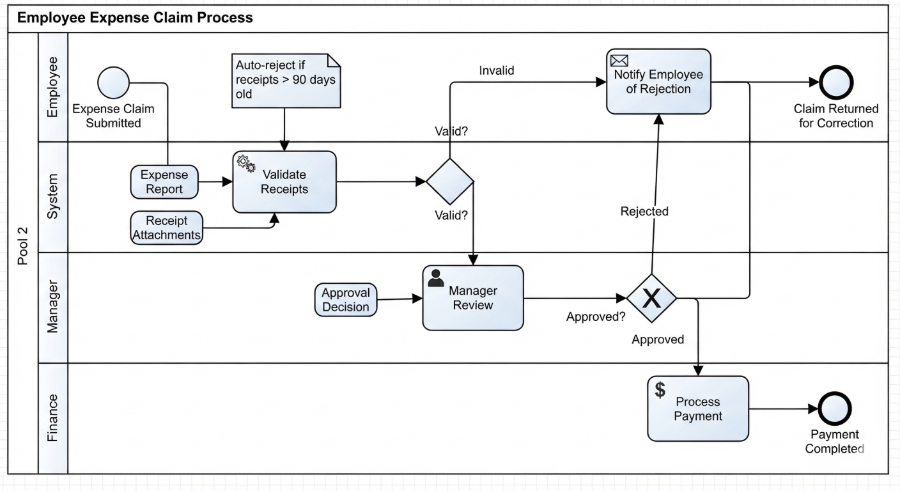 Mastering Business Processes: The Employee Expense Claim Flow
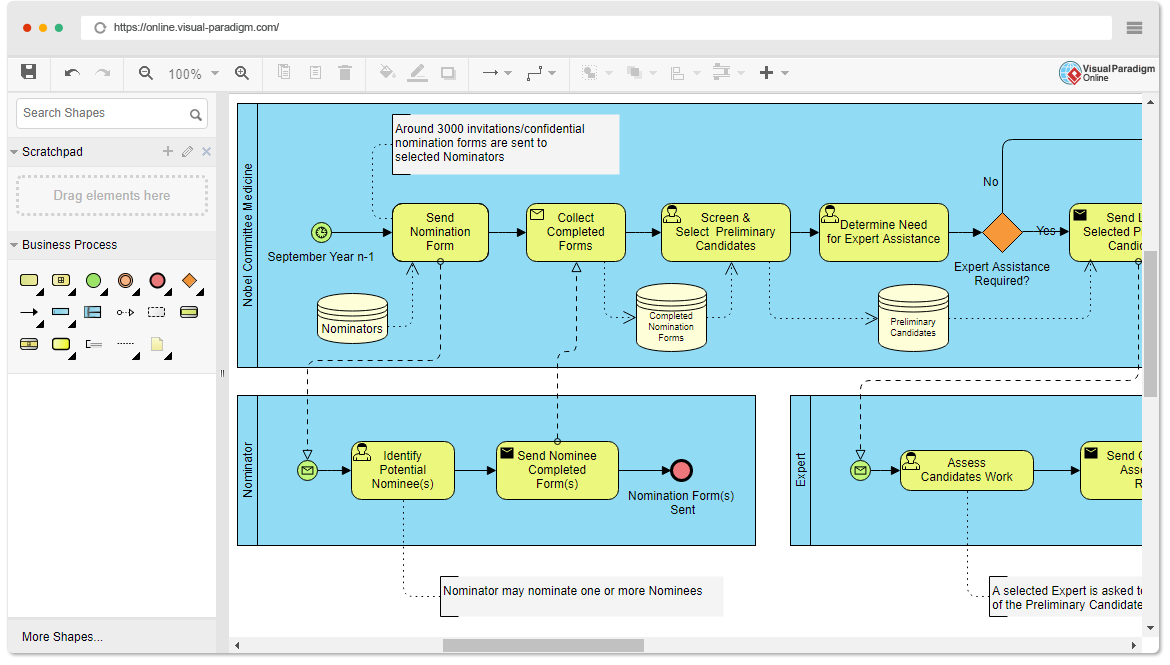 Mastering Business Process Modeling: The Nobel Prize Nomination Workflow in BPMN
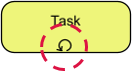 Mastering Iterative Processes: A Deep Dive into Loop Markers in Visual Paradigm
 Mastering BPMN: A Comprehensive Guide to Process Modeling Elements & Best Practices