


In the world of Business Process Model and Notation (BPMN), the flow of a process is rarely a straight line from “start” to “finish.” Real-world business operations are dynamic, reactive, and filled with interruptions. This is where Intermediate Events become the most critical tool in your modeling arsenal.
Intermediate events represent the “in-between” moments of a process. Unlike Start Events, which trigger a workflow, or End Events, which conclude it, Intermediate Events capture the dynamic reality of execution. They allow modelers to simulate waiting periods, handle errors gracefully, and manage complex business rules.
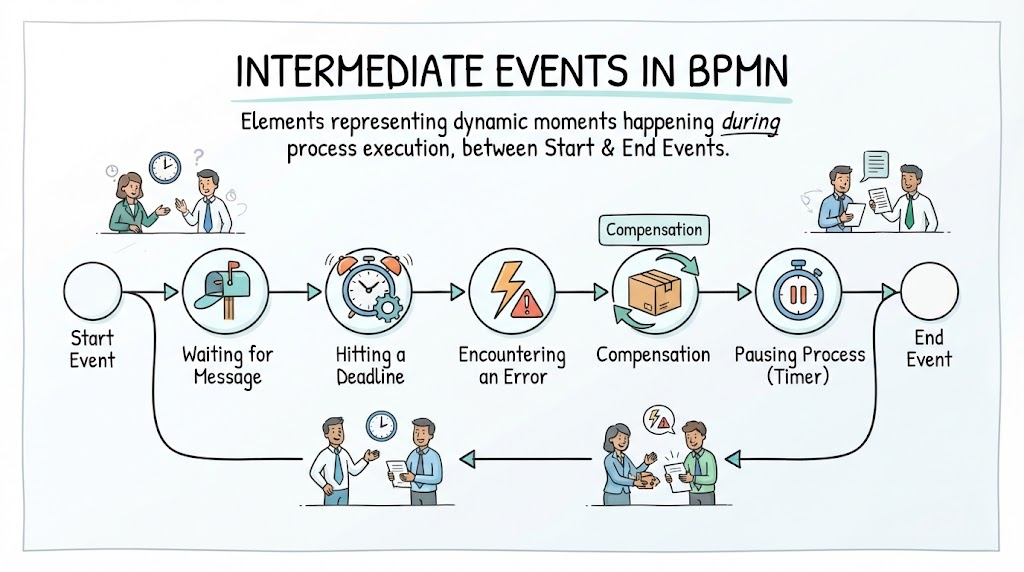
This tutorial breaks down the specific types of Intermediate Events illustrated in the diagram above, explaining their purpose and how they shape the logic of a business process.
1. The Mechanics of Intermediate Events
An Intermediate Event is visually represented by a circle with a double line stroke, distinct from the single-line Start and End events. In a BPMN diagram, these events are placed on the sequence flow between activities. They serve two main purposes:
- Interrupting: Pausing the current flow to wait for something (like a message or a timer) before resuming.
- Catching: Detecting a condition, such as an error or a deadline, and triggering a specific response path.
2. Analyzing the Process Flow
Let us walk through the specific events depicted in the visual flowchart, moving chronologically from the initiation of a process to its conclusion.
Starting the Journey: The Start Event
The process begins with a Start Event (the circle on the far left). This is the catalyst that triggers the entire workflow. Without this initial trigger, the subsequent intermediate events have no context. It represents the moment a business requirement is initiated, such as a customer placing an order or a system receiving a request.
The Wait: Message Intermediate Event
Following the start, the process encounters a Waiting for Message event. In the diagram, this is illustrated by a mailbox icon. This represents a Message Catch Event.
In this state, the process is effectively “paused” or “blocked.” The workflow cannot proceed until an external entity sends the required data. This is common in scenarios where a system must wait for a bank confirmation, an email response, or a human approval before moving to the next step.
Time Pressure: Hitting a Deadline (Timer Event)
The next step in the chain is Hitting a Deadline, depicted by an alarm clock icon. This is a Timer Intermediate Event.
This event introduces the dimension of time into the process. It acts as a “catch” mechanism that fires only when a specific time condition is met. For example, if a “Waiting for Message” event lasts too long, a timer might trigger to ensure the process doesn’t hang indefinitely. It forces the system to react if a deadline is missed.
Handling the Unexpected: Encountering an Error
Business processes do not always go according to plan. The Encountering an Error event, shown with a lightning bolt and exclamation mark, represents a Message or Signal Catch Event designed for exception handling.
When a logical error occurs (such as a data validation failure or a system crash), this event captures the “exception.” In a robust BPMN model, this event would typically redirect the flow to an error handling sub-process or a specific compensation task, rather than letting the process fail silently.
Remediation: Compensation
Once an error or a time constraint has been resolved, the process often requires a “cleanup” or a “fix.” This is the Compensation event, illustrated by a box with arrows cycling around it.
Compensation is a unique type of intermediate event that represents “undoing” or “remediating” a task that has already been completed. If a process fails partway through, compensation ensures that side effects (like a temporary reservation or a sent email) are rolled back to maintain data integrity.
Pausing: Pausing Process (Timer)
The diagram also highlights a Pausing Process event, represented by a stopwatch. This is another instance of a Timer Intermediate Event.
Unlike the “Hitting a Deadline” event which usually acts as a catch for a timeout, a “Pausing” event is often used to introduce a deliberate delay. The process waits for a specific duration (e.g., “Wait 24 hours”) before resuming the workflow. This is frequently used in approval chains or cooling-off periods.
4. Conclusion: The Path to the End
The final stage in the diagram is the End Event (the circle on the far right). This signifies the successful completion of the process. By incorporating the various intermediate events discussed above, the model demonstrates that the journey to the end is not linear; it is a complex interplay of waiting, reacting to errors, managing time, and compensating for issues.
Understanding these elements is essential for creating accurate, executable, and communicable process models. Whether you are using Visual Paradigm or any other BPMN tool, mastering Intermediate Events allows you to build systems that are resilient, efficient, and realistic.
Related posts:
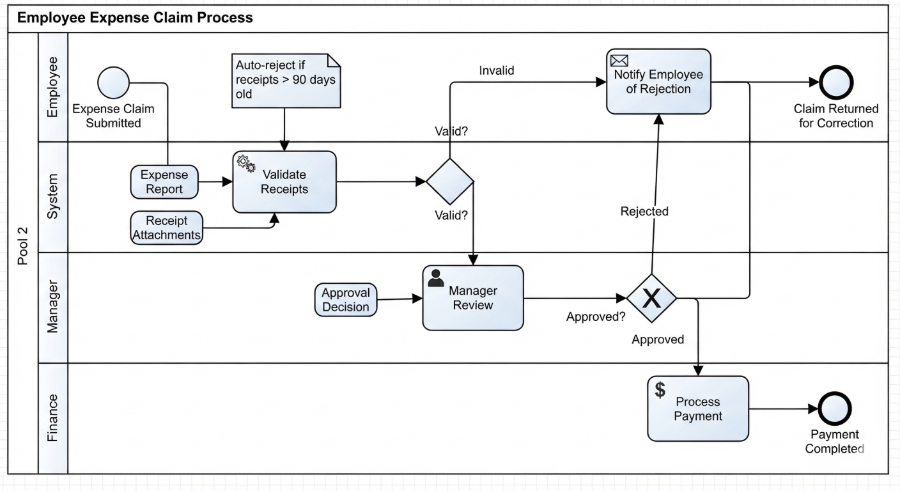 Mastering Business Processes: The Employee Expense Claim Flow
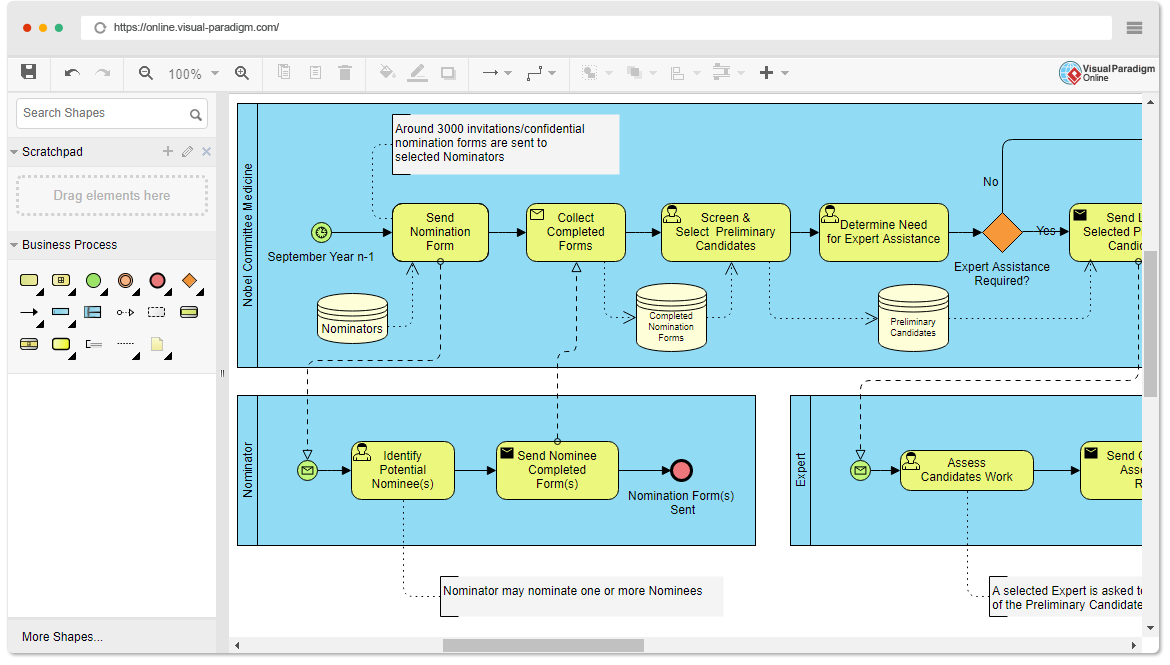 Mastering Business Process Modeling: The Nobel Prize Nomination Workflow in BPMN
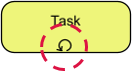 Mastering Iterative Processes: A Deep Dive into Loop Markers in Visual Paradigm
 Mastering BPMN: A Comprehensive Guide to Process Modeling Elements & Best Practices