


Business Process Model and Notation (BPMN) is the industry standard for visualizing business processes. While the notation is powerful, it is often misused, leading to diagrams that are confusing rather than clarifying. This tutorial will walk you through the essential elements of BPMN modeling, highlighting the most common mistakes to avoid so you can create clear, consistent, and professional process maps.
1. Understanding the Core Trinity: Tasks, Events, and Gateways
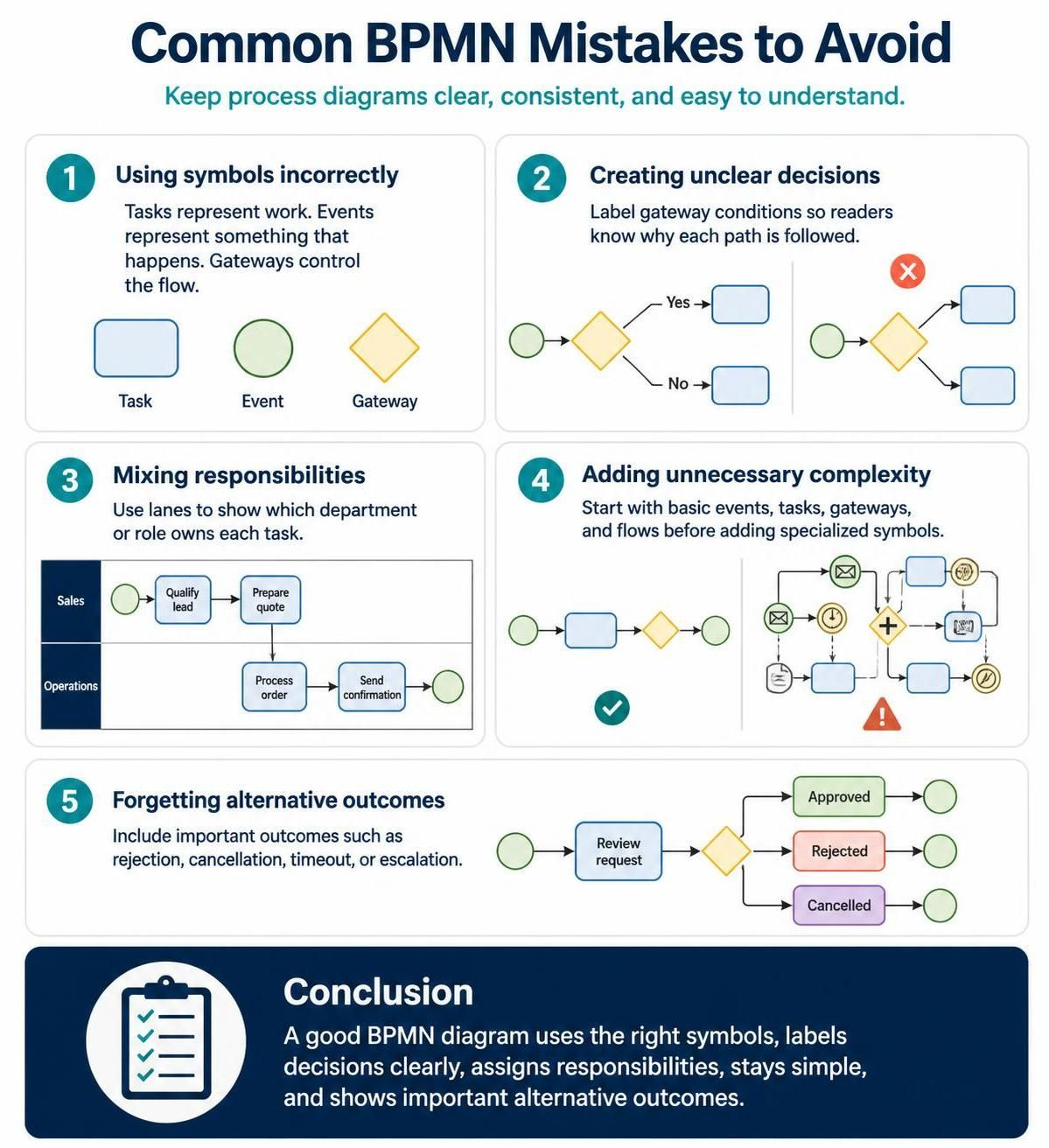
The foundation of any BPMN diagram lies in correctly distinguishing between the three fundamental building blocks. A common error is using these symbols interchangeably, which breaks the logical flow of the model.
- Tasks (Work): Represented by a rounded rectangle. A task is an atomic unit of work performed by a participant. It is something you do.
- Events (Happenings): Represented by a circle. Events are something that happens, such as a trigger starting a process or a notification being sent. They have no duration themselves but mark the beginning or end of an activity.
- Gateways (Flow Control): Represented by a diamond. Gateways do not represent work; they represent decisions. They control the flow of the process by splitting or joining paths based on specific logic.
2. Ensuring Clarity in Decision Logic
Once you introduce a gateway, you must explicitly define the logic that drives the flow. A frequent mistake is creating “black box” decisions where the path is ambiguous.
If you split a process flow, you must label the outgoing sequence flows with conditions. For example, if a gateway splits into two paths, label them clearly as Yes and No, or Approved and Rejected. Without these labels, the reader is forced to guess the criteria for the decision, making the diagram useless for analysis.
3. Assigning Responsibilities with Pools and Lanes
A diagram that lists every step in a process is often hard to read. Without context, it is difficult to know who is responsible for a specific action. This is known as the “Mixing Responsibilities” mistake.
To fix this, utilize Lanes. Lanes divide a Pool (the participant) into sub-areas, typically representing departments, roles, or systems.
- Sales Lane: Tasks like “Qualify Lead” or “Prepare Quote.”
- Operations Lane: Tasks like “Process Order” or “Send Confirmation.”
By visually grouping tasks into lanes, you instantly communicate ownership and handover points between different groups.
4. Avoiding Unnecessary Complexity
BPMN offers hundreds of specialized symbols for advanced use cases, such as timers, messages, and artifacts. However, a “kitchen sink” approach often confuses beginners and stakeholders.
The golden rule of modeling is simplicity. Start with the basic elements: Events, Tasks, Gateways, and Sequence Flows. Only introduce specialized symbols when a specific requirement demands it. If a basic diamond can explain your decision, do not use a complex complex gateway type. Clarity trumps technical completeness in early-stage modeling.
5. Modeling the Full Picture: Alternative Outcomes
Many diagrams only show the “Happy Path”—the ideal scenario where everything goes right. This is a critical oversight. Real-world processes are full of exceptions.
Always ask: “What happens if this goes wrong?” You must include outcomes such as:
- Rejection: A loan application denied.
- Cancellation: An order cancelled by a customer.
- Timeout: A task that expires if not completed.
- Escalation: A task that is moved to a manager.
By mapping these alternative flows, your diagram becomes a robust tool for understanding risk and exception handling.
Conclusion
BPMN is a standardized way to visualize business processes. Its basic elements—events, activities, gateways, sequence flows, pools, and lanes—are enough to model many everyday workflows. The best way to learn BPMN is to begin with a familiar process, such as ordering a product or approving a leave request. Identify what starts the process, list the activities, mark the decisions, assign responsibilities, and show the possible outcomes.
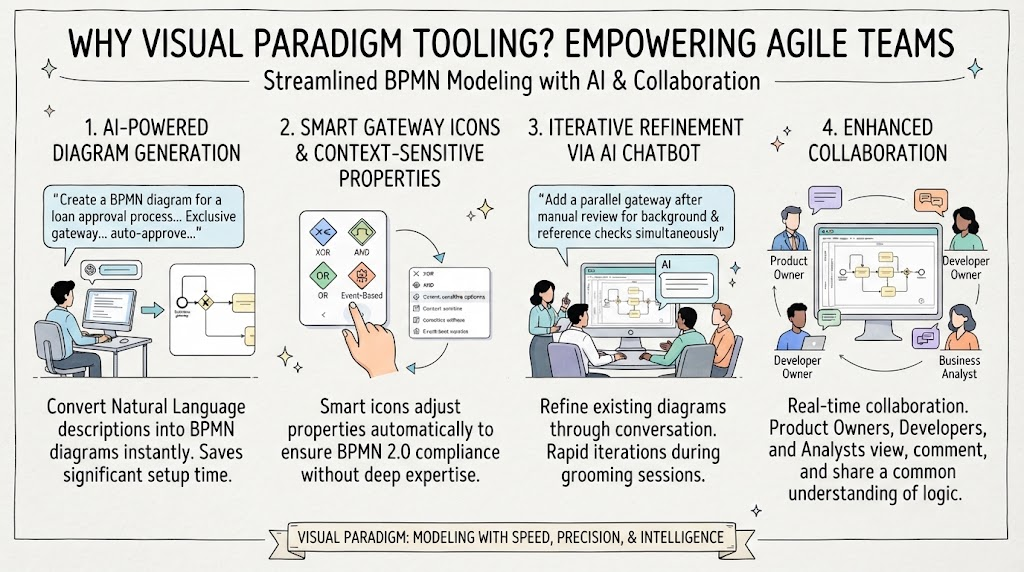
Once these fundamentals are clear, you can gradually learn more advanced BPMN symbols and use the notation for detailed process analysis and automation. To assist you in this journey, the Recommended tooling for creating these diagrams is the Visual Paradigm BPMN Tool, which provides a user-friendly environment for designing, simulating, and analyzing complex business processes while ensuring strict adherence to BPMN standards.
Related posts:
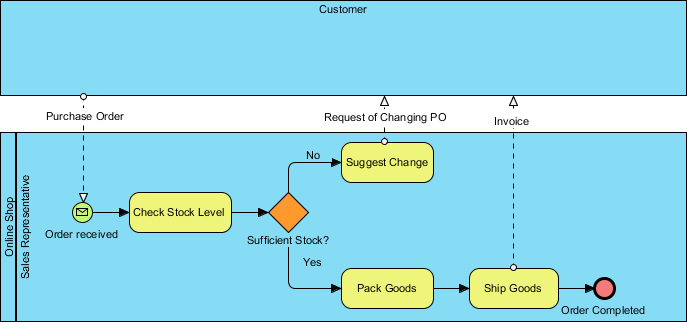 Online Shop Sales Representative Order Process Flow Diagram
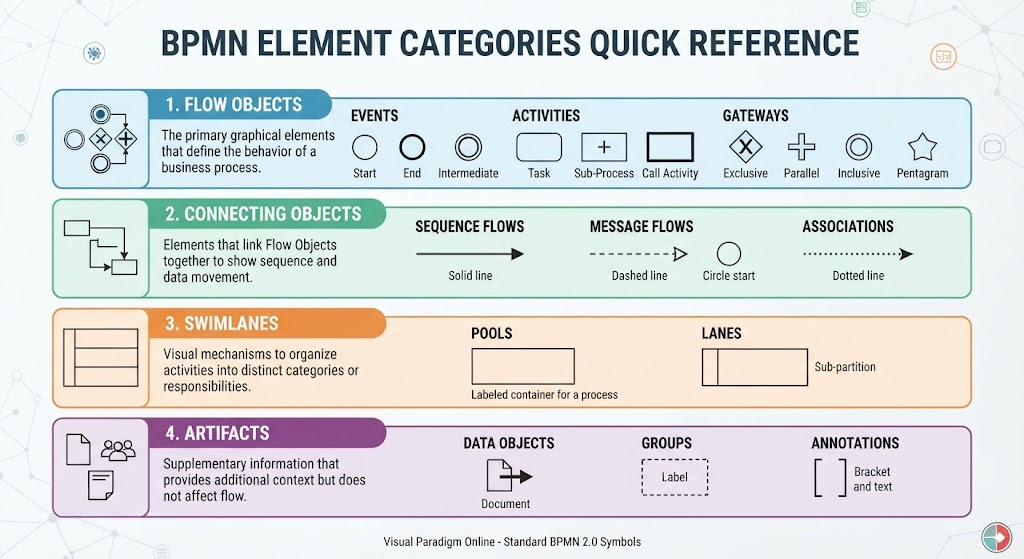 Mastering BPMN: A Comprehensive Guide to Element Categories and Modeling Logic
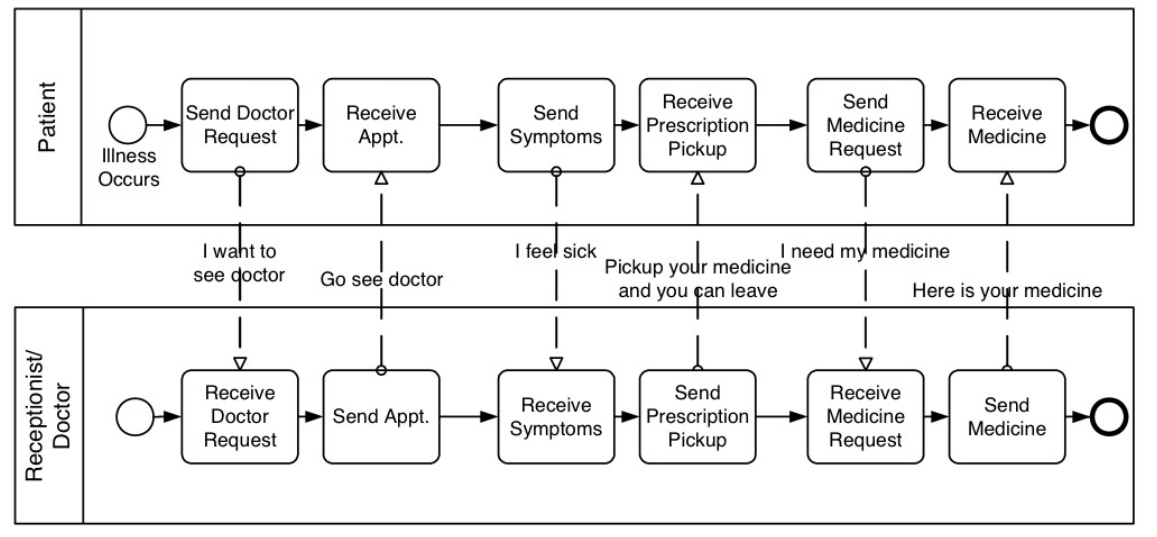 Mastering BPMN Collaboration Diagrams: A Step-by-Step Guide to Modeling Multi-Party Interactions
 Building Agile Workflows: A Guide to AI-Driven BPMN Modeling in Visual Paradigm