


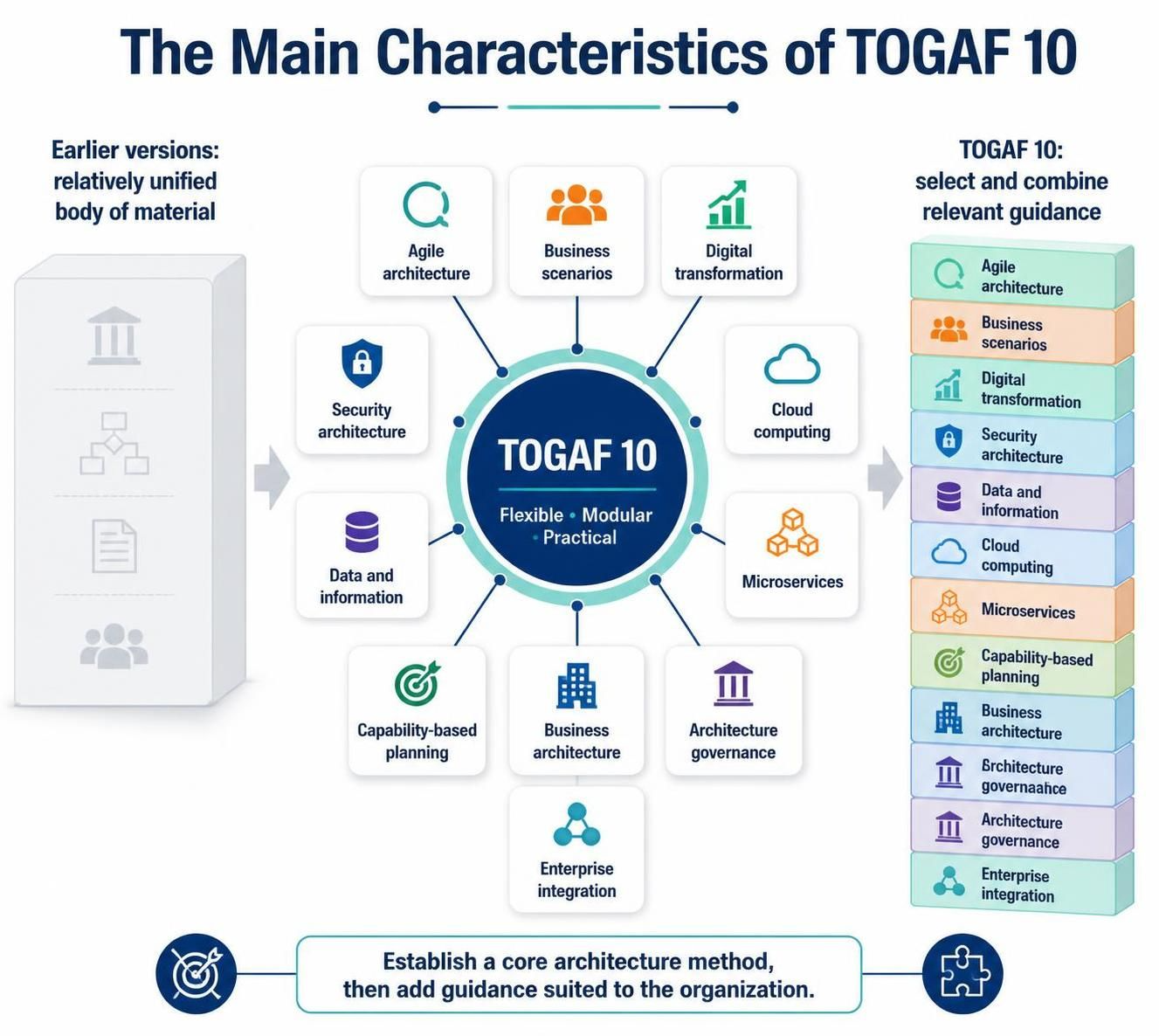
In the rapidly evolving landscape of enterprise technology, organizations are moving away from rigid, “one-size-fits-all” methodologies. As illustrated by the shift in the TOGAF 10 framework, the focus has pivoted from a unified body of material to a modular, flexible, and practical system. This tutorial explores how Visual Paradigm serves as the essential digital companion to this modern architecture philosophy, enabling organizations to construct a tailored Enterprise Architecture (EA) process.
The Evolution: From Unified to Modular
Historically, Architecture frameworks were often perceived as monolithic textbooks. An organization had to adopt the entire volume of knowledge, regardless of whether they needed specific guidance on “Microservices” or “Agile Architecture.” TOGAF 10 challenges this by treating architecture as a set of building blocks.
The image above highlights this transformation:
- Earlier Versions: Represented as a unified, static block. If you needed guidance on a specific topic, it was buried within a larger, often overwhelming, body of text.
- TOGAF 10: Represents a central core (“Flexible • Modular • Practical”) surrounded by specific architectural components. This allows a financial institution to prioritize “Security Architecture,” while a startup might focus on “Agile Architecture” and “Business Scenarios.”
The Challenge of Modularity in Practice
While the concept of selecting and combining relevant guidance is powerful, executing it manually is a logistical nightmare. How does an architect ensure that the “Data and Information” domain aligns with the “Cloud Computing” strategy? How do you track the “Architecture Governance” policies across different business units?
This is where the Visual Paradigm TOGAF Tool becomes indispensable. It transforms the theoretical modularity of TOGAF 10 into a manageable, dynamic workflow.
How Visual Paradigm Supports the Entire EA Process
Visual Paradigm acts as the digital engine that allows organizations to implement the “Select and Combine” strategy effectively. Here is how it addresses the specific components mentioned in the TOGAF 10 characteristics.
1. Establishing a Core Architecture Method
The diagram suggests starting with a core method. Visual Paradigm provides a robust TOGAF 10 Metamodel that serves as this core. It allows you to define the foundational objects of your enterprise—such as Actors, Business Processes, and Applications—without being bogged down by irrelevant data.
2. Adding Guidance for Specific Subjects (The Modular Approach)
Visual Paradigm excels at “contextualizing” the architecture. Instead of a static document, you can toggle or extend specific views to suit your organization’s unique needs:
- Agile Architecture: For teams needing speed, Visual Paradigm integrates seamlessly with Agile methodologies. You can map architecture components to user stories and sprints, ensuring that the architecture evolves alongside development.
- Security & Cloud Computing: The tool includes specific libraries for Cloud computing patterns and Security architecture. You can visualize how a security requirement (like the lock icon in the diagram) impacts your cloud infrastructure and data storage.
- Microservices & Enterprise Integration: The platform offers specialized modeling languages to design Microservices architectures. You can map how different services integrate (the puzzle piece icon) and how data flows between them.
3. Capability-Based Planning
The diagram highlights Capability-based planning as a key component. Visual Paradigm allows architects to define capabilities (what the business can do) and link them directly to the processes and systems that support them. This ensures that when you decide to add a new capability, you can instantly see the impact on your existing architecture.
4. Architecture Governance
One of the biggest challenges in a modular environment is maintaining consistency. Visual Paradigm solves this with Architecture Governance features. You can set compliance rules for your models. For example, you can enforce a rule that states “All external systems must be tagged with Security Architecture compliance,” ensuring that the modular guidance you selected is actually applied.
Conclusion: The “Select and Combine” Workflow
The goal of TOGAF 10 is to “Establish a core architecture method, then add guidance suited to the organization.” Visual Paradigm provides the environment to make this workflow a reality.
- Start Core: Use the tool to define your base business architecture.
- Select Modules: Activate specific libraries for your needs (e.g., add the “Digital Transformation” module).
- Combine: Use the visual modeling canvas to connect these modules, ensuring that your “Business Scenarios” are supported by your “Cloud Computing” infrastructure.
By leveraging Visual Paradigm, organizations move beyond the rigid constraints of the past, embracing a flexible, modular, and practical approach to Enterprise Architecture that drives digital transformation.
Related posts:
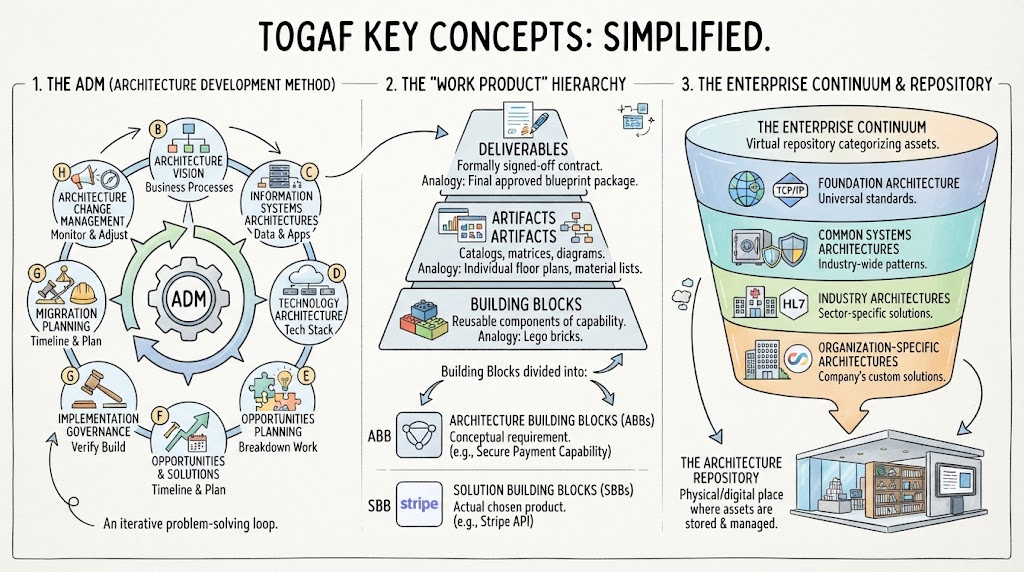 Mastering TOGAF: A Step-by-Step Guide to the ADM Cycle and Enterprise Architecture
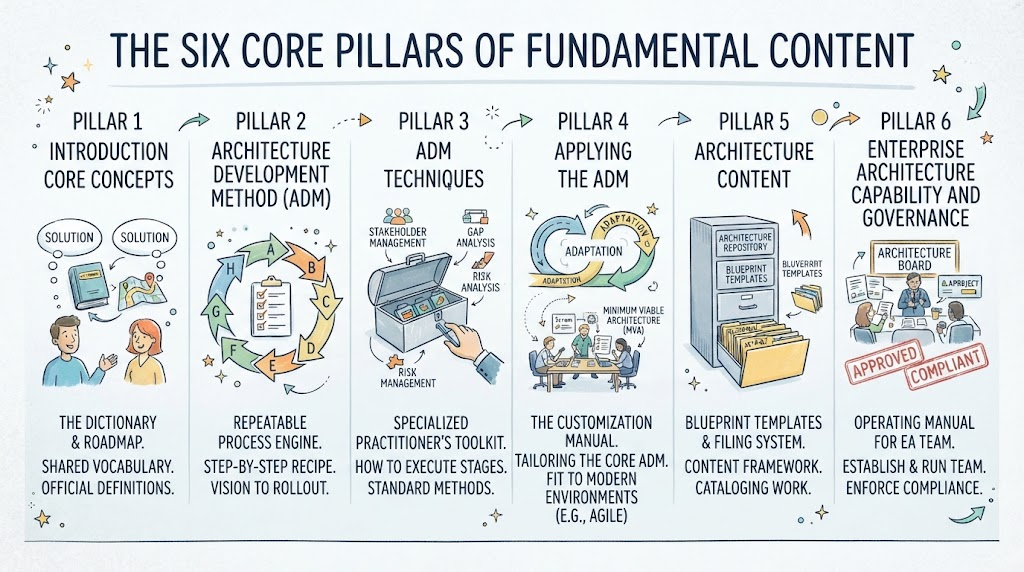 Mastering Enterprise Architecture: A Step-by-Step Guide to the Six Core Pillars of TOGAF
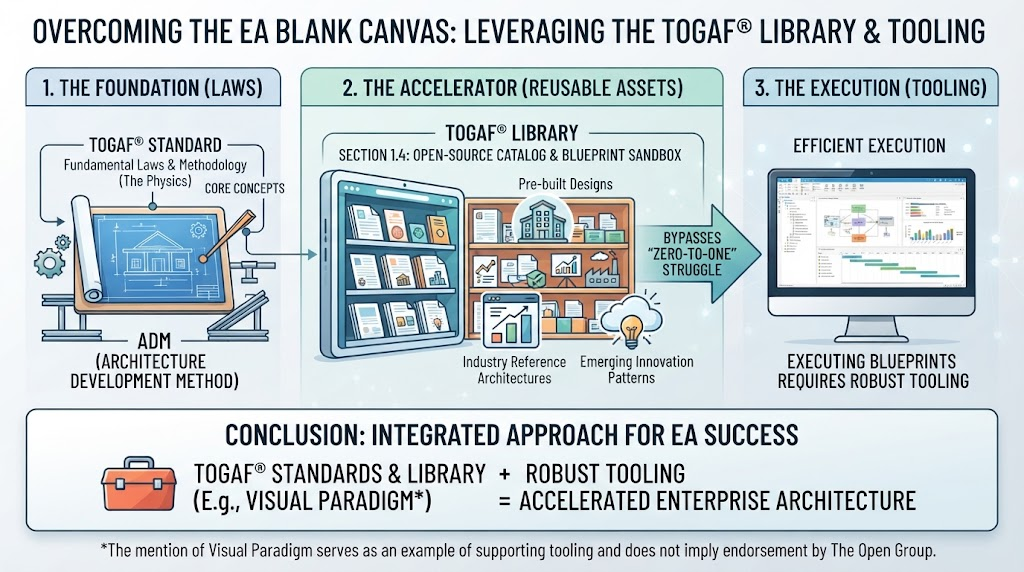 Overcoming the EA Blank Canvas: Leveraging the TOGAF Library & Tooling
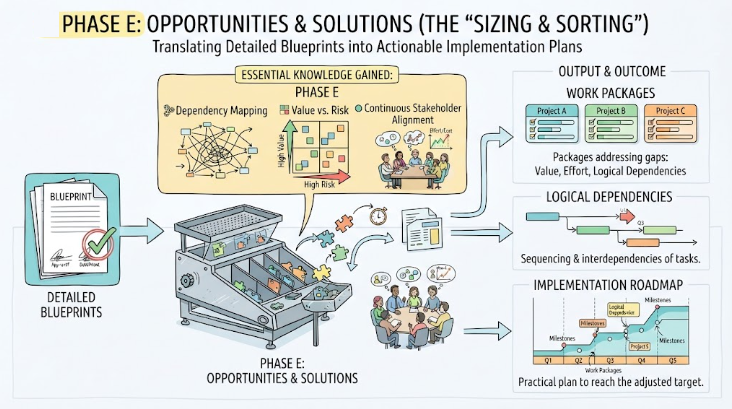 Mastering Phase E: Opportunities & Solutions in Enterprise Architecture