


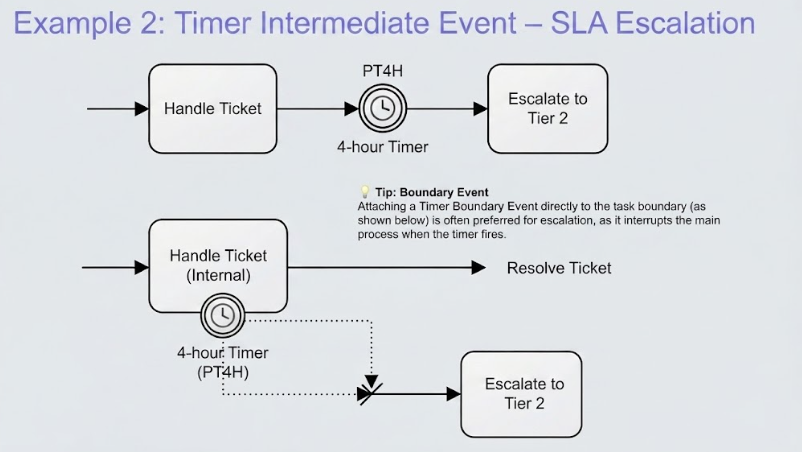
In the world of Business Process Model and Notation (BPMN), time is often a critical constraint. Service Level Agreements (SLAs) dictate how quickly a process must be completed, and failing to meet these deadlines can have serious consequences. This tutorial explores a fundamental yet powerful pattern in BPMN: Timer Intermediate Events. We will walk through a specific scenario where a support ticket must be escalated to Tier 2 if it remains unresolved after 4 hours.
The Core Concept: Monitoring Time
Unlike standard process flows that move from one task to another based on logic (e.g., “if approved, then…”), time-based events introduce a temporal dimension. A Timer Intermediate Catch Event acts like a stopwatch. It pauses the process flow, waiting for a specific duration to elapse before triggering the next step.
In our scenario, the goal is to ensure that “Handle Ticket” does not drag on indefinitely. If the system detects that 4 hours have passed without the ticket being marked as “Resolved,” the process must automatically divert to “Escalate to Tier 2.”
Approach 1: The Sequential Timer (Intermediate Event)
The first method for implementing this logic is using a Timer Intermediate Catch Event placed directly in the sequence flow. This is a non-interrupting path that occurs after a task has finished or as a gateway point.
How It Works
- Task Execution: The process begins with the task Handle Ticket.
- The Pause: Once the task is complete (or the flow reaches the event), the process hits the Timer Intermediate Event.
- The Wait: The process waits. It does not move forward until the timer fires.
- The Trigger: After 4 hours (represented by the ISO 8601 duration
PT4H), the event “catches” the flow and passes control to the next task. - Escalation: The flow moves to Escalate to Tier 2.
Visual Paradigm Implementation
To build this in modeling software like Visual Paradigm, follow these steps:
- Step 1: Place a Task labeled “Handle Ticket” on your canvas.
- Step 2: Add an Intermediate Catch Event immediately following the task.
- Step 3: Double-click the event to open its properties. Change the event type to Timer.
- Step 4: Configure the timer specification. Select Duration and enter
PT4H. This stands for “Period Time 4 Hours” in ISO 8601 format. - Step 5: Draw a sequence flow from the timer event to your new task, Escalate to Tier 2.
⚠️ Critical Logic Gap
Important Note: In the sequential approach shown above, there is a logical flaw. If the user resolves the ticket in 10 minutes, they finish the Handle Ticket task. However, the flow immediately enters the Timer Intermediate Event. The process will still wait 4 hours and then escalate the ticket, even though it was just resolved!
Approach 2: The Interrupting Boundary Event (The “Correct” Way)
To solve the logic gap mentioned above, we use a Timer Boundary Event. This event is attached directly to the boundary of the Handle Ticket task itself. It allows the process to “escape” the task if the time limit is exceeded.
Why Use a Boundary Event?
A boundary event is essentially an “escape hatch.” It runs in parallel to the task. If the task finishes (e.g., the ticket is resolved) before the timer fires, the boundary event is automatically cancelled, and the process continues normally. If the timer fires first, it interrupts the task and forces the escalation.
Modeling the Solution
- Task Setup: Place the Handle Ticket task on the diagram.
- Add Boundary: Attach a Timer Boundary Event to the bottom edge of the task. Ensure it is configured as an Interrupting event (usually the default).
- Configure Timer: Set the duration to
PT4H. - Define Paths:
- Normal Flow: If the user finishes the task within 4 hours, the flow continues to Resolve Ticket.
- Escalation Flow: If 4 hours elapse, the boundary event triggers a dashed line to a Gateway (often a Join gateway) or directly to the Escalate to Tier 2 task.
Summary of Concepts
Understanding the difference between these two events is crucial for accurate process modeling:
- Intermediate Event: Good for time delays that occur between steps (e.g., waiting for a response after sending an email). It does not interrupt the previous activity.
- Boundary Event: Essential for SLA monitoring and timeouts. It provides a safety net that interrupts the current activity if a deadline is missed.
By mastering these elements, you can create robust, real-world process diagrams that accurately reflect the constraints and requirements of your business operations.
Related posts:
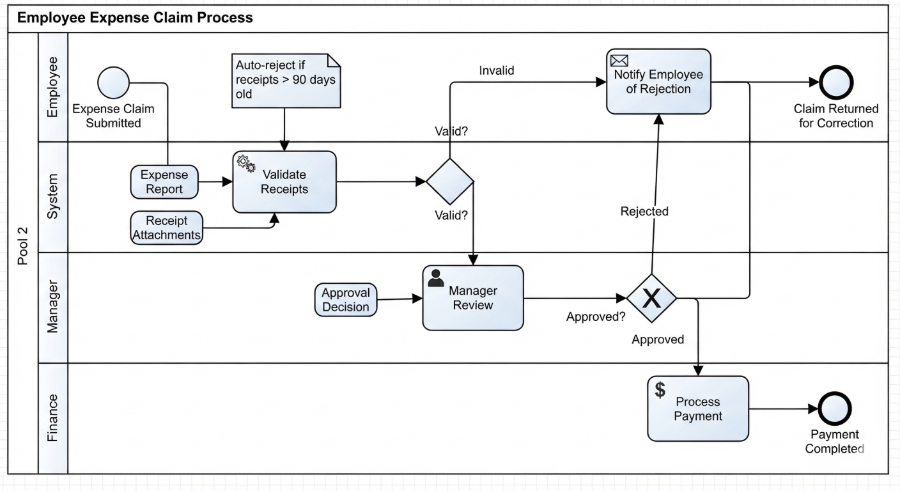 Mastering Business Processes: The Employee Expense Claim Flow
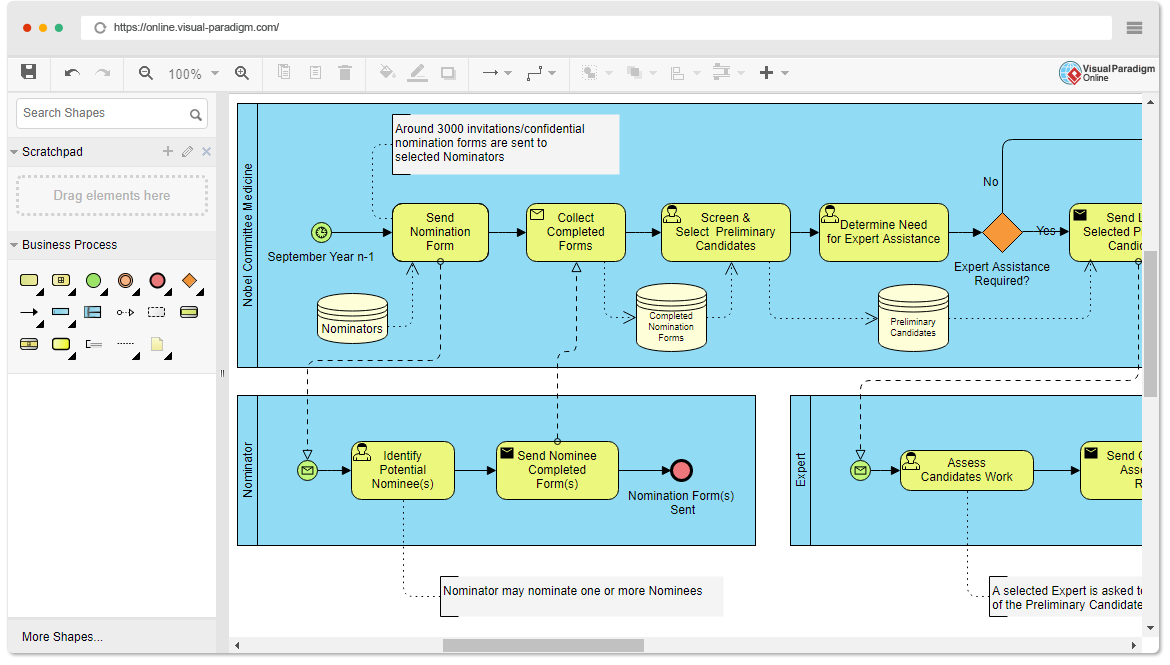 Mastering Business Process Modeling: The Nobel Prize Nomination Workflow in BPMN
 Mastering Iterative Processes: A Deep Dive into Loop Markers in Visual Paradigm
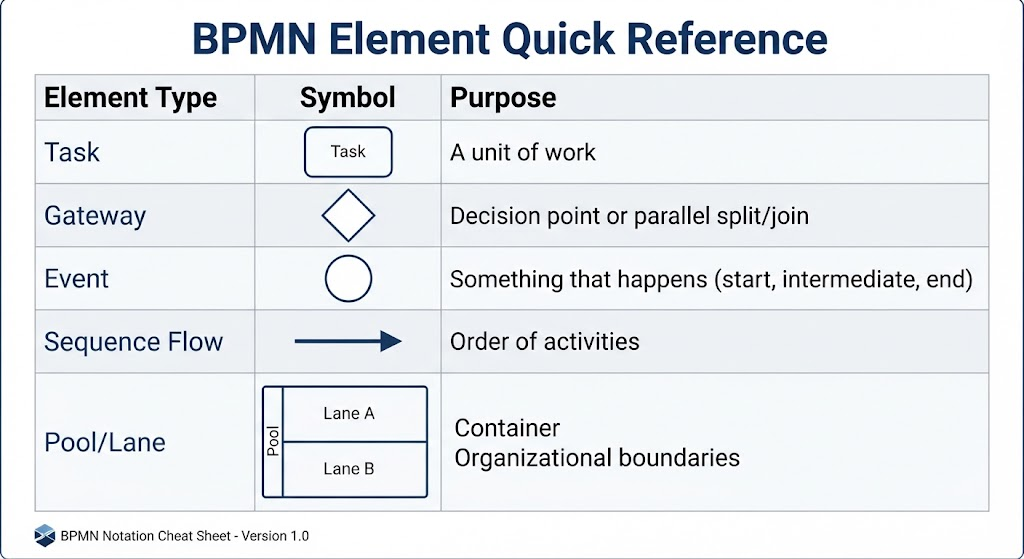 Mastering BPMN: A Comprehensive Guide to Process Modeling Elements & Best Practices