


Enterprise Architecture (EA) is often described as the bridge between business strategy and IT execution. However, navigating the complexity of enterprise systems can be daunting without a structured framework. This tutorial explores the TOGAF Architecture Development Method (ADM), a proven cycle for developing an enterprise architecture, and demonstrates how to leverage Visual Paradigm to execute this process efficiently.
Understanding the TOGAF ADM Cycle
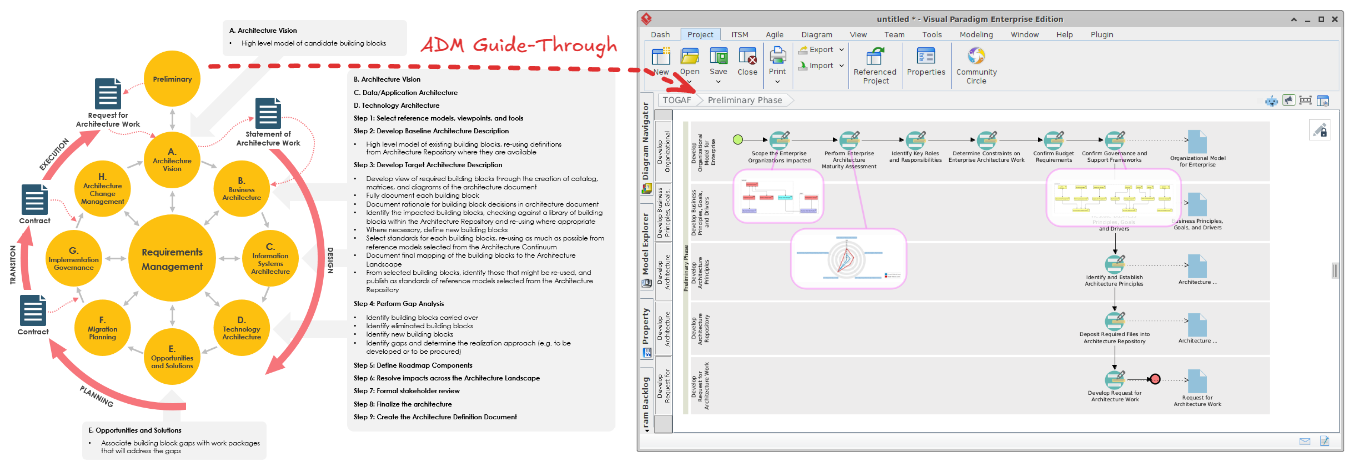
The TOGAF ADM is depicted in the left-hand side of the provided image as a continuous cycle of phases, moving from high-level planning to detailed implementation and back to governance. It is not a linear waterfall process but an iterative spiral.
The cycle is anchored by Requirements Management in the center. This ensures that all architectural decisions are driven by the needs of the enterprise and that new requirements are continuously fed back into the process.
The phases are generally grouped into four stages:
- Planning (The Foundation): This involves the Preliminary Phase (setting up the architecture capability) and the Architecture Vision (Phase A), where the scope and stakeholders are defined.
- Architecture Definition (The Core): This includes Business (B), Information Systems (C), and Technology (D) architectures. This is where the “meat” of the design happens.
- Migration Planning (The Transition): Opportunities and Solutions (E) and Migration Planning (F) focus on how to get from the current state to the target state.
- Implementation & Governance (The Execution): Implementation Governance (G) ensures the build matches the design, while Architecture Change Management (H) handles necessary adjustments.
Executing the ADM in Visual Paradigm
The right-hand side of the image showcases the Visual Paradigm Enterprise Edition interface, specifically the TOGAF ADM Navigator. This tool transforms the theoretical cycle into a practical, project-management-style workflow.
1. The “New” Workflow
Notice the red arrow pointing to the New button in the toolbar. In Visual Paradigm, you don’t just open a blank canvas; you initialize a TOGAF ADM Project. This ensures that your workspace is pre-configured with the correct folders, diagrams, and documentation standards required by the framework.
2. The Navigator Pane
On the left sidebar, you will see the TOGAF ADM tree. This acts as a checklist. It maps directly to the phases shown in the diagram on the left (Preliminary, A, B, C, D, etc.). As you complete work in one phase, you move down the list.
3. Phase A: Architecture Vision
The screenshot highlights the Architecture Vision phase (Phase A). This is the starting point where you define the scope. The output of this phase is a Statement of Architecture Work.
Deep Dive: The Architecture Vision Phase
The text in the center of the image details the specific deliverables for Phase A. Let’s break down what this actually looks like in practice:
- Step 1: Select Reference Models. Before building, you must look at existing models. Visual Paradigm allows you to import reference models to ensure you aren’t reinventing the wheel.
- Step 2: Develop Baseline Architecture. You document the “As-Is” state. This is crucial for understanding what legacy systems or processes are currently in place.
- Step 3: Develop Target Architecture. This is the “To-Be” state. You define the high-level building blocks that will solve the business problems.
- Step 4: Perform Gap Analysis. This is a critical step. You compare the Baseline and Target architectures to identify the gaps (what is missing) and the opportunities (what can be improved).
Visual Paradigm automates much of this through its Model Explorer and Property views. You can view the “Architecture Repository” directly, ensuring that your models are stored in a standardized library.
Recommended Tooling: Visual Paradigm + TOGAF ADM + ArchiMate
While the TOGAF ADM provides the methodology, and Visual Paradigm provides the project management structure, the true power lies in combining these with the ArchiMate Modeling Language.
Why this combination is essential:
- Standardization (TOGAF + ArchiMate): TOGAF defines what to do (the process), while ArchiMate defines how to draw it (the notation). ArchiMate offers a unified language that covers Business, Application, and Technology layers, allowing you to create the “Enterprise Architecture” map seamlessly.
- Traceability (Visual Paradigm): Visual Paradigm links your diagrams to the ADM phases. If you change a business requirement in the “Business Architecture” (Phase B), the tool can help you trace how that impacts the “Technology Architecture” (Phase D).
- Visualization (The “Statement of Architecture Work”): Instead of writing pages of text to describe the architecture, you can generate visual models. The “Statement of Architecture Work” in Visual Paradigm can be populated with dynamic diagrams that clearly show the relationships between stakeholders, goals, and systems.
Conclusion
By utilizing Visual Paradigm’s TOGAF ADM Navigator, architects can move beyond static documents and manage the architecture lifecycle dynamically. Starting with the Architecture Vision and rigorously following the steps—Baseline, Target, and Gap Analysis—ensures that the final implementation is aligned with business strategy.
Whether you are a beginner learning the ADM or an expert managing complex enterprise transformations, this integrated approach provides the clarity and structure needed to succeed.
Related posts:
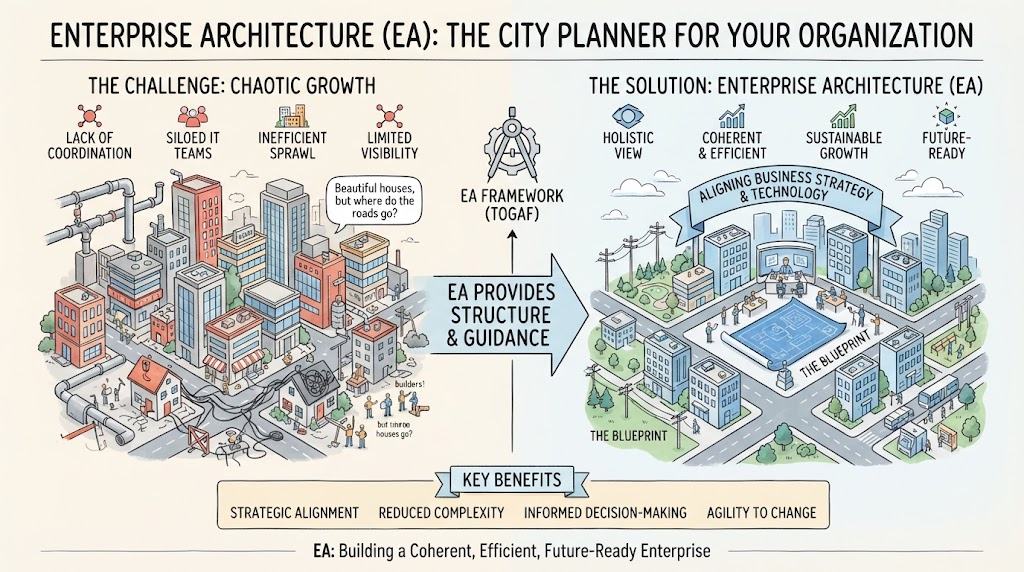 Enterprise Architecture as City Planning: A Visual Guide to TOGAF & Strategic Alignment
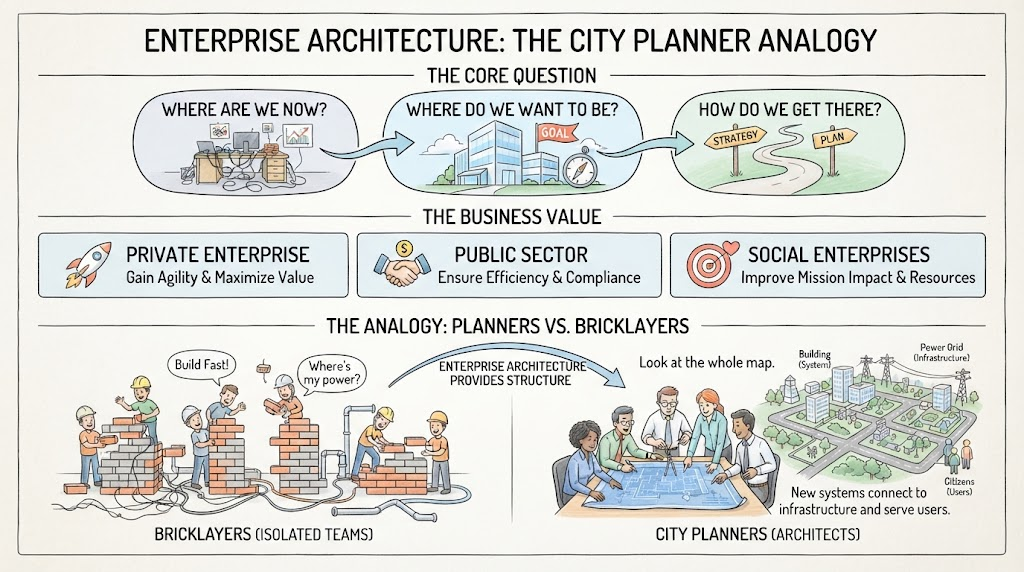 Mastering Enterprise Architecture: The City Planner Analogy and Strategic Roadmapping
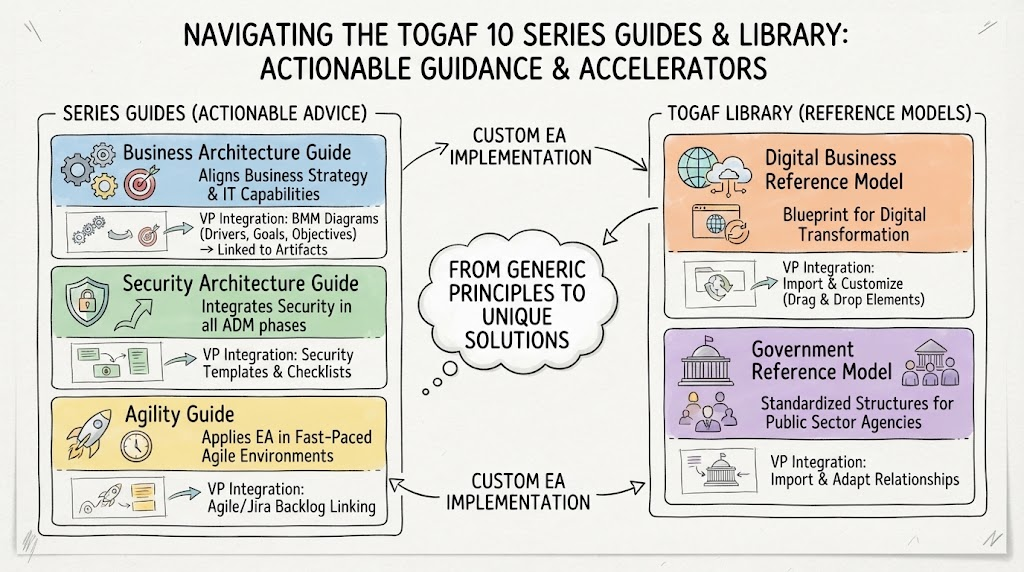 Navigating the TOGAF 10 Series Guides & Library: Actionable Guidance & Accelerators
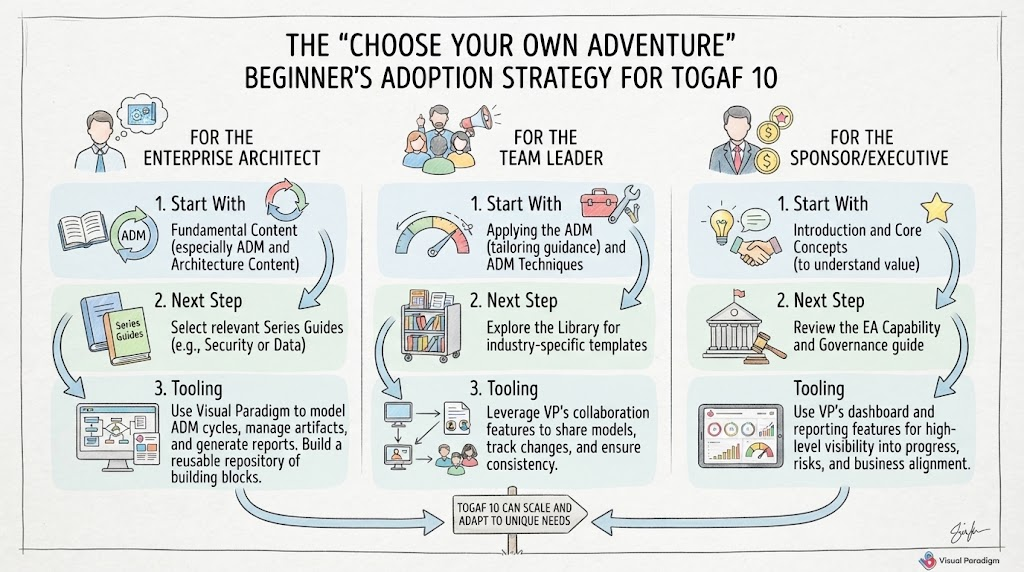 Mastering the “Choose Your Own Adventure” Beginner’s Adoption Strategy for TOGAF 10