


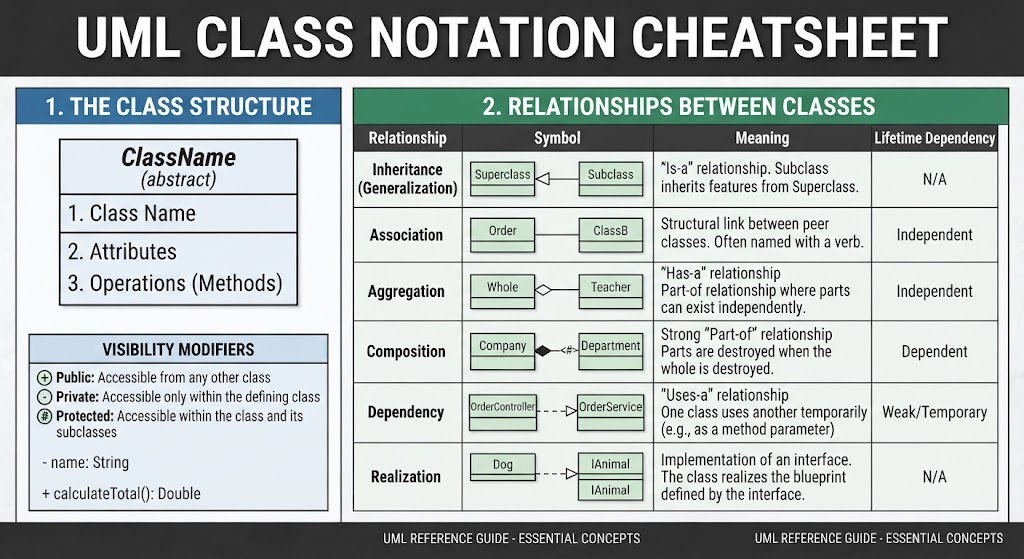
In the world of software engineering, the Unified Modeling Language (UML) class diagram is the cornerstone of structural documentation. However, a common misconception among developers is that a “complete” class box must always display every single attribute and method. In reality, UML is designed as a flexible communication tool, not a rigid template. To truly leverage UML for effective system architecture, you must know when to simplify and when to expand.
This tutorial explores the art of customizing the class box. We will walk through the strategic decisions of reducing detail for high-level overviews and extending detail for complex contract definitions.
The Philosophy of Tailoring
The standard three-compartment class box (Name, Attributes, Operations) is the gold standard for detailed design documentation. However, the level of detail you present should never be static. It must be dynamic, tailored based on three critical factors:
- The Audience: Are you speaking to a stakeholder who needs a high-level view, or a developer who needs implementation specifics?
- The Stage of Development: Are you in the conceptual architecture phase, or the final coding phase?
- The Goal of the Diagram: Are you trying to show system boundaries, API contracts, or business rules?
Reducing Detail: The Minimalist View
When designing high-level architectural diagrams, the temptation to show every variable can lead to visual clutter. A diagram dense with data fields often obscures the broader structural relationships between components. In these scenarios, a “minimalist” approach is essential for clarity.
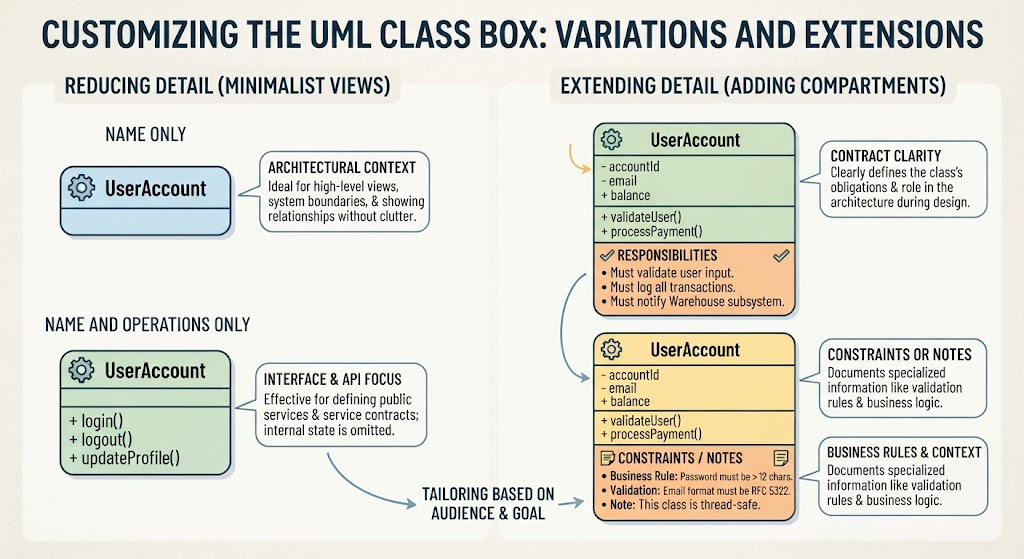
1. Name Only
The most stripped-down version of a class box displays only the class name. This is a powerful tool for:
- Context Diagrams: Showing how a class fits into the larger ecosystem without getting bogged down in implementation details.
- System Boundaries: Defining the edges of a subsystem where internal state is irrelevant.
- High-Level Architecture: Providing a bird’s-eye view of the system’s structure.
2. Name and Operations Only
At the other end of the spectrum, sometimes the internal data state (attributes) is less important than the behavior (methods). By hiding attributes and showing only the class name and public operations, you create a view focused on Interface & API Focus.
This variation is particularly effective for:
- Interface Design: Defining the public API of a class.
- Service Contracts: Focusing on the inputs and outputs of a service without revealing its internal memory state.
- API Documentation: Providing a clear list of available functions for external consumers.
Extending Detail: Adding Specialized Compartments
While reducing detail is common, there are times when the standard three compartments are insufficient. Complex business logic and strict architectural contracts often require a fourth compartment (or more) to convey specialized information that doesn’t fit neatly into standard attributes or operations.
1. Explicit Responsibilities
Adding a specific compartment for Responsibilities is a best practice for clarifying the “contract” of a class. This section explicitly states the obligations the class has toward the rest of the system.
Example: A WarehouseSubsystem class might list responsibilities such as:
- Must validate user input.
- Must log all transactions.
- Must notify the Inventory subsystem.
This is incredibly useful during the design phase, code reviews, and when onboarding new team members who need to understand the class’s purpose beyond its code.
2. Constraints and Notes
Software is often bound by strict business rules and technical constraints. A dedicated Constraints or Notes compartment allows you to document this context directly within the diagram.
- Business Rules: Defining logic that isn’t a simple method, such as “Password must be > 12 chars.”
- Validation Rules: Specifying standards like “Email format must be RFC 5322.”
- Technical Notes: Mentioning non-functional requirements like “This class is thread-safe.”
Conclusion
By mastering the ability to reduce and extend the class box, you transform your UML diagrams from static code dumps into dynamic communication tools. Whether you are presenting a high-level architecture or detailing a complex API contract, the key is to tailor your visualization to your audience’s needs.
Related posts:
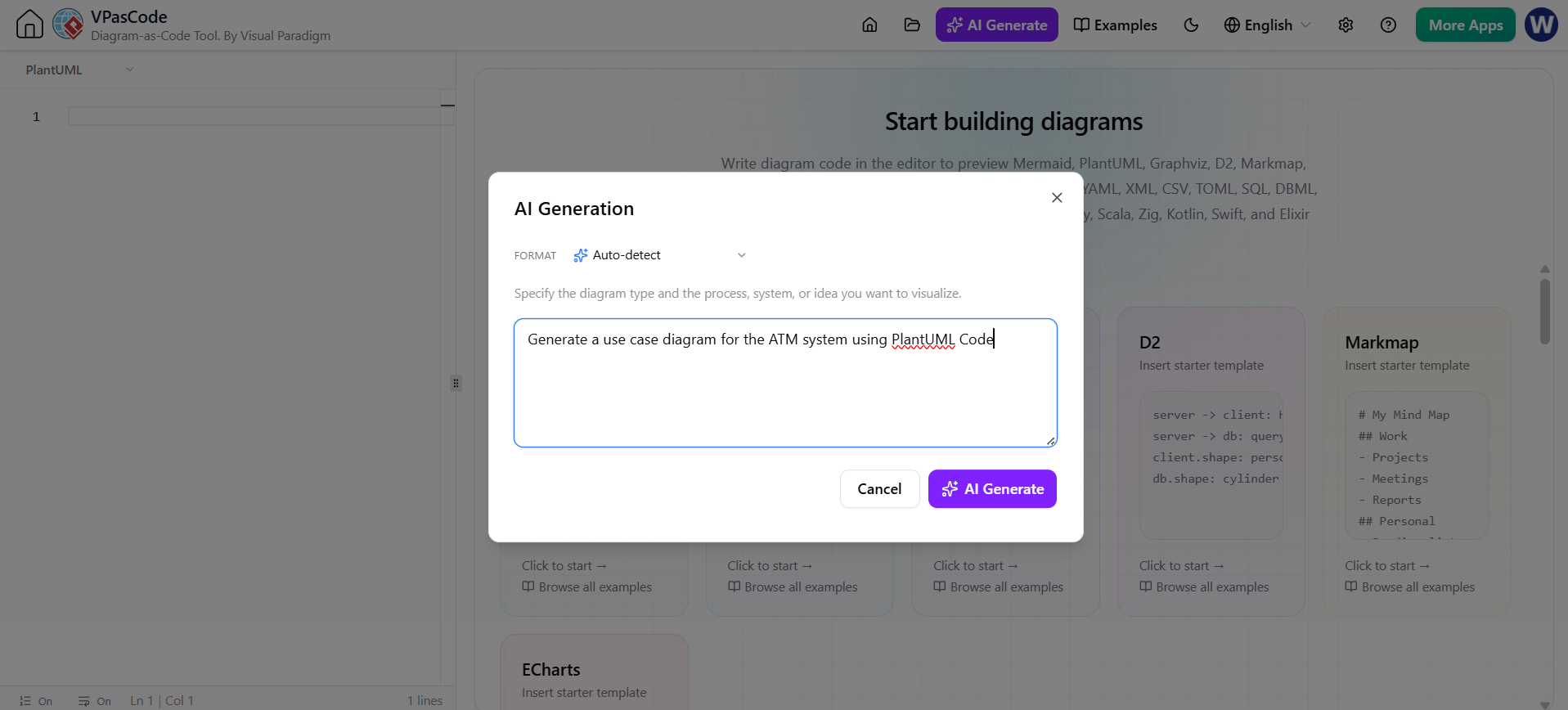 Revolutionizing System Modeling: The Power of Instant AI Diagram Generation
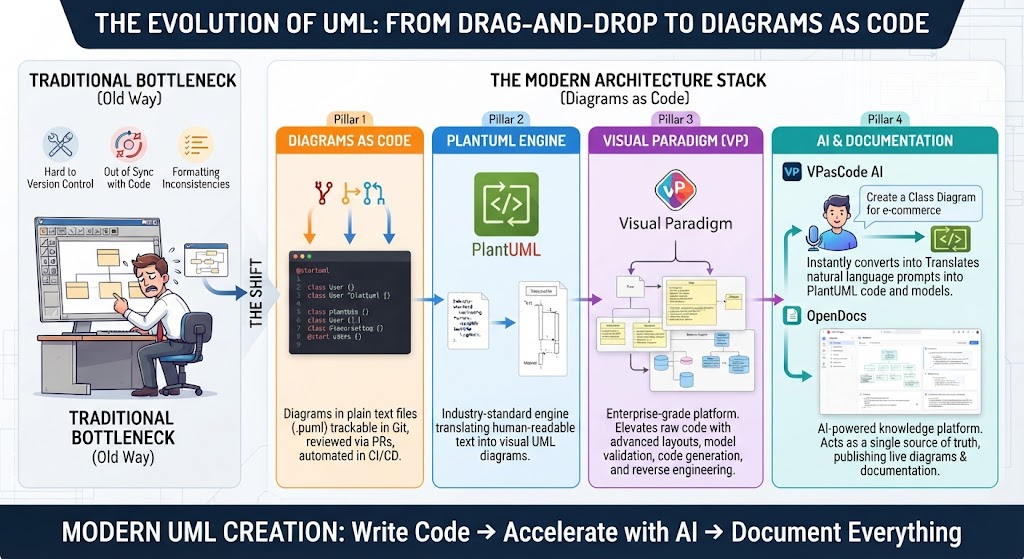 The Evolution of UML: Mastering the Modern Architecture Stack from Drag-and-Drop to Diagrams as Code
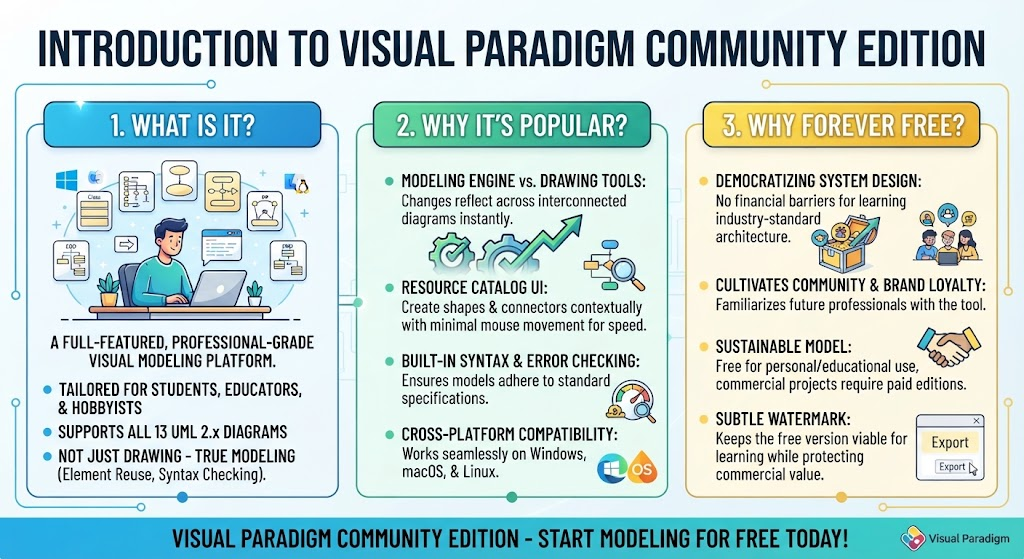 Mastering System Design: A Deep Dive into Visual Paradigm Community Edition
 Mastering UML Class Diagrams: A Comprehensive Guide to Structure and Relationships